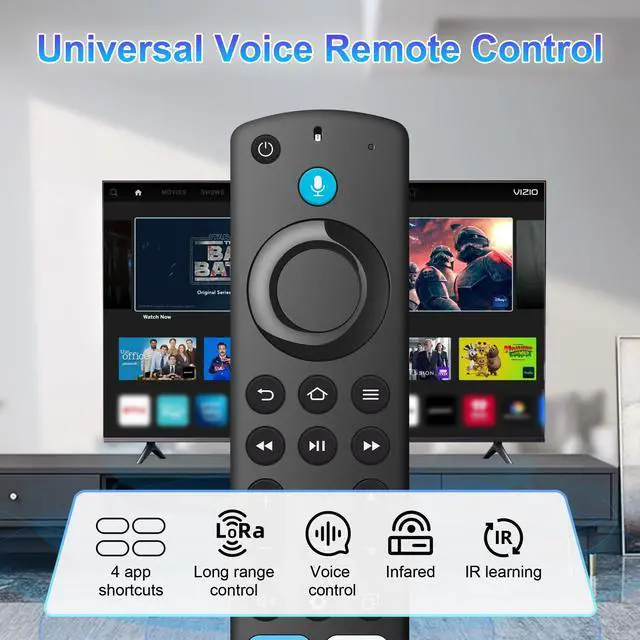
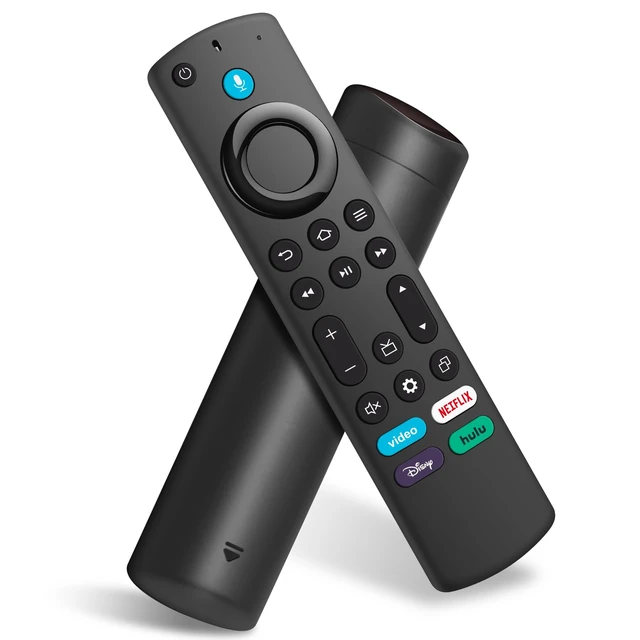
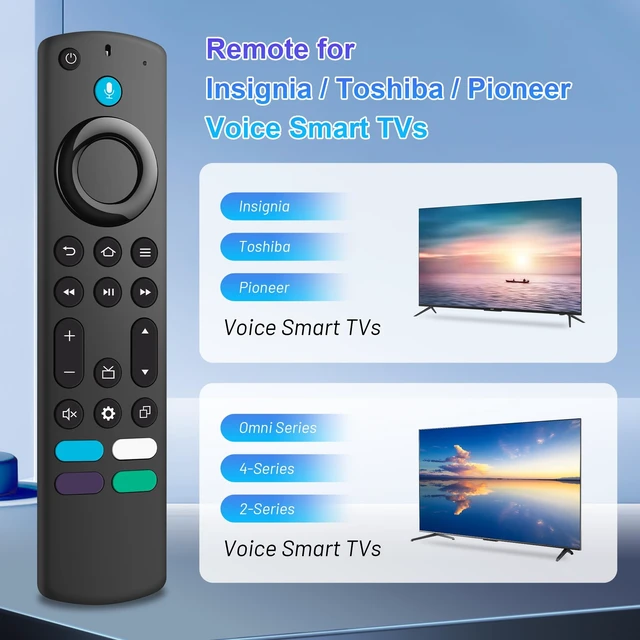
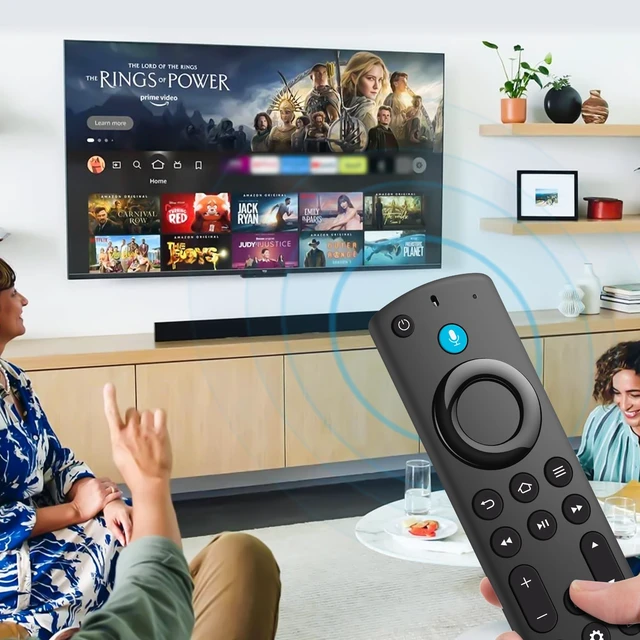
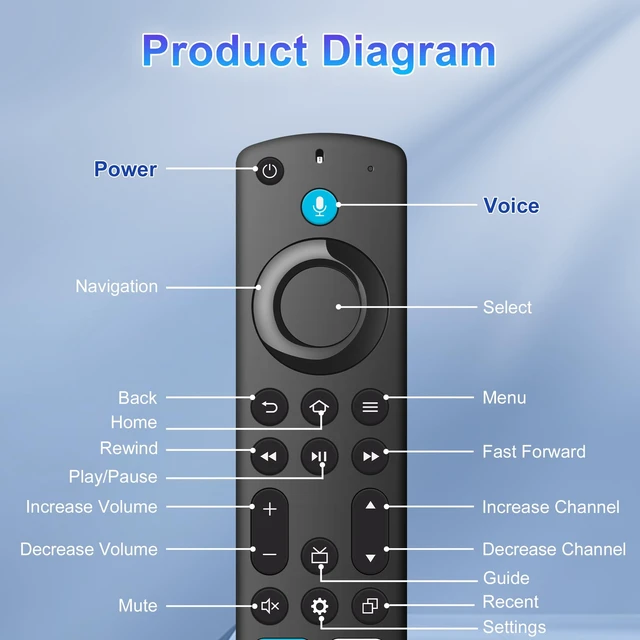
All-in-one Remote Control: Universal Voice remote controls for Insignia/Toshiba tv remote controls (NS-RCFNA-21, CT-95018, CT-RC1US-21, NS-RCFNA-19, CT-RC1US-19, etc.), achieve seamless fit for use
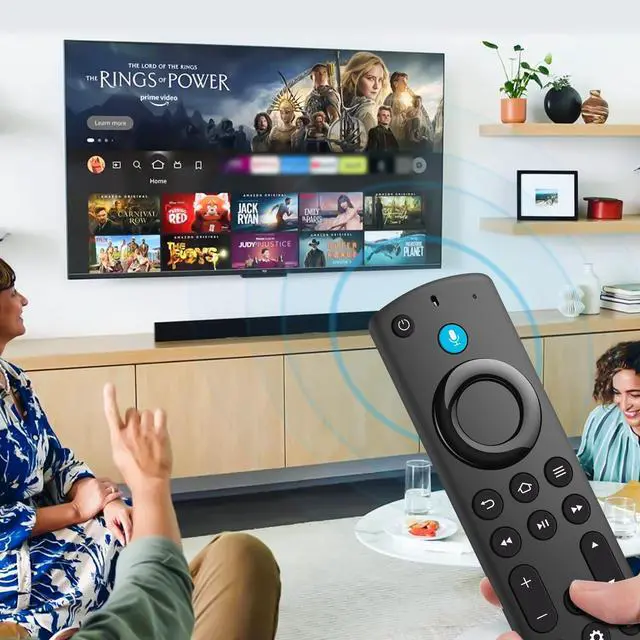
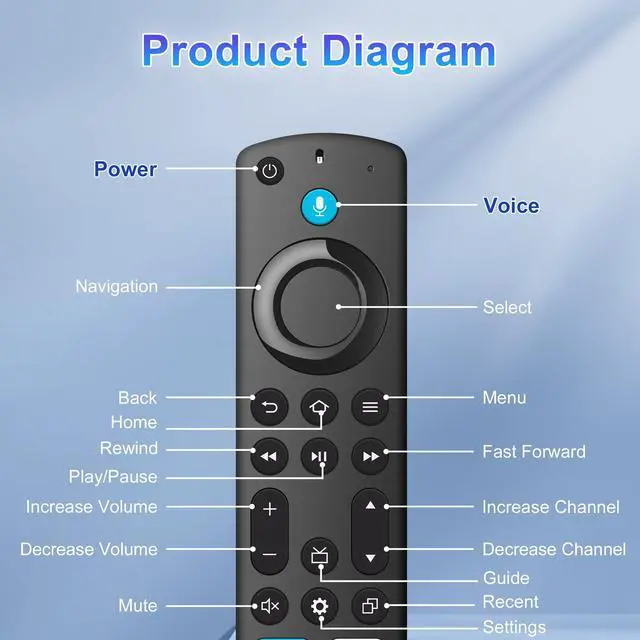
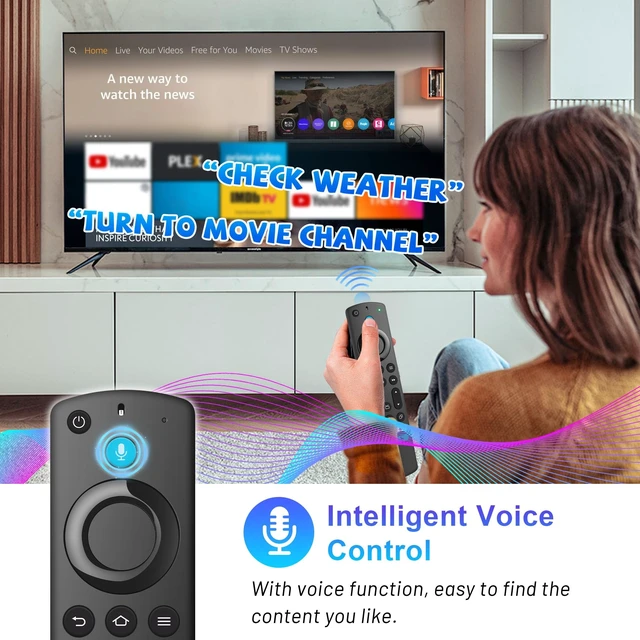
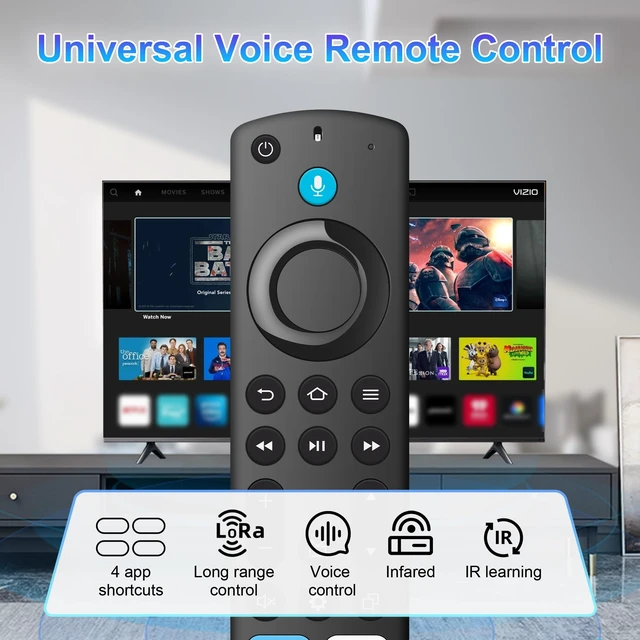
Voice Search & Shortcut Button: Do more with universal replacement remote-play music, view sports scores, check the weather, see live camera feeds, and control compatible smart home devices. Preset 4 app button shortcuts, Quick access to your favorite content
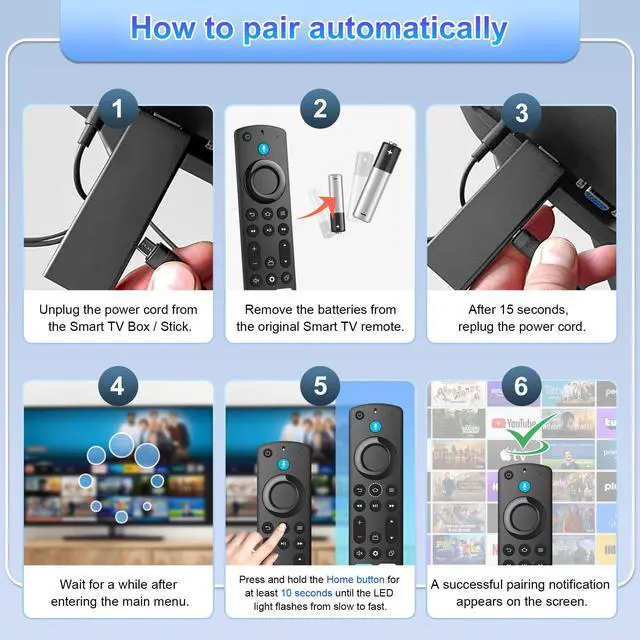
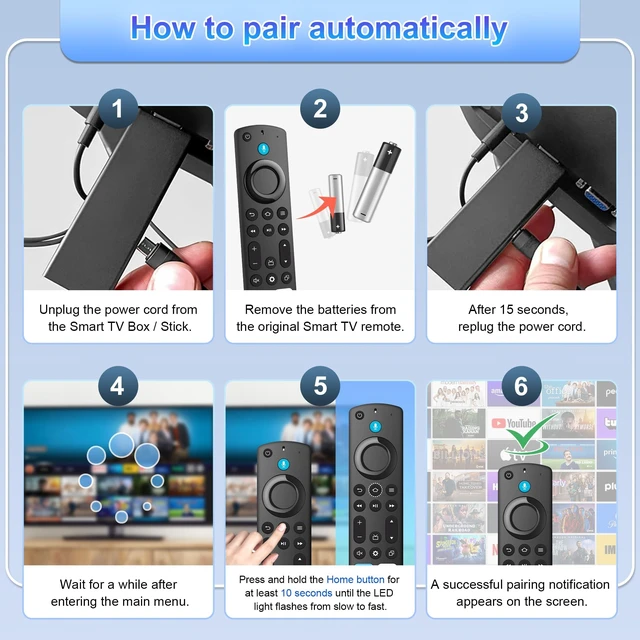
Easy to Pair: First you need to remove stick from TV and power from stick. Then reattach power and stick back in TV. Then Press the Home button about 10-15 seconds until the LED indicator starts to rapidly flash amber for 10 seconds, then your remote will automatically pair with your device
What You Get: 1 *Universal Replacement Remote Control(2 AAA batteries not included),1 * User Manual
+
+
Overview
Specs
Reviews
Any questions? Our AI mode will help you find out quickly.
Try me now
Replacement Voice Remote Control for All-Insignia-Toshiba-Pioneer-Series Smart TV/NS-RCFNA-21