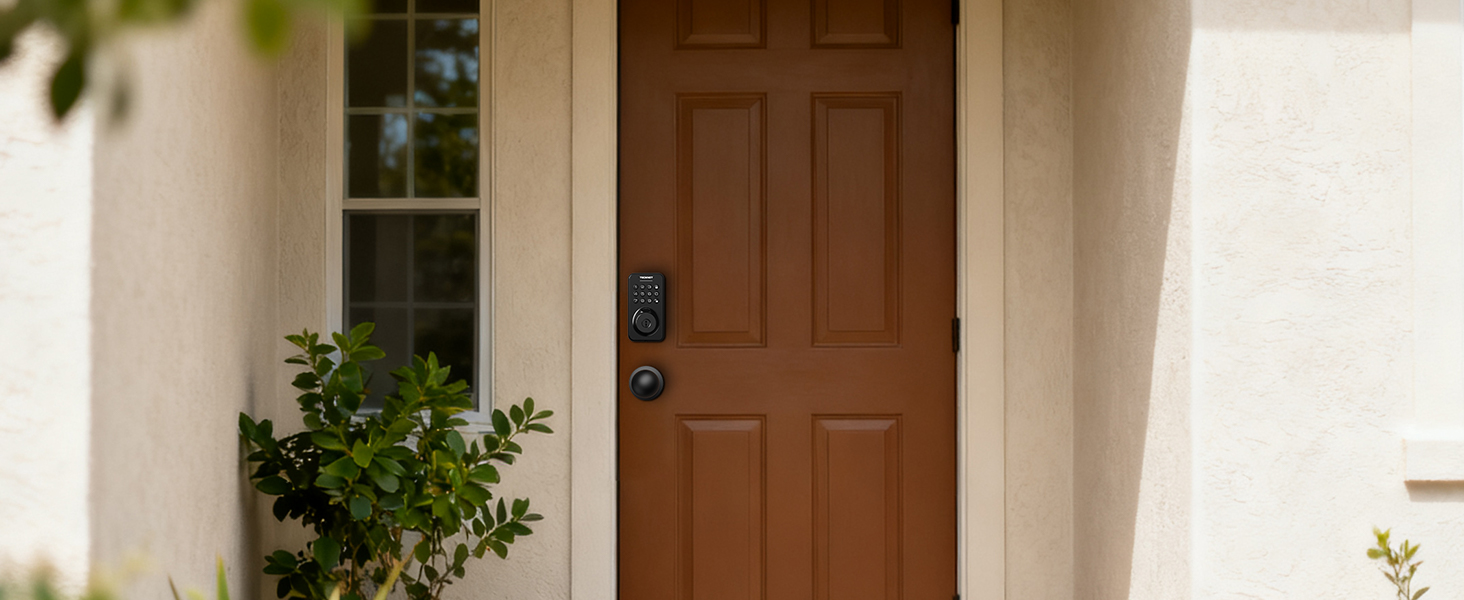
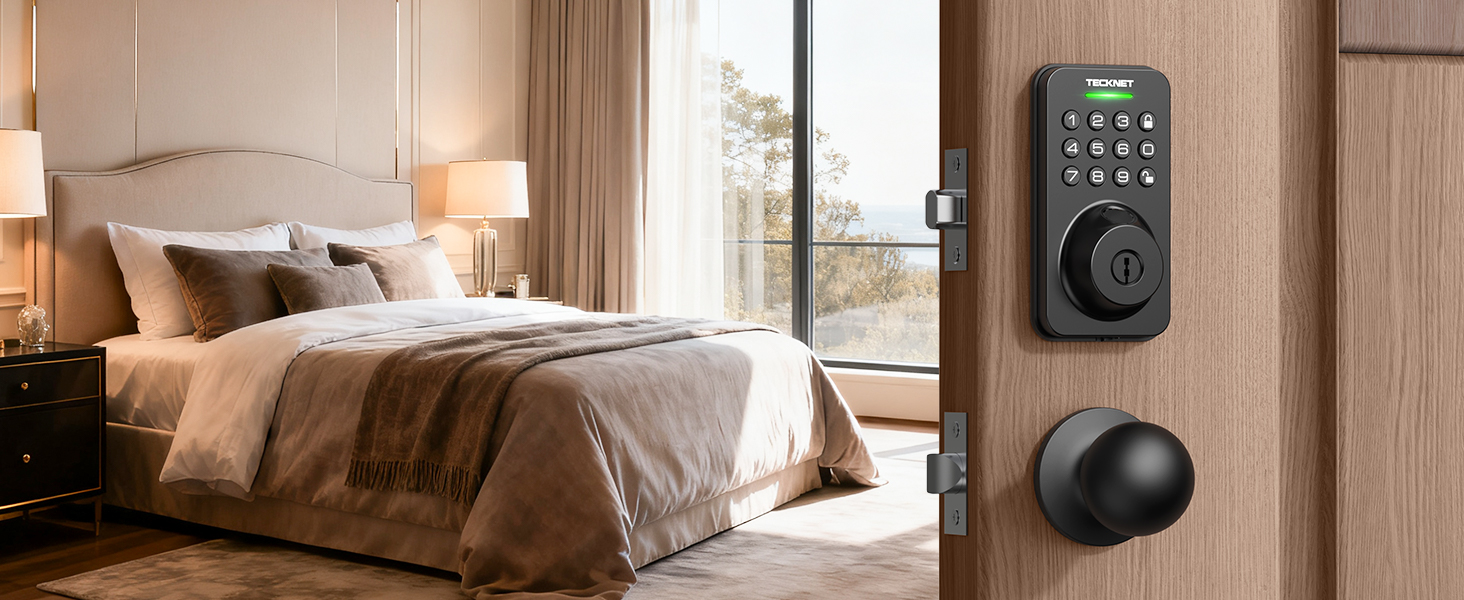
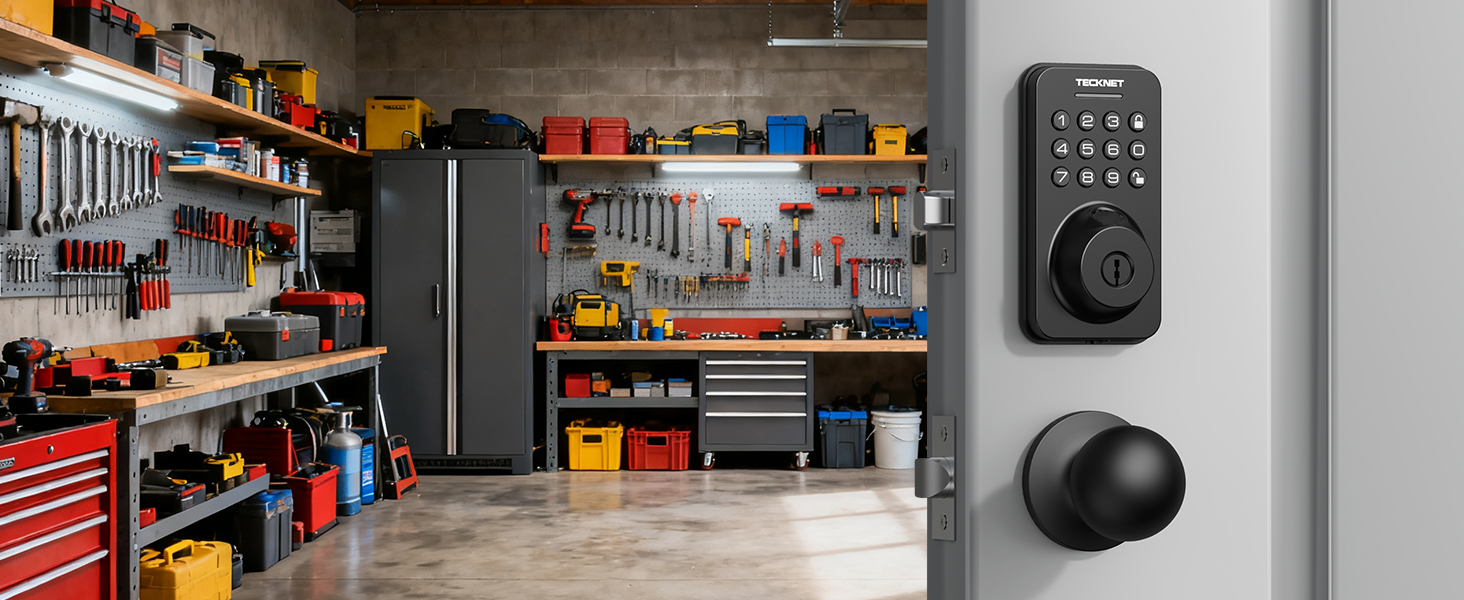
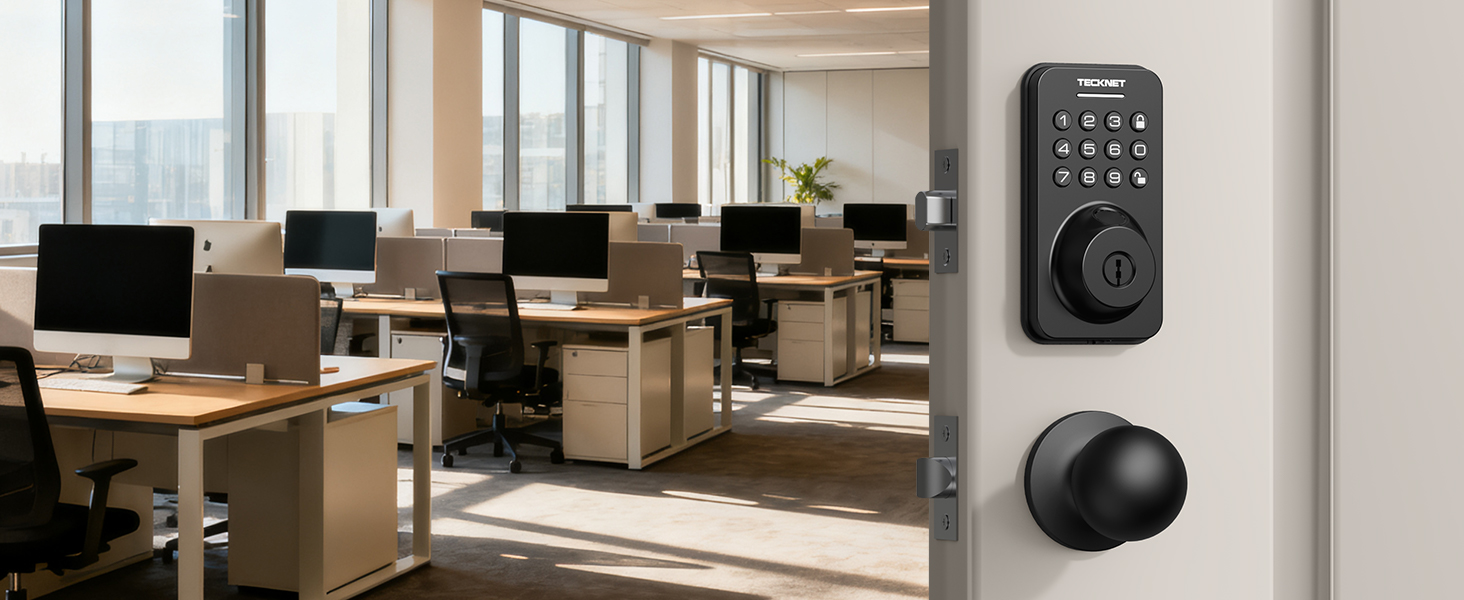
here!
here!
I’m your shopping assistant for PC builds, upgrades, and everything tech.
Got questions? Ask away!
Start a conversation
here!
I’m your shopping assistant for PC builds, upgrades, and everything tech.
Got questions? Ask away!
Start a conversation
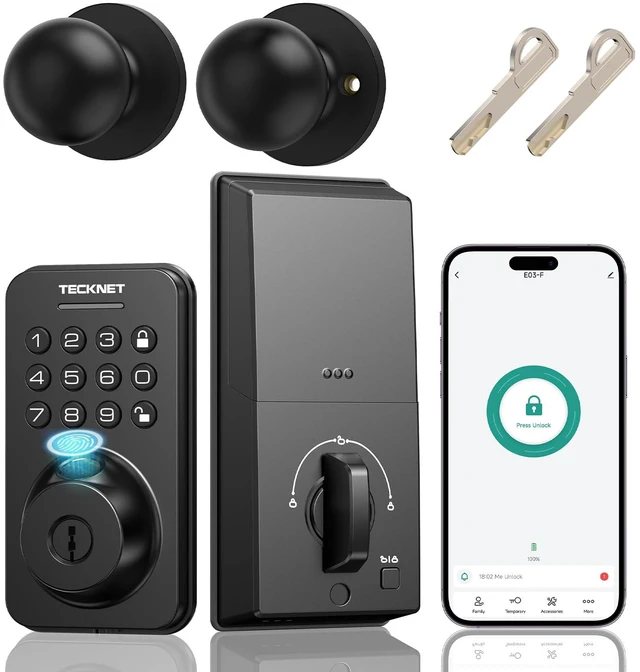
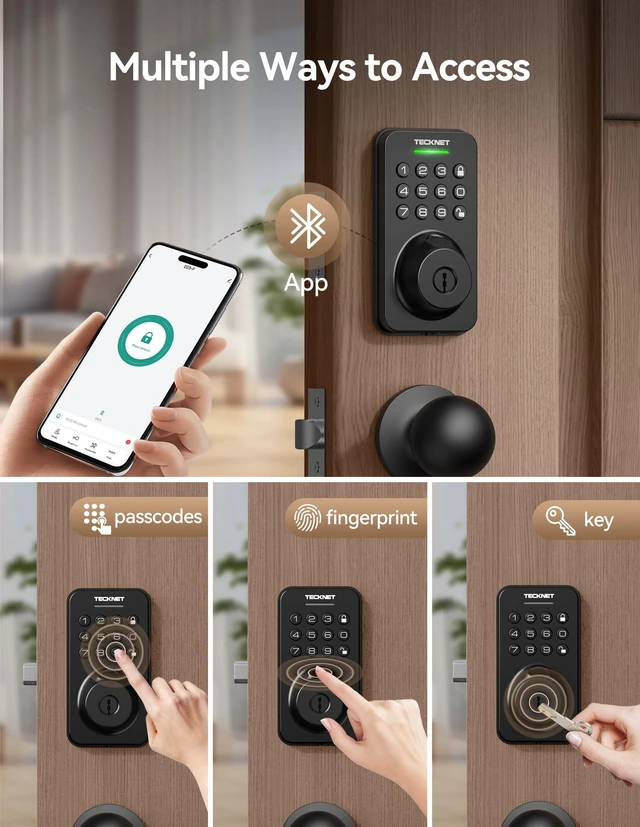
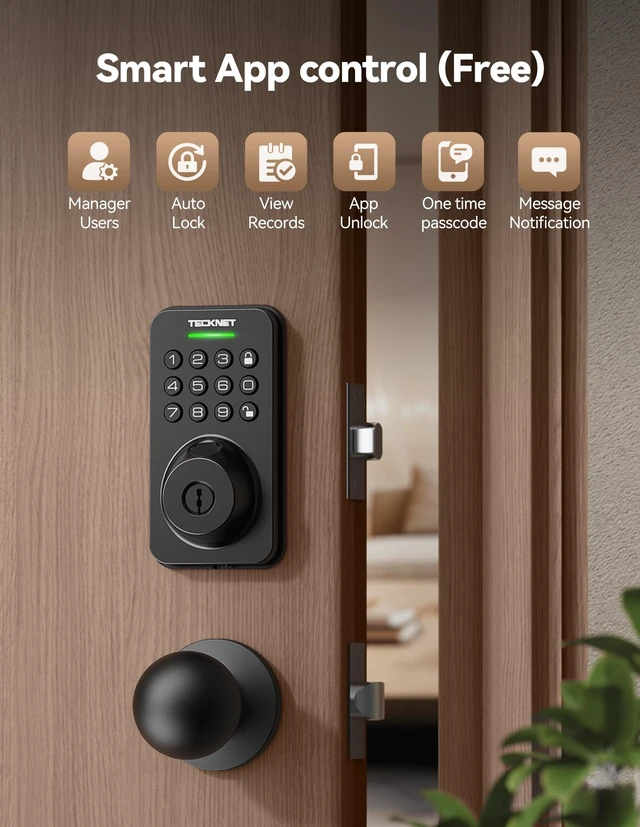
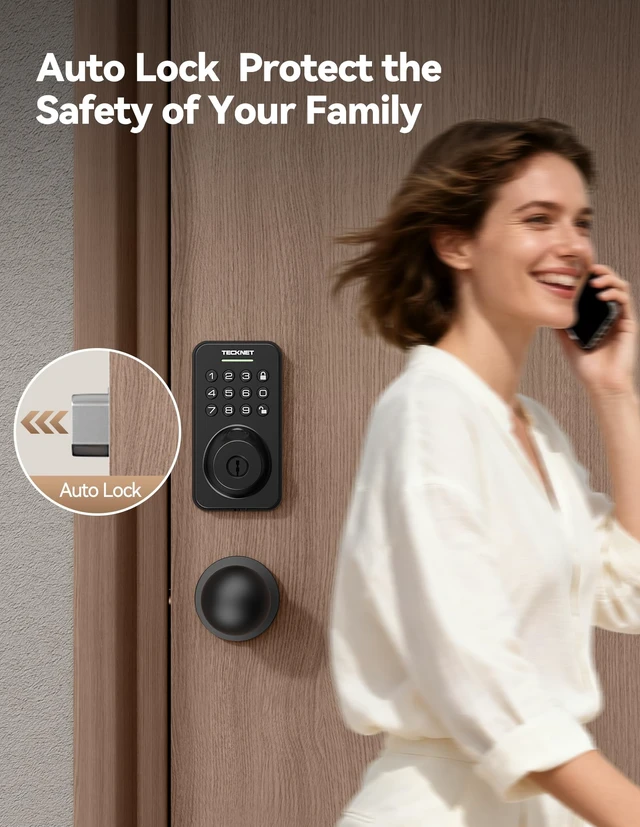



Any questions? Ask CelesteSM will help you find out quickly.

Established in 2004, we specialize in producing office accessories such as keyboards and mice, headphones, and home products like doorbells that have gained popularity among consumers. Committed to developing products that enhance productivity and efficiency, we prioritize our customers and value feedback from consumers worldwide.


Professional and fast response times. High quality you can rely on
Can i use the APP to remotely open the door for my neighbor?
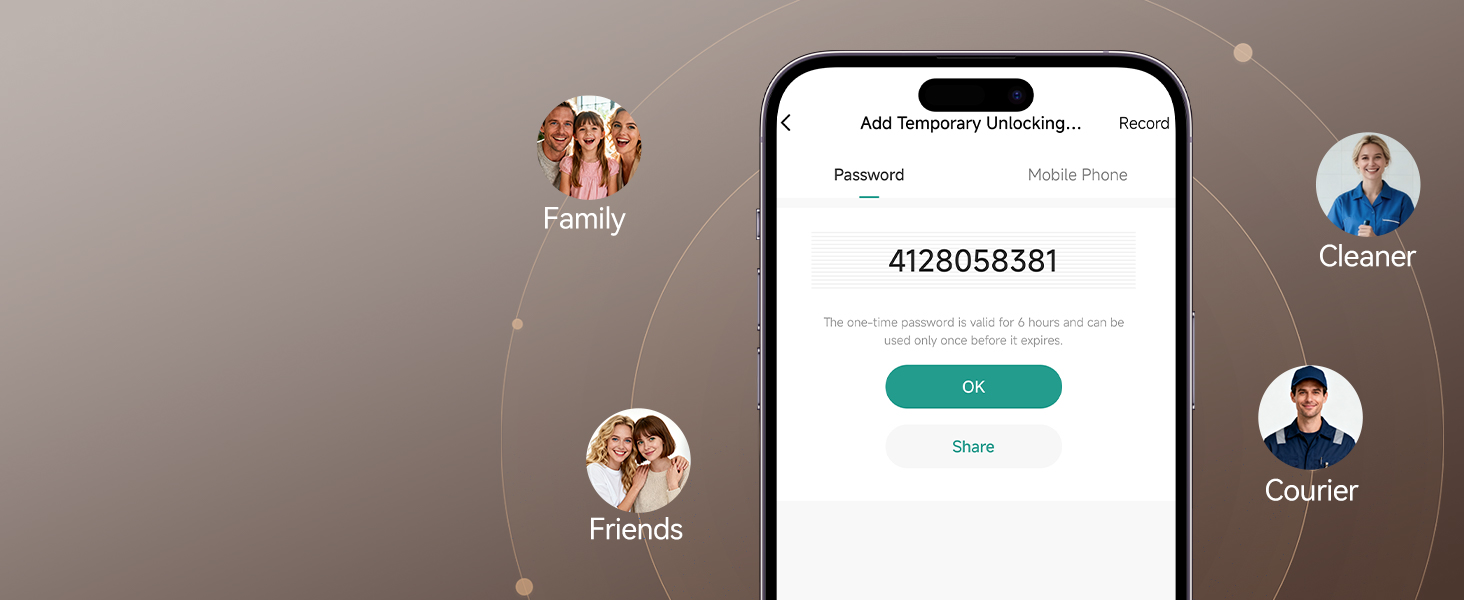
No, direct remote opening is not possible outside BT range. However, temporary passwords do not require BT or network, so you can send a one-time password to open the door.
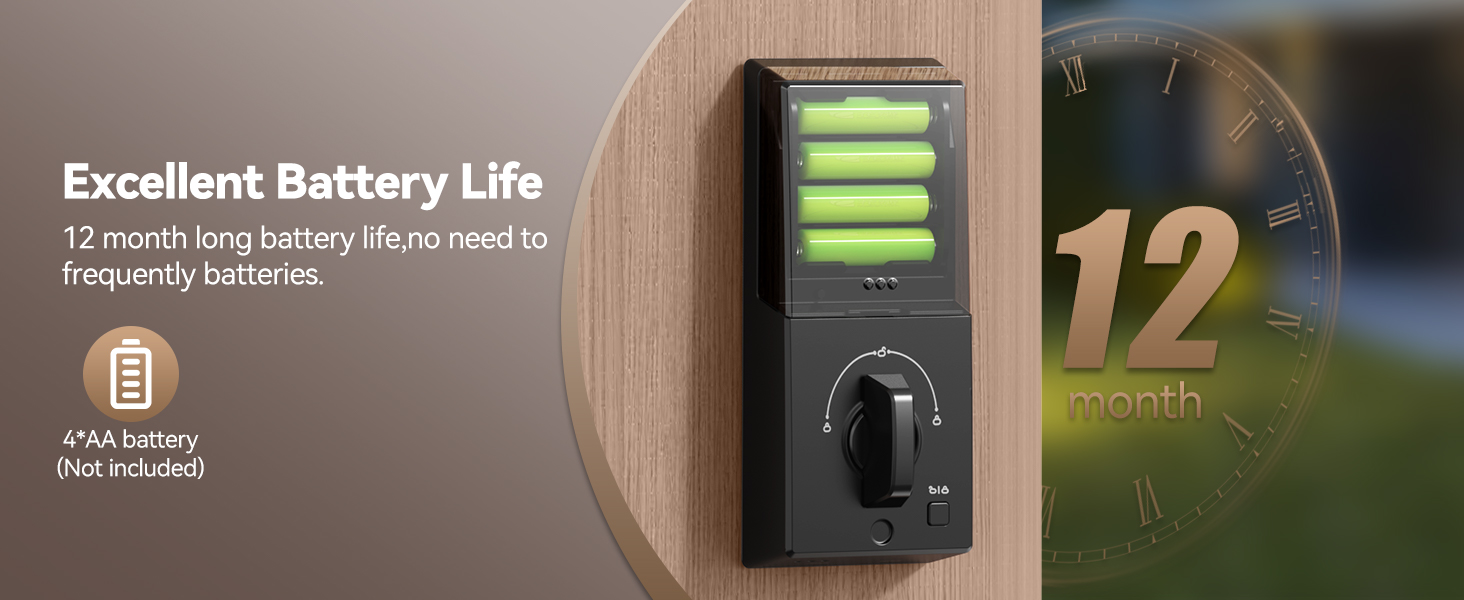
How to unlock if the batteries run out?
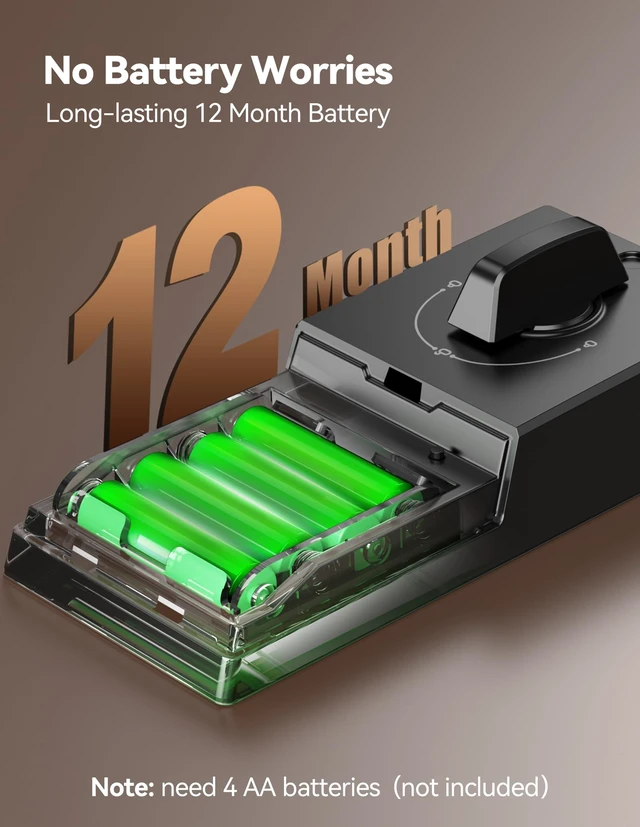
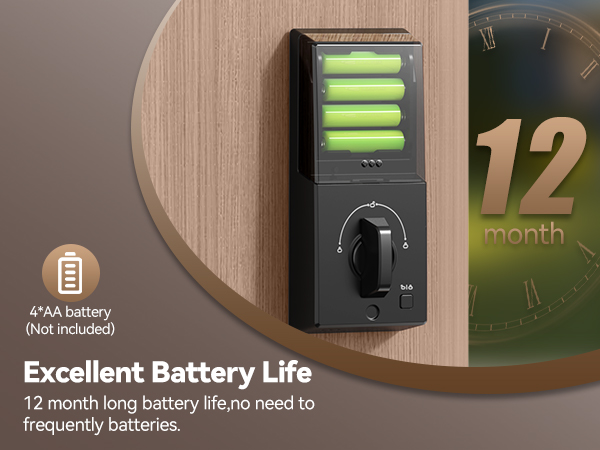
The lock has a USB-C Backup Power Port at the bottom of the front panel. Use any USB-C power source to power the lock and activate the number pad.
How to let family members control the lock via App?
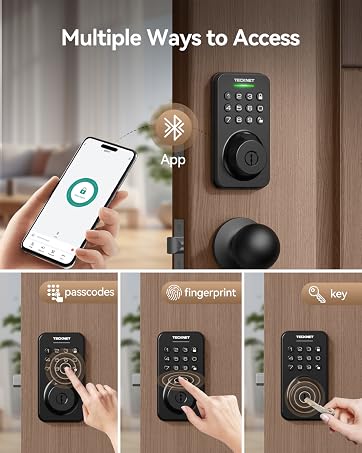
They must download the Tuya app and sign in. The admin should go to: Tuya App > Me > HomeManagement > Select your home > Add Member > Share Invitation Code. Family members can enter thecode to join and control the lock via the App.
Does this lock support Wi-Fi connection?
No, this lock set does not support Wi-Fi connection.
How to delete a password?
For family member passwords, delete them on the Family Member page in the Tuya App. For active temporary passwords, click the "Record" button in the upper-right corner of the Temporary Password page, select the password, and delete it.
Established in 2004, we specialize in producing office accessories such as keyboards and mice, headphones, and home products like doorbells that have gained popularity among consumers. Committed to developing products that enhance productivity and efficiency, we prioritize our customers and value feedback from consumers worldwide.
Professional and fast response times. High quality you can rely on
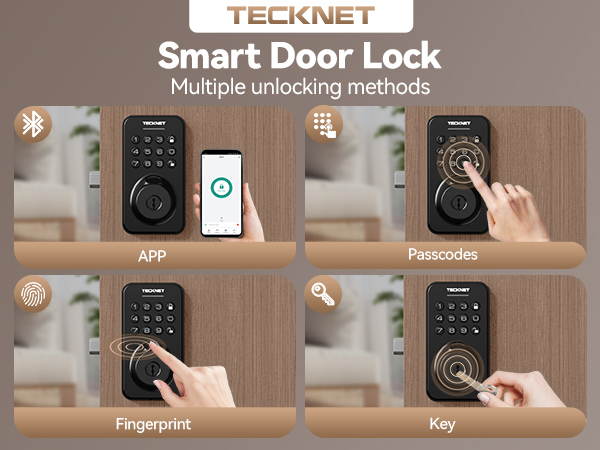
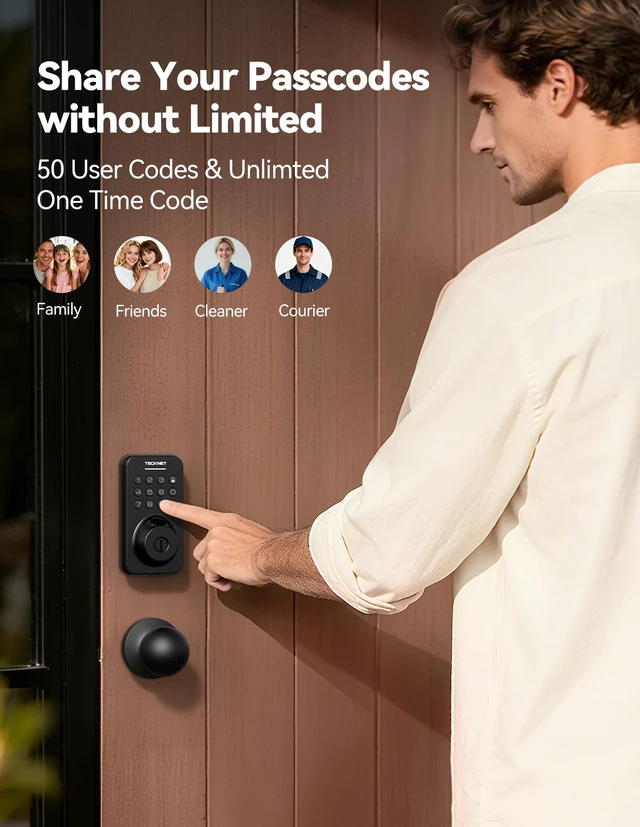
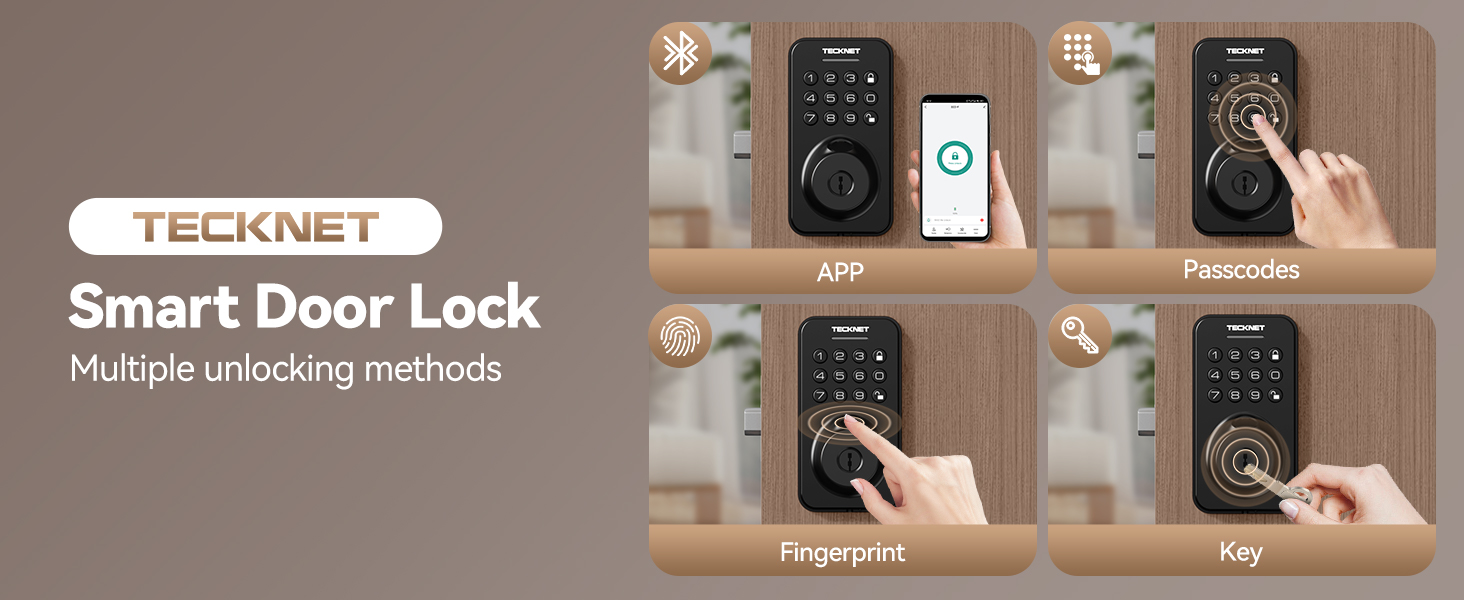
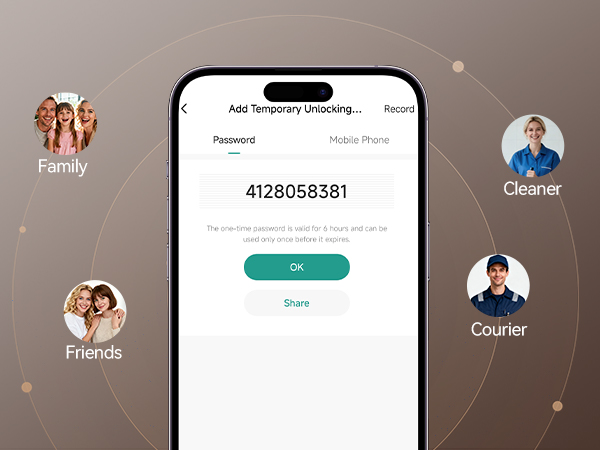
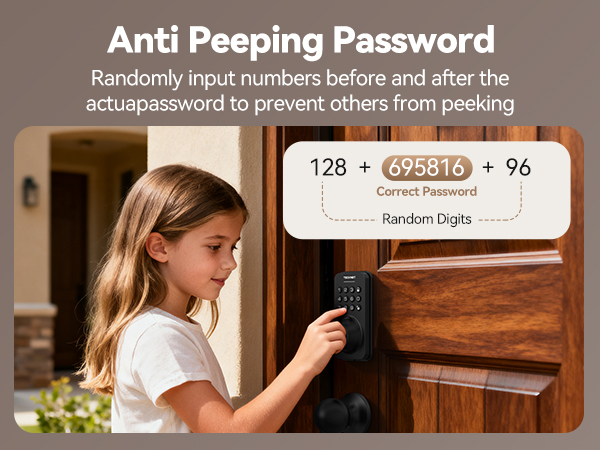
Provide permanent, short-term,and one-time access codes for different users
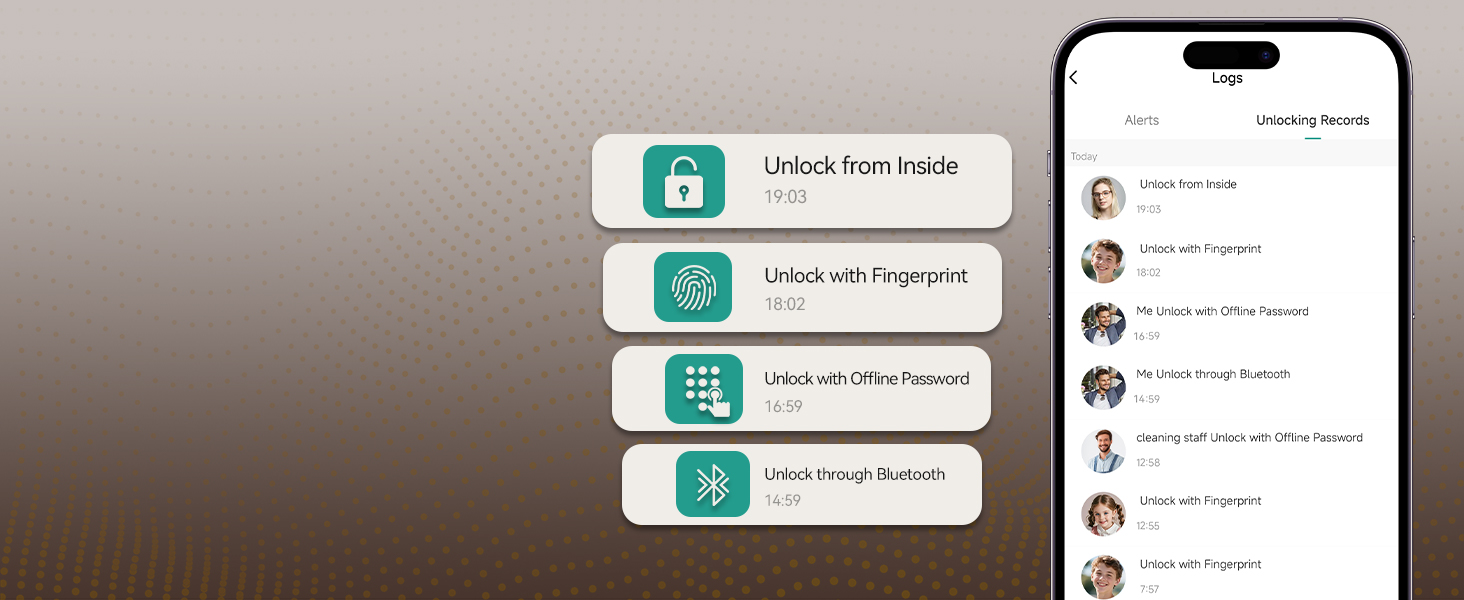
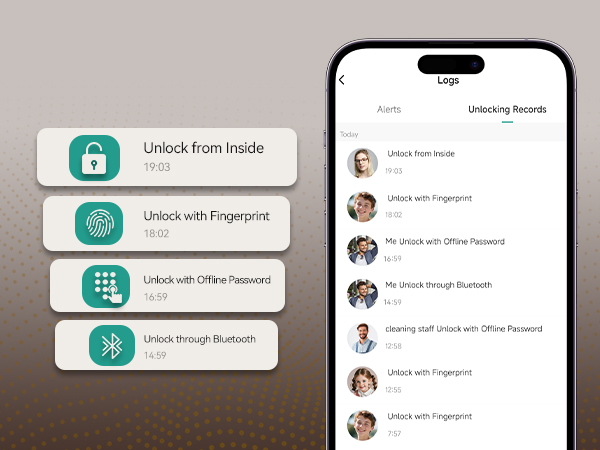
User could check the unlocking records of the smart lock any time on the app
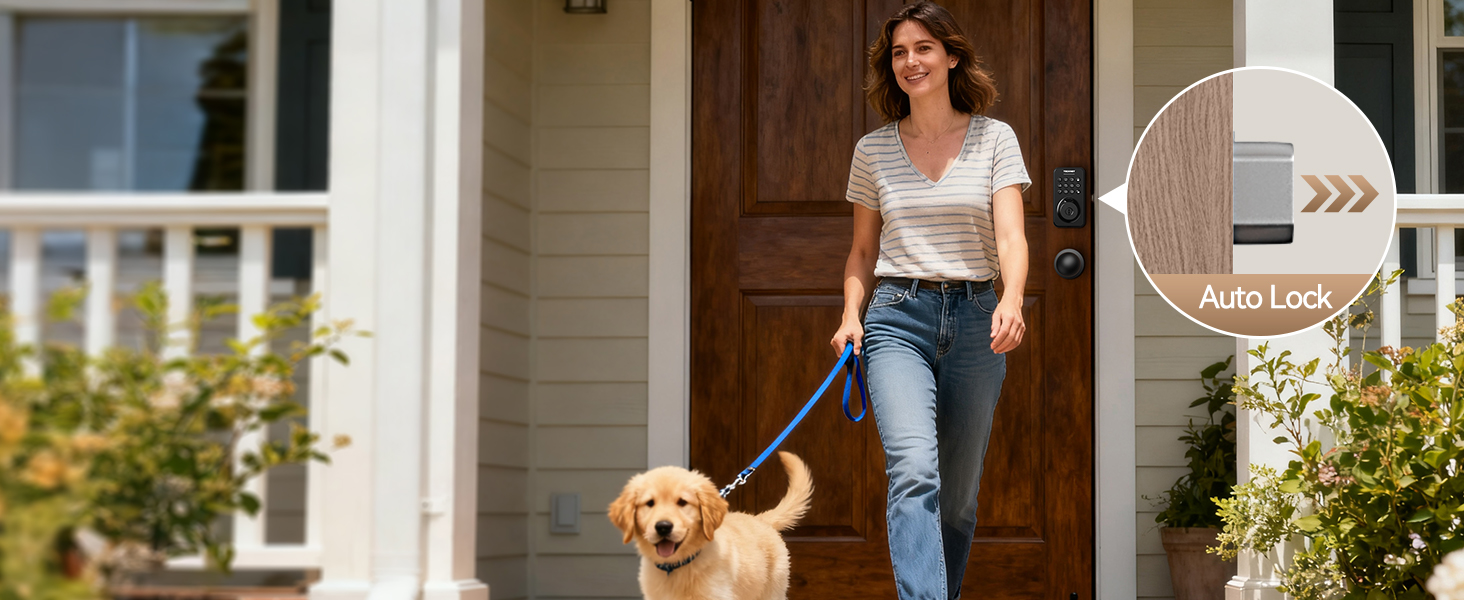
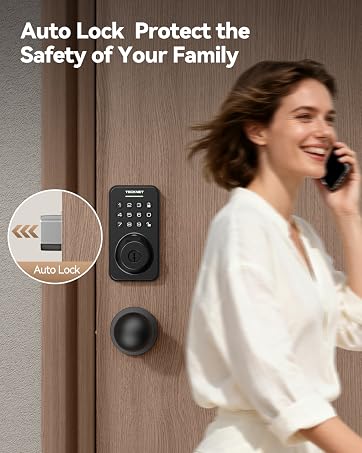
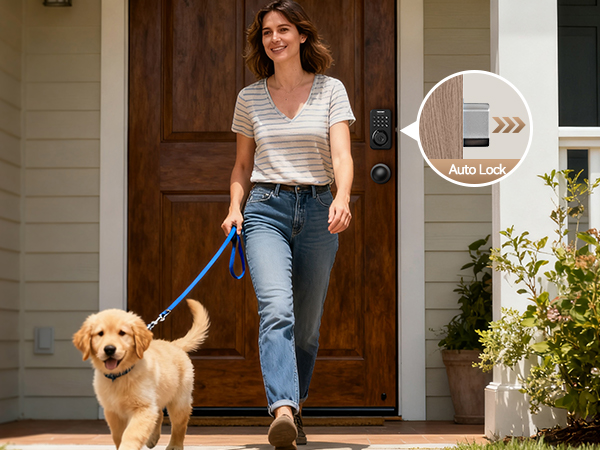
The auto-lock time can be set from 1s to 30min to meet personal needs
Can i use the APP to remotely open the door for my neighbor?
No, direct remote opening is not possible outside BT range. However, temporary passwords do not require BT or network, so you can send a one-time password to open the door.
How to unlock if the batteries run out?
The lock has a USB-C Backup Power Port at the bottom of the front panel. Use any USB-C power source to power the lock and activate the number pad.
How to let family members control the lock via App?
They must download the Tuya app and sign in. The admin should go to: Tuya App > Me > HomeManagement > Select your home > Add Member > Share Invitation Code. Family members can enter thecode to join and control the lock via the App.
Does this lock support Wi-Fi connection?
No, this lock set does not support Wi-Fi connection.
How to delete a password?
For family member passwords, delete them on the Family Member page in the Tuya App. For active temporary passwords, click the "Record" button in the upper-right corner of the Temporary Password page, select the password, and delete it.