here!
I’m your shopping assistant for PC builds, upgrades, and everything tech.
Got questions? Ask away!
Start a conversation
here!
I’m your shopping assistant for PC builds, upgrades, and everything tech.
Got questions? Ask away!
Start a conversation
Make informed decisions with expert advice. Learn More


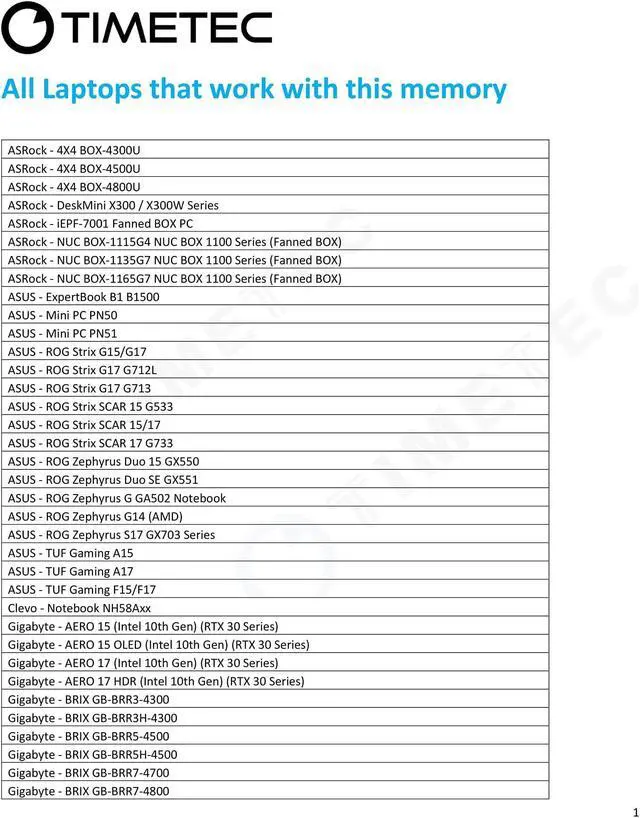
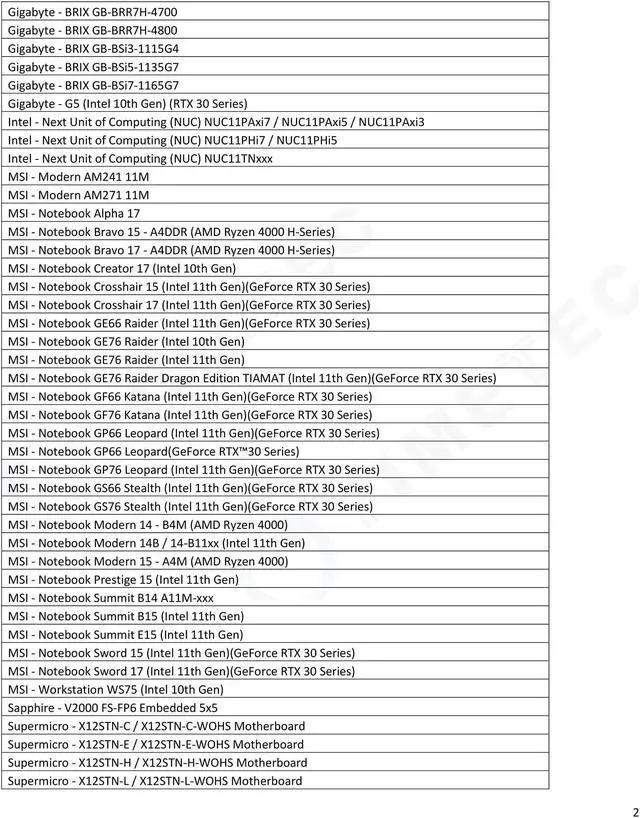



Any questions? Ask CelesteSM will help you find out quickly.

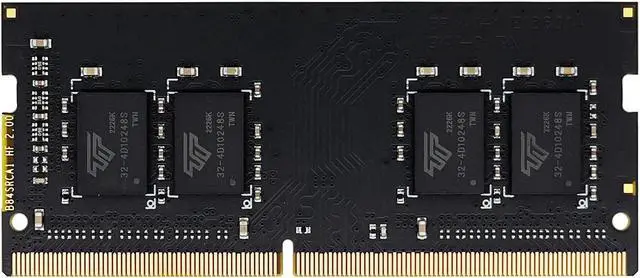
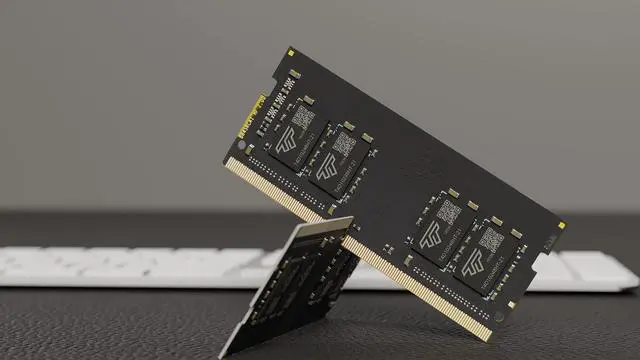
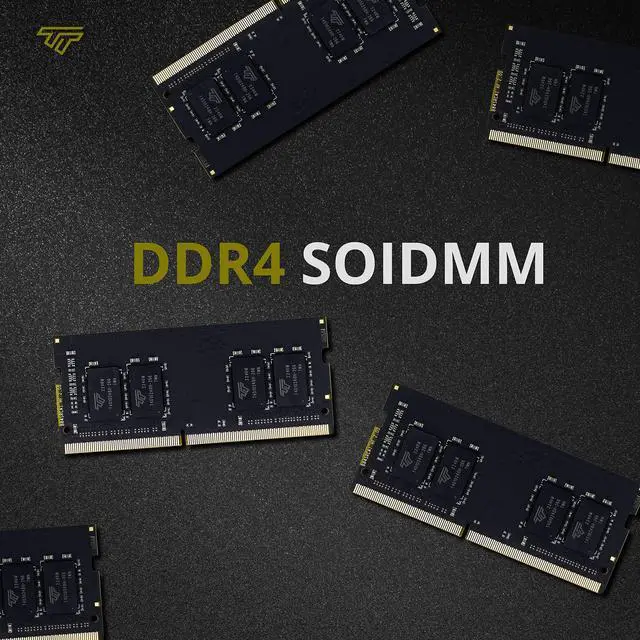
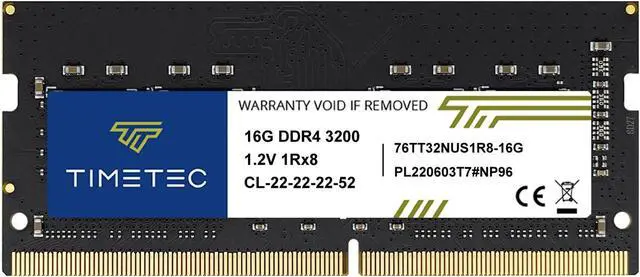
Timetec DDR4 module is optimized for the latest DDR4 systems and offers higher frequencies, greater bandwidth, and lower power consumption than DDR3 modules. It's compatibility-tested across DDR4 systems for reliably fast performance.

| Module Type | DDR4 Non-ECC Unbuffered SODIMM |
|---|---|
| Frequency | 2133 / 2400 / 2666 / 3200MHz |
| CAS Latency | 2133 MHz - CL15 / 2400 MHz - CL17 / 2666 MHz - CL19 / 3200 MHz - CL22 |
| Capacity | 8GB / 16GB / 32GB |
| Voltage | 1.2V |
| Pins | 260 Pin |
| Dimensions | 67.6mm x 30mm |
| Rank | Dual |


Timetec DDR4-3200 260-pin SODIMM is a laptop-memory upgrade for compatible DDR4 notebooks, mini PCs, and all-in-one systems, with CL22 timing and 1.2V operation. The listing identifies a 16GB option, but its bullets also say 1x8GB, so confirm the included capacity before ordering.