Acer Nitro V16 16.0" WUXGA 180Hz Gaming Laptop, Intel Core 7 240H, GeForce RTX 5060, 32GB DDR5, 512GB PCIe Gen 4 SSD, Windows 11 Home ANV16-72-73C7
  •  
  • $1,349.99 –
  • Save: 20%
  • $139.99
  • Free 30-day Returns
  • Price alert
    NAS Builder
    Newegg PC Builder
    Shop it at NeweggBusiness.

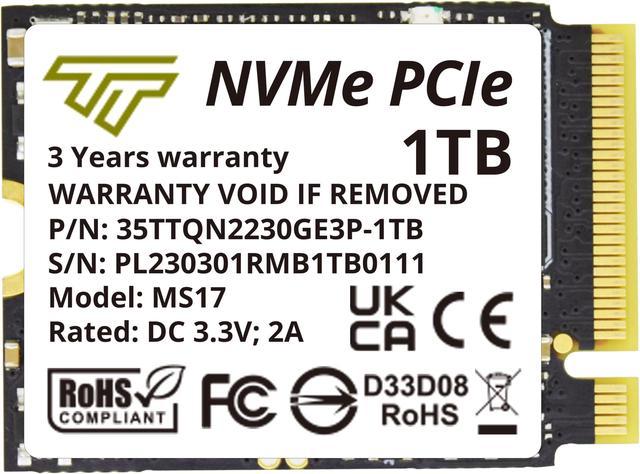
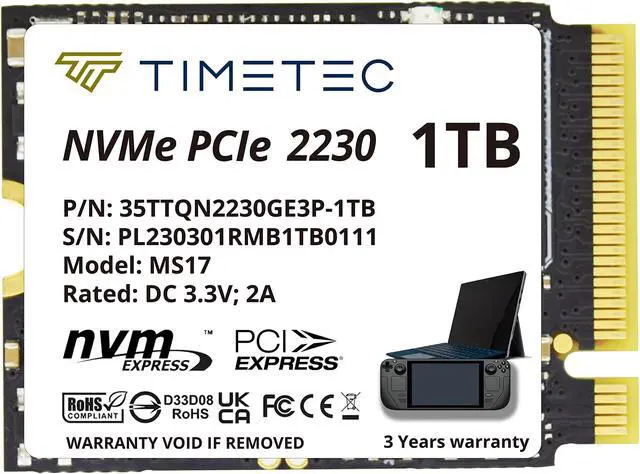
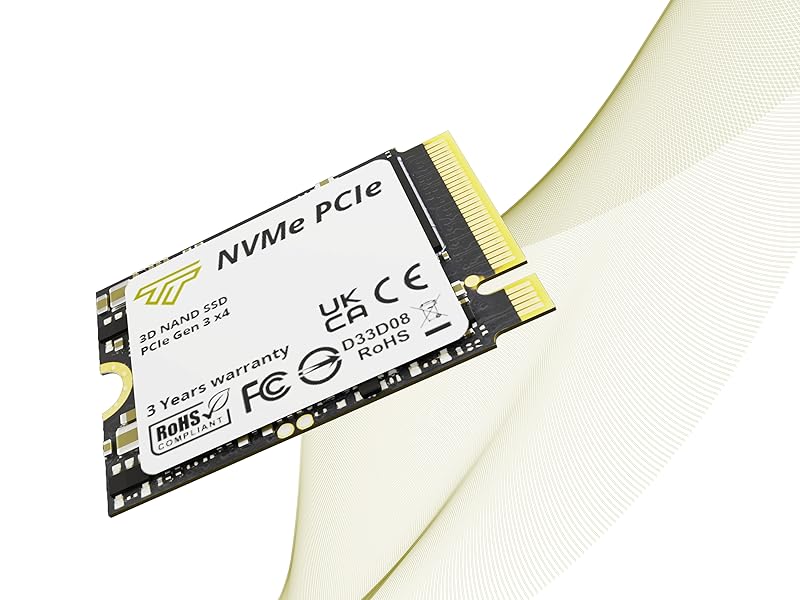
    Timetec 1TB M.2 2230 SSD NVMe PCIe Gen 3x4 Internal Solid State Drive Compatible with Steam Deck, Microsoft Surface pro 9/pro 8/pro 7+/pro X/laptop3/laptop4/laptop go/book3 (1TB)

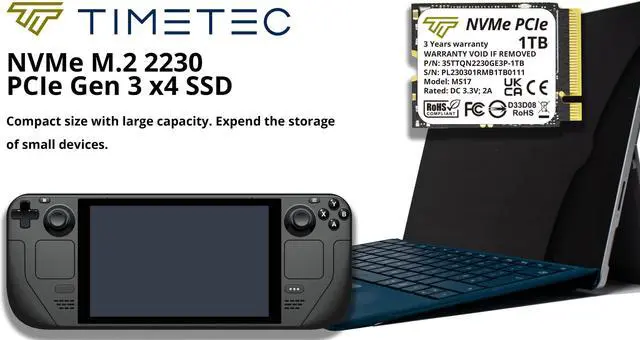
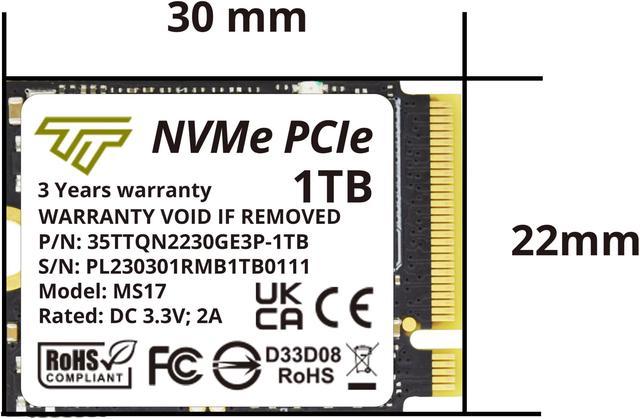
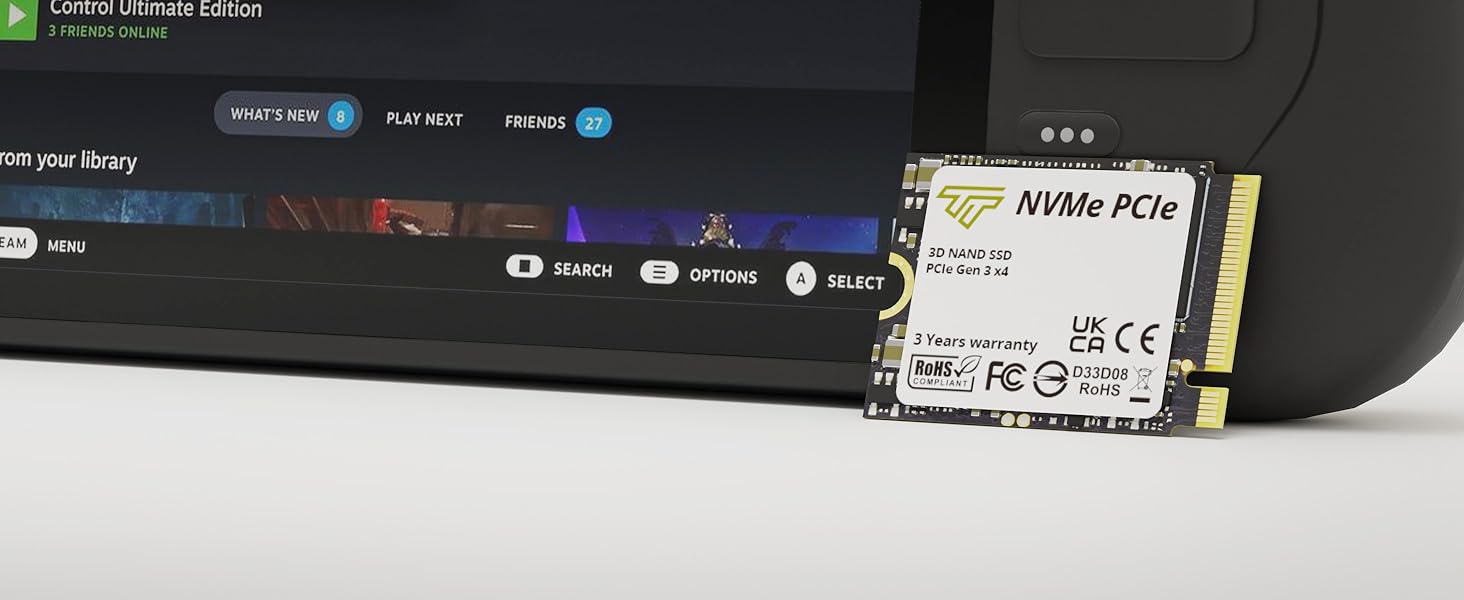
    • The size (22mmx30mm) is compatible with Steam Deck, Microsoft Surface, PC Laptops and Desktops, Achieve fully immersive gameplay with sustained high-performance bandwidth and throughput for heavy-duty applications in gaming, graphics, data analytics.
    🔥Don't forget your OS, we have Windows 11 OEM, Download and USB versions available
    +
    +
    Overview
    Specs
    Reviews (1)

    Any questions? Ask CelesteSM will help you find out quickly.

    M.2 2230

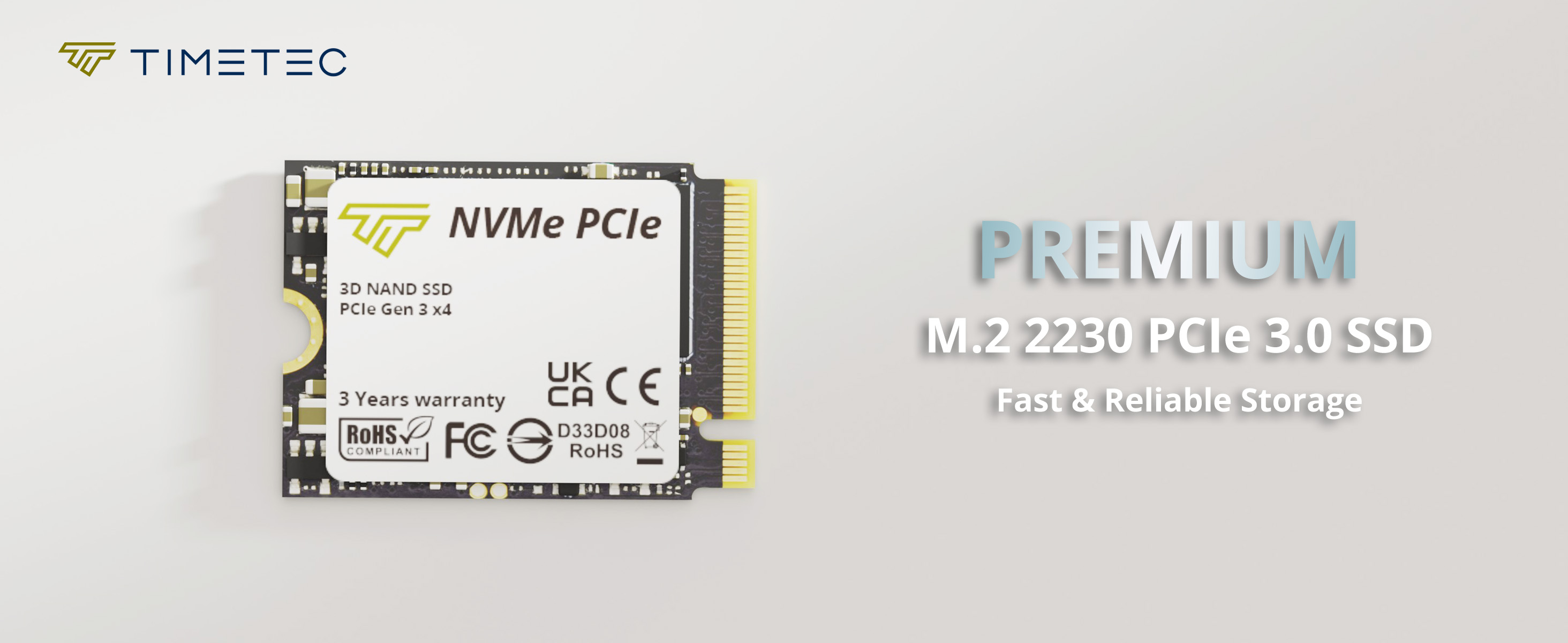
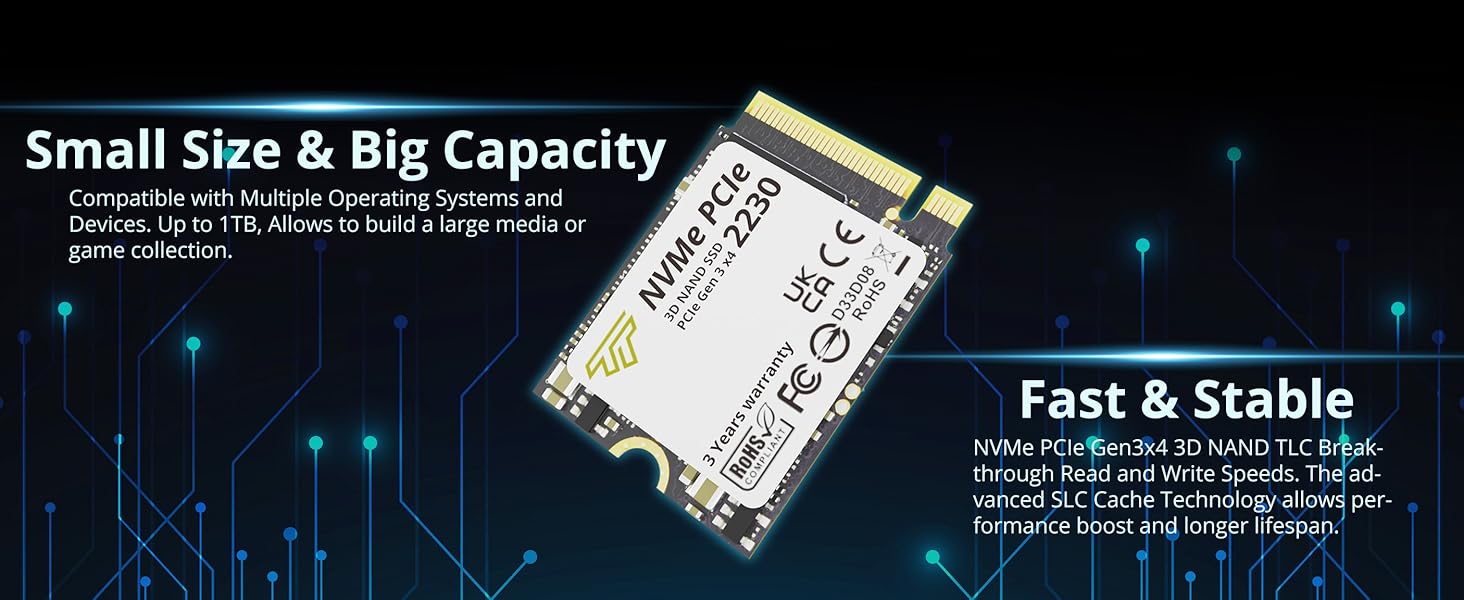
    This Timetec SSD is designed to use the NVMe PCIe interface efficiently during both READs and WRITEs while delivering bandwidth-focused performance. 3D NAND Flash SSD technology enables enhanced boot times, faster application load times, reduced power consumption, and extended reliability.

    M.2 2230
    Fast and Reliable
    Timetec Premium M.2 2230 PCIe Gen3x4 SSD
    • 3 Times Faster Than SATA and High Efficiency Performance
    • Industry-leading 1,500,000 hours mean time to failure (MTTF)
    • Low Power Consumption for Longer Use
    • 5 years product care
    SSD 2.5"
    Performance
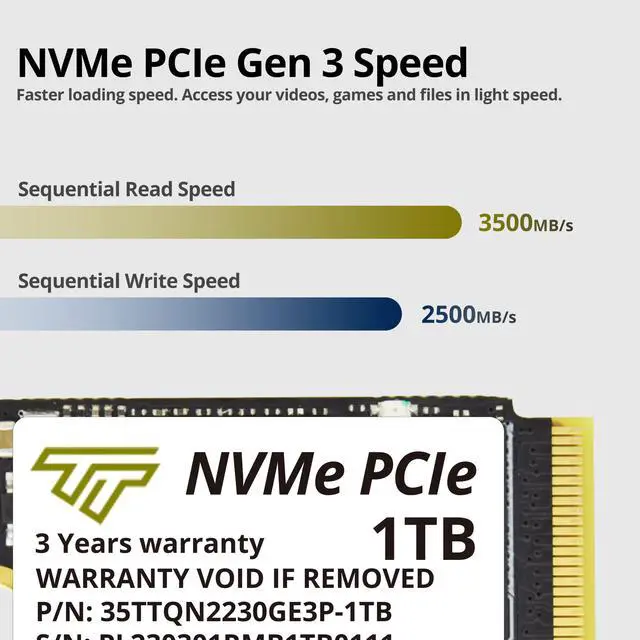
    Sequential Read / Write Speed

    1TB Read/Write: up to 3,200/2,800 MBMB/s

    2230 Short Form Factor

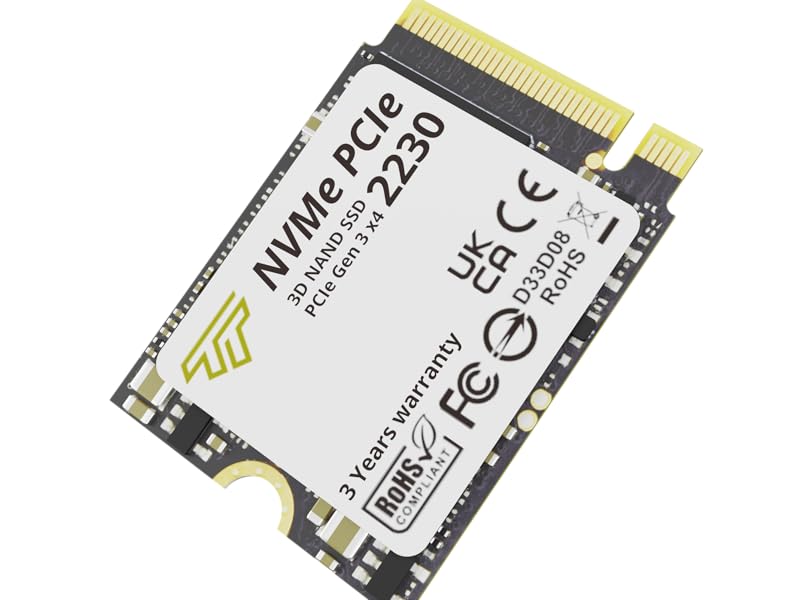
    This small M.2 NVMe SSD is designed to fit into the ultra-compact M.2 2230 form factor, which is suitable for thin and light system designs.

    M.2 SATA
    M.2 2230
    Wide Compatibility

    This Timetec 2230 SSD is compatible with Steam Deck, Microsoft Surface, Mini PCs, NUCs and HTPCs, Laptops and Desktops.

    M.2 2230
    Timetec 1TB M. 2 2230 SSD NVMe PCIe Gen 3x4 Internal Solid State Drive Compatible with Steam Deck/Microsoft Surface pro 8/pro 7+/pro X/laptop3/laptop4/laptop go/book3

    Warranty & Returns

    Warranty, Returns, And Additional Information

    Warranty

    • Please contact the Seller directly for warranty information. Warranty information may also be found on the Manufacturer's website.
    • CONTACT

    Return Policies

    Manufacturer Contact Info

    LOADING...

    The Timetec 1TB M.2 2230 NVMe SSD is a compact PCIe 3.0 x4 internal drive suited to Steam Deck owners and compatible Microsoft Surface users seeking more storage, with listed sequential speeds of up to 3,500 MB/s read and 2,500 MB/s write.

    Recommended For

    • Steam Deck owners replacing a smaller internal drive who want up to 1TB for games stored on the device; SSD replacement is a hardware upgrade, not extra plug-in storage.
    • Owners of a compatible Surface model who need to replace its internal SSD for more local storage and are prepared to follow the device’s repair instructions; verify the exact model and SSD compatibility before buying.
    • Mini-PC or NUC builders whose system specifically supports an M.2 2230 NVMe drive and who want a 1TB internal boot and application drive in a compact build.

    Real-World Use Scenarios

    • A Steam Deck owner running short on internal space can replace a smaller drive with this 1TB SSD to keep more games installed and spend less time removing titles to make room. The upgrade requires opening the device and reinstalling or restoring SteamOS.
    • Someone upgrading a Steam Deck that uses eMMC can use the SSD replacement to gain internal storage and improve some storage-dependent tasks, such as startup and system re-imaging; results vary, and the SSD is not expected to increase game frame rates.
    • A Surface Pro 8 owner with a small built-in drive can use a compatible M.2 2230 replacement to make more room for Windows, applications, and locally stored files. Confirm the device model and drive compatibility before buying; replacing the SSD also requires restoring or reinstalling Windows.
    • A Steam Deck owner replacing the original drive can follow a DIY repair process to install the SSD and then restore SteamOS. It suits users comfortable opening the handheld and handling the recovery steps; it is not a plug-in storage expansion.