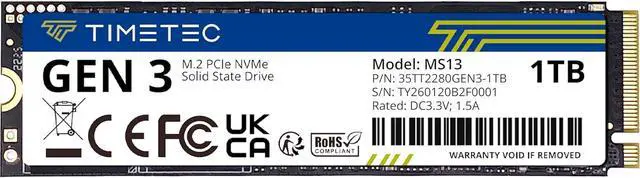
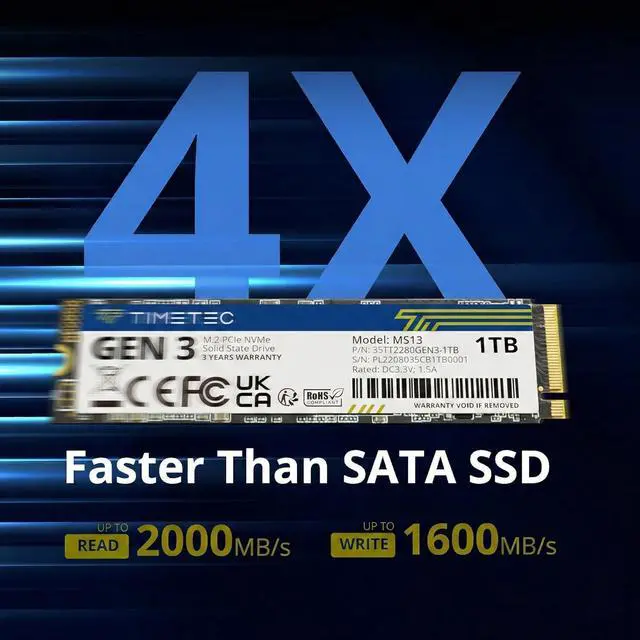
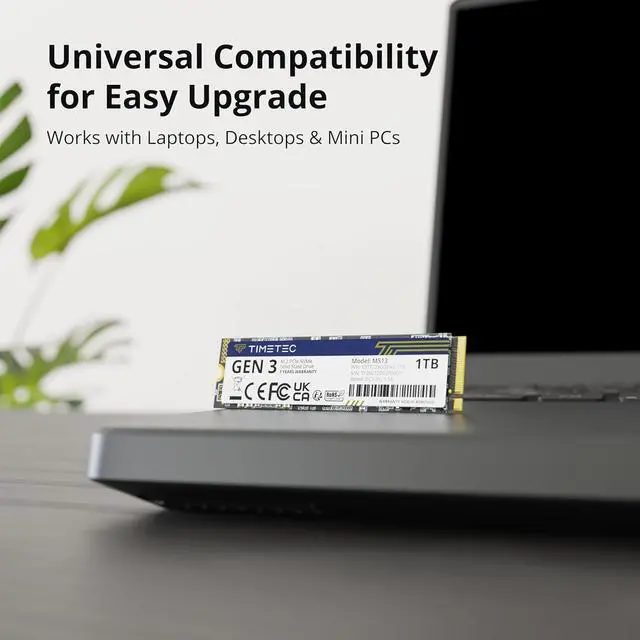
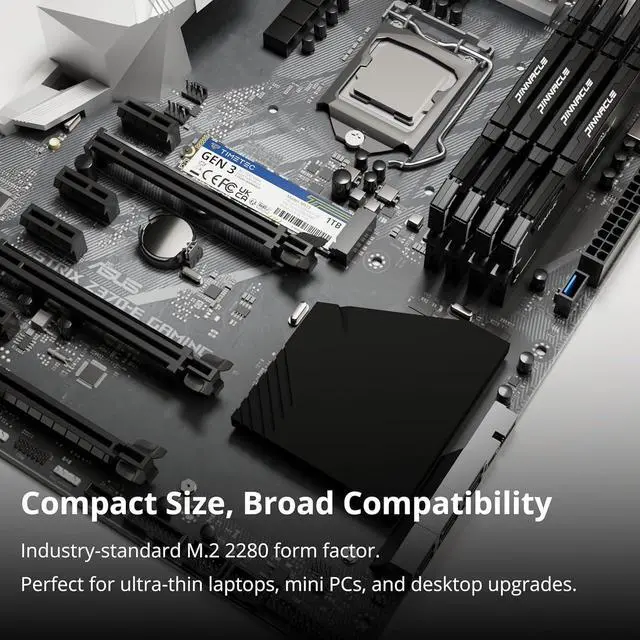
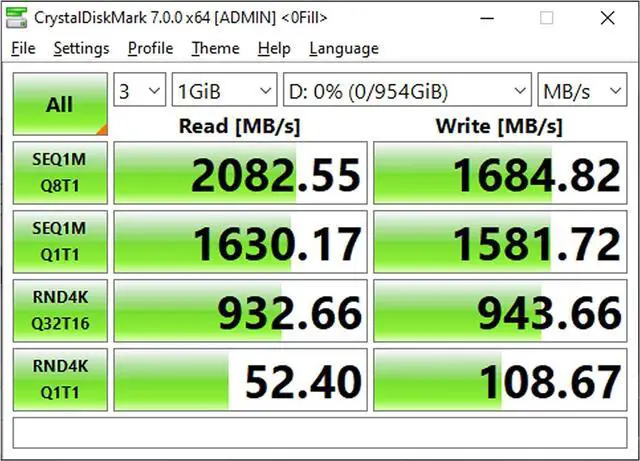
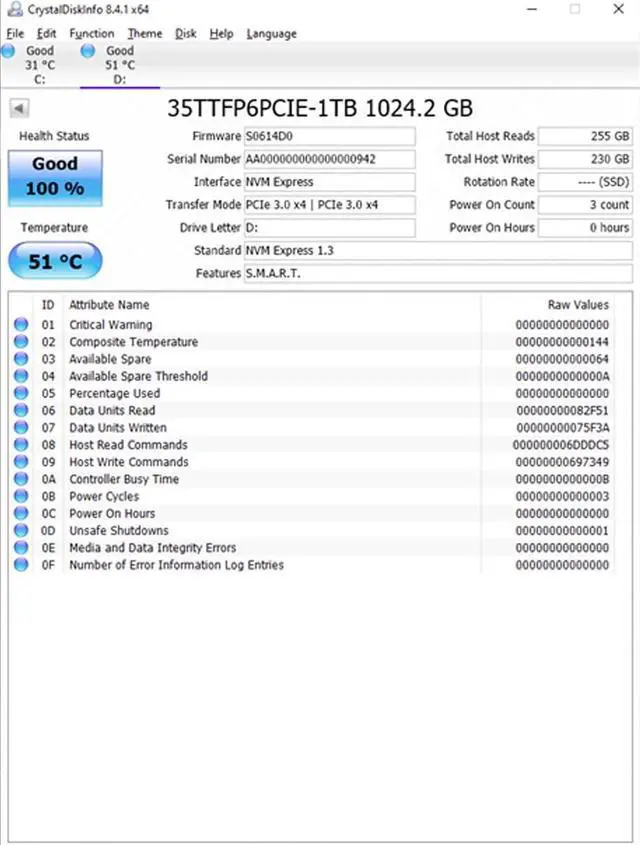
The Timetec 1TB NVMe SSD is an M.2 2280 PCIe Gen3 x4 internal drive with sequential speeds up to 2,000 MB/s read and 1,600 MB/s write, suited to desktop and laptop users upgrading systems that support this form factor and interface.
Recommended For
- PC or laptop owners with an available M.2 2280 NVMe slot who want a 1TB system-drive upgrade for faster booting and application launches than a hard drive or SATA SSD.
- Gamers with a compatible PCIe Gen 3 PC who want extra internal space for a game library and faster game-data loading, without targeting top-tier Gen 4 or Gen 5 drive performance.
- Everyday creators working with moderate-sized graphics or video projects who want an internal NVMe drive for quicker app launches and file access, rather than a drive for sustained, high-volume writes.
- Laptop upgraders who need an internal 1TB drive and whose system supports M.2 2280 NVMe PCIe storage; Timetec positions this Gen 3 drive as a low-power alternative to conventional hard drives.
Real-World Use Scenarios
- Use it as the Windows system drive in a compatible desktop or laptop to reduce the waits associated with booting and opening frequently used apps, especially when upgrading from a hard drive. The difference may be less noticeable if replacing another SSD.
- Install a game library on it to reduce storage-related waits compared with a mechanical hard drive. Compared with an existing SATA SSD, game-loading gains can be small, and the drive does not by itself increase frame rates.
- Add it as a second internal drive in a PC with an available M.2 2280 NVMe slot to make room for more apps, games, and files without replacing the existing system drive. Confirm the device supports this drive type before buying.
- Use it for everyday transfers and access to large folders, such as photos or project files. It can be a more responsive working drive than a hard drive, but transfer times also depend on the other drive, connection, and file sizes.




 here!