




 here!
I’m your shopping assistant for PC builds, upgrades, and everything tech.
Got questions? Ask away!
Start a conversation
here!
I’m your shopping assistant for PC builds, upgrades, and everything tech.
Got questions? Ask away!
Start a conversation
Make informed decisions with expert advice. Learn More





Any questions? Ask CelesteSM will help you find out quickly.


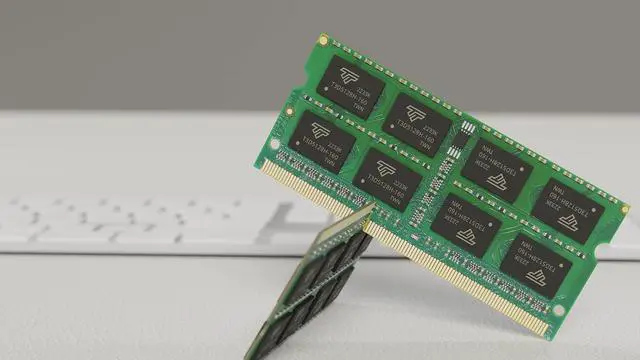
All Timetec modules are built from strict selected premium chip ICs for the high-performance potential to allow excellent stability and backed by Timetec advanced replacement program. All memory modules are engineered to perform in even the most extreme environments and rigorously worked to ensure that each module meets our stringent performance.
| Module Type | DDR3 Non-ECC Unbuffered SODIMM |
|---|---|
| Frequency | 1066MHz |
| CAS Latency | CL7 |
| Capacity | 8GB |
| Voltage | 1.5V |
| Pins | 204 Pin |
| Dimensions | 30(H) x 67.6(L)mm |


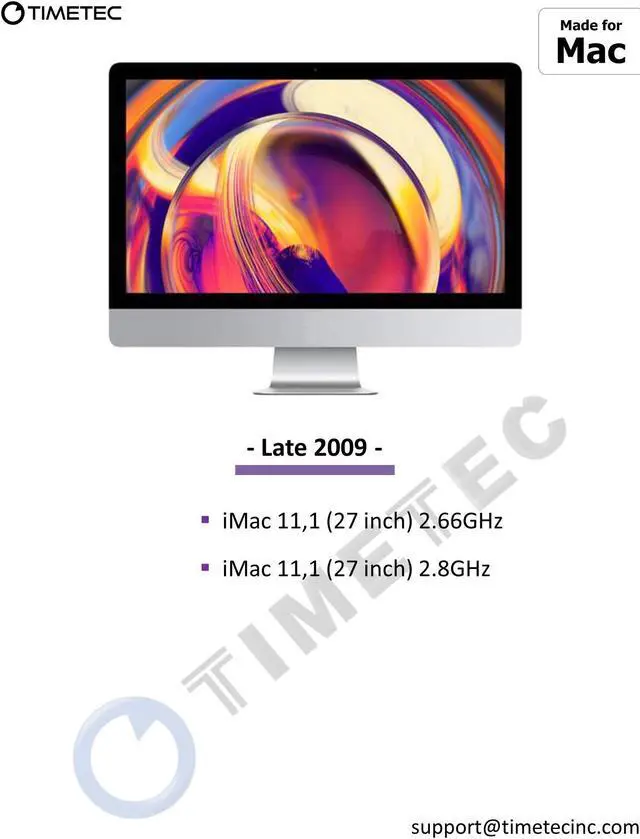
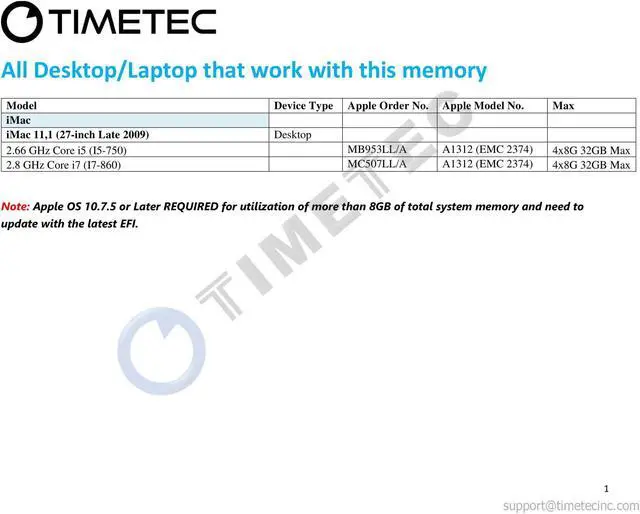
The Timetec MR-H8GD310J7C is a 32GB (4×8GB) DDR3-1066 memory kit for owners upgrading a 27-inch Late 2009 Apple iMac (iMac11,1); it uses four 204-pin, 1.5V, CL7 non-ECC unbuffered SO-DIMMs.


