here!
I’m your shopping assistant for PC builds, upgrades, and everything tech.
Got questions? Ask away!
Start a conversation
here!
I’m your shopping assistant for PC builds, upgrades, and everything tech.
Got questions? Ask away!
Start a conversation
Make informed decisions with expert advice. Learn More

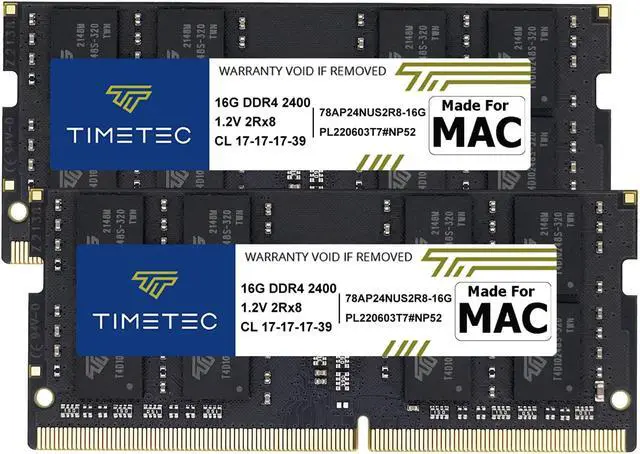
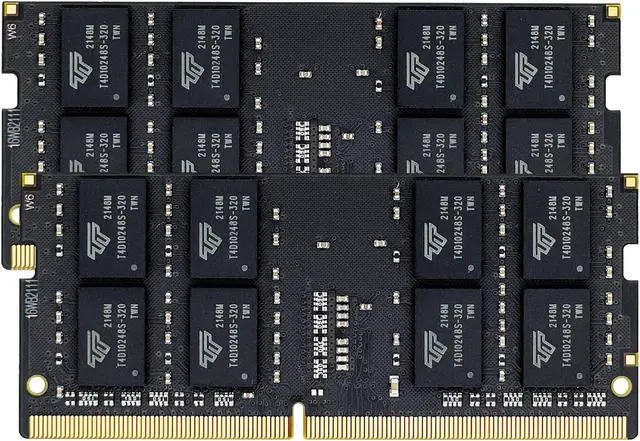
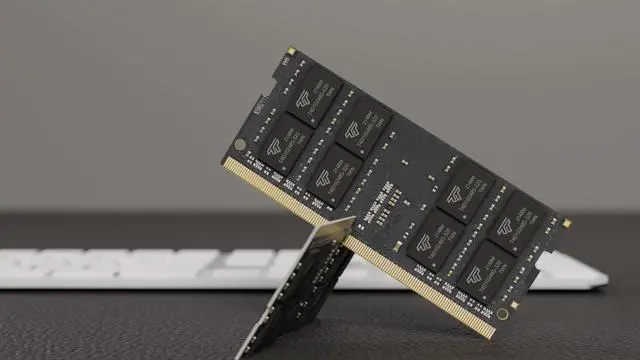



Any questions? Ask CelesteSM will help you find out quickly.
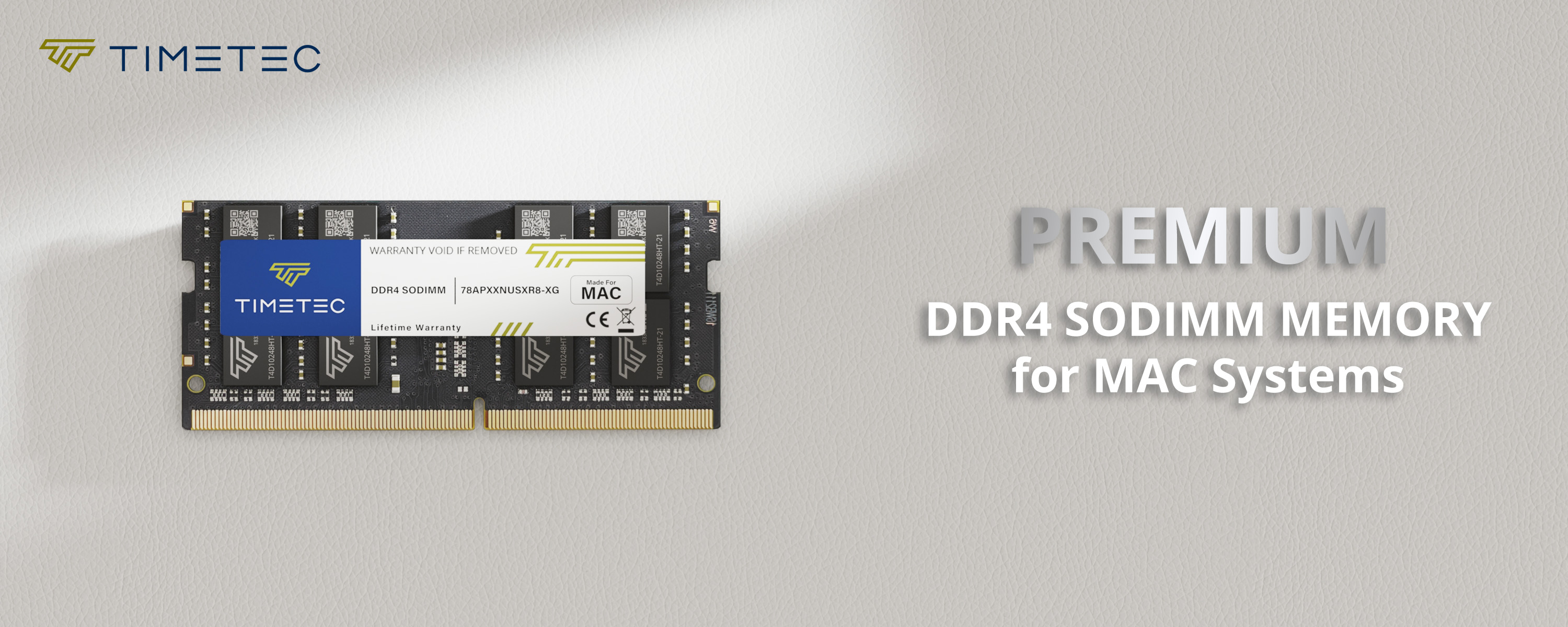
All Timetec modules are extensively working at the component level for voltage and temperature resistances, signal integrity and software compatibility to ensure high stability.
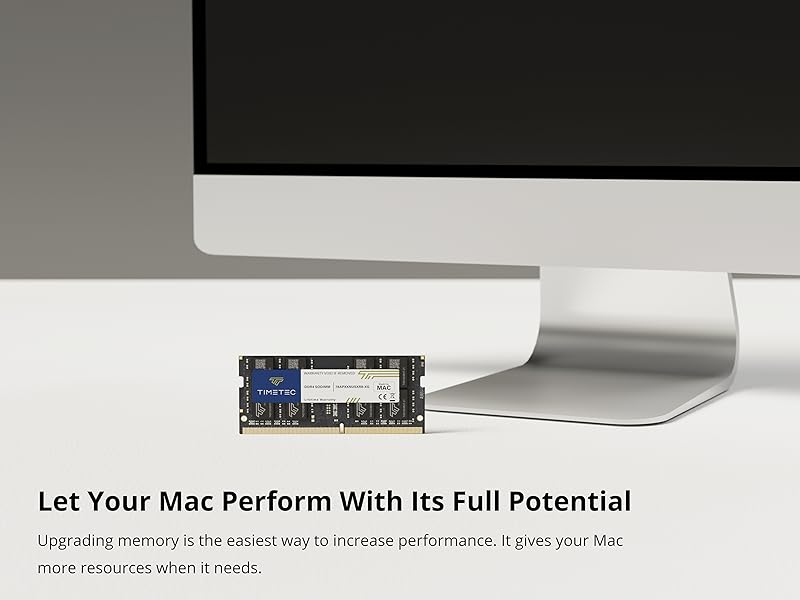
This Timetec memory is designed to help your Mac system run faster and smoother. It allows your Mac system to load programs faster, increase responsiveness and run data-intensive programs with ease.
| Module Type | DDR4 Non-ECC Unbuffered SODIMM |
|---|---|
| Frequency | 2400MHz |
| CAS Latency | CL17 |
| Capacity | 8GB / 16GB |
| Voltage | 1.2V |
| Pins | 260 Pin |
| Dimensions | 30(H) x 69.6(L)mm |
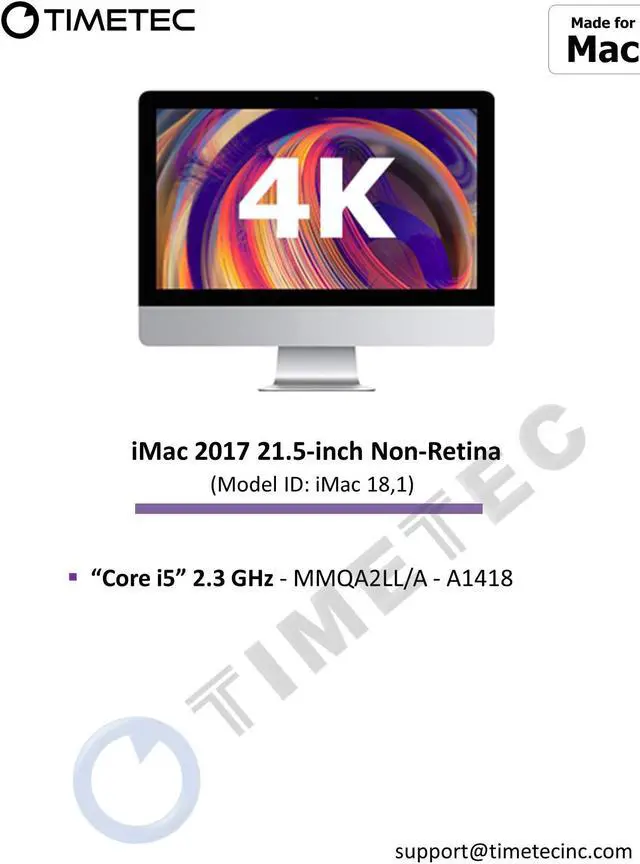
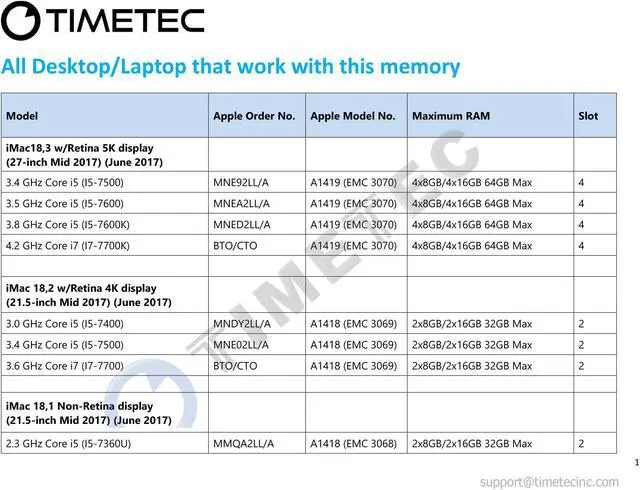
Timetec MR-H16D424S7E is a 32GB memory kit with two 16GB DDR4-2400 SO-DIMMs for owners upgrading a compatible 2017 iMac 18,1, 18,2, or 18,3; it runs at 1.2V with CL17 latency.
| Attribute | Value |
|---|---|
| Best For | Mac-compatible memory upgrades |
| Capacity And Kit | 32GB kit with 2 × 16GB modules |
| Memory Type And Form Factor | DDR4 SO-DIMM, 260-pin |
| Speed And Latency | 2400 MT/s (PC4-19200), CL17 |
| Electrical And Buffering | 1.20V, non-ECC, unbuffered |
| Model Identifiers | Timetec MR-H16D424S7E |
Q: For a 2017 21.5-inch Retina 4K iMac, should I choose Timetec’s 32GB kit or its 16GB kit?
A: Choose this 32GB (2×16GB) kit when you want 32GB of installed memory for heavier multitasking or memory-intensive apps. Timetec also lists a 16GB (2×8GB) kit; it’s the lower-capacity option. Timetec lists 32GB as the maximum for the 2017 Retina 4K model.
Q: For a 2017 27-inch 5K iMac, is this 32GB kit or 64GB total memory the better upgrade?
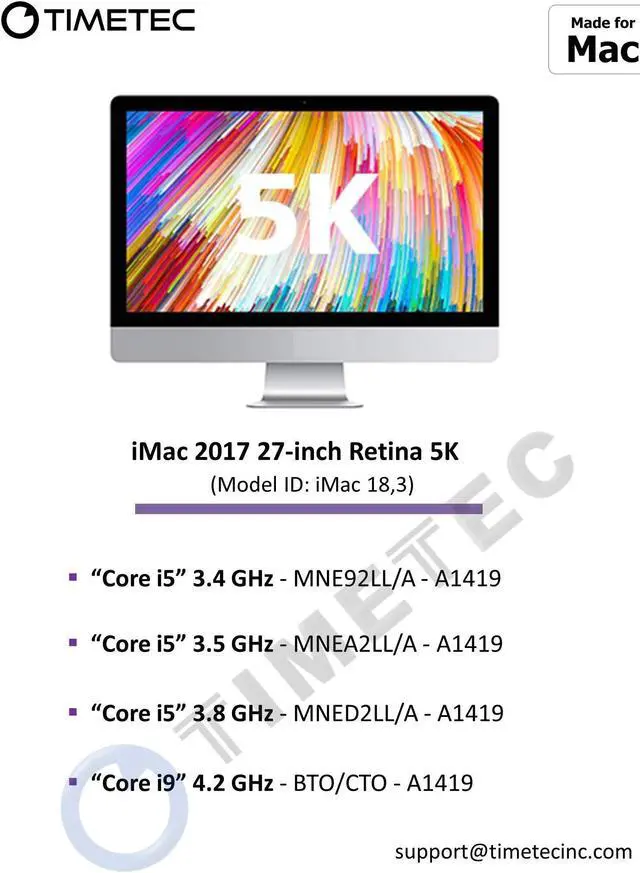
A: Choose this 32GB kit for a 32GB installation or as a step toward a larger memory configuration. Choose 64GB total when your workloads benefit from the iMac’s full supported memory capacity. Apple specifies four memory slots and a 64GB maximum for the 2017 27-inch 5K iMac.
Q: How does this 32GB kit compare with the stock 8GB in a 2017 27-inch 5K iMac?
A: This kit provides 32GB when installed as a 2×16GB configuration, compared with the model’s 8GB stock configuration. It is the higher-capacity choice for running more apps or larger projects at once; Apple lists 64GB as the model’s maximum, so the kit also leaves room for a later upgrade.
Q: Is this 32GB kit compatible with my 2017 iMac?
A: The listing specifies compatibility with 2017 iMac models iMac18,1, iMac18,2, and iMac18,3. The kit contains two 16GB, 260-pin DDR4-2400 SO-DIMMs. Check your iMac’s model identifier before buying, since upgrade access and memory specifications differ by model.
Q: Can I install this RAM myself?
A: That depends on the iMac. The 27-inch 2017 iMac has an accessible memory door, while Apple says memory is not user-removable on the 21.5-inch 2017 models. A 21.5-inch upgrade may require professional service; check your exact model and installation instructions before buying.
Q: Can I add this kit alongside the RAM already in my iMac?
A: The kit includes two 16GB modules. The 27-inch 2017 iMac has four memory slots, so the kit may fit alongside existing modules if the configuration is compatible. Check the current module layout and Apple’s installation guidance first; don’t assume every combination will work.
Q: Will 32GB help with multitasking or working with large files?
A: More memory can help when your current workload is limited by RAM, such as running many applications at once or handling large files. It won’t necessarily make every task faster, and the benefit depends on your existing memory use and the iMac’s other hardware.
Q: Is 32GB worth adding to a 2017 iMac?
A: It may help if your normal workload puts the iMac under memory pressure, such as heavy multitasking or demanding creative work. If memory pressure stays low, Reddit users caution that adding RAM may not improve performance; check Activity Monitor before buying.
Q: Will this 2400MHz kit run at 2400MHz in every 2017 iMac?
A: Not necessarily. Reddit discussions note that some 2017 iMac configurations may run memory at a lower supported speed. Check the exact iMac model identifier and its memory specification before buying; the kit’s listed speed is DDR4 2400MHz.
Q: Is upgrading RAM in the 2017 21.5-inch iMac a straightforward replacement?
A: It may require substantial disassembly. A YouTube upgrade tutorial for the 2017 21.5-inch Retina 4K iMac shows RAM replacement as part of a teardown, so factor in the installation difficulty or professional labor before choosing this kit.
Q: Does this use the same kind of RAM as a desktop PC?
A: No. This kit is 260-pin DDR4 SO-DIMM memory. A Reddit discussion about upgrading a 2017 iMac notes that full-size desktop DDR4 DIMMs do not fit; verify that any replacement memory is SO-DIMM.