Auusda 16" Business Laptop, AMD Ryzen 5 3500U, 32GB RAM 1TB SSD, Backlit Keyboard, Fingerprint Unlock, Windows 11 Pro Computer, Black
  •  
  • $549.99 –
  • Save: 31%
  • $78.99
  • Free 30-day Returns
  • Price alert
    Add to Wish List(Found on 8 wish lists)
    NAS Builder
    Newegg PC Builder
    Shop it at NeweggBusiness.
    Get Educated

    Make informed decisions with expert advice. Learn More

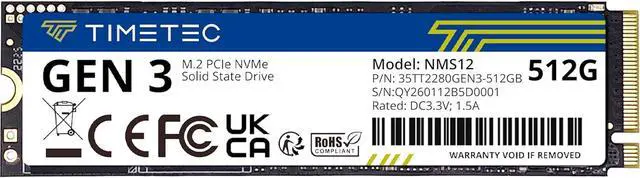
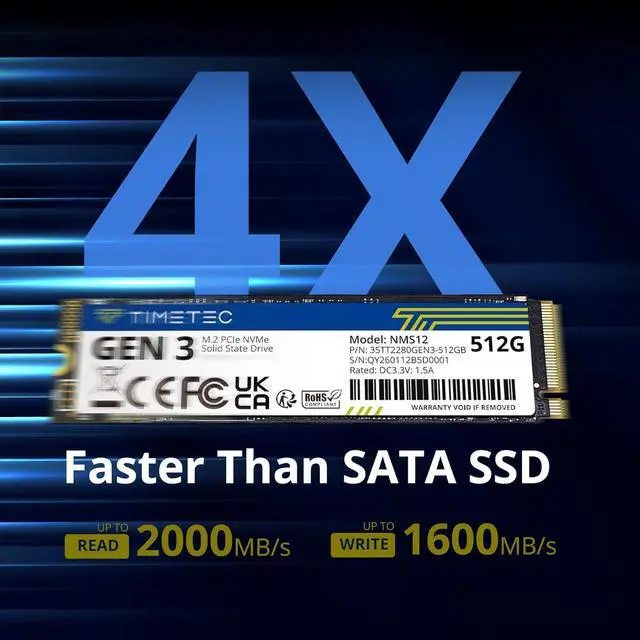
    Timetec 512GB SSD NVMe PCIe Gen3x4 8Gb/s M.2 2280 3D NAND High Performance SLC Cache Read/Write Speed Up to 2,000/1,600 MB/s Internal Solid State Drive for PC Laptop and Desktop

    • PCIe Gen3
    • Gen3 Pinnacle
    • 256GB (1 Pack)
    • 256GB (10 Pack)
    • 512GB (10 Pack)
    • 1TB (1 Pack)
    • 512GB (1 Pack)
    • 1TB (10 Pack)
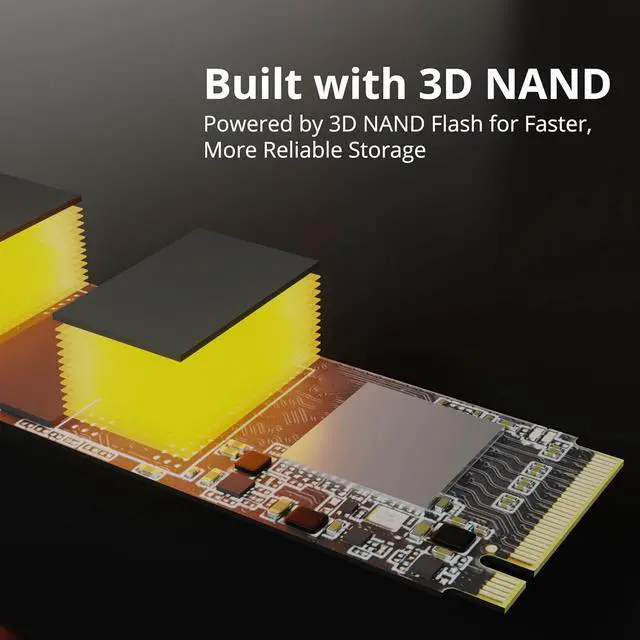
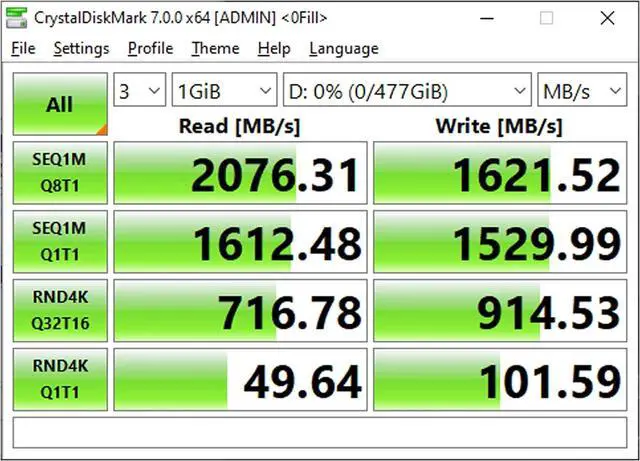
    • NVMe PCIe Gen3x4 3D NAND Breakthrough Read and Write Speeds: Sequential Read Speed up to 2,000MB/s and Write Speed up to 1,600MB/s, the advanced SLC Cache Technology allows performance boost and longer lifespan
    • An industry-leading 1,500,000 hours mean time before failure (MTBF)
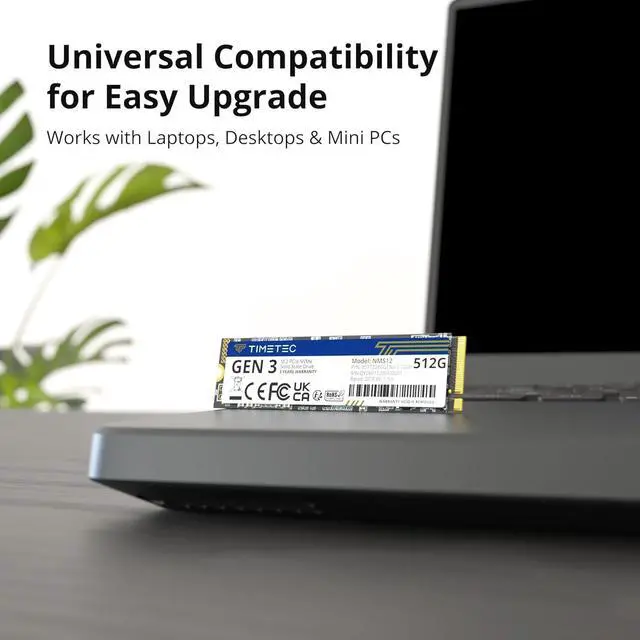
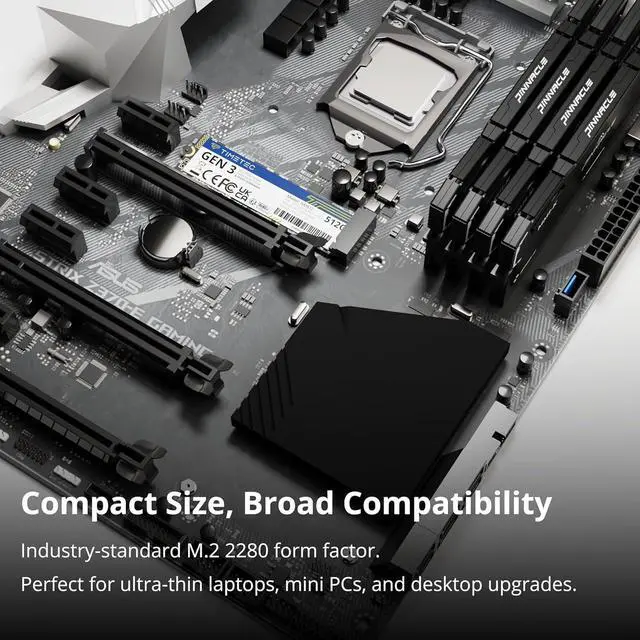
    • Compatible for Operating Systems Windows 11 / Windows 10 / Windows 8.1 / Windows 8 / Windows 7, Linux 2.6.33 or later; Compatible with desktops and laptops that accept M.2 2280 NVMe PCIe Gen3x4 SSD, Backwards Compatible with backward compatible to PCIe Gen 2 and Gen 1; Support latest NVMe 1.3 protocol, Support the next-generation platforms of Intel and AMD
    • Support S.M.A.R.T. technology, TRIM command functions, Garbage Collection technology, Wear-Leveling technology, Power Management Support for APST / ASPM, RAID, ECC (Error Correction Code), LDPC (Low-Density Parity Check) , ONFi 2.3, ONFi 3.0, ONFi 3.2 and ONFi 4.0 interface to provide the optimized performance.
    • Included Contents: M.2 2280 NVMe PCIe3x4 SSD (All Other Cables, Screws, Brackets Not Included); Five years limited warranty with free technical support service
    🔥Don't forget your OS, we have Windows 11 OEM, Download and USB versions available
    +
    +
    Overview
    Specs
    Reviews (10)

    Any questions? Ask CelesteSM will help you find out quickly.

    Capacity: 512GB

    M. 2
    PCIe Size: 22x80mm

    PCIe interface: Supports latest NVMe 1.3 protocol

    Read/Write Speed: 1700/ 1400 MB/S

    Warranty & Returns

    Warranty, Returns, And Additional Information

    Warranty

    • Please contact the Seller directly for warranty information. Warranty information may also be found on the Manufacturer's website.
    • CONTACT

    Return Policies

    Manufacturer Contact Info

    LOADING...

    The Timetec 512GB M.2 2280 NVMe PCIe Gen3x4 SSD is suited to desktop and laptop users who want faster everyday storage, with sequential speeds up to 2,000 MB/s read and 1,600 MB/s write.

    Recommended For

    • Laptop or desktop owners with a compatible M.2 2280 NVMe slot who want a quicker boot and application drive than a hard drive or SATA SSD; Timetec positions this PCIe Gen 3 drive for faster boot and app loading, and its listed sequential speeds reach 2,000/1,600 MB/s.
    • Budget-conscious PC builders or upgraders using a PCIe Gen 3 system who want an everyday OS, app, and file-storage drive without paying for flagship NVMe speeds; the 512GB model is a fit when that capacity meets their needs.
    • Laptop users upgrading from a hard drive who value a compact internal drive and lower power use; Timetec describes its Gen 3 SSD as a low-power option for laptops, provided the laptop supports M.2 2280 NVMe.
    • PC users adding a secondary drive for games or creative applications who want faster loading and file access than SATA, but do not need a top-tier Gen 4 or Gen 5 drive; Timetec specifically positions the model for game data and graphics or video software.

    Real-World Use Scenarios

    • Replacing a hard drive in a compatible laptop or desktop with this NVMe SSD can make Windows startup and everyday app launches feel more responsive; the improvement is most noticeable when moving from an HDD, rather than from another SSD.
    • Installing games on the drive can shorten some load times compared with an HDD, but the SSD should not be expected to increase frame rates; differences between SSDs are often small and vary by game.
    • Using it as the main drive for everyday computing—booting the OS, opening programs, and browsing—offers a practical NVMe upgrade, though users moving from a SATA SSD may notice less difference than users replacing a hard drive.
    • A laptop user who wants separate Windows and Linux installations can use the drive for a dual-boot setup; a Timetec NVMe owner in the community reports using a Timetec drive this way, though the exact model discussed may differ.