



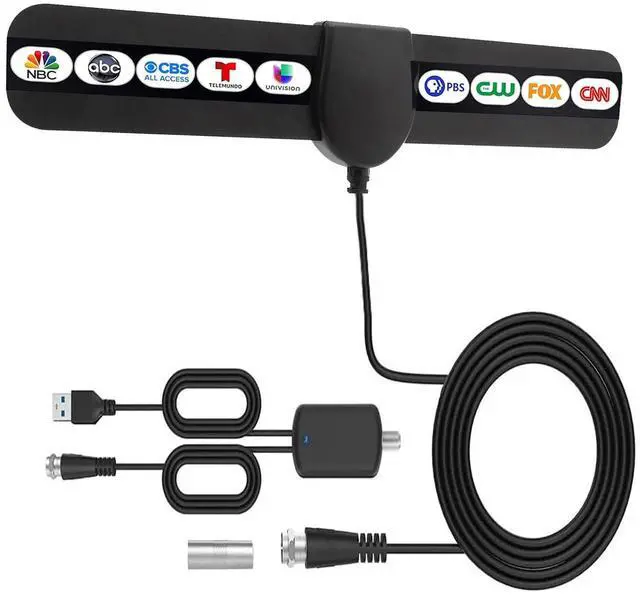


Digital HDTV Antenna Indoor, Antenna for Local Channels,Amplified TV Antenna
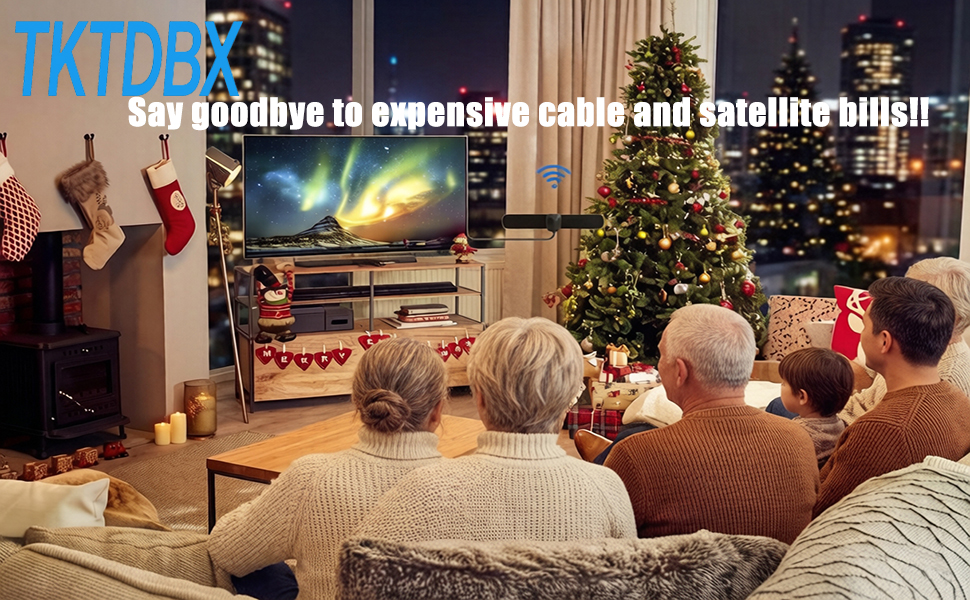
Enjoy over-the-air broadcasts in your area, from live local news and weather updates to popular sitcoms, kids' programming, sports, and educational shows—all without a monthly subscription.
The 10.5ft coaxial cable features a solid center conductor, dielectric insulation, and triple-layer aluminum shielding. This robust construction ensures maximum signal integrity and minimizes interference, providing a stable, High quality connection even in less-than-ideal weather.
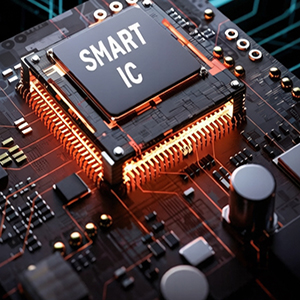
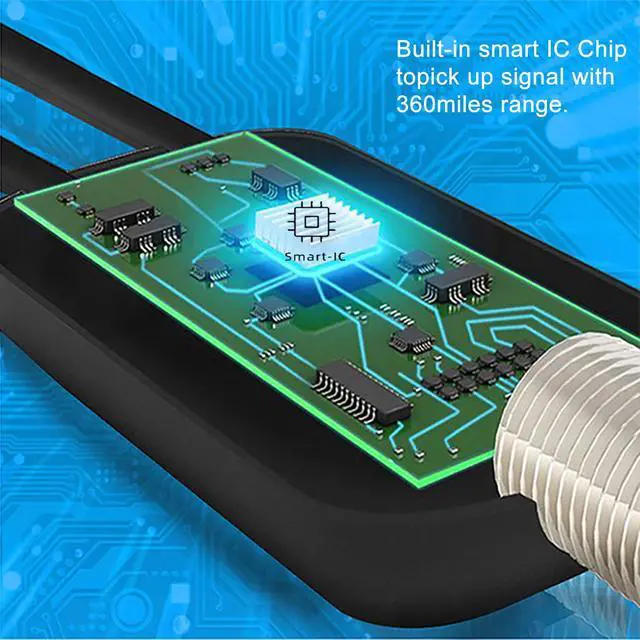
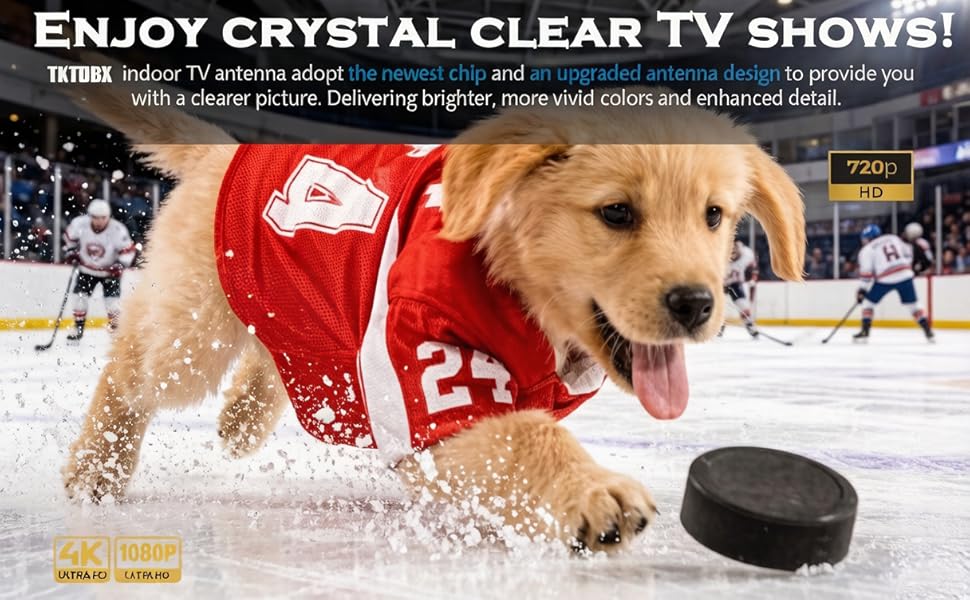
Plus, experience stunning clarity with our upgraded Smart IC Chip technology, which supports 4K, UHD, and 1080p HDTV broadcasts for a superior viewing experience.
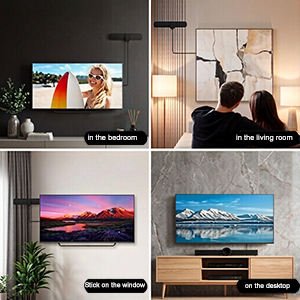
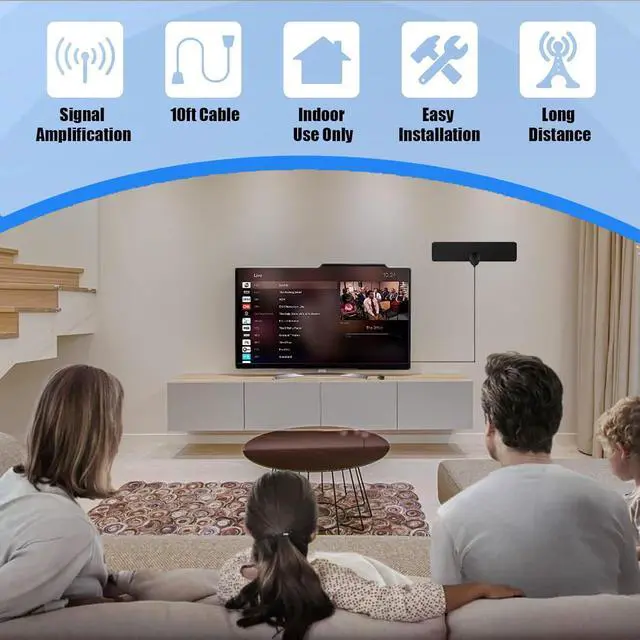
Position this indoor antenna discreetly behind your TV, mount it on a wall, or place it on a window to get capture the strongest signal.
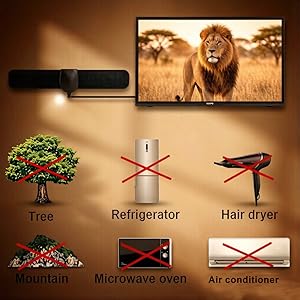
Keep the amplified TV antenna away from the sources of interference and big power consumption devices, such as air conditioner, elevator, hair dryer and microwave oven...etc.
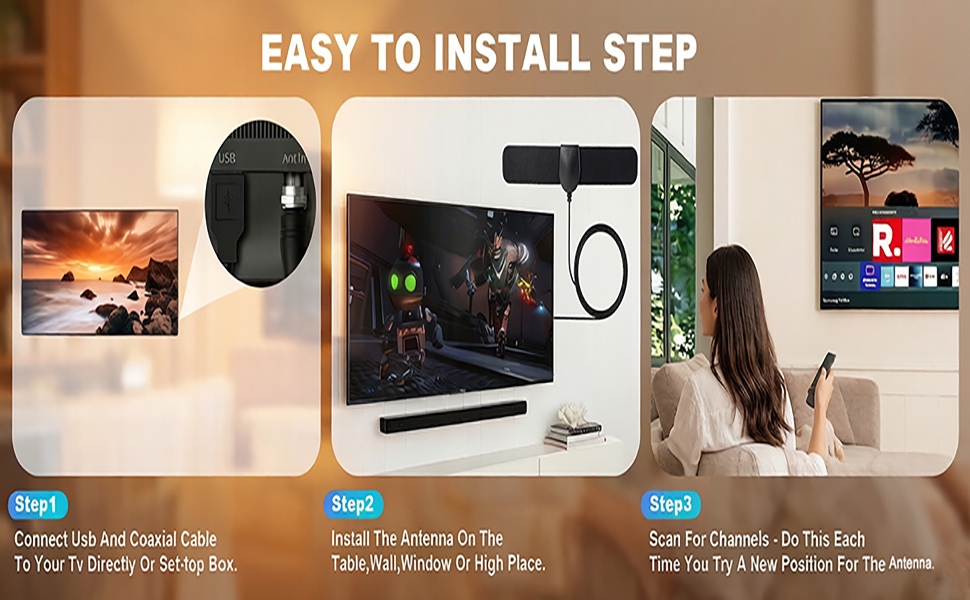
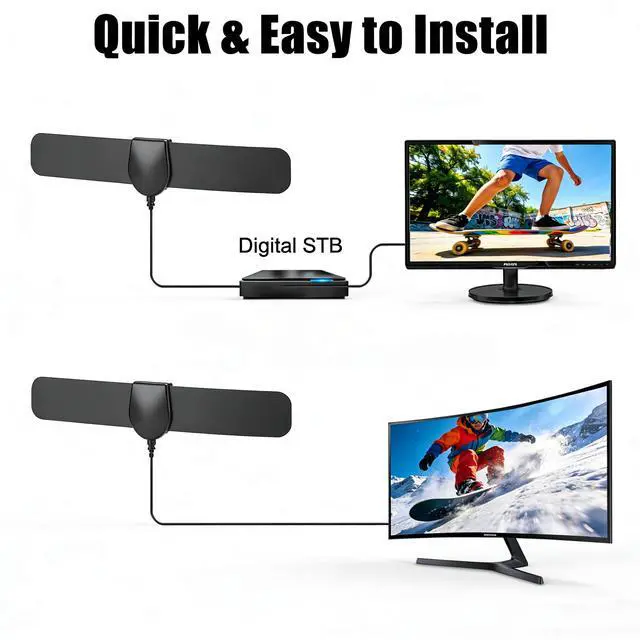
TV Antenna Setup Guide:
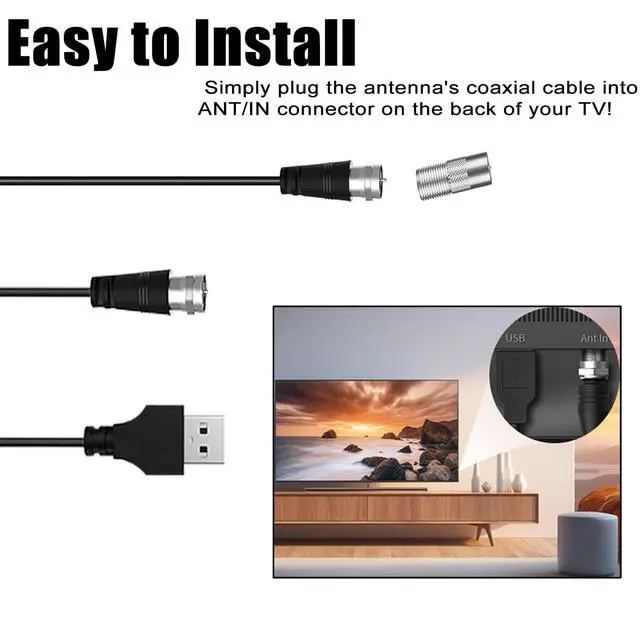
Step 1: Connect one end of the coaxial cable to the ANT/IN connector on the back of your TV.
Step 2: Hold digital HDTV antenna near the TV on the wall, and by the window and place it horizontally from vertical direction.
How to Searching For Channels:
1. From your TV's setup menu, set your tuner source to ""Antenna"" or ""Air. Consult your TVs manual for detailed instructions.
2. Conduct a channel scan from your TV's setup menu.
3. If reception is spotty. Try relocating your antenna and scan again. Placing your antenna near a window or higher up may result in better reception.
4. Note: You must scan again every time you move your antenna. Kindly suggest to place it closer to the window.
5. The number of channels and the strength of reception will depend on your geographical location and geological environment.
6. Fix the antenna in the best position found. 1. Adjust the antenna direction. 2. Connect the antenna to the TV properly.3. Set the TV antenna mode.
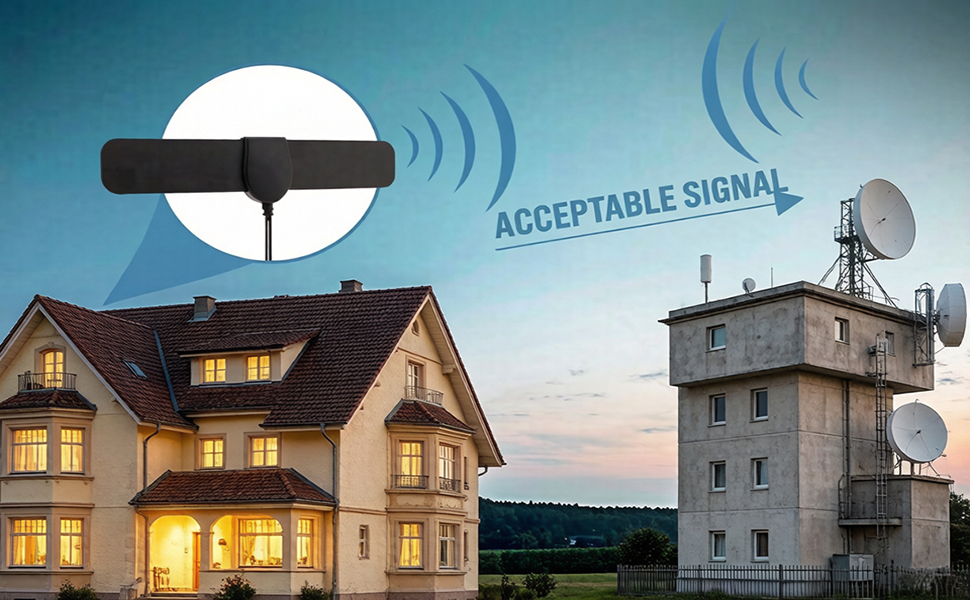
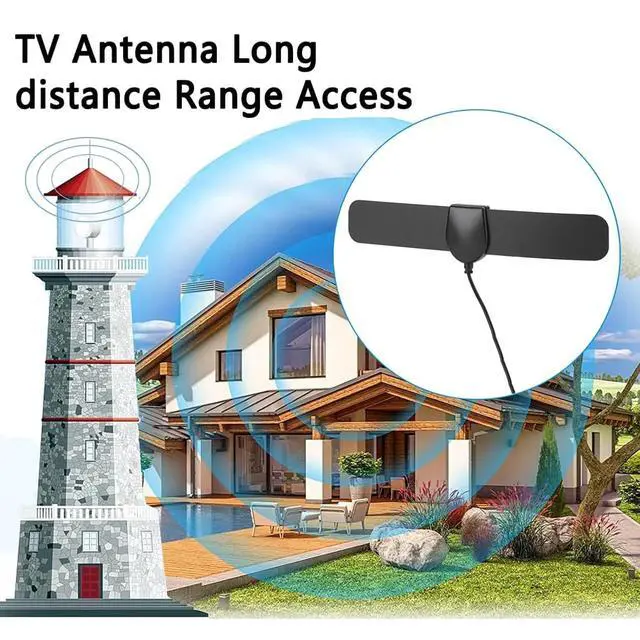
With a reliable reception range of up to 180 miles, TKTDBX antenna for local channels ensures consistent access to your favorite local channels.
Tips:
1. Antenna signal strength can vary depending on distance from the tower, terrain, and weather.Reposition the antenna in a different location if needed. It is best for the antenna to be in line of sight with the TV tower(s) and avoid obstructions.
2. TV antenna indoor reminder:Please try to place the antenna in an open area so that it can receive more TV channels. Kindly place it closer to the window. or place it on the wall, on a shelf, or stick it to any other non-metallic surface.
3. In adverse weather conditions such as strong winds, heavy rain, or snowy weather, channels may not be searchable.
Digital HDTV Antenna Indoor, Antenna for Local Channels,Amplified TV Antenna
Enjoy over-the-air broadcasts in your area, from live local news and weather updates to popular sitcoms, kids' programming, sports, and educational shows—all without a monthly subscription.
The 10.5ft coaxial cable features a solid center conductor, dielectric insulation, and triple-layer aluminum shielding. This robust construction ensures maximum signal integrity and minimizes interference, providing a stable, High quality connection even in less-than-ideal weather.
Plus, experience stunning clarity with our upgraded Smart IC Chip technology, which supports 4K, UHD, and 1080p HDTV broadcasts for a superior viewing experience.
Position this indoor antenna discreetly behind your TV, mount it on a wall, or place it on a window to get capture the strongest signal.
Keep the amplified TV antenna away from the sources of interference and big power consumption devices, such as air conditioner, elevator, hair dryer and microwave oven...etc.
TV Antenna Setup Guide:
Step 1: Connect one end of the coaxial cable to the ANT/IN connector on the back of your TV.
Step 2: Hold digital HDTV antenna near the TV on the wall, and by the window and place it horizontally from vertical direction.
How to Searching For Channels:
1. From your TV's setup menu, set your tuner source to ""Antenna"" or ""Air. Consult your TVs manual for detailed instructions.
2. Conduct a channel scan from your TV's setup menu.
3. If reception is spotty. Try relocating your antenna and scan again. Placing your antenna near a window or higher up may result in better reception.
4. Note: You must scan again every time you move your antenna. Kindly suggest to place it closer to the window.
5. The number of channels and the strength of reception will depend on your geographical location and geological environment.
6. Fix the antenna in the best position found. 1. Adjust the antenna direction. 2. Connect the antenna to the TV properly.3. Set the TV antenna mode.
With a reliable reception range of up to 180 miles, TKTDBX antenna for local channels ensures consistent access to your favorite local channels.
Tips:
1. Antenna signal strength can vary depending on distance from the tower, terrain, and weather.Reposition the antenna in a different location if needed. It is best for the antenna to be in line of sight with the TV tower(s) and avoid obstructions.
2. TV antenna indoor reminder:Please try to place the antenna in an open area so that it can receive more TV channels. Kindly place it closer to the window. or place it on the wall, on a shelf, or stick it to any other non-metallic surface.
3. In adverse weather conditions such as strong winds, heavy rain, or snowy weather, channels may not be searchable.