




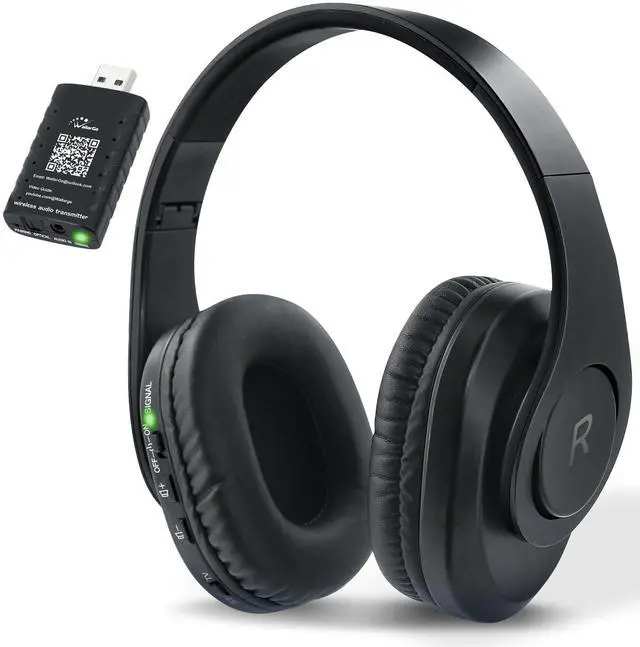
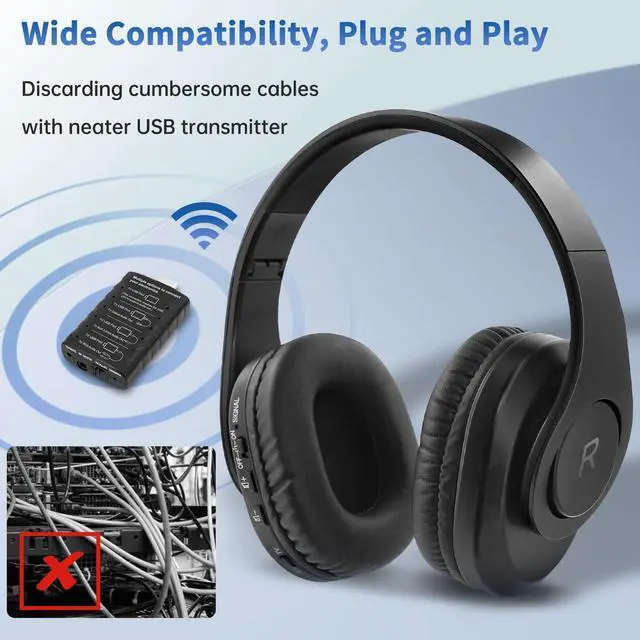
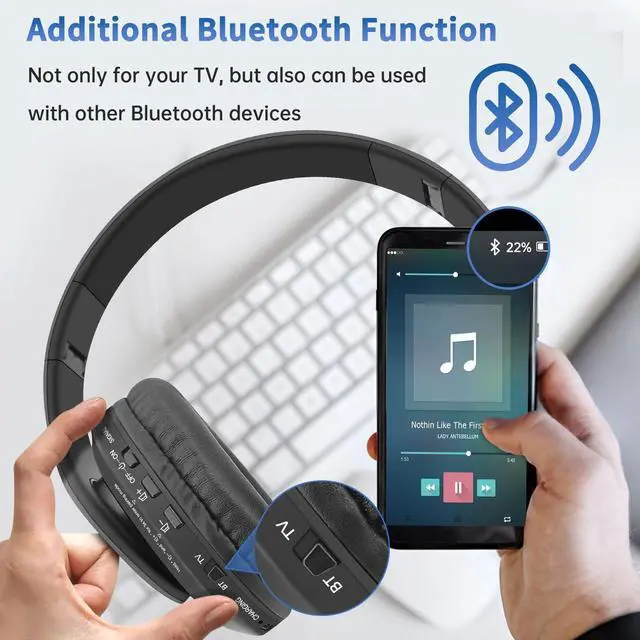




Use this Headphones in TV (Wireless) Mode

Connect the transmitter
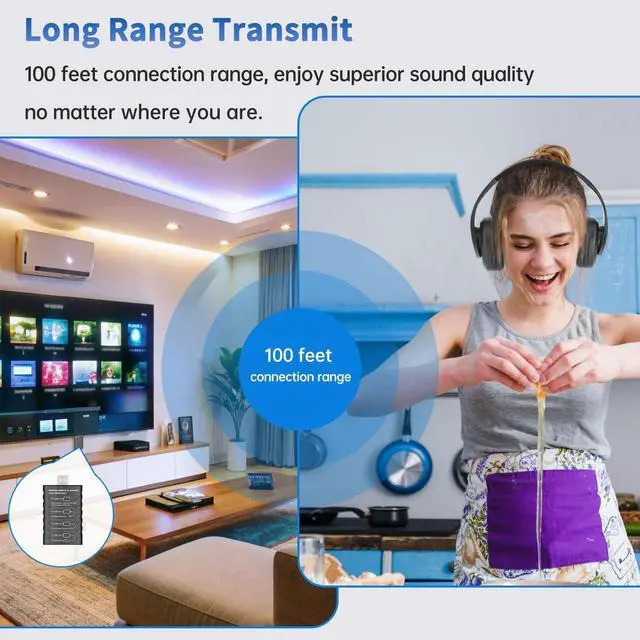
Plug the USB into TV’s USB port.

Pair automatically
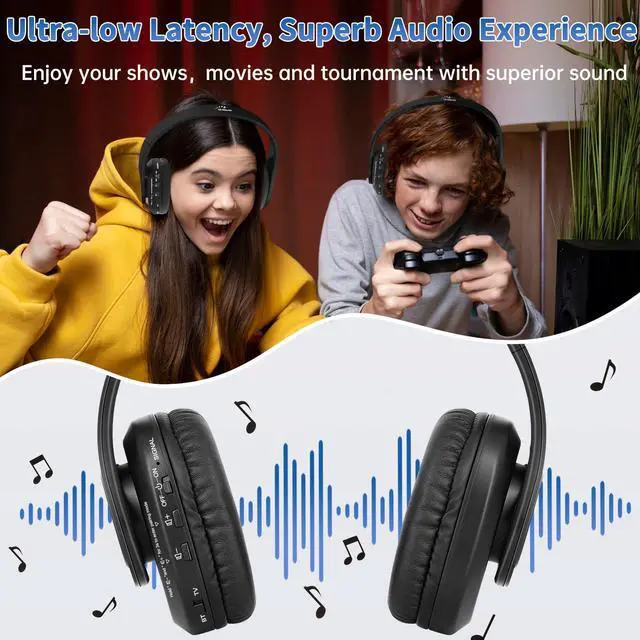
Turn on the headphones, slide the mode switch to the TV position.
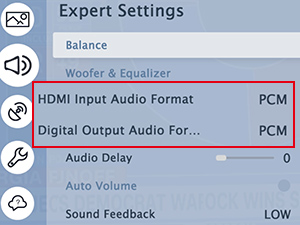
Switch
You should be able to hear the sound once the previous step is complete, if not, ensure your TV audio format is set to "PCM".

Other options to connect
If your TV’s USB port does not support audio out, you could hook up with provided three audio cables or use Bluetooth mode.


The volume was very low during the initial setup and there is no sound afterwards.
The USB port is able to output, but only supports Karaoke mike, does not support USB audio decoding, try to hook up the transmitter to TV with one of three audio cables. (Optical cable, RCA cable or AUX cable)
Hook up this headset to the TV with an optical cable, the sound quality is not well.
First check if the cable connects well with the TV and transmitter, then check if the TV’s audio format is set to PCM.
Does this headset support stereo or Dolby?
No, please hook up this headset with OPT cable and set the TV’s audio format to PCM.
When the audio is in stereo or Dolby, the sound from the headphones is quite muddy.
This headset does not support stereo sound or Dolby, which require specialized decoders that are not supported by this product. Please hook up this headset with OPT cable and set the TV’s audio format to PCM.
The SIGNAL indicator of the USB transmitter is gone out 3 minutes later.
The USB port of the TV does not support audio out, try to hook up the headset with one of optical cable, RCA cable or AUX cable.


























Use this Headphones in TV (Wireless) Mode
Connect the transmitter
Plug the USB into TV’s USB port.
Pair automatically
Turn on the headphones, slide the mode switch to the TV position.
Switch
You should be able to hear the sound once the previous step is complete, if not, ensure your TV audio format is set to "PCM".
Other options to connect
If your TV’s USB port does not support audio out, you could hook up with provided three audio cables or use Bluetooth mode.


The volume was very low during the initial setup and there is no sound afterwards.
The USB port is able to output, but only supports Karaoke mike, does not support USB audio decoding, try to hook up the transmitter to TV with one of three audio cables. (Optical cable, RCA cable or AUX cable)
Hook up this headset to the TV with an optical cable, the sound quality is not well.
First check if the cable connects well with the TV and transmitter, then check if the TV’s audio format is set to PCM.
Does this headset support stereo or Dolby?
No, please hook up this headset with OPT cable and set the TV’s audio format to PCM.
When the audio is in stereo or Dolby, the sound from the headphones is quite muddy.
This headset does not support stereo sound or Dolby, which require specialized decoders that are not supported by this product. Please hook up this headset with OPT cable and set the TV’s audio format to PCM.
The SIGNAL indicator of the USB transmitter is gone out 3 minutes later.
The USB port of the TV does not support audio out, try to hook up the headset with one of optical cable, RCA cable or AUX cable.
DIGITAL CLOCK
ATOMIC CLOCK
HEADPHONES
PLUG IN CLOCK
AUTO SET CLOCK
ANALOG CLOCK
ATOMIC CLOCK
HEADPHONES