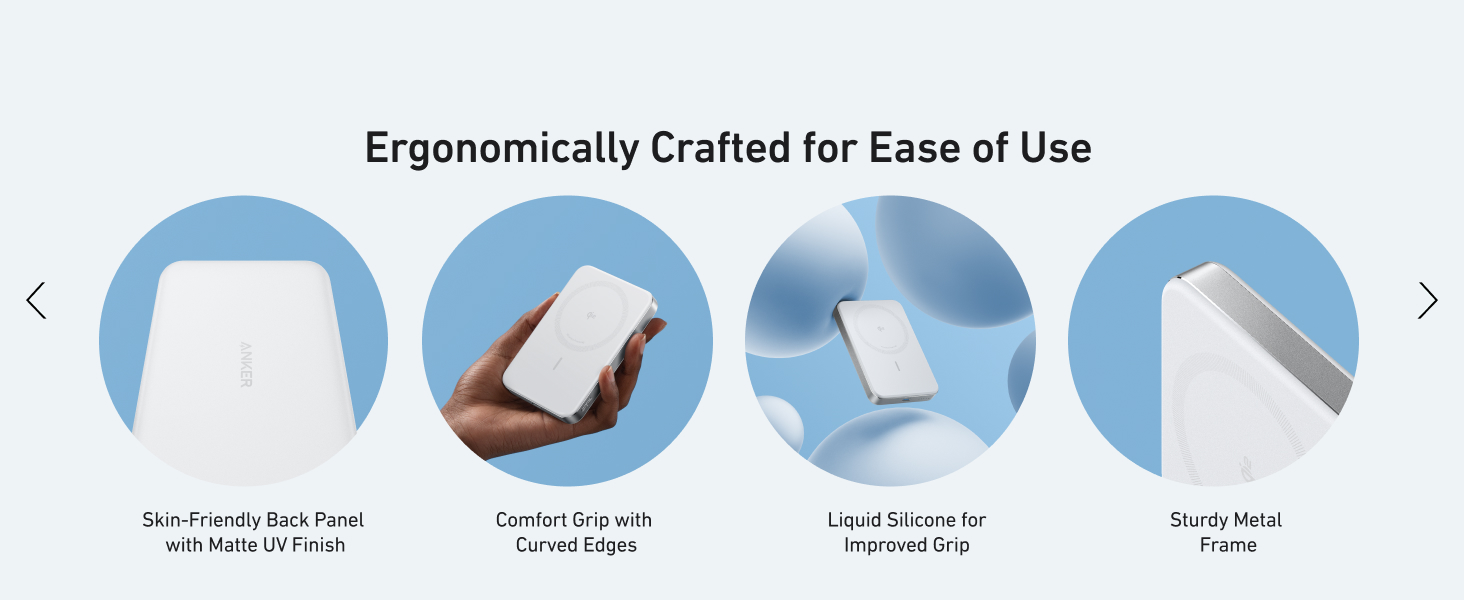
here!
here!
I’m your shopping assistant for PC builds, upgrades, and everything tech.
Got questions? Ask away!
Start a conversation
here!
I’m your shopping assistant for PC builds, upgrades, and everything tech.
Got questions? Ask away!
Start a conversation





Any questions? Ask CelesteSM will help you find out quickly.

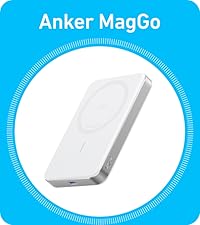 Anker MagGo Power Bank | 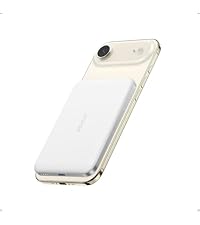 Anker Nano Power Bank | 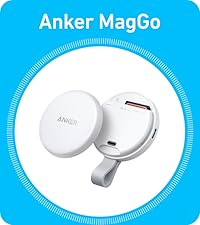 Anker MagGo USB-C Adapter | 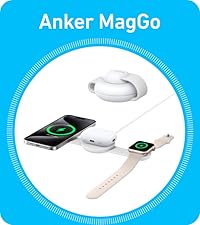 Anker UFO 3-in-1 Wireless | 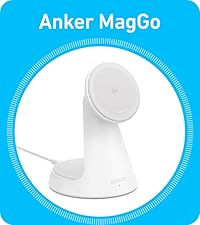 Anker 2 in1 Charger Stand | 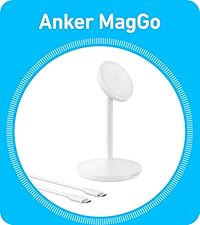 Anker MagGo Stand | 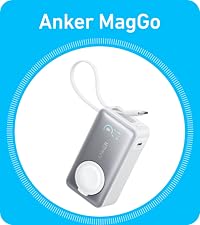 Anker MagGo Power Bank | |
|---|---|---|---|---|---|---|---|
Customer Reviews | — | — | — | — | — | — | — |
Price | — | — | — | — | — | — | — |
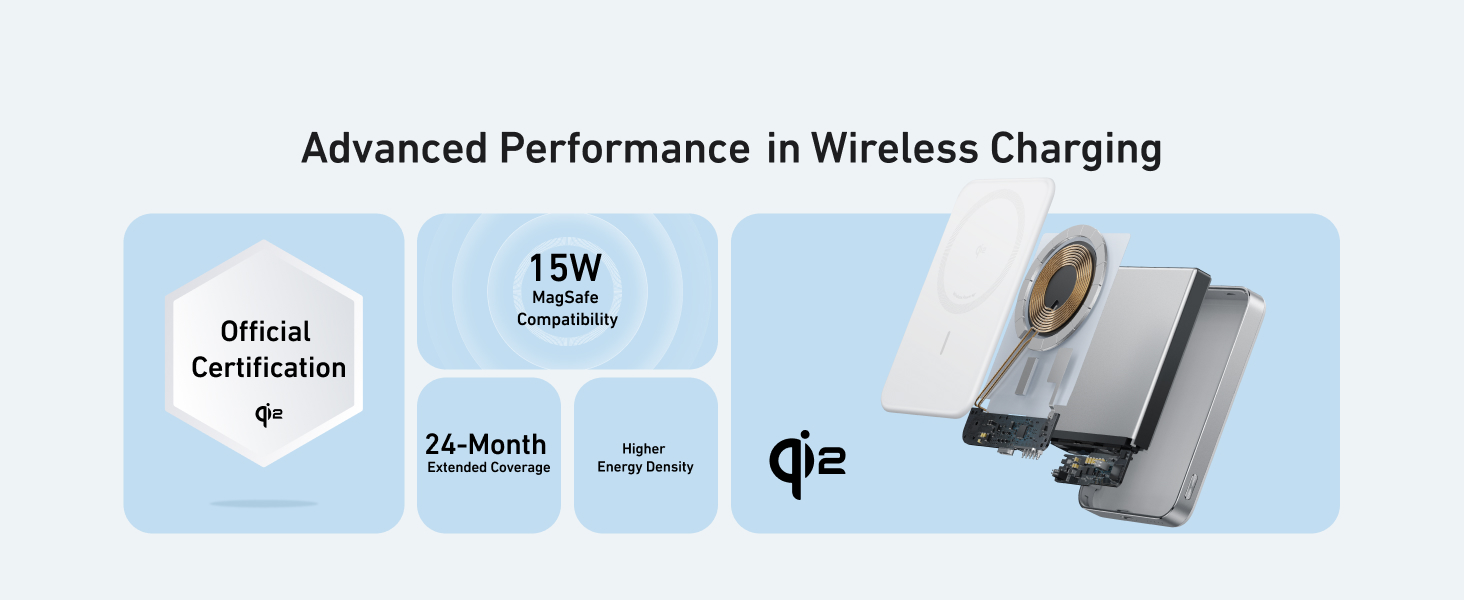
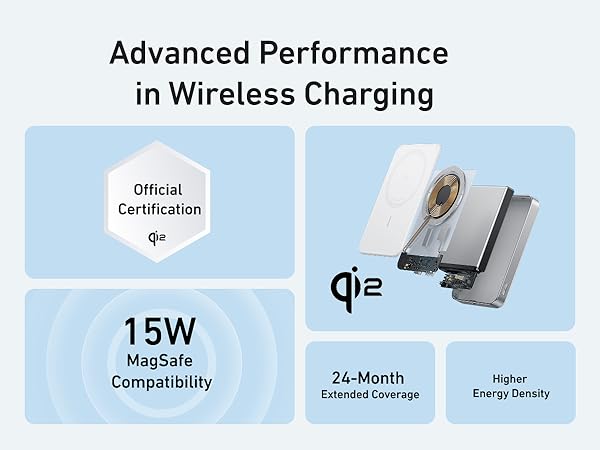
Certification | Qi 2 | Qi 2 | / | Qi 2 & MFW | Qi 2 | Qi 2 | Officially Certified |
Phone Charging Power | USB-C:30W Max Wireless:15W Max | USB-C:20W Max Wireless:15W Max | 42.5W Max Pass-Through | Phone: 15W Watch and TWS: 5W | Phone: 15W Max TWS: 5W Max | Phone: 15W Max TWS: 5W Max | USB-C:30W Max Wireless:5W Max |
Charging Ports | 1× USB-C | 1× USB-C | 1× USB-C | 5 ft USB-C to USB-C cable | 5 ft USB-C to USB-C cable | 5 ft USB-C to USB-C cable | 1× USB-C+Built-in USB-C cable |
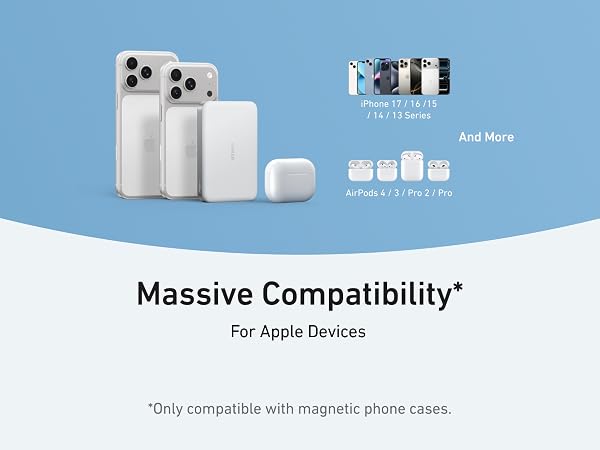
Compatible Devices | iPhone16 /iPhone15/iphone | iPhone16 /iPhone15/iphone | iPhone 15 Series/USB C Devices | iPhone/Earbuds/Apple Watch | iPhone / Earbuds | iPhone / Earbuds | iPhone16/iPhone15/Apple Watch |
Key Feature | 10K Slim Power Bank | 5K Slim Power Bank | Portable 3-in-1 SD Card Reader | Foldable and 15W Charging | 2 in 1 and 15W Charging | 360° Rotation with Adjustable | 10K 35W For Apple Watch |
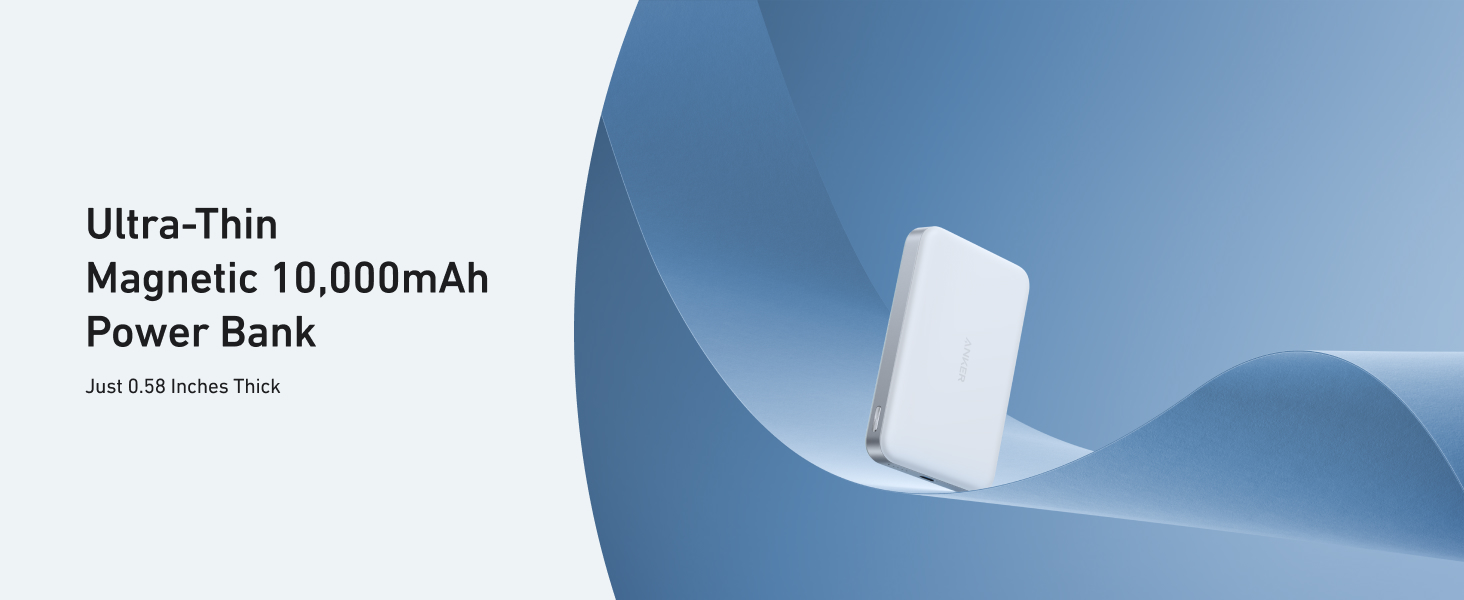
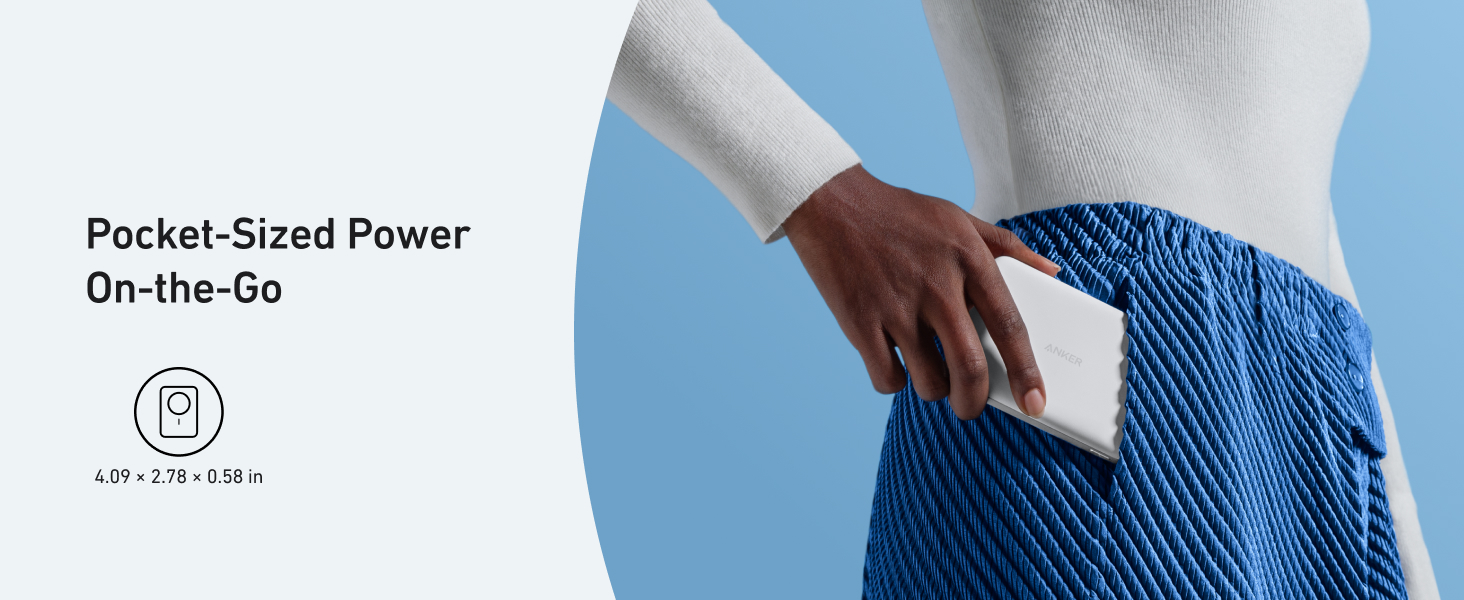
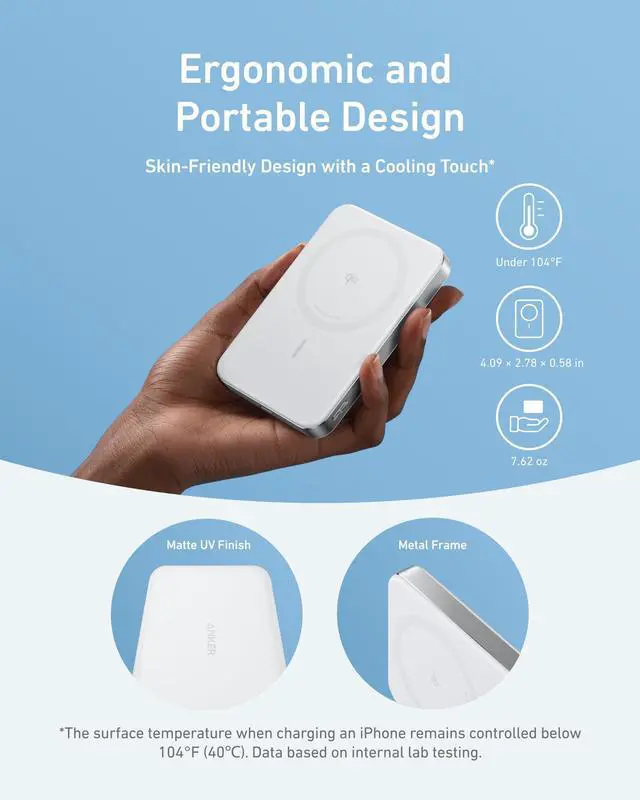
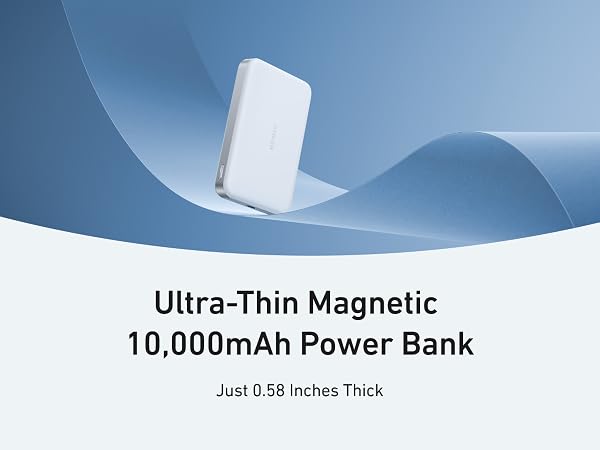
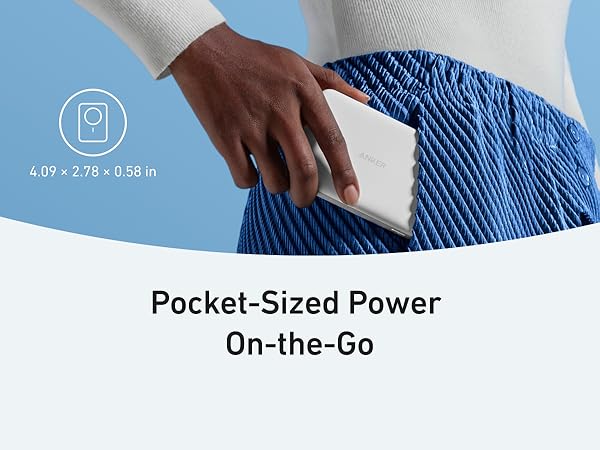
Dimensions(in) | 4.09 × 2.78 × 0.58 in | 4.02 × 2.78 × 0.34 in | 2.36 × 2.36 × 0.59 in | 2.95 × 2.35 × 1.39 in | 3.46 × 3.46 × 4.92 in | 3.46 × 3.46 × 6.02 in | 3.74 × 2.01 × 1.28 in |
Weight | 7.61 oz (215.9 g) | 4.30 oz (121.9 g) | 1.55 oz (44 g) | 4.06 oz (115 g) | 9.35 oz (265 g) | 8.89 oz (252 g) | 8.47 oz (240 g) |
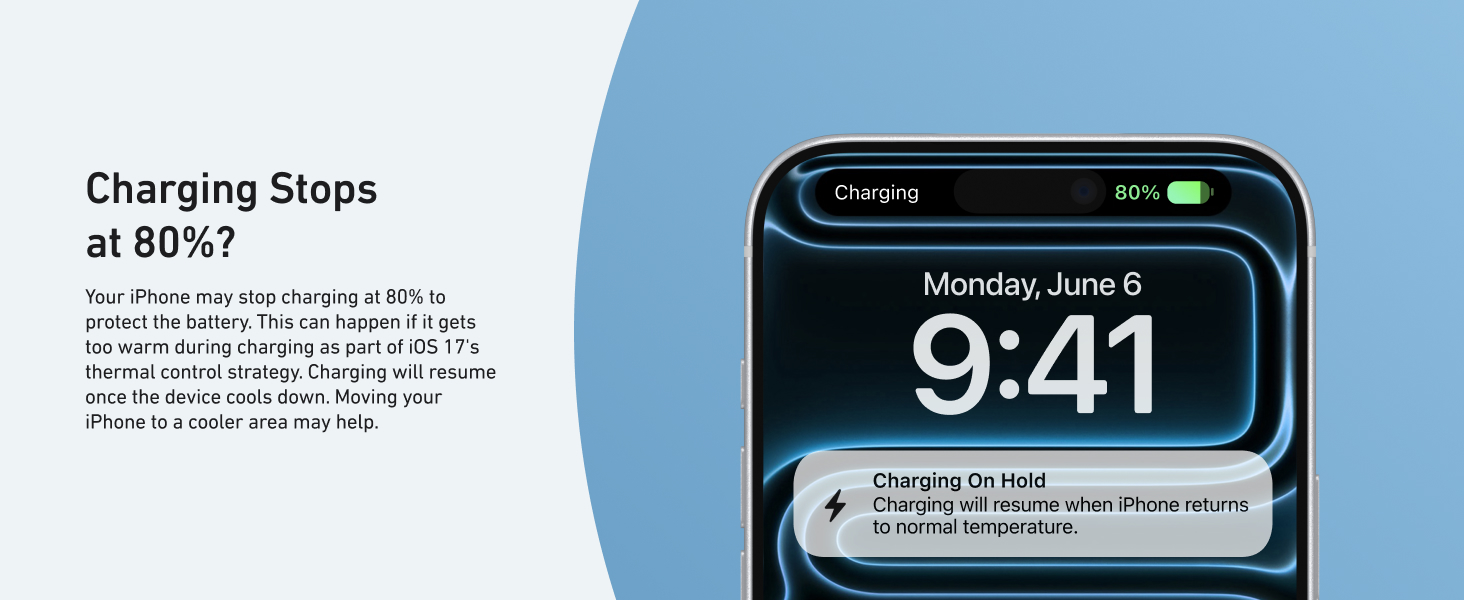
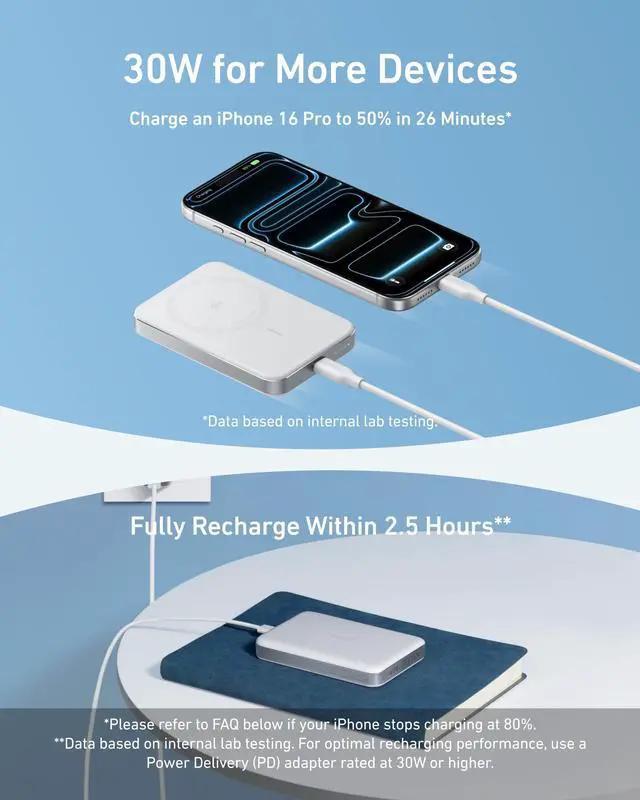
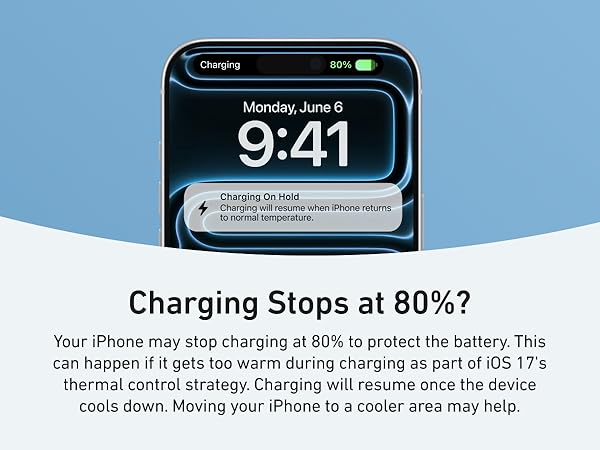
Why does charging stop at 80%?
Your iPhone may automatically stop charging at 80% to protect its battery from overheating, as part of iOS 17's thermal management strategy. Charging will resume once the device cools down. Moving it to a cooler spot can help speed up this process.
Why is my phone charging slower than expected?
Wireless charging speed can be affected by your phone case, device temperature, and usage during charging. For best results, remove the case and avoid heavy use while charging.
Why does my phone get warm when charging?
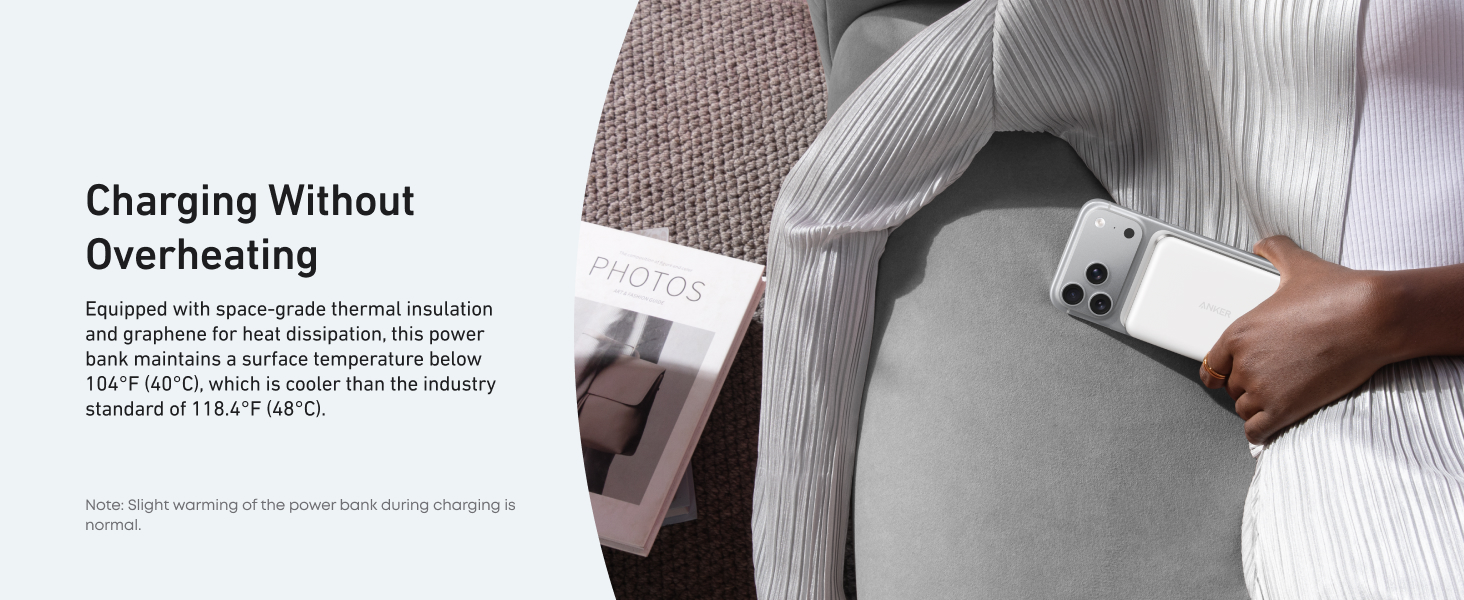
It's normal for your phone to get slightly warm during charging due to energy conversion. However, using your phone while charging or keeping it in a case may trap heat. If it gets too warm, pause charging and let it cool down.
Why is my power bank providing fewer charges than expected?
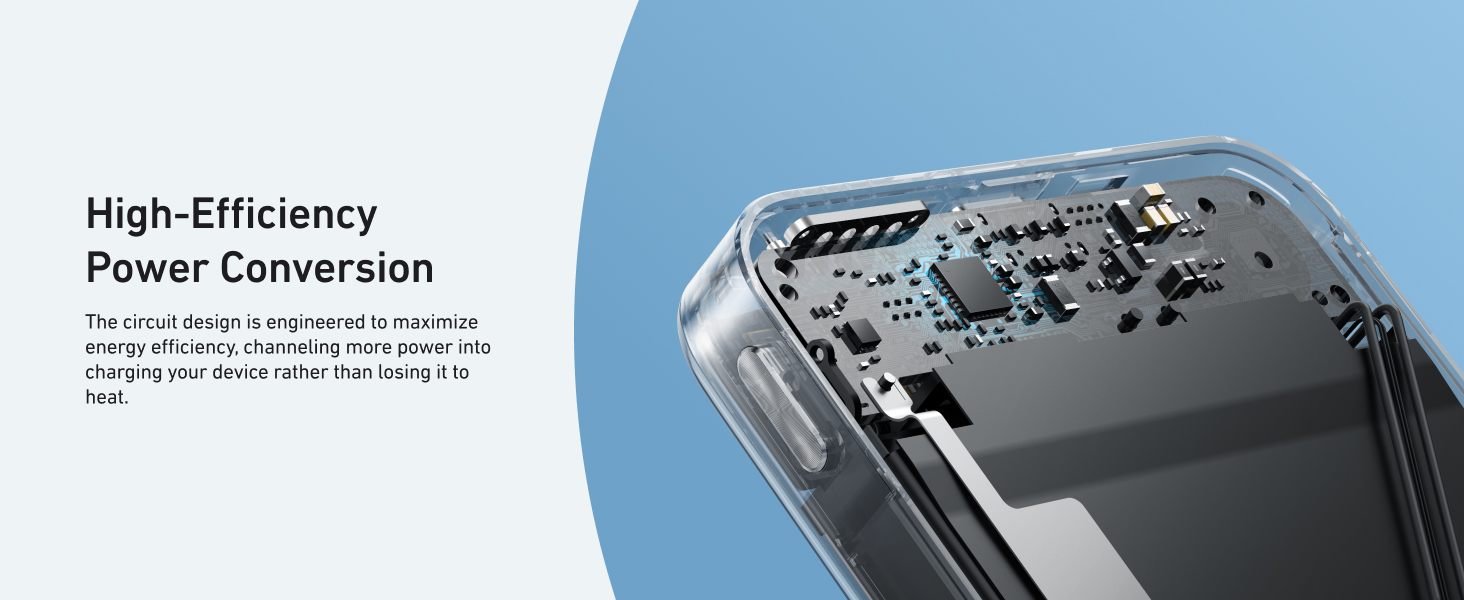
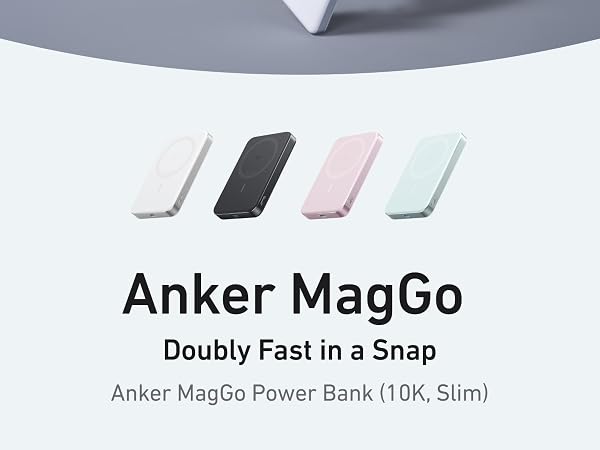
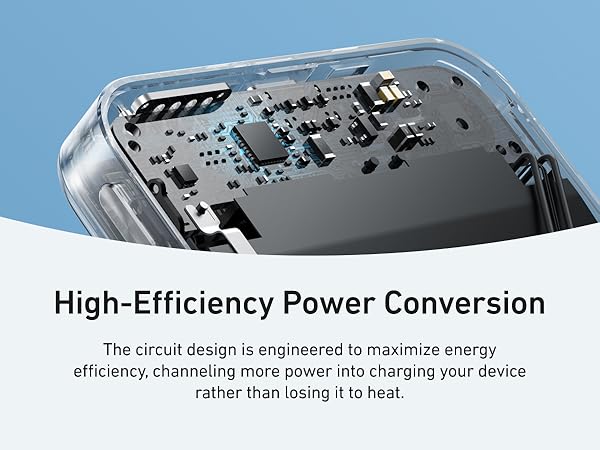
Due to a 35% to 45% capacity loss from battery cell and circuit inefficiencies during charging, a fully charged Anker MagGo Power Bank (10K, Slim) effectively provides about 5,500mAh to 6,500mAh ofusable power to your devices.
Why can't I charge my AirPods?
If the AirPods case doesn't fully cover the charging area needed for wireless charging, the feature won't activate. Ensure the case is centered on the charging pad and press the button to start charging.

Anker MagGo Power Bank | Anker Nano Power Bank | Anker MagGo USB-C Adapter | Anker UFO 3-in-1 Wireless | Anker 2 in1 Charger Stand | Anker MagGo Stand | Anker MagGo Power Bank |
|---|---|---|---|---|---|---|
| Customer Reviews | ||||||
| — | — | — | — | — | — | — |
| Price | ||||||
| — | — | — | — | — | — | — |
| Certification | ||||||
| Qi 2 | Qi 2 | / | Qi 2 & MFW | Qi 2 | Qi 2 | Officially Certified |
| Phone Charging Power | ||||||
| USB-C:30W Max Wireless:15W Max | USB-C:20W Max Wireless:15W Max | 42.5W Max Pass-Through | Phone: 15W Watch and TWS: 5W | Phone: 15W Max TWS: 5W Max | Phone: 15W Max TWS: 5W Max | USB-C:30W Max Wireless:5W Max |
| Charging Ports | ||||||
| 1× USB-C | 1× USB-C | 1× USB-C | 5 ft USB-C to USB-C cable | 5 ft USB-C to USB-C cable | 5 ft USB-C to USB-C cable | 1× USB-C+Built-in USB-C cable |
| Compatible Devices | ||||||
| iPhone16 /iPhone15/iphone | iPhone16 /iPhone15/iphone | iPhone 15 Series/USB C Devices | iPhone/Earbuds/Apple Watch | iPhone / Earbuds | iPhone / Earbuds | iPhone16/iPhone15/Apple Watch |
| Key Feature | ||||||
| 10K Slim Power Bank | 5K Slim Power Bank | Portable 3-in-1 SD Card Reader | Foldable and 15W Charging | 2 in 1 and 15W Charging | 360° Rotation with Adjustable | 10K 35W For Apple Watch |
| Dimensions(in) | ||||||
| 4.09 × 2.78 × 0.58 in | 4.02 × 2.78 × 0.34 in | 2.36 × 2.36 × 0.59 in | 2.95 × 2.35 × 1.39 in | 3.46 × 3.46 × 4.92 in | 3.46 × 3.46 × 6.02 in | 3.74 × 2.01 × 1.28 in |
| Weight | ||||||
| 7.61 oz (215.9 g) | 4.30 oz (121.9 g) | 1.55 oz (44 g) | 4.06 oz (115 g) | 9.35 oz (265 g) | 8.89 oz (252 g) | 8.47 oz (240 g) |
Why does charging stop at 80%?
Your iPhone may automatically stop charging at 80% to protect its battery from overheating, as part of iOS 17's thermal management strategy. Charging will resume once the device cools down. Moving it to a cooler spot can help speed up this process.
Why is my phone charging slower than expected?
Wireless charging speed can be affected by your phone case, device temperature, and usage during charging. For best results, remove the case and avoid heavy use while charging.
Why does my phone get warm when charging?
It's normal for your phone to get slightly warm during charging due to energy conversion. However, using your phone while charging or keeping it in a case may trap heat. If it gets too warm, pause charging and let it cool down.
Why is my power bank providing fewer charges than expected?
Due to a 35% to 45% capacity loss from battery cell and circuit inefficiencies during charging, a fully charged Anker MagGo Power Bank (10K, Slim) effectively provides about 5,500mAh to 6,500mAh ofusable power to your devices.
Why can't I charge my AirPods?
If the AirPods case doesn't fully cover the charging area needed for wireless charging, the feature won't activate. Ensure the case is centered on the charging pad and press the button to start charging.







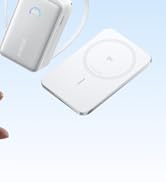
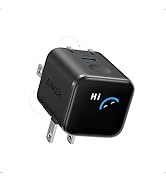
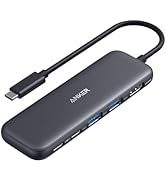
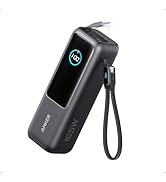
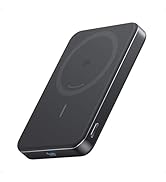
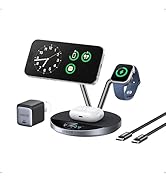

| Connector Type | USB Type C |
| Brand | Anker |
| Battery Capacity | 10000 Milliamp Hours |
| Color | White |
| Special Feature | Wireless Charging |
| Other Special Features of the Product | Wireless Charging |
| Voltage | 5 Volts |
| Power Source | Battery |
| Amperage | 2 Amps |
| Number of Ports | 1 |
| Output Current | 3.6 Amps |
| Battery Charge Time | 2.5 Hours |
| Is Product Cordless | No |
| Portable | Yes |
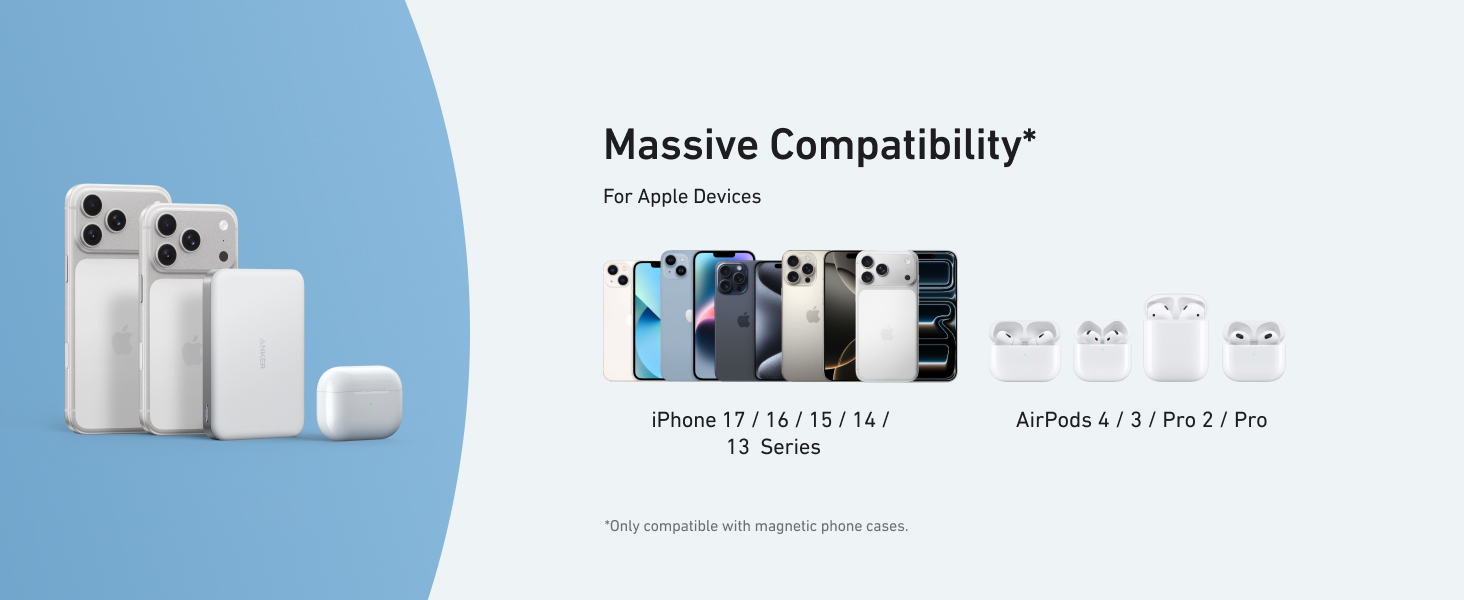
| Compatible Devices | Mobile phones: iPhone 17 series, iPhone 16 series, iPhone 15 series |
| Wireless Charging Standard | MagSafe, Qi |
| Compatible Phone Models | iPhone |
| Reusability | Rechargeable |
| Number of Outlets | 1 |
| Is Electric | No |
| Item Weight | 215.9 Grams |
| Item Dimensions L x W x Thickness | 4.02"L x 2.78"W x 0.59"Th |
| Unit Count | 1.0 Count |
| Item Dimensions | 4.09 x 2.78 x 0.56 inches |
| Battery Weight | 7.61 Ounces |
| Model Number | A1664 |
| Number of Items | 1 |
| UPC | 194644203504 |
| Mfr Part Number | A1664H21 |
| Number of Batteries | 1 C batteries required. |
| Warranty Description | 24 month |
| External Testing Certification | ANATEL:02278-25-16934 |
| Manufacturer | Anker |
| Antenna Location | Indoor/Outdoor |
| Warranty Type | Limited |
| Battery Cell Type | Lithium Polymer |