

Your Browsing History
- Free 30-day Returns
$19.99


Meet Your Seller

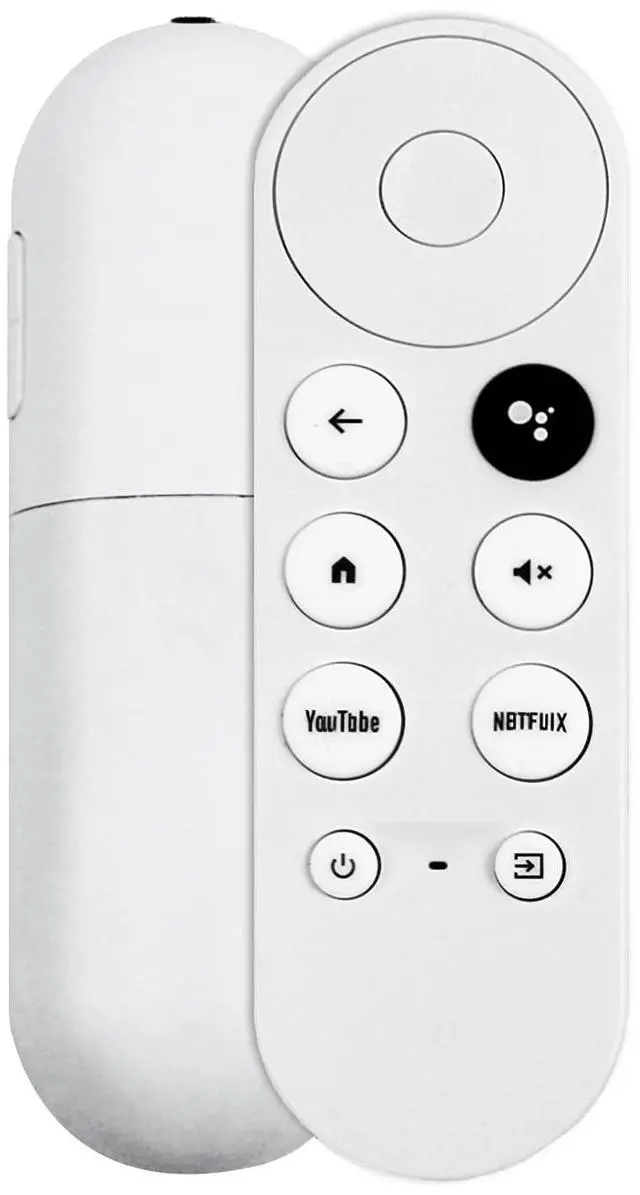
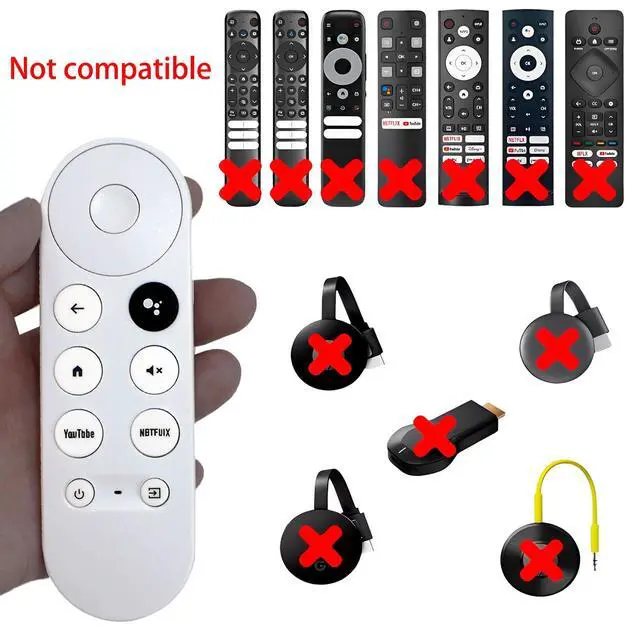


G9N9N New Replacement Voice Remote Control Compatible with Google Chromecast TV (1st Gen), GA01920-US, GA01409-US GA01919-US, GA01923-US, GA02463-US (Only Compatible with Google Chromecast Snow)
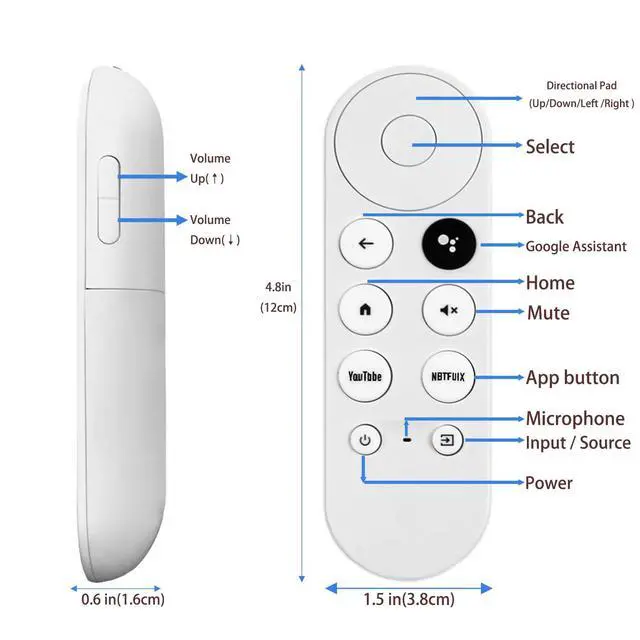
- Voice-Enabled RemoteEquipped with built-in voice functionality, this remote lets you quickly find favorite content with simple voice commands. Just press the microphone button to search shows by title, mood, genre, or actoreven ask "What should I watch?" You can also control volume, switch inputs, play music, and get on-screen answers via voice.
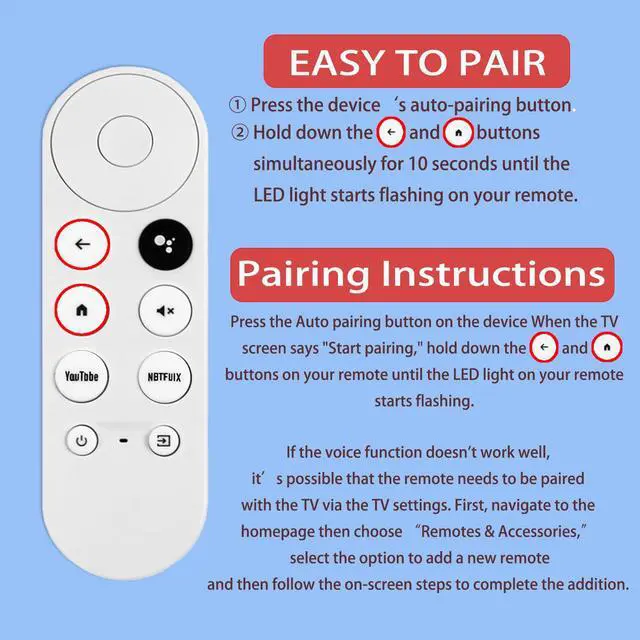
- Easy PairingPair your remote in two steps: Press the pairing button on your device. When "Start Pairing" shows on screen, press and hold the Back and Home buttons until the remotes LED flashes, then releaseyour remote is ready to use. If pairing fails, repeat steps or add via TVs "Remote & Accessories" > "Add a new remote."
- Wide CompatibilityThis voice remote works seamlessly with white Chromecast Snow devices, Compatible with Google Chromecast TV, Compatible with Google TV HD, including models G9N9N, GA01920-US, GA01409-US, GA01919-US, GA01923-US, GA02463-US, and GA02464-US. Note: Package includes remote and user manual onlyChromecast/devices not included.
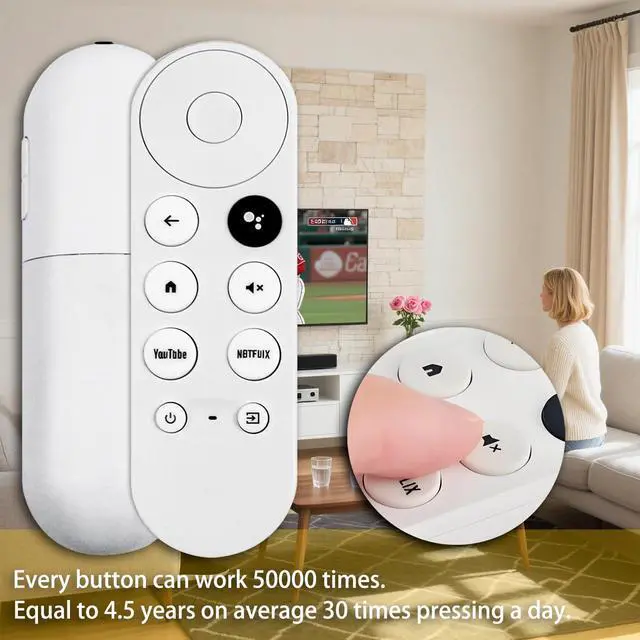
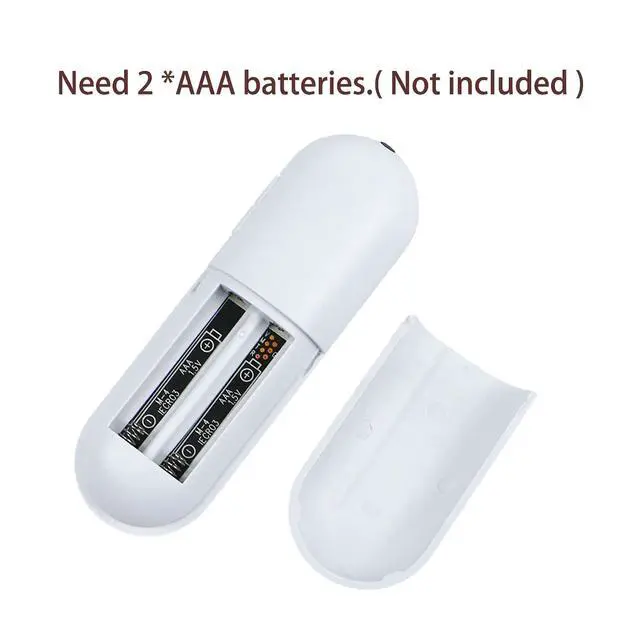
- Durable BuildCrafted with durable ABS material and an upgraded chip, this Chromecast 4K Snow replacement remote matches the originals functionality and performance. It offers a comfortable grip, stable signal, and requires 2xAAA batteries (not included).
+
+
Overview
Specs
Reviews

Any questions? Our AI mode will help you find out quickly.
Try me now
This replacement remote is compatible exclusively with snow-colored Compatible with Google Chromecast devices, including Compatible with Google Chromecast TV HD, It features voice search: press the voice button to find entertainment, control volume, switch inputs, play music, or get on-screen answers. Pairing is easy in two steps: press your devices pairing button, then hold the remotes Back and Home buttons for 10 seconds until the LED flashes. Requires 2 AAA batteries (not included).
Warranty & Returns
Warranty, Returns, And Additional Information
Warranty
- Please contact the Seller directly for warranty information. Warranty information may also be found on the Manufacturer's website.
- CONTACT
Return Policies
- Return for refund within: 30 days
- Return for replacement within: 30 days
- This item is covered by Bisi Global Purchase Return Policy
Manufacturer Contact Info
- For a directory of all our manufacturers, please click below.
- Manufacturers Directory
LOADING...