

Your Browsing History




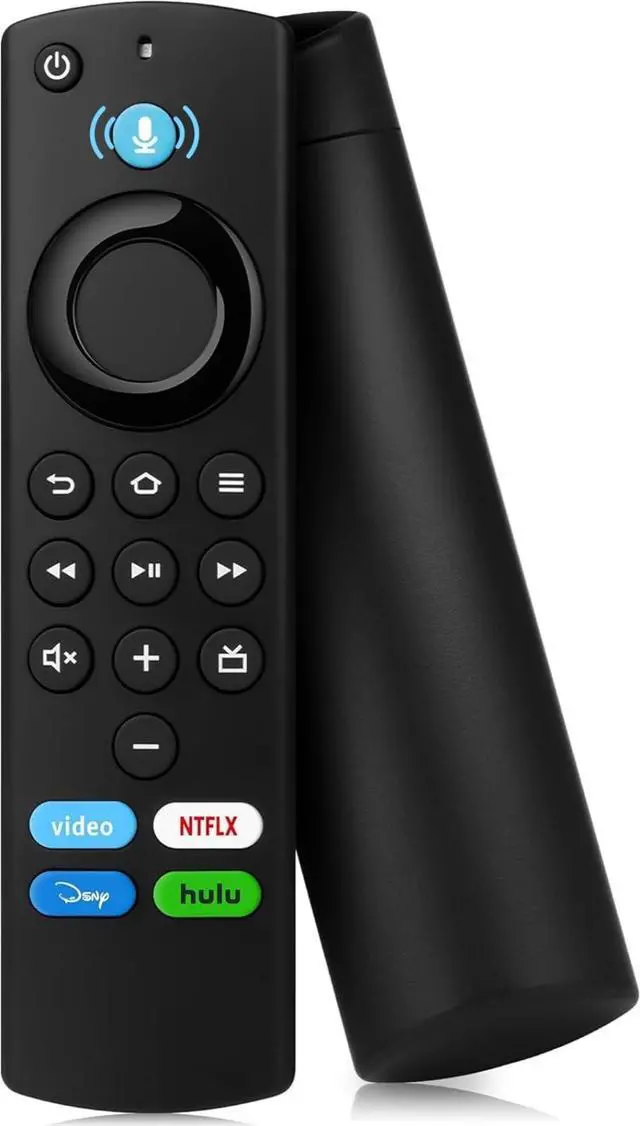


Replacement Remote for Fire Series (with Voice Control) - Compatible with Smart TV Stick (HD/Limited/4K/4K Max), Smart TV (1st/2nd/3rd Generation) and TV Cube.
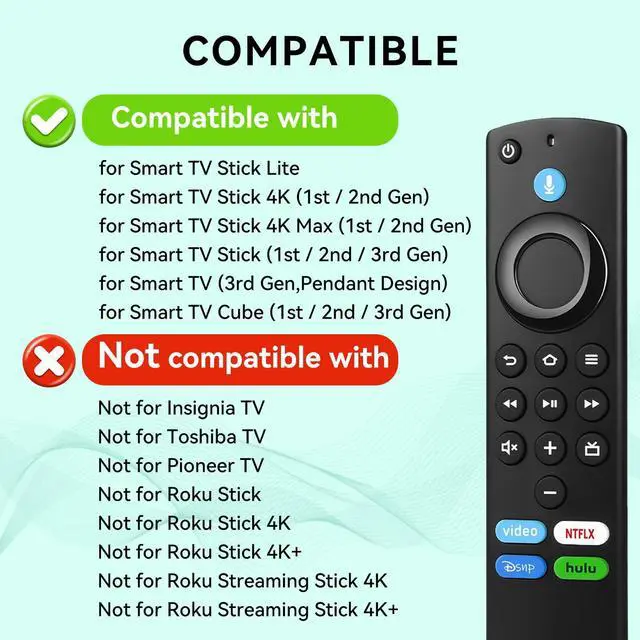
- Applicable ModelsApplicable ModelsThis Stick remote replacement is compatible with (1st/2nd Gen) Smart TV Stick 4K/4K Max, Smart TV Stick (1st/2nd/3rd Gen), and TV Stick Lite; this TV remote replacement is compatible with voice-controlled smart TVs (2nd, 3rd, 4th Gen, Omni, Omni QLED) and other smart TVs; this Cube remote replacement is also compatible with TV Cube (1st/2nd/3rd Gen).
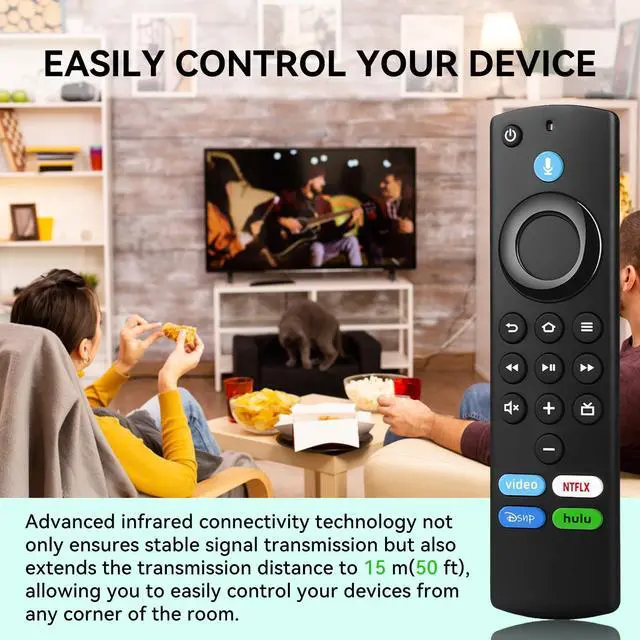
- Please noteThis Stick remote replacement is compatible with TV Cube remote replacements. It features four built-in streaming shortcut keys, an effective remote control range of up to 50 ft, and a button lifespan of up to 150,000 presses. Please note that it is not compatible with Insignia TV remote replacements, Toshiba TV remote replacements, or replacement remote for toshiba TVs.
- Smart voice remoteThis is an Alexa remote replacement that is compatible with (2nd/3rd generation/Lite/Lite 2nd generation) and controls TV Stick (NS-RCFNA-21, CT-95018, CT-RC1US-21, NS-RCFNA-19, CT-RC1US-19), and is also a perfect replacement stick remote control.
- Quick pairingThis TV Stick remote replacement is incredibly easy. Simply press and hold the Home button for 10-15 seconds until the LED indicator flashes rapidly, then wait 60 seconds for automatic pairing to complete. It's so simple, you'll learn how to use it quickly. It's the perfect remote replacement.
+
+
Overview
Specs
Reviews

Any questions? Our AI mode will help you find out quickly.
Try me now
Multi-functional Smart TV Controller Replacement - Multi-device Compatibility + Efficient Operation + Voice Control
Compatible streaming devices:
This stick tv remote replacement is compatible with Smart TV Stick 4K(1st/2nd Gen)Smart TV Stick 4K Max(1st/2nd Gen)
Smart TV Stick LiteSmart TV Stick (1st Gen)Smart TV Stick (2nd Gen)Smart TV Stick (3rd Gen)Smart TV Cube (1st Gen)
Smart TV Cube (2nd Gen)Smart TV Cube (3rd Gen)Smart TV (3rd Gen).
Compatible Smart TV Models:
This Stick replacement remote control is compatible with voice-controlled smart TVs (2 series, 4 series, Omni series, Omni QLED series, third generation);
LF711/LF621U/LF421U/LF221U/C350/A810U/A710U/M550/V35 series smart TVs;
F30/F20/F50/DF710/DF711/DF310/DF510/DF311/DF620 series smart TVs;
PN450/PN651/PN851/PN951 series smart TVs.
One voice remote can replace multiple remotes:
compatible with voice remotes (2nd Gen/3rd Gen/Lite/Lite 2nd Gen), and compatible with replacement remote for TVs,
such as TV voice remotes NS-RCFNA-21, NS-RCFNA-19, CT-RC1US-21, CT-RC1US-19, etc.
Smart Voice Control:
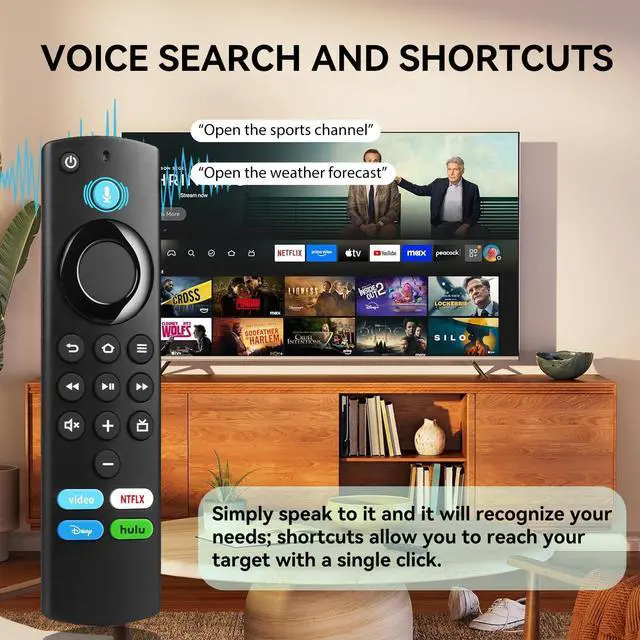
This replacement tv remote lets you quickly search for content, launch apps, and adjust volume using just your voice.
It supports play/pause/fast-forward functions, making hands-free operation more convenient and efficient, and significantly improving
the viewing experience.
4 shortcut keys:
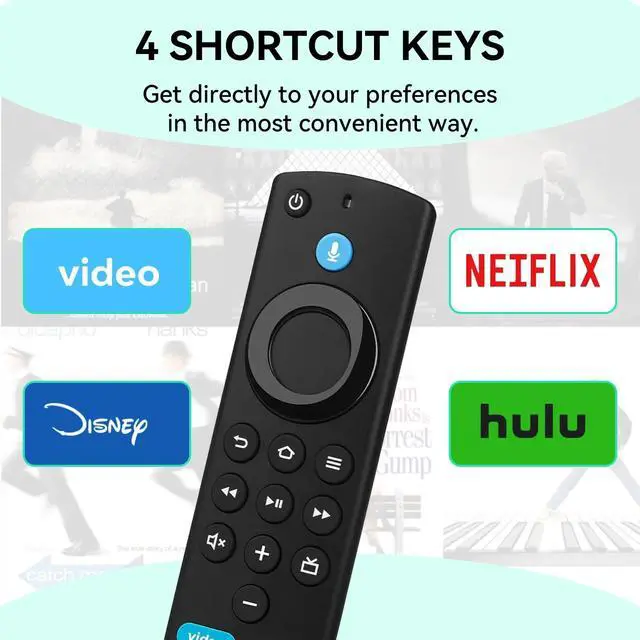
This control remoto TV includes shortcut keys for popular streaming services such as Prime Video, Netfllx, Dlsney+, and Hulu,
allowing you to access your favorite content with just one click, eliminating tedious operations.
Easy Pairing + Durable Design:
This tv replacement remote only requires holding the "Home" button for 10-15 seconds until the LED light flashes; automatically
connects after 60 seconds (pairing methods for streaming devices and smart TVs are different; see instruction manual for details);
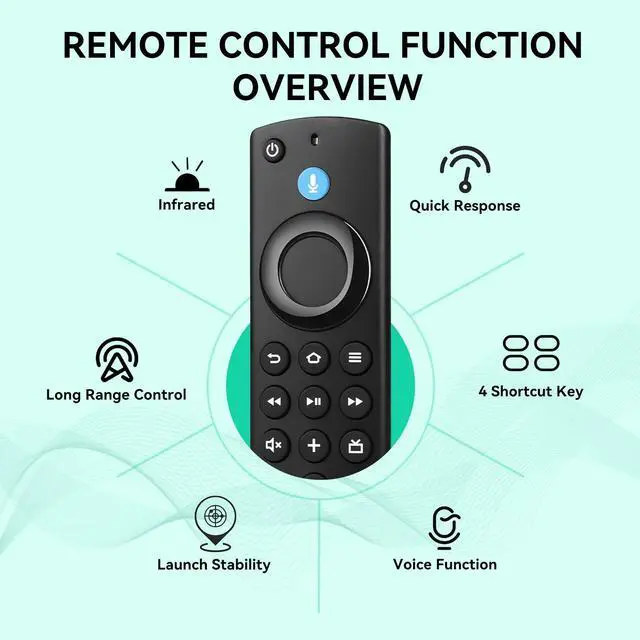
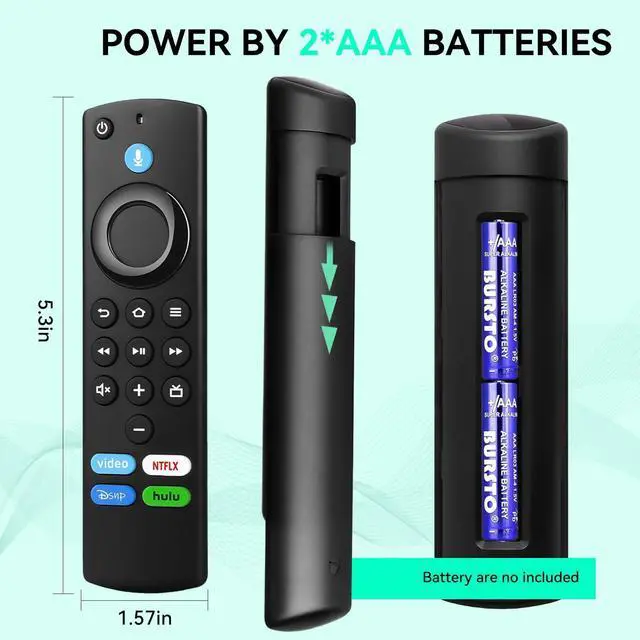
50ft remote control, key life of up to 150,000 times, zero-lag response, and energy-saving technology to extend battery life.
Incompatible Devices:
This TCL TV remote replacement is incompatible with Smart TVs (2nd Gen), Smart TV Edition TVs, and Roku TV Sticks; it is not compatible with
Roku TV Stick 4K, Roku TV Stick 4K+, Roku Streaming TV Stick 4K, or Roku Streaming TV Stick 4K+.
Package Contents: 1× Voice Replacement Remote, 1× User Manual (Batteries not included; 2 AAA batteries required).
QA: What do I need to do first after receiving the product?
A: Since the product will be tested to see if it is fully functional before leaving the factory, you need to reset the product first after receiving it.
Reset operation method: "Press Left" + "Menu" + "Back" buttons simultaneously for 10 seconds. When the reset is complete, the indicator
light on the remote control will flash three times. After a successful reset, pair the TV or TV Stick again.
QA: How to pair and connect to my *** TV?
A: The remote comes with infrared tech, you can control your TV without pairing, but you can'
Warranty & Returns
Warranty, Returns, And Additional Information
Warranty
- Please contact the Seller directly for warranty information. Warranty information may also be found on the Manufacturer's website.
- CONTACT
Return Policies
- Return for refund within: 30 days
- Return for replacement within: 30 days
- This item is covered by Official Direct Supply Store Return Policy
Manufacturer Contact Info
- For a directory of all our manufacturers, please click below.
- Manufacturers Directory
LOADING...