here!
here!
I’m your shopping assistant for PC builds, upgrades, and everything tech.
Got questions? Ask away!
Start a conversation
here!
I’m your shopping assistant for PC builds, upgrades, and everything tech.
Got questions? Ask away!
Start a conversationShipped by Newegg
 Top Rated







Any questions? Ask CelesteSM will help you find out quickly.


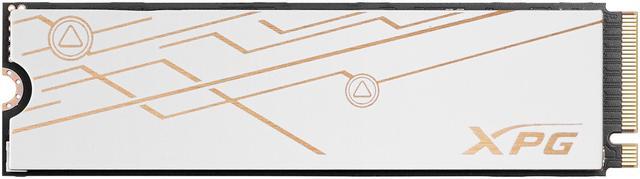
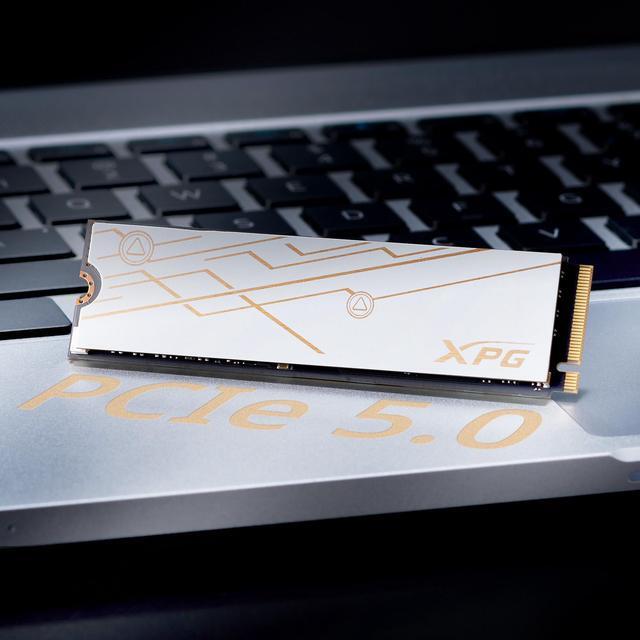
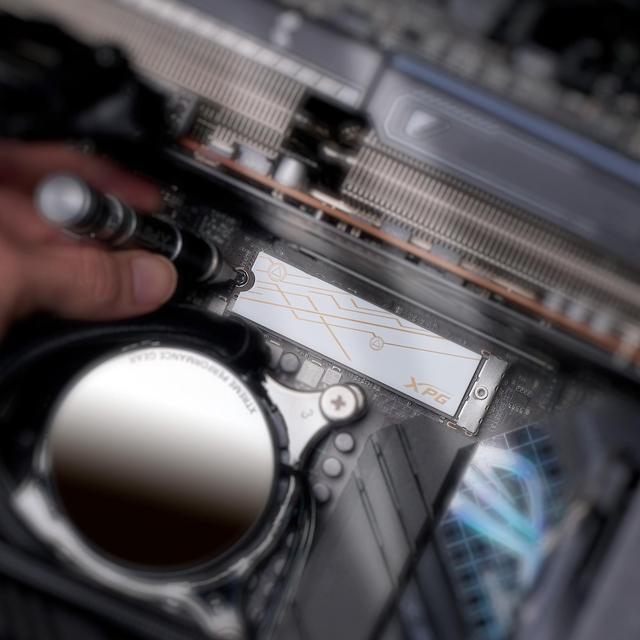
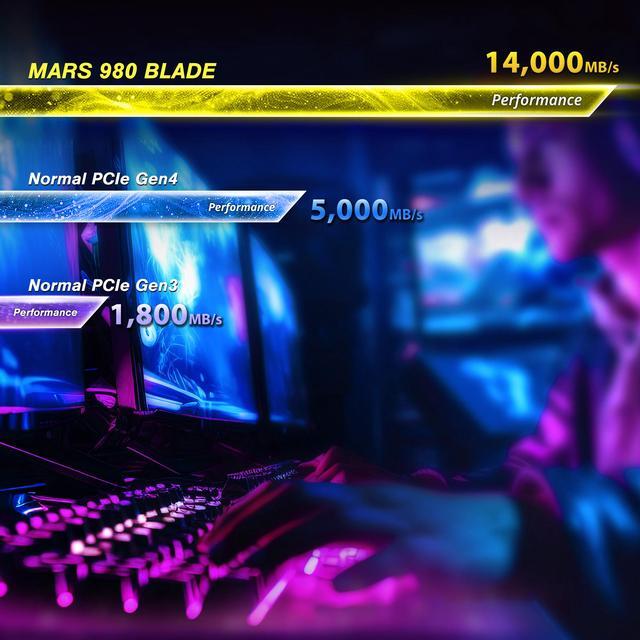
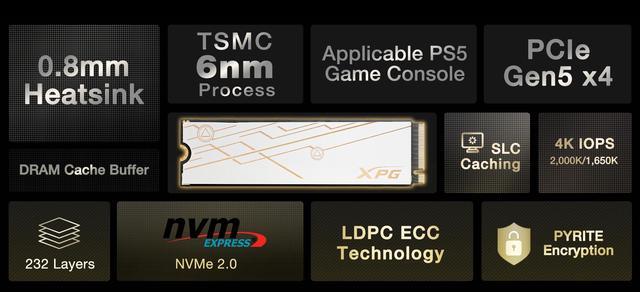
The XPG BLADE 2TB is a PCIe 5.0 x4 NVMe M.2 2280 SSD with 2GB of DRAM, sequential speeds up to 14,000MB/s read and 13,000MB/s write, and up to 2,000,000/1,650,000 random read/write IOPS, making it suitable for high-performance gaming PCs and demanding workloads on compatible systems.
| Attribute | Value |
|---|---|
| Best For | Consumer storage for gaming and content creation, including compatible Sony PlayStation 5 systems |
| Capacity | 2TB |
| Interface And Form Factor | Internal M.2 2280 SSD with PCIe 5.0 x4 interface and NVMe 2.0 protocol |
| Read And Write Performance | Sequential speeds up to 14,000 MB/s read and 13,000 MB/s write; random 4KB performance up to 2,000,000 IOPS read and 1,650,000 IOPS write |
| Memory And Cache | 3D NAND with a 2GB DRAM cache and SLC caching |
| Controller And Data Integrity | SMI SM2508 controller with Pyrite encryption support and LDPC ECC |
| Endurance And Operating Conditions | Rated for 1,480TB written; operating temperature 0°C to 70°C, storage temperature -40°C to 85°C, and shock resistance up to 1,500G |
| Cooling And Physical Details | Includes a heatsink; listed weight is 12g |
| Model Identifiers | XPG BLADE series, model SMAR-980B-2TCS |
Q: Should I get the XPG MARS 980 BLADE or Samsung 9100 PRO 2TB?
A: Both are PCIe 5.0 x4, 2TB M.2 2280 SSDs. The Samsung 9100 PRO has slightly higher rated sequential speeds—up to 14,700/13,400 MB/s read/write versus 14,000/13,000 MB/s for the MARS 980 BLADE. Choose the Samsung if those peak sequential figures are your priority; consider the XPG when its price is lower or its low-profile heatsink design better suits your build. A review found the XPG particularly strong in random-write testing, while noting it was slightly behind competitors in some real-world transfers.
Q: Is the MARS 980 BLADE worth choosing over the MARS 970 PLUS?
A: Choose the MARS 980 BLADE when you want the higher rated performance: ADATA lists up to 14,000/13,000 MB/s sequential read/write for the BLADE, compared with up to 11,000/10,000 MB/s for the MARS 970 PLUS. The 970 PLUS may suit a build where its lower published speed tier is sufficient and it costs less; compare current prices and confirm the capacity-specific specifications before buying.
Q: Should I buy the MARS 980 BLADE or a PCIe 4.0 SSD like the Samsung 990 PRO?
A: Pick the MARS 980 BLADE if your system supports PCIe 5.0 and you regularly move large files or run storage-heavy workloads where higher sequential throughput can help. A PCIe 4.0 drive such as the Samsung 990 PRO can be a practical choice for general gaming and everyday use, especially if it costs less or your system has no PCIe 5.0 M.2 slot. The BLADE’s higher interface speed does not by itself guarantee faster-feeling game loads.
Q: Is the MARS 980 BLADE a better fit than a bulky Gen5 SSD for a laptop or PS5?
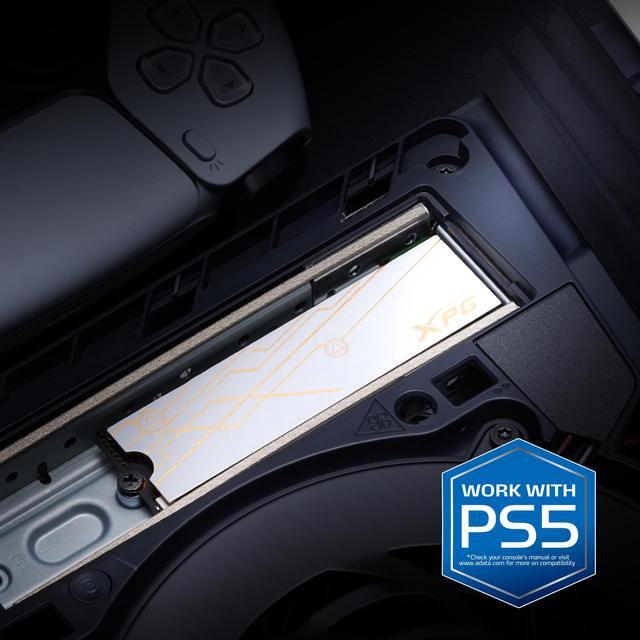
A: The MARS 980 BLADE is positioned for laptops and has a low-profile heatsink, making it a candidate when clearance is limited. It is also physically compatible with the PS5 according to ADATA’s compatibility material. Before buying, check the laptop’s M.2 requirements or the console’s clearance and installation guidance; physical fit and cooling depend on the device.
Q: Will this SSD work with my motherboard or laptop?
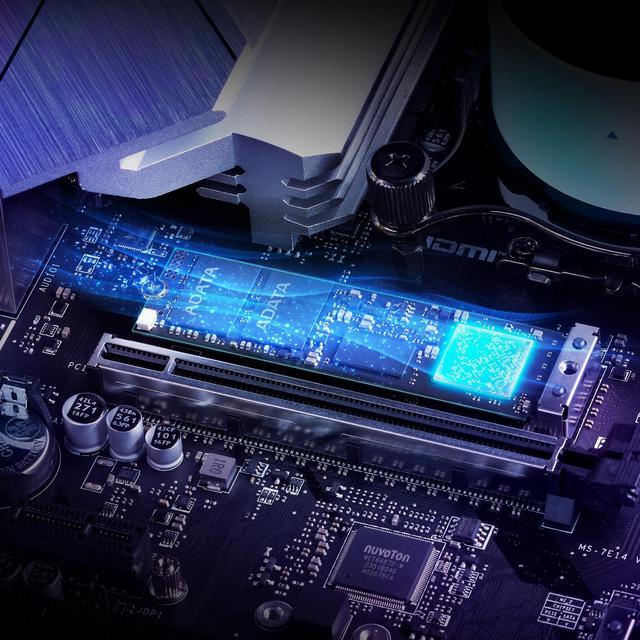
A: It is an M.2 2280 NVMe PCIe 5.0 x4 drive. Your device needs a compatible M.2 NVMe slot, and the slot and available clearance must support the drive. Check your system’s specifications before buying.
Q: Do I need a PCIe 5.0 slot to get the advertised speeds?
A: Yes. The listed maximums—up to 14,000 MB/s read and 13,000 MB/s write—are product specifications, not guaranteed everyday speeds. To approach them, the system must support PCIe 5.0 x4; actual performance also depends on the host system and workload.
Q: Will the included heatsink fit in my laptop?
A: The product listing identifies this drive as having a heatsink, but it does not provide the heatsink’s dimensions. Laptop clearance varies, so confirm the laptop’s M.2 drive-height limit and the SSD’s exact dimensions before purchasing.
Q: Can I use this SSD to expand PS5 storage?
A: The product listing describes the 2TB model as suitable for PS5 expansion, but confirm the complete drive-and-heatsink dimensions meet the console’s limits before installing. The listing does not provide those dimensions; Best Buy’s PS5 guide specifies a PCIe Gen4 x4 M.2 drive and a cooling structure within the console’s size limits.
Q: Is the XPG MARS 980 BLADE worth choosing over a Gen4 SSD?
A: Consider it if your system supports PCIe 5.0 and your work benefits from high storage throughput. For everyday use or workloads that do not make use of Gen5 speeds, Reddit commenters suggest a less expensive Gen4 drive may be a better value.
Q: Does this drive make sense for video editing or AI model workloads?
A: It may suit users who regularly move large files or load models and whose system supports PCIe 5.0. Reddit discussion specifically mentions video-editing preview and model-loading workloads as reasons to consider the MARS 980 BLADE; the benefit depends on the workload and platform.
Q: Do I need a PCIe 5.0 M.2 slot to get the advertised speed?
A: Yes. The listed maximum speeds are for PCIe 5.0 x4; your M.2 slot and available PCIe lanes need to support that interface to reach those speeds. Reddit users also recommend checking motherboard support before choosing a Gen5 SSD.
Q: Will it need extra cooling?
A: The supplied product information lists a heatsink, so the drive is not described as bare. Reddit discussion raises heat and cooling as considerations for Gen5 SSDs; check that the included heatsink fits your device and does not conflict with its own M.2 cover.