
Your Browsing History
100%
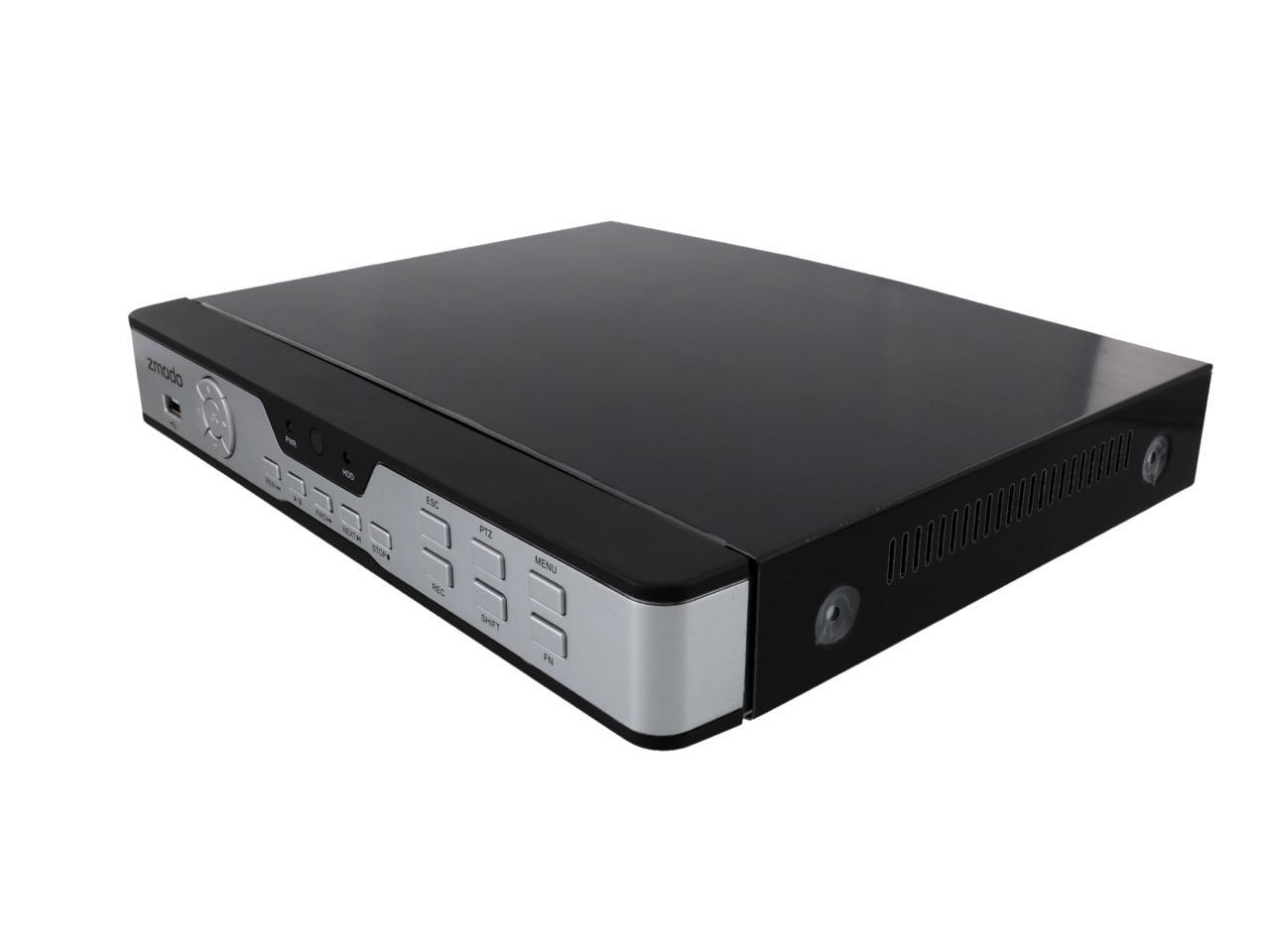


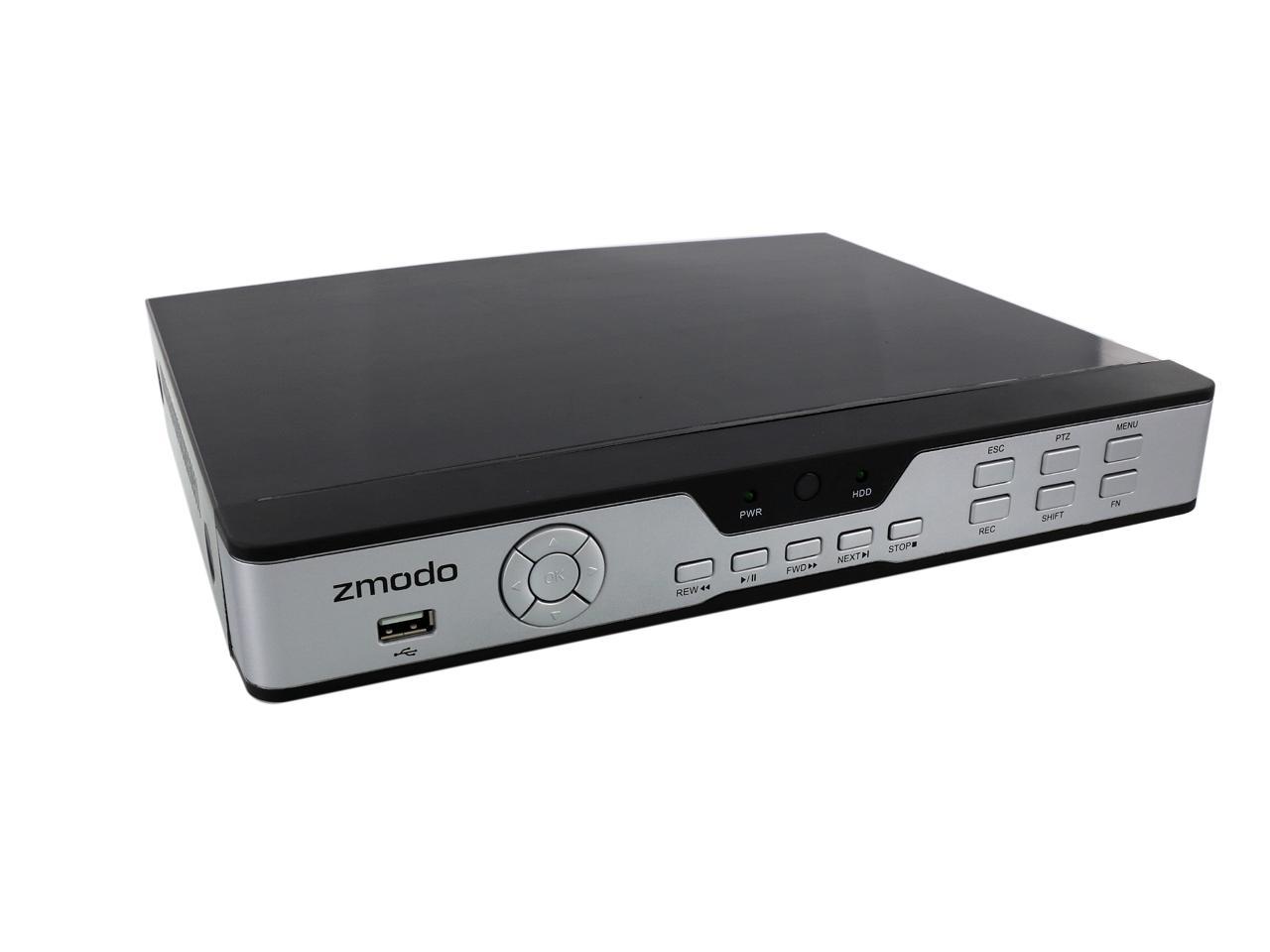
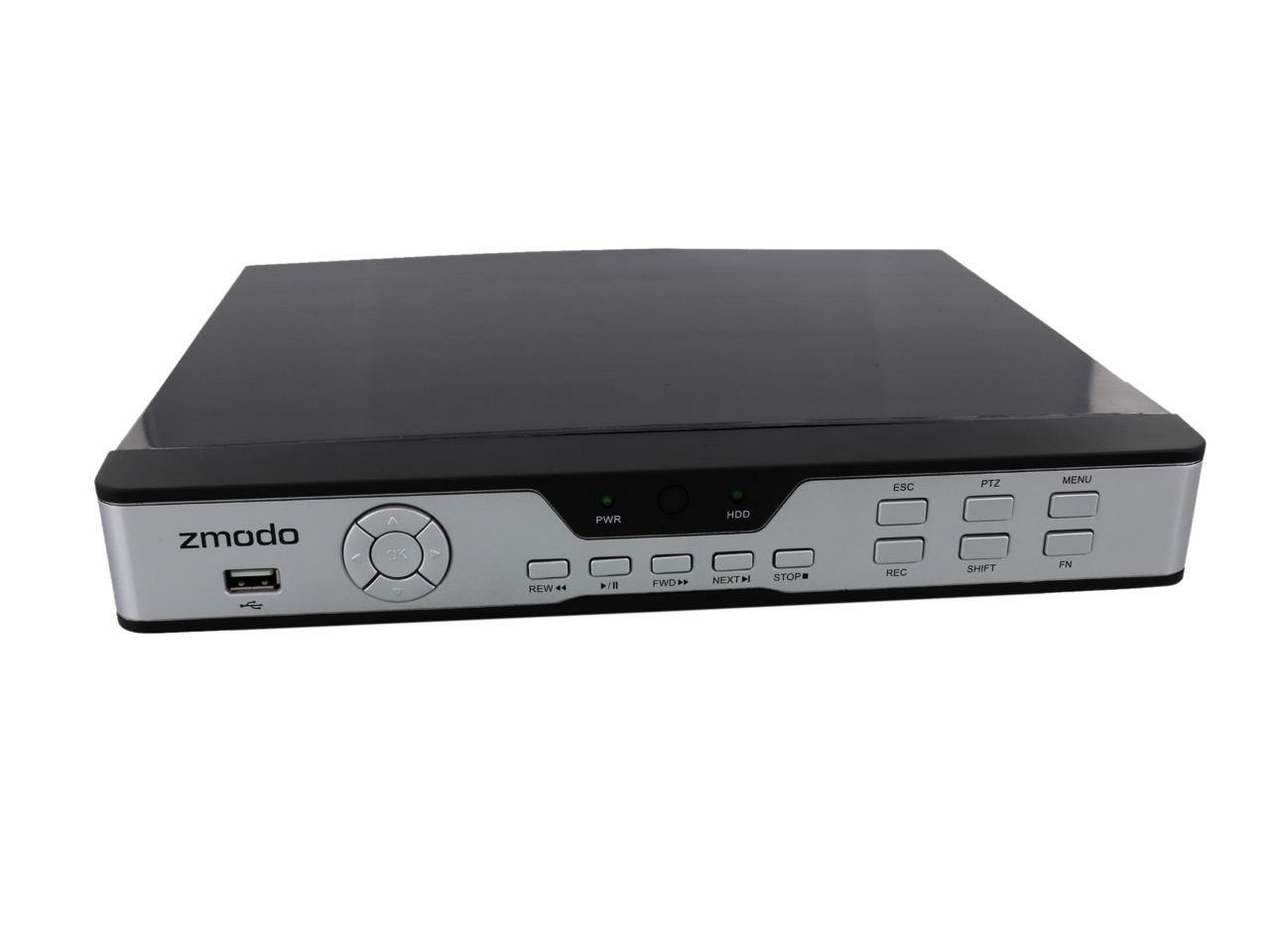







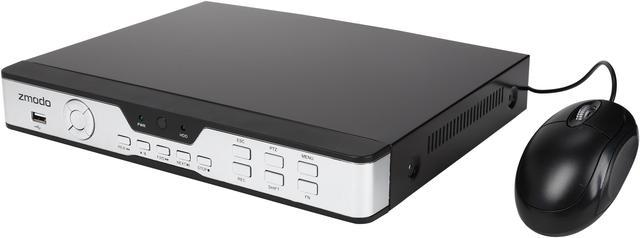
ZMODO ZMD-DX-SBL8 8-Channel 960H Security DVR
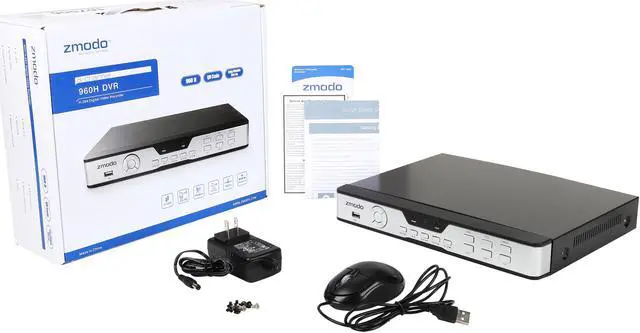
The ZMODO ZMD-DX-SBL8 is an 8-channel 960H security DVR with innovative features. It offers 960H (960 x 480) recording on all 8 channels at 12fps and CIF recording on all 8 channels at 30fps. Coupled with 700TVL high-resolution cameras (sold separately), this DVR will produce the clearest Analog surveillance image possible for exceptional viewing on wide-screen monitors or TV screens, all while maintaining image integrity. The hassle-free QR-Code scan connectivity allows you to quickly and easily connect to your smartphone, tablet, or PC. Complete with a more powerful Zsight application, rich-featured MeShare Web Client and multiple monitor view options, it’s sure to be a great choice for any home and office use.

(Front View)

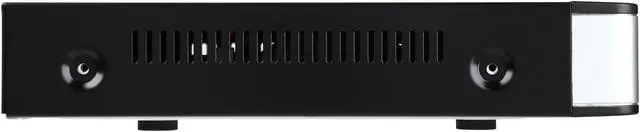
(Back View)
Superior 960H Display

Whether you are checking in on your home or monitoring your business, you are going to see crystal clear images.
960H High Resolution
With up to 960H high resolution, this high-performance security DVR provides larger and more detailed high quality video with at a 34% increase over D1 resolution.
True-To-life Wide Screen Images
960H provides wide-screen images by default. The pixel ratio will fill widescreen monitors and TVs without distortion.
Digital Zoom
Digital zoom allows you to get a closer view of live or recorded video.
New Recording Experience

You no longer have to choose between continuous or motion recording. This 960H DVR includes a normal recording mode and a new intelligent recording. The new intelligent recording manages disc space by detecting motion events and only using the necessary space needed for recording.
Stay Informed with Motion-Activated Alerts
Users can set up email alerts with snapshot attachments of the incident to notify them whenever movement is detected.
Push Alerts to Your Phone
Enable push alerts via your Zsight App, and you will receive alerts for any activity your cameras capture.
Simple Remote Access Set-up
The ZMODO ZMD-DX-SBL8 DVR is equipped with an innovative hassle-free QR-code connection. Anyone can set up this system for remote access in minutes. Below you can see the recommended setup method if you've had cameras, a monitor and a wireless router*.
*Note: The camera, monitor and wireless router are not included with this DVR.


A More Powerful Zsight Application

Monitor without Worrying
After the initial setup, the DVR will be uniquely identified with your user account so that no one else will be able to access your videos and camera without your permission. Enjoy peace of mind knowing that your privacy and loved ones are kept safe.
Save and Relive Treasured Moments
The exclusive Zsight app allows you to easily record video on your mobile device to save your most precious moments. Robust playback features allow you to relive and share those moments at any time.
Never Unaware of Your Loved Ones
You don't have to be at your PC or DVR to monitor your property and loved ones anymore. With advanced motion detection and alert features, you will always be kept updated on the well-being of the things that you treasure most.
Update Your Firmware through Your Mobile Device
Updating your firmware has never been easier. The Zsight app will tell you if an upgrade is available; all you have to do is tap a button, and let Zsight do the job.
Introducing the MeShare Web Client

View Live Video on Any Computer
You can view live video on any computer through the MeShare web client. No extra setup or configuration is needed; just visit the website, login with your Zsight user account and full live surveillance will be waiting at your fingertips.
More Advanced Features with MeShare
Enjoy the full suite of features with the MeShare web client (user.meshare.com). You can check and edit your alerts, manage your devices and accounts, upgrade your firmware remotely and so much more. MeShare is where simplicity and multiplicity meet.
Multiple Monitor View Options

View on HDMI Monitor
Easily display video through the HDMI port* of your computer monitor to take full advantage of the security system's clarity. (*HDMI Cable is not included.)
View on PC Monitor
For added convenience, the DVR also comes with VGA connections* for standard resolution viewing options. (*VGA cable is not included.)