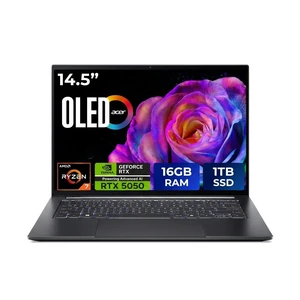
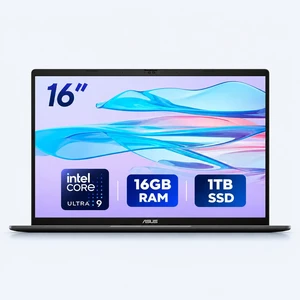
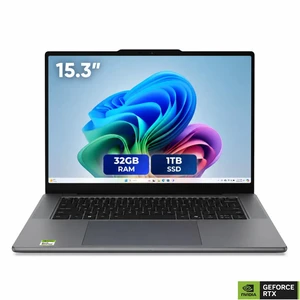
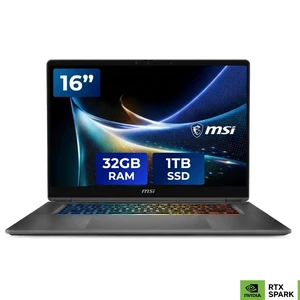
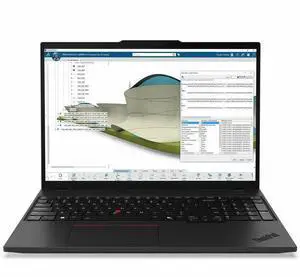
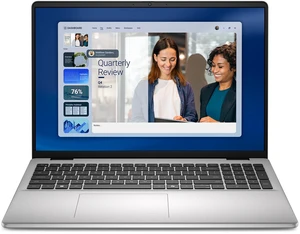
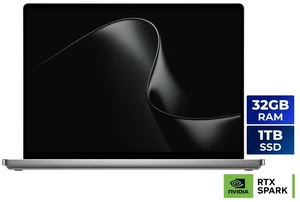
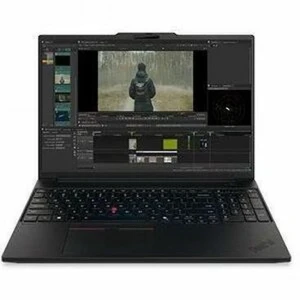
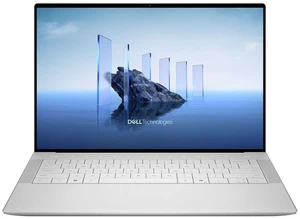
here!
I’m your shopping assistant for PC builds, upgrades, and everything tech.
Got questions? Ask away!
Start a conversation
here!
I’m your shopping assistant for PC builds, upgrades, and everything tech.
Got questions? Ask away!
Start a conversation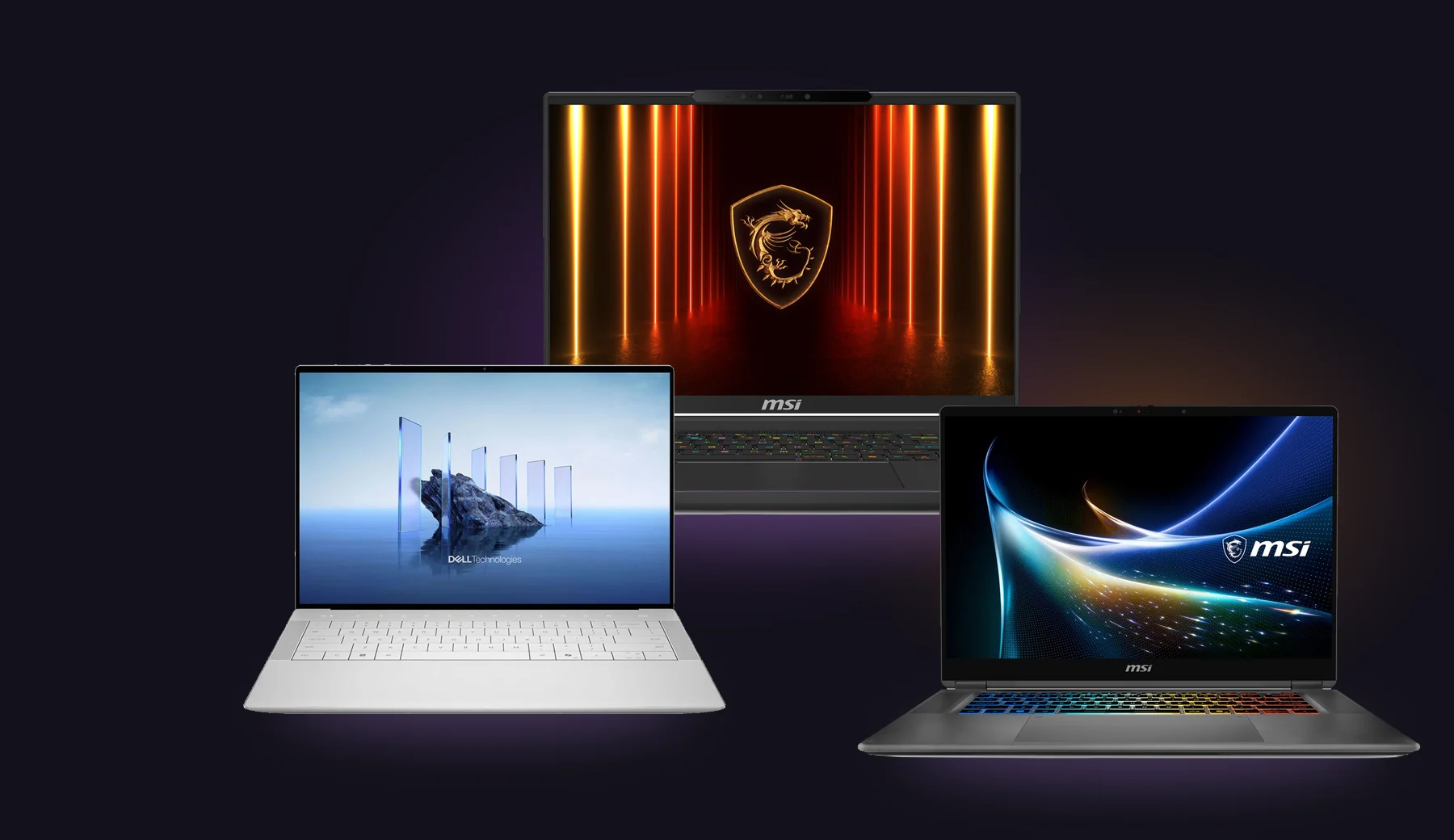
Edit, Render and Generate — Faster, Anywhere.
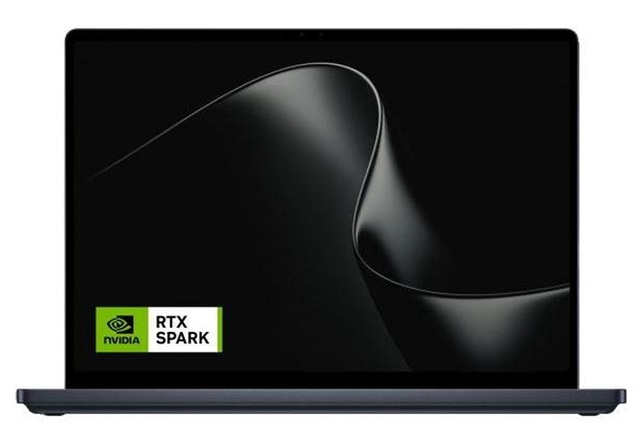
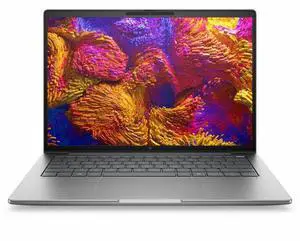
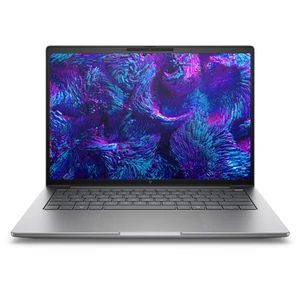
Powerful GPUs accelerate the AI tools in your creative apps — from upscaling, denoising and masking to rendering and video exports — while vivid OLED and Mini LED displays show your work in true color. Shop ASUS ROG, MSI, Dell XPS, Microsoft Surface, HP ZBook, Lenovo ThinkPad P, Acer and Alienware.
Pick your creative engine — four ways to shop
AI acceleration depends on app support. Display types, GPUs and memory vary by model; see each listing for exact specifications.
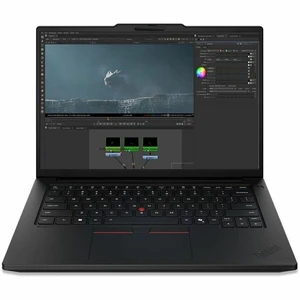

Free Intel holiday game w/ purchase, limited offer
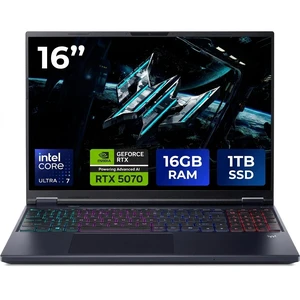

Free Intel AI Software & holiday game w/ purchase, limited offer
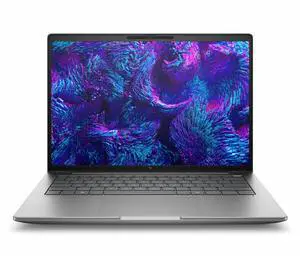

Free Intel AI Software & holiday game w/ purchase, limited offer
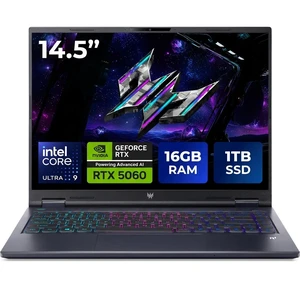
Free Intel AI Software & holiday game w/ purchase, limited offer
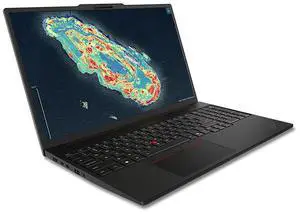
Free Intel holiday game w/ purchase, limited offer
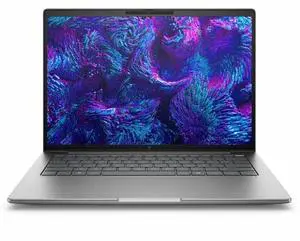
Free Intel AI Software & holiday game w/ purchase, limited offer
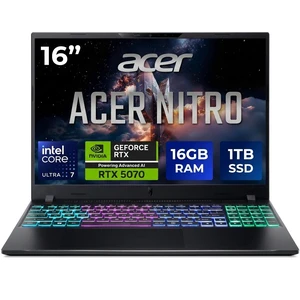
Free Intel AI Software + keyboard & mouse w/ purchase, limited offer
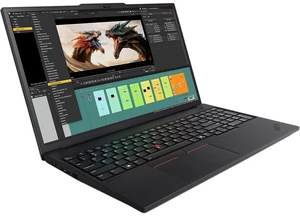
Free Intel holiday game w/ purchase, limited offer
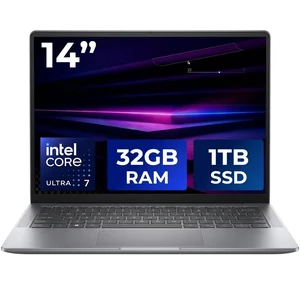
Free Intel AI Software w/ purchase, limited offer
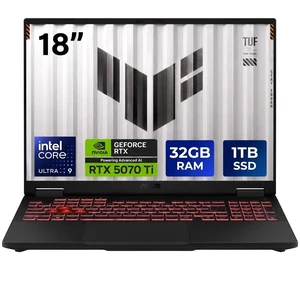

Free Intel AI Software & holiday game w/ purchase, limited offer
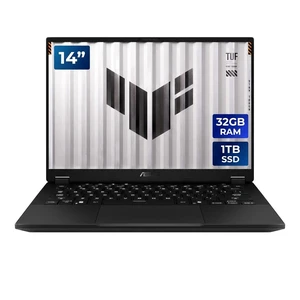
Free World of Warships game w/ purchase, limited offer
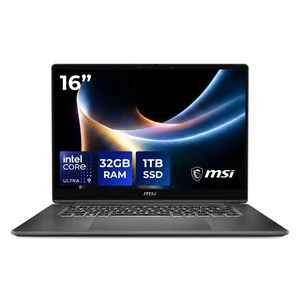
Free Intel AI Software & holiday game w/ purchase, limited offer
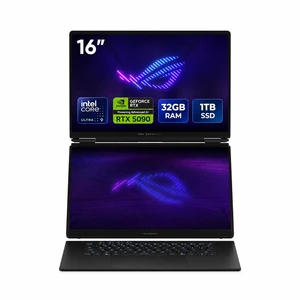
Free Intel holiday game w/ purchase, limited offer
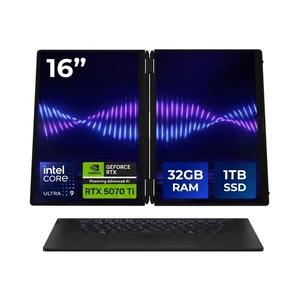
Free Intel AI Software & holiday game w/ purchase, limited offer
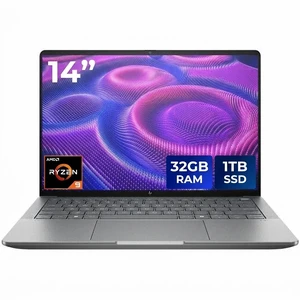
Free World of Warships game w/ purchase, limited offer

Free World of Warships game w/ purchase, limited offer
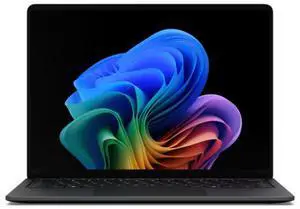

Free Intel AI Software w/ purchase, limited offer
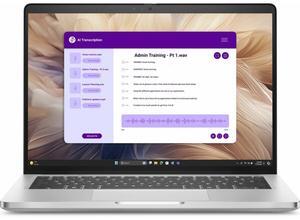
Free Intel AI Software w/ purchase, limited offer

Free Intel AI Software w/ purchase, limited offer
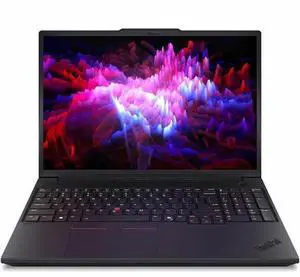
Free Intel AI Software & holiday game w/ purchase, limited offer
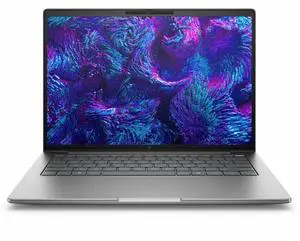
Free Intel AI Software & holiday game w/ purchase, limited offer
For creators and innovators working with AI applications, this page offers a curated selection of laptops optimized for demanding AI workloads, featuring the latest Intel Movidius technology. Explore Black Friday deals on powerful machines designed to enhance your creative process and boost productivity.
When choosing an AI Creator Laptop, several critical features stand out for balancing power, speed, and usability:
Though several components are important, the GPU is arguably the most vital piece of hardware for AI Creator Laptops. NVIDIA's RTX 40-series GPUs stand out by integrating powerful CUDA cores alongside Tensor Cores specifically designed to accelerate deep learning tasks such as neural network training and inference. These Tensor Cores handle matrix computations essential for AI workloads far faster than a CPU alone, ultimately reducing time-to-results and freeing up resources for multitasking.
Additionally, the GPU’s VRAM size and speed directly impact your ability to work with large neural networks or high-resolution data. Choosing a laptop with a robust AI GPU ensures you get consistent performance for both development and deployment phases of AI projects, making it a central focus when browsing through available options.
For data scientists and AI developers pushing the boundaries of local model training, selecting a laptop tailored to your needs is crucial. Consider options tagged as Local AI Development Laptops which provide a blend of high core counts, abundant RAM, and enhanced GPU capabilities to run extensive datasets and complex deep learning scripts on the go. These machines give professionals the flexibility to experiment and optimize efficiently without sacrificing mobility, a critical factor in today’s dynamic development environments.
Black November deals on these sophisticated machines make the holiday season an ideal time to invest in hardware that can both accelerate development cycles and handle diverse AI workloads.
Newegg shopping tip: When comparing AI Creator Laptops, focus on the balance between GPU power and CPU speed, as both impact AI model training and real-time processing differently. Also, consider memory capacity and storage type to ensure smooth handling of large datasets and rapid access during creative workflows.
Unlock the power of NVIDIA RTX 40-series GPUs and 13th Gen Intel Core processors for seamless AI model training and real-time inference. Perfect for data scientists on the go.
Boost your workflow with AI-optimized CPUs and dedicated neural engines—these laptops accelerate multitasking and AI-assisted creative apps like Adobe Sensei.
Ideal for developers, these rigs boast robust CUDA cores and ample RAM, letting you fine-tune complex models locally without relying on the cloud.
Stepping into the world of AI Creator Laptops can feel like a leap into the future. These machines are built to handle the demanding workloads of AI-powered creativity, combining powerful CPUs, GPUs, and specialized AI hardware for a smooth experience. If you’re just beginning, look for laptops that balance performance and ease of use—units designed to accelerate AI modeling, image generation, and real-time editing without overwhelming complexity. For an easy gateway into these advanced systems, browse our All Items to find options that merge power with intuitive design. With the Black November deals adding extra incentive, this is a great season to start building your AI-driven creative setup.
For video editors, graphic designers, and digital artists, AI Creator Laptops serve as more than just powerful computers; they’re creative partners. Equipped with top-tier GPUs and AI acceleration, these laptops speed up rendering, automate complex tasks, and enable real-time enhancements through AI-driven tools like Adobe Sensei. If your work revolves around pushing creative boundaries and you need seamless multitasking, explore the curated AI Productivity Laptops designed to optimize your workflow. The Black Friday deals this season make it the perfect time to upgrade your toolkit, so you can focus on inspiration while your laptop handles the heavy lifting.
If building, training, or fine-tuning AI models locally is your forte, then you want a laptop configured for serious computational horsepower. These machines come with robust CUDA cores, substantial RAM, and next-gen CPUs that facilitate efficient on-device model training without offloading to the cloud. Whether you’re developing neural networks or testing AI algorithms, the right hardware dramatically shortens development cycles. For laptop options that meet these requirements, take a look at our Local AI Development Laptops. With Black November deals active, investing in this high-performance gear is more accessible than ever.
Research more: When exploring AI Creator Laptops, consider the specific AI workloads you'll run, as performance can vary widely between models. For more detailed insights and buying advice, check out the Newegg Insider guides to make the most informed choice during Black November deals and Black Friday deals.
Last Updated: November 2026 | Newegg AI Creator Laptops Buying Guide
Brands like ASUS and MSI often pack more powerful GPUs and better cooling systems, which can handle heavy AI tasks more efficiently than some mainstream competitors, though Lenovo and Dell offer solid options with good overall balance.
While both matter, a strong GPU usually has a bigger impact on AI processing speed, but for multitasking and larger datasets, having at least 32GB of RAM keeps things running smoothly.
You'll want a powerful multi-core CPU, usually Intel i7/i9 or AMD Ryzen 7/9, to handle complex AI workloads and faster model training without lag.
Yes, most models feature NVIDIA RTX series or similar dedicated GPUs that accelerate AI computations and help with large data sets and neural network training.
Look for a laptop with a powerful GPU like an NVIDIA RTX 30 series, plenty of RAM (16GB or more), and a fast processor such as the latest Intel or AMD chips. A high-resolution screen with good color accuracy also helps if you’re doing visual work alongside AI projects.
If you’re running basic AI experiments or learning, a mid-range model with a decent GPU and at least 16GB RAM can be enough. For heavy-duty tasks like training complex models or large-scale data processing, investing in a higher-end laptop will save time and improve performance.
Many AI Creator Laptops are designed with advanced cooling systems, but some models can still run hot during heavy AI model training or rendering. Check reviews for mentions of heat management to avoid laptops that throttle performance under load.
Users sometimes report issues like battery drain when running demanding AI applications or occasional driver conflicts with AI software. It's a good idea to look for feedback on build quality and software compatibility before buying.
Start by updating your graphics drivers and AI software tools immediately. Adjust your power settings to high performance and close unnecessary background apps to allocate maximum resources for your creative work.
Make sure you place the laptop on a hard, flat surface to allow proper airflow. You should also consider using a cooling pad and keep your system drivers updated to help manage heat efficiently.