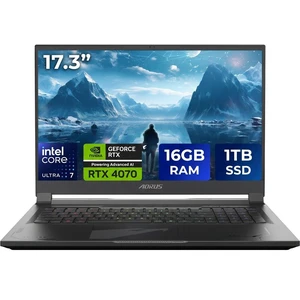
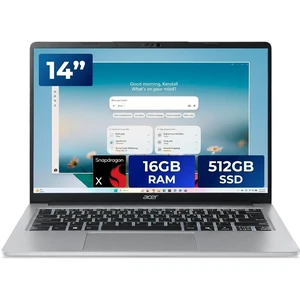
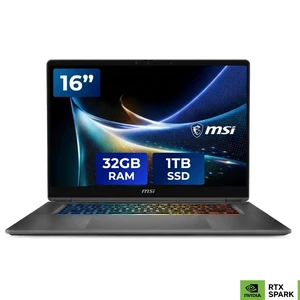
here!
I’m your shopping assistant for PC builds, upgrades, and everything tech.
Got questions? Ask away!
Start a conversation
here!
I’m your shopping assistant for PC builds, upgrades, and everything tech.
Got questions? Ask away!
Start a conversation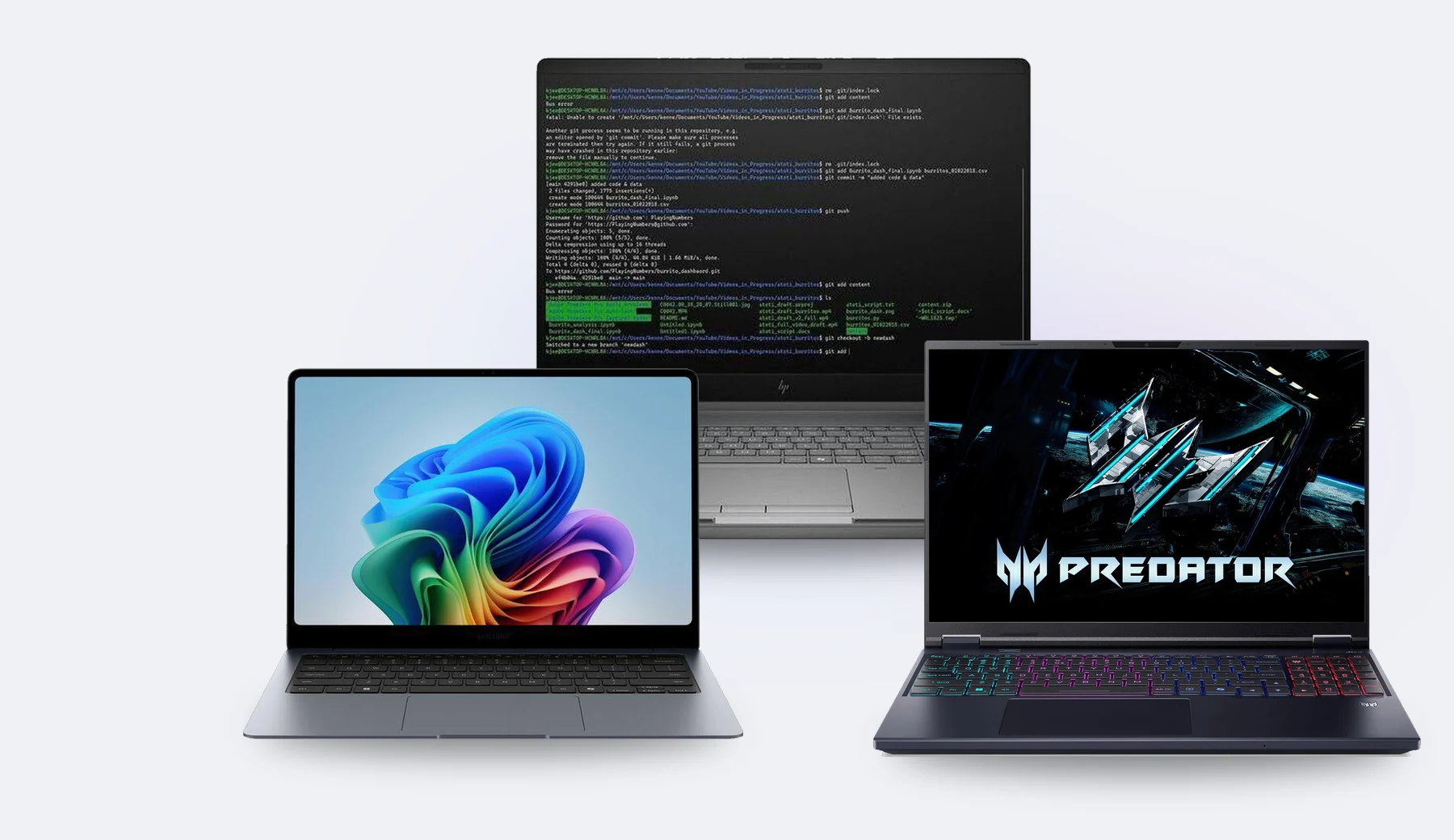
The Right AI PC for How You Work, Create and Build.
Built-in NPUs, powerful GPUs and more memory bring AI features, creative tools and even local models onto your laptop — powered by Intel Core Ultra, AMD Ryzen AI, Qualcomm Snapdragon X and NVIDIA RTX. Shop HP, Lenovo, Dell, ASUS, MSI, Microsoft Surface, Samsung, Acer and GIGABYTE.
Find your AI laptop — three ways to shop
*Copilot+ PCs include an NPU with 40+ TOPS; not every laptop in this store is a Copilot+ PC. **Dedicated GPU memory on select RTX PRO 5000 Blackwell and GeForce RTX 5090 laptops; Ryzen AI MAX PRO and RTX Spark systems use shared unified memory. Specifications vary by model.
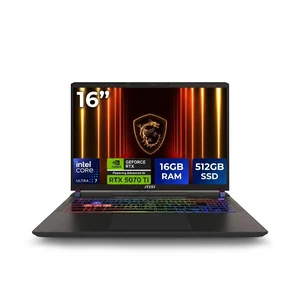
Free Intel holiday game w/ purchase, limited offer
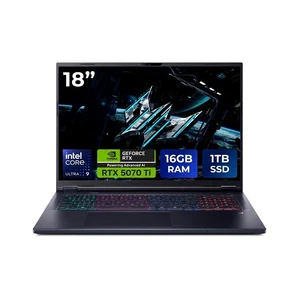
Free Intel AI Software & holiday game w/ purchase, limited offer
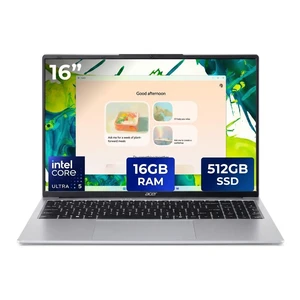

Free Intel holiday game w/ purchase, limited offer
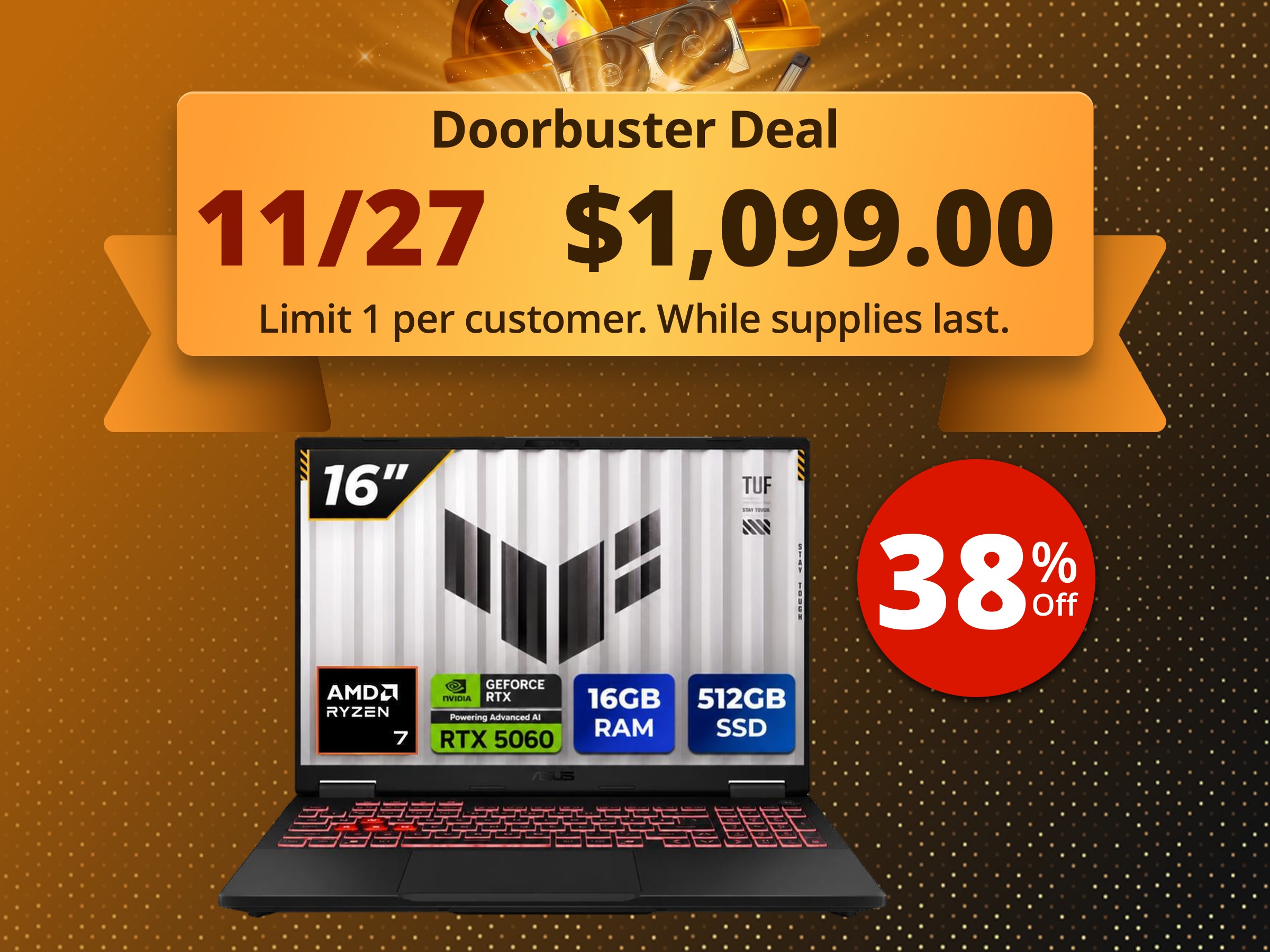

Free World of Warships game w/ purchase, limited offer
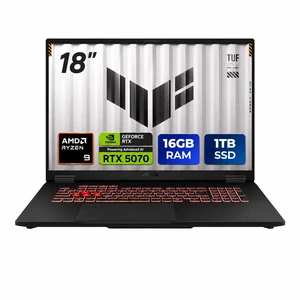
Free ONIMUSHA & World of Warships game w/ purchase, limited offer
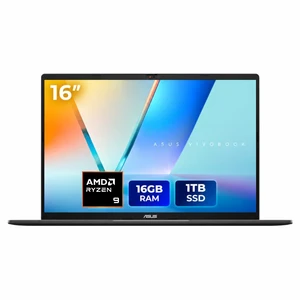
Free World of Warships game w/ purchase, limited offer
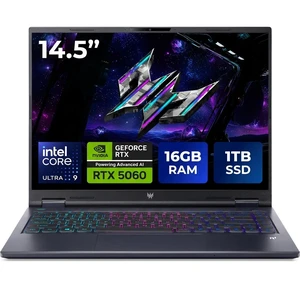
Free Intel AI Software & holiday game w/ purchase, limited offer
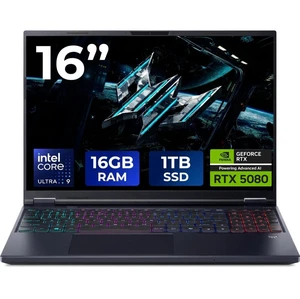
Free Intel AI Software & holiday game w/ purchase, limited offer
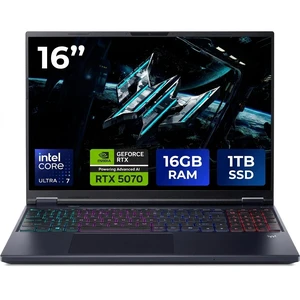
Free Intel AI Software & holiday game w/ purchase, limited offer
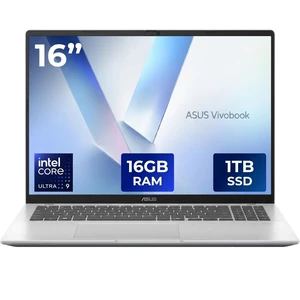
Free Intel holiday game w/ purchase, limited offer
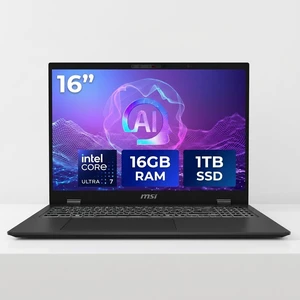

Free Intel AI Software w/ purchase, limited offer
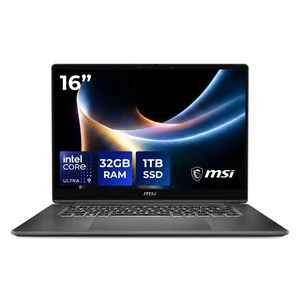
Free Intel AI Software & holiday game w/ purchase, limited offer
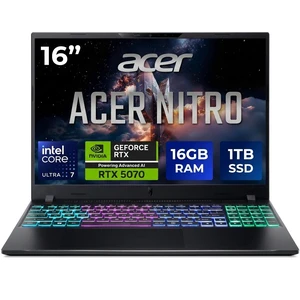
Free Intel AI Software + keyboard & mouse w/ purchase, limited offer
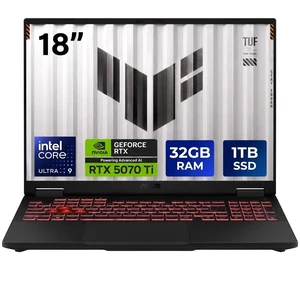
Free Intel AI Software & holiday game w/ purchase, limited offer

Free Intel AI Software w/ purchase, limited offer
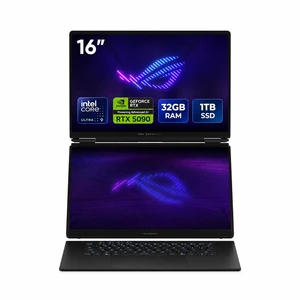
Free Intel holiday game w/ purchase, limited offer
Free Intel AI Software w/ purchase, limited offer
Free Intel AI Software w/ purchase, limited offer

Free Intel holiday game w/ purchase, limited offer
Free Intel AI Software w/ purchase, limited offer
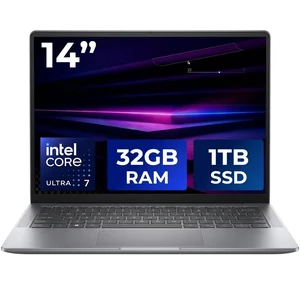
Free Intel AI Software w/ purchase, limited offer
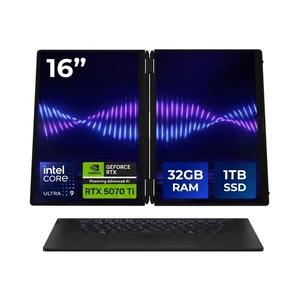
Free Intel AI Software & holiday game w/ purchase, limited offer
Free game w/ purchase, limited offer
Free World of Warships game w/ purchase, limited offer
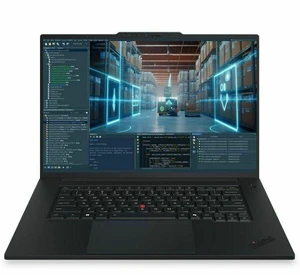
Free Intel holiday game w/ purchase, limited offer
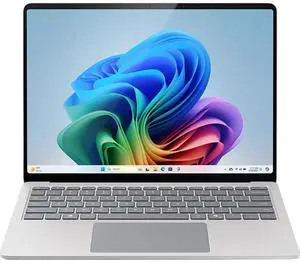

Free Intel AI Software w/ purchase, limited offer
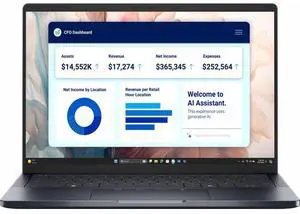
Free Intel AI Software w/ purchase, limited offer
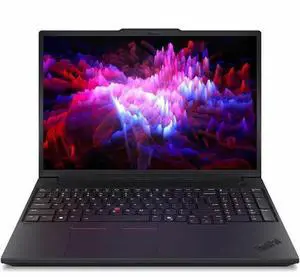
Free Intel AI Software & holiday game w/ purchase, limited offer
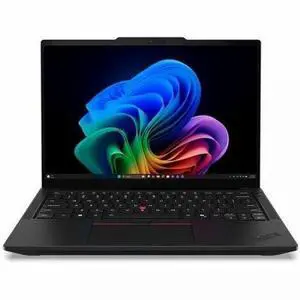
Free Intel AI Software w/ purchase, limited offer
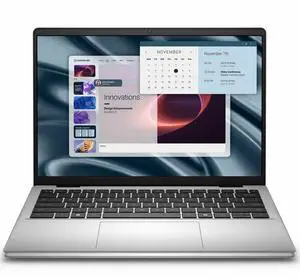
Free World of Warships game w/ purchase, limited offer
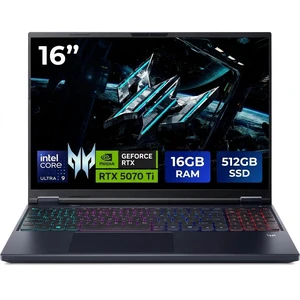
Free Intel AI Software & holiday game w/ purchase, limited offer
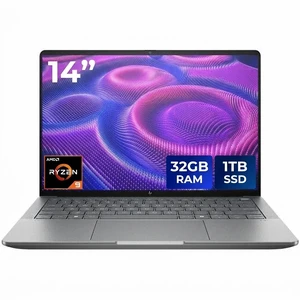

Free World of Warships game w/ purchase, limited offer
Designed for tech enthusiasts and AI developers, this page offers a curated selection of AI laptops equipped to handle the latest machine learning and creative workloads. Explore Black November deals and Black Friday deals to find the right device that fits your performance needs and holiday budget.
When selecting an AI laptop, especially during Black November deals, it's crucial to weigh several core features to find the model that best fits your needs:
Among all hardware components, the GPU or dedicated AI accelerator is the heart of an AI laptop’s performance. These chips drive the parallel processing necessary for training and running AI models, enabling faster inference and deep learning computations. Advanced GPUs like the NVIDIA RTX 40-series feature specialized cores optimized for AI tasks, making them indispensable for creators and developers alike. Efficient AI accelerators also offload work from the CPU, reducing bottlenecks and power consumption, while delivering real-time performance improvements in AI-driven applications. Investing in a laptop with robust GPU and AI accelerator tech pays off, especially with Black Friday deals highlighting models suited for these demanding workloads.
For AI professionals, data scientists, and developers who need workstations that can handle complex AI model training and testing, power and expandability are key. Laptops equipped with Local AI Development Laptops offer high-core-count AMD Ryzen 7000 processors combined with up to 64GB of RAM, facilitating efficient local workflows without constant cloud dependency. These machines also typically feature enhanced cooling and connectivity options to integrate with external GPUs or AI accelerators. Black November deals provide an excellent opportunity to invest in these pro-level laptops with the power and versatility needed to develop next-gen AI software.
Newegg shopping tip: When comparing AI laptops, focus on the processor’s AI capabilities and available GPU options to ensure smooth performance for your specific tasks. Also, check the amount of RAM and storage speed, as these impact how efficiently AI applications run during your daily use.
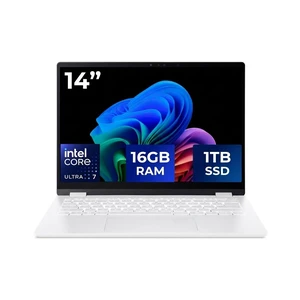
Power through AI-driven tasks with 12th-gen Intel Evo processors and 16GB RAM designed for seamless multitasking and smart automation workflows.
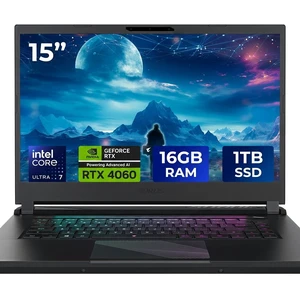
Craft stunning visuals and videos powered by NVIDIA RTX 40-series GPUs, tailored for creative pros using AI-enhanced editing apps like Adobe Sensei.
Build and test AI models smoothly with robust AMD Ryzen 7000 CPUs and up to 64GB RAM, optimized for local machine learning development environments.
If you’re exploring AI laptops for the first time, it helps to understand what sets them apart from traditional models. AI laptops come equipped with advanced processors and enhanced hardware designed to handle AI-powered applications and workflows more efficiently. For beginners, focusing on models that balance power and ease of use can make a big difference. Many options combine solid CPUs, enough RAM, and integrated AI accelerators to run smart automation or personal assistant software smoothly. To find the right fit for your needs and budget, consider browsing the AI Productivity Laptops collection, ideal for newcomers wanting efficiency without complexity.
Creative professionals rely heavily on powerful GPUs and AI-enhanced editing tools to streamline their workflows. AI laptops tailored for creators feature cutting-edge NVIDIA RTX 40-series GPUs that accelerate rendering, video editing, and AI-assisted graphic design tasks. If your work involves apps like Adobe Sensei or other creative suites that harness AI for effects or content generation, a machine from the AI Creator Laptops lineup will give you the best experience at this Black November deals season, combining speed and precision for demanding projects.
For professionals focused on AI model building, testing, and machine learning, having a laptop designed to handle large datasets and complex algorithms locally is crucial. These laptops come with powerful AMD Ryzen 7000 CPUs and up to 64GB of RAM to support intense computation and multitasking. If you’re developing AI applications or training models offline, a robust machine from the Local AI Development Laptops series will help you maximize productivity, especially during Black Friday deals when upgrading your toolkit is most rewarding.
Research more: Before making your pick, explore Newegg Insider’s buying guides to understand key AI laptop features and performance factors. This extra step helps you make the most of Black November deals and Black Friday deals by choosing a model that fits your needs.
Last Updated: November 2026 | Newegg AI Laptops Buying Guide
NVIDIA-based AI laptops usually lead in performance because of better CUDA support and more mature AI software ecosystems, while AMD laptops might offer competitive hardware and a lower price but generally lag behind in AI-specific optimizations.
For AI development, a dedicated GPU is typically more important since it accelerates training and inference significantly, while a strong CPU alone won’t match the speed and efficiency of GPU computing tasks.
AI laptops come with specialized hardware like advanced GPUs and AI-optimized processors that speed up machine learning tasks and data processing compared to standard models.
Yes, AI laptops are designed to handle heavy AI workloads while also running everyday apps without lag, thanks to their powerful CPUs and ample RAM.
Focus on laptops with powerful GPUs like NVIDIA RTX series, plenty of RAM (16GB or more), and a fast processor; these specs help handle AI model training and data processing without slowdowns.
Specialized AI laptops with dedicated AI chips can speed up certain tasks, but for most hobbyists and developers, a high-end gaming laptop with a strong GPU is often enough and more budget-friendly.
AI laptops built with high-performance GPUs and proper cooling tend to handle extended workloads fairly well, but you should check reviews for any overheating or throttling complaints that might affect stability over time.
Users often mention battery life dropping quickly under AI tasks and occasional software compatibility glitches, so scan reviews for these and see if the model’s vendor offers solid driver support before buying.
Start by fully charging the battery, then run all the pre-installed updates to ensure your system’s AI features are up to date. Installing the latest drivers and software patches helps the AI run smoothly from day one.
Spend some time customizing the AI settings to fit your workflow, like voice commands or predictive text. Also, regularly check for updates and explore any bundled AI apps that can boost your productivity or creativity.