

Your Browsing History
Quick View
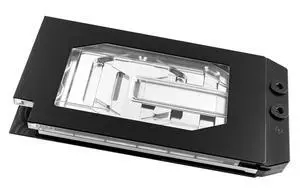
Watercool HEATKILLER V PRO for RTX 5090 ASUS TUF Ni-Bl aRGB GPU Water Block, G1/4, Nickel Plated Copper (15685)
- Type: VGA Block & Cooler
- Model #: WAT-0493
- $370.44 –
- Free Shipping
Quick View
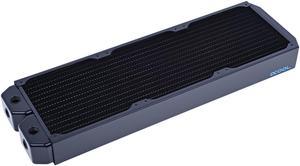
Alphacool NexXxos XT45 Full Copper Radiator 420, 140mm x 3, Triple Fan, Black
- Brand: Alphacool
- Part Number: 35277
- Type: Liquid Cooling System
- Color: Black
- Model #: 14170
- $146.99 –
- More options from $146.99 - $173.99
- Free Shipping
Quick View
- $13.20
- $11.60 –
- Save: 12%
- $8.00 Shipping
Quick View

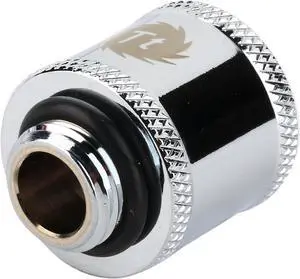
- Type: Fittings
- Features: Dimension: ?22 x 25 (H) (mm) Applicable: G 1/4 Weight: 47 g Material: CU Screw Thread: G 1/4 Note: Female to Male
- Model #: CL-W046-CU00SL-A
- $2.99 –
- Free Shipping
Quick View
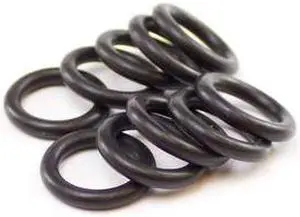
PrimoChill Rigid Compression Fitting - Tube O-Ring - 10 Pack (For 10/12mm Metric Tube)
- Type: CPU Block
- Model #: F-RCTOM-10
- $13.99 –
- Free Shipping
Quick View
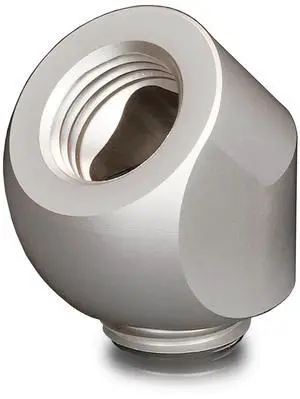
Thermal Grizzly DeltaMate Rotary Fitting - 45° - Matt Nickel, G1/4, Brass (TG-DM-FIT-0215)
- Brand: Thermal Grizzly
- Model: TG-DM-FIT-0215
- Part Number: TG-DM-FIT-0215
- Color: Nickel
- Model #:
- $15.64 –
- More options from $15.64
- Free Shipping
Quick View
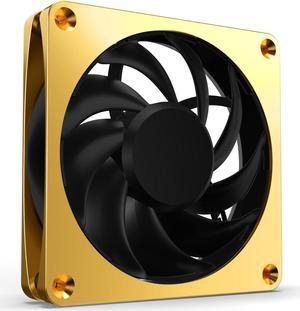
Alphacool Apex Stealth Metal Fan 2000rpm Gold - 120x120x25mm (13854)
- Brand: Alphacool
- Model: 1024627
- Part Number: 1024627
- Color: Gold
- Model #: 1024627
- $36.99 –
- Free Shipping
Quick View
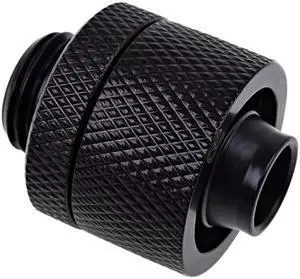
Alphacool Eiszapfen G1/4" to 10mm ID, 16mm OD Compression Fitting for Soft Tubing, Deep Black
- Type: Fittings
- Block Compatibility: False
- Pump Bearing: 1.54
- Pump Capacity: ANS Alphacool Eiszapfen 16/10mm Anschraubtülle G1/4 - Deep Black
- Model #: 17232
- $17.99 –
- Free Shipping
Quick View
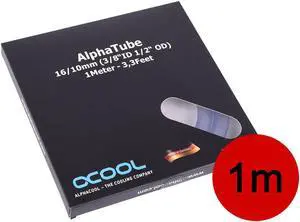
Alphacool tubing AlphaTube HF 16/10 (3/8"ID) - clear 1m (3,3ft) Retailbox
- Type: Tubing
- Model #: 18574
- $18.49 –
- Free Shipping
Quick View
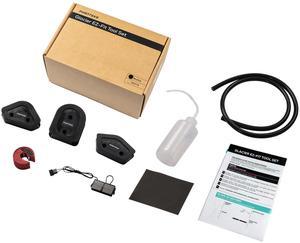
Phanteks Glacier EZ-Fit Tool Set - 16x12mm Hard Tube Water Cooling Bending Tools (45/90/180 degrees) with Fill Bottle
- Type: Tool Set
- Specification: Materials Tube Cutter: Plastic + Steel Bending Insert: Rubber Bending Guides: PP Squeeze Bottle: PE 24-Pin Jumper: PP Sandpaper: Paper Tube Cutter Compatibility 16 mm Hard Tube Bending Insert Compatibility For ID:12mm / OD:16mm Hard Tube Bending Guides Compatibility 16 mm Hard Tube Squeeze Bottle Capacity: 250 ml Sandpaper Grit: 240
- Package Contents: Tube Cutter 1x Silicone Bending Insert 1x Bending Guides (set) 1x Squeeze Bottle 1x 24-Pin Jumper 1x Sandpaper 1x Manual 1x
- Model #: PH-GEF_TLS_BK
- $19.99 –
- More options from $19.99 - $24.99
- $6.99 Shipping
Quick View
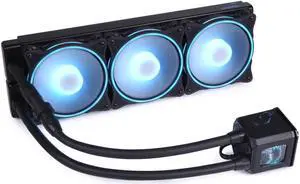
Alphacool Eisbaer Aurora HPE Edition 360 CPU AIO, 360mm, Copper (11999)
- Type: AIO
- Model #: 4250197119993
- $239.26 –
- Free Shipping
Quick View
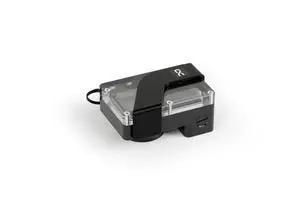
Alphacool Core DDCzero Flat Reservoir 90 with Pump (14567)
- Brand: Alphacool
- Series: DDC
- Part Number: 14567
- Type: Reservoir
- Model #: 14567
- $199.99 –
- Free Shipping
Quick View
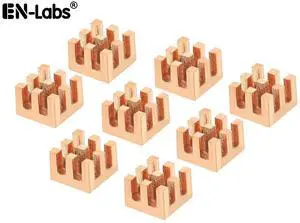
Copper Heatsink 7x7x5mm with 2.0 W/mK Thermal Adhesive Tape Heat Sink for Motherboard ,Memory, IC Chipset Cooling Radiator - Pack of 8
Limited time offer, ends 10/30
- Model #: 11-001-066
- $9.29 –
- Free Shipping
Quick View

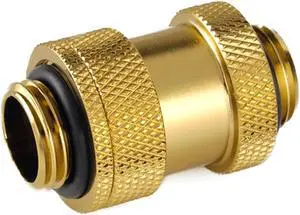
- Type: Fittings
- Model #: BP-TBDG14AALPI
- $11.20
- $9.50 –
- Save: 15%
- $8.00 Shipping
Quick View
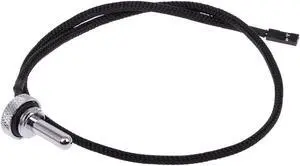
Alphacool G1/4" Eiszapfen Temperature Sensor Plug, Chrome
- Type: Liquid Cooling System
- Model #: 17364
- $16.99 –
- Free Shipping
Quick View
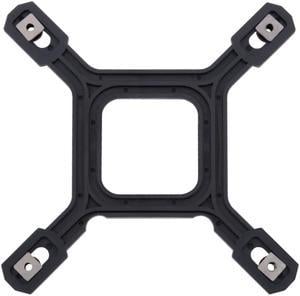
Alphacool Backplate with Screws LGA 115x/1200/1700 (13064)
- Brand: Alphacool
- Model: 1022360
- Part Number: 1022360
- Color: Black
- Model #: 1022360
- $12.68 –
- More options from $12.68
- Free Shipping
Quick View
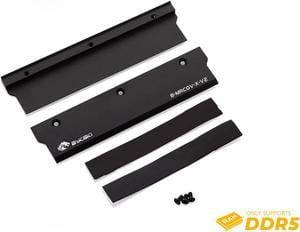
Bykski DDR5 Memory Heat Spreader - Black (B-MRCOV-X-V2)
- Type: CPU Block
- Model #: 6932167222671
- $23.99 –
- $14.99 Shipping
Quick View
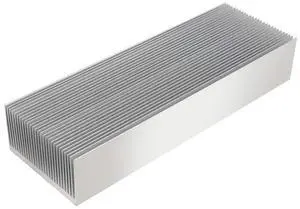
Nxtop Large Aluminum Heatsink 7.87" x2.71" x 1.41" / 200 x 69 x 36mm Heat Sinks Cooling 27 Fin Radiator for IC Module, PC Computer, Led, PCB
- Model #: 884945175883
- $43.99 –
- $5.99 Shipping
Quick View
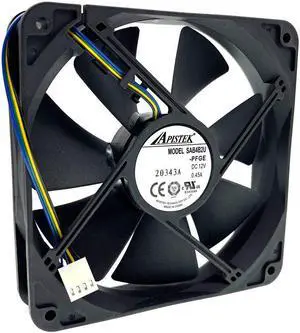
SAB4B2U -PFGE 120mm 12cm PWM Water Block Watercooler Cooling Fan,120X120X25mm 12V Dual Ball Bearing 2700RPM for Apistek Fans
Limited time offer, ends 10/14
- Model #: YING-GD01-A1-05189
- $20.59
- $20.49 –
- More options from $20.49 - $21.69
- Free Shipping
Quick View
- Type: Liquid Cooling System
- Model #: BP-MVVFRGIG14-SLBK
- $48.00
- $43.00 –
- Save: 10%
- Free Shipping
Quick View
- $949.00 –
- $22.00 Shipping
Quick View
PrimoChill PrimoFlex LRT Custom Watercooling Flexible Tubing -1/2in.ID x 3/4in.OD, 10 feet Bundled with System Prep and Coolant, Made with Premium Materials, Proudly Made in the USA
- Type: CPU Block
- Color: Yellow
- Model #: PFLEXA10-34-PUY
- $29.95 –
- Free Shipping
Quick View
M.2 SSD Copper Heat Sink with Thermal Pad for NVMe NGFF 2280 M2 Solid State Disk Computer Cooler PC Notebook Radiator Laptop Heatsink-70x20x4.0mm
Limited time offer, ends 10/30
- Model #: 11-001-100
- $12.09 –
- Free Shipping
Quick View
Bykski Full Coverage GPU Water Block Reference Edition - Clear (N-TITAN-PAS-X)
- Type: CPU Block
- Model #: N-TITAN-PAS-X
- $245.99 –
- $14.99 Shipping
Quick View
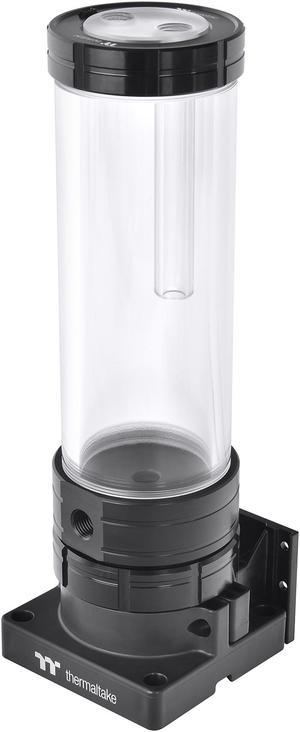
Thermaltake PR32-D5 Plus, 400ml, RBG Software Enabled (TT RGB Plus/Alexa/Razer Chroma), 5-Speed D5 Pump/Reservoir Combo CL-W280-PL00SW-A
- Type: Reservoir + Pump
- Reservoir Dim.: 74.8 (L) x 74.8 (W) x 267 (H) mm
- Reservoir Capacity: 400ml
- Specification: Material: AL + POM + PMMA Capacity: 400ml Maximum Flow Rate: 1135 L/hr Maximum Pressure: 50 PSI Input Voltage: 12V / 15V Connector: 4-pin Peripheral Port Thread: G 1/4" Pump Speeds: 1800 RPM/2550 RPM/3300 RPM/4050 RPM/4800 RPM
- Model #: CL-W280-PL00SW-A
- $199.99 –
- $4.99 Shipping
Quick View
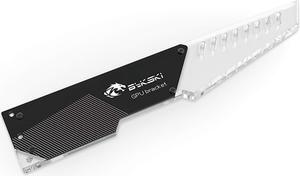
Bykski Universal PMMA Decorative GPU Support Bracket w/ 5v Addressable RGB (RBW) - Black (B-GPU-VC-X-V2)
- Type: CPU Block
- Model #: B-GPU-VC-X-V2
- $38.74
- $34.99 –
- Save: 9%
- Free Shipping
Quick View
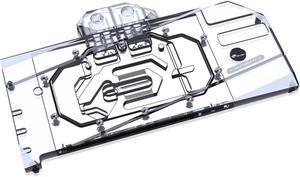
Bykski Full Coverage GPU Water Block and Backplate For ASRock Radeon RX 7900 XTX Taichi (A-AR7900XTX-X)
- Type: CPU Block
- Model #: 6932167225887
- $264.99
- $245.99 –
- Save: 7%
- $14.99 Shipping
Quick View
NEW For Dell Inspiron 24-5459 V5450 5460 All-in-one fan EFB0151S1-C010-S99 fan 23.8" cooler DYKW1-A00
- Model #: EFB0151S1-C010-S99
- $34.97 –
- Free Shipping
Quick View
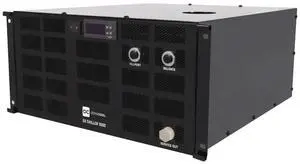
Alphacool ES Chiller 1000 ServerRack 5HE 110-120V / 60hz, 4L, Black (5100103)
- Brand: Alphacool
- Model: 5100103
- Part Number: 5100103
- Color: Black
- Model #: 5100103
- $1,440.00
- $1,300.00 –
- Save: 9%
- Free Shipping
Quick View
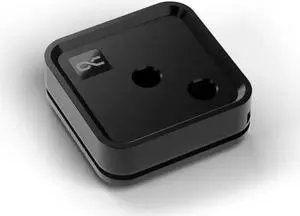
Alphacool Core 1 LT Black CPU Water Block, G1/4, Nickel Plated Copper (13884)
- Type: CPU Block
- Model #: 1025046
- $99.98 –
- Free Shipping
Quick View
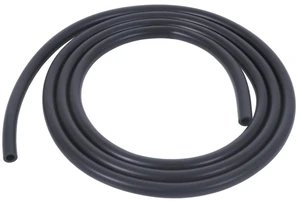
Alphacool 16/10 EPDM Tube - 3.3m | 10ft - Black (5100120)
- Type: Liquid Cooling System
- Model #: 5100120
- $31.50 –
- Free Shipping
Quick View
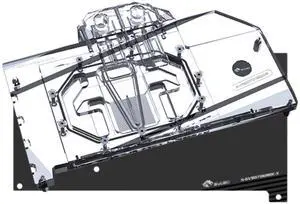
Bykski Full Coverage GPU Water Block and Backplate For GIGABYTE Radeon RX 9070 XT GAMING OC 16G (A-GV9070GMOC-X)
- Type: CPU Block
- Model #: A-GV9070GMOC-X
- $245.99 –
- $14.99 Shipping
Quick View
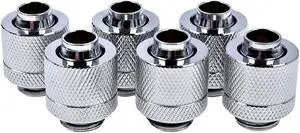
6PCS Silver 3/8"ID X 1/2"OD 9.5 X 12.7mm Tubing Compression Water cooling connector G1/4" Thread
- Model #: 3/8 SV
- $13.88 –
- $1.99 Shipping
Quick View
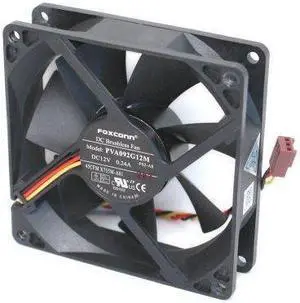
Foxconn PVA092G12M DC12 Volt 0.24 Amp, Rear Case Brushless Cooling Fan 92mm x 92mm x 25mm, 3-WIRE/3-PIN CONNECTOR
- Model #: 1159718699065
- $16.46 –
- Free Shipping
Quick View
- $47.30
- $44.10 –
- Save: 6%
- $8.00 Shipping
Quick View
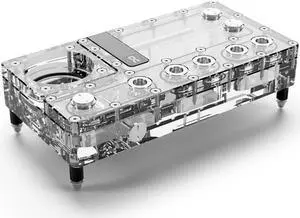
Alphacool Core Distro Plate 240 Right VPP/D5 Reservoir, G1/4, 164 ml, Acrylic, Clear (15474)
- Type: Distribution Plate
- Model #: 4250197154741
- $159.99 –
- $14.46 Shipping
DIY cooling is one of the most cost-effective ways of boosting the performance of a computing system. Speed is usually the first casualty of an overheating rig. When a system becomes too hot, temperature sensors on the motherboard send a signal to the processor requesting it to slow down. Excessive heat also has the potential to cause irreversible damage to system components. For example, if hard drive cooling fails to maintain the temperature below 86 degrees, you run the risk of data loss or corruption. Newegg has all the accessories you need to set-up the cooling system of your choice.
Air Cooling for Fast and Affordable Cooling
Air DIY cooling uses fans to keep the internal environment of your system cool. They are easy to set up and are very durable. As this cooling option does not have an abundance of components, there is very little that can go wrong. CPU fans and heatsinks work together to dissipate excess heat, and can be set up in one of two methods:
- Positive pressure configuration
- Negative pressure configuration
Positive Pressure Configuration for Quick Setup
Under this setup, the Cubic Feet Per Minute (CFM) of the intake fans exceeds that of the relevant exhaust fans. The effect is that the pressure within the system exceeds the pressure without. This pushes air and dust out of the rig, using every opening as an exhaust avenue. One drawback of this setup is that it can only manage average cooling. This configuration cannot sufficiently cool GPUs that utilize Direct Heat Exhaust (DHE). To enhance the cooling capacity of this type of cooling, place your DIY heatsink strategically. That means putting these metal sheets at the rear, sides, and front of your CPU.
Negative Pressure Configuration for Better Cooling
In a negative pressure configuration, the exhaust fans have a higher CFM than their equivalent intake fans. This creates a pseudo-vacuum within the system, which proves very useful for keeping the rig cool. It cools the system better than the positive pressure setting, and can even work well with DHE GPUs.
Liquid Cooling for the Most Efficient Cooling
Liquid cooling is the preferred cooling system for gamers and other performance-reliant users. To max out the cooling effects of this setup, use a DIY radiator to dissipate excessive heat from the liquid coolant. The faster the DIY radiator loses the heat via the fins, the cooler the system and the faster it operates. There are two ways you can go about this DIY cooling strategy:
- Closed-loop
- Open-loop
Closed-Loop for Easy Installation
These rigs are ready for fitting right out of the box. They're cheaper than open-loops, easier to maintain and require minimal maintenance. They'll integrate with your current cooling mechanisms without forcing you to do an overhaul of your system. You'll not need any extra CPU accessoriesto get this configuration up and running.
Open-Loop With GPU Mounting Kit for Aesthetics
Open-loop cooling is very appealing to the eye, but that is at the cost of ease-of-use. It is very maintenance-reliant and equally hard to set up. A GPU mounting kit should help, however.
Bestselling DIY Cooling Reviews:
MnM1298
5/13/2025 6:20:23 AM
Better than Expected
“ EKWB open cooling loop ”
Alphacool HDX Pro Water - M.2 NVMe 2280 SSD - MCX Version (11769)