here!
here!
I’m your shopping assistant for PC builds, upgrades, and everything tech.
Got questions? Ask away!
Start a conversation
here!
I’m your shopping assistant for PC builds, upgrades, and everything tech.
Got questions? Ask away!
Start a conversation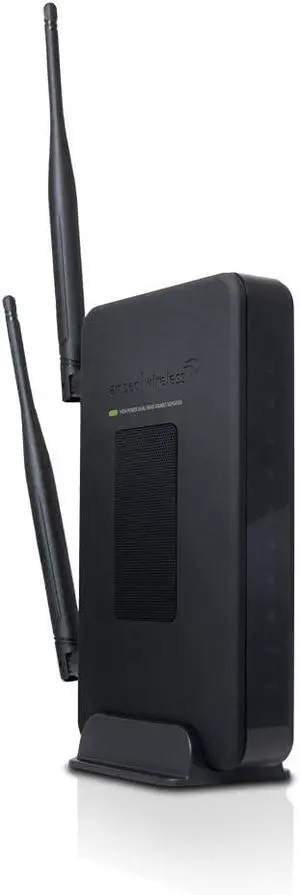

Limited time offer, ends 11/10
Limited time offer, ends 10/22
Limited time offer, ends 10/25
Limited time offer, ends 10/25
Limited time offer, ends 11/10
OUT OF STOCK
To set up WiFi® in your home, you simply connect computers, laptops or mobile devices that have wireless capabilities to a wireless router and a modem, with items like an extender kit or a repeater thrown into the mix if necessary. In the easiest scenarios, setting up WiFi should be straightforward. You just have to find a place to set up your router, preferably in a place where there are no obstructions that can cause wireless interference. You then connect the router to the modem using an Ethernet cable. You then connect the computer to the router, power everything on, and follow the directions. Sometimes, however, your home setup is such that WiFi doesn't reach certain areas of your space. For these situations, you are going to need accessories like HDMI repeaters and USB extenders. These devices help get a WiFi signal to where it needs to go.
WiFi is sometimes unable to make it all the way through to every corner of a house. Whether it is due to too many walls and corners in the home or some sort of interference, the signal cannot reach the device for which it is intended. This is where WiFi extender kits help. A WiFi extender repeats the signal from your router so that it reaches the device you need it to reach. The same way that one basketball player will pass the ball to another to get close to the basket for an easy shot is the same way that the extender works. It acts as a bridge that carries the signal to its final destination. If you see that you need a WiFi extender, choose one that is compatible with your router.
A home's WiFi signal is often weak because it is connected to an old router. Older routers do not have the strength of today's routers, so if you bought one years ago, consider replacing it with one of the newer models. The latest routers have features like Tri-Band, MU-MIMO and Beamforming technology, allowing WiFi signals to reach into the farthest reaches of the home. Mesh WiFi systems make it possible to forgo a router altogether. Do some research to find out what works for you.
A wireless or HDMI repeater falls into the same family as the WiFi extender. These devices repeat or rebroadcast the WiFi signal to a specific area. The repeated signal is on the same frequency as the original WiFi signal, meaning that the connection speed will be slower because the two devices will share the same connection. Repeaters are also very susceptible to interference from devices and items like microwaves and stereos. The repeater only works if you place it in an area where it has direct access to the router's signal. If you locate it too far away, it will not connect to WiFi easily.
“ I was looking for a DisplayPort repeater to use with my Valve index. ”
Rosewill RCDR-20001 DisplayPort Repeater (DisplayPort Signal Booster, DisplayPort Amplifier) with 8K Video Resolution for Oculus Rift S, HTC Vive Pro, Gaming Monitors and More“ Bought it for my company meeting room, Im afraid I couldnt find a better one extender in this price with all functions I need. ”
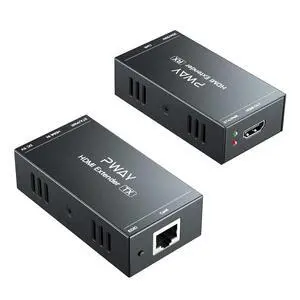
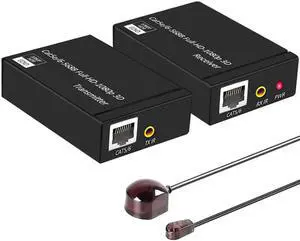
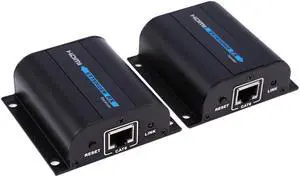
HDMI Extender,HDMI Over Single Cat5E/6/7 HDMI Repeater HDMI Balun Sender Transmitter Receiver Support 1080p 3D HDMI 1.4a HDCP EDID“ Good repeater. Works well just make sure they can see each other. ”
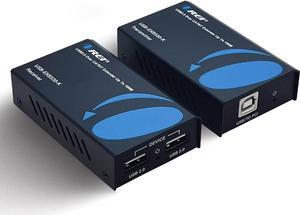
Tripp Lite B127-1A1-WHD1 Wireless HDMI Extender 4K with Zero Latency - 4K x 2K @ 30 Hz, 7.1 audio, HDCP 2.2, 98 ft. (30 m)“ Works great and simple setup. Makes life easy to extend USB devices. ”
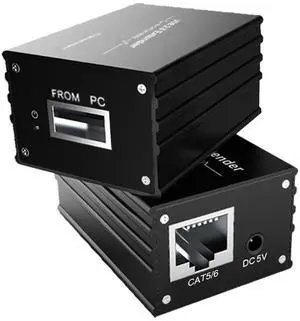
IOGEAR GUCE64 USB 2.0 4-Port BoostLinq Ethernet - 164ft, 4-Port USB Extender over Cat5/Cat5e/Cat6 Ethernet Cable