here!
I’m your shopping assistant for PC builds, upgrades, and everything tech.
Got questions? Ask away!
Start a conversation
here!
I’m your shopping assistant for PC builds, upgrades, and everything tech.
Got questions? Ask away!
Start a conversation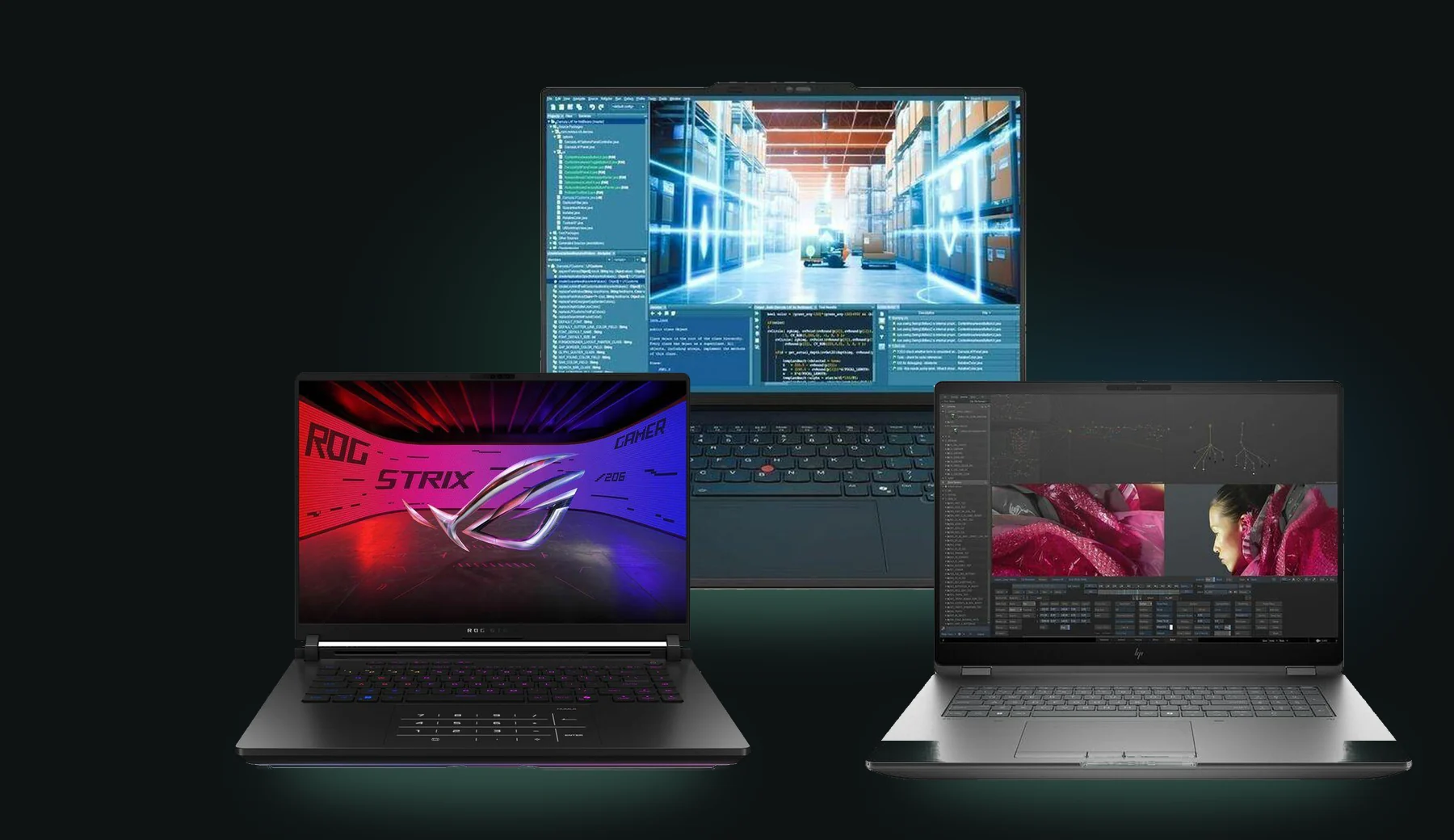
Build, Fine-Tune and Run AI Models — Right on Your Laptop.
Prototype with local LLMs, test agents and fine-tune smaller models without waiting on the cloud or sending data off your device. NVIDIA GPUs with CUDA run the frameworks developers already use, with up to 24GB of GPU memory and up to 64GB of system memory in mobile workstations from Lenovo ThinkPad P, HP ZBook, Dell Pro Precision and gaming-class laptops from ASUS ROG, MSI and Acer Predator.
Choose by GPU memory — larger models need more VRAM
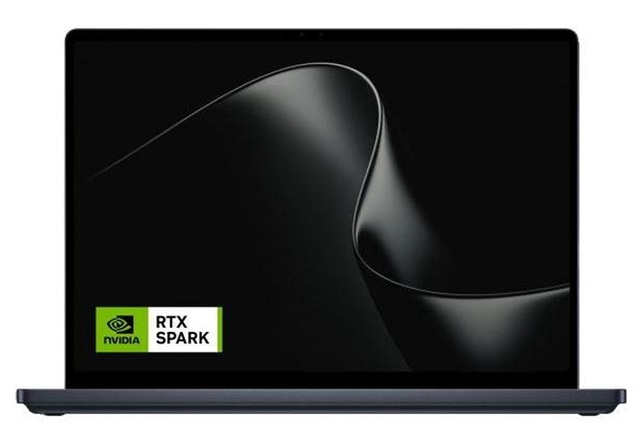
GPU memory is dedicated VRAM, except on RTX Spark laptops, which share unified memory between the CPU and GPU. Model size you can run depends on precision and quantization. Specifications vary by model; see each listing for details.
Explore laptops built to handle AI development projects using Raspberry Pi 4, NVIDIA Jetson, and Arduino kits, designed for students, educators, and makers diving into robotics and coding. Find Black November deals and Black Friday deals on machines ready to power your next STEM AI project.
The GPU is the heart of any local AI development laptop. Modern AI models rely heavily on parallel processing to accelerate training and inference tasks, which GPUs are uniquely suited for. NVIDIA’s RTX 40-series cards include advanced Tensor cores and neural accelerators designed specifically for machine learning workloads. These features allow developers to run complex neural networks faster and more efficiently compared to CPU-only setups. Investing in a laptop with a powerful GPU ensures smoother experimentation and reduces the time spent waiting on model training, an essential factor during development cycles and prototyping phases.
For seasoned AI developers working on cutting-edge projects, laptops like those in the AI Laptops category provide the power and reliability needed for heavyweight machine learning training offline. The ability to debug and iterate models without relying on cloud infrastructure increases productivity and security. Pro-level AI laptops come equipped with features such as advanced thermal management and high-speed PCIe Gen 4 storage that are invaluable for running extensive experiments and data analytics in demanding environments.
Newegg shopping tip: When comparing laptops for local AI development, prioritize models with powerful GPUs and ample RAM to handle complex machine learning tasks efficiently. Also, check for compatibility with Raspberry Pi and NVIDIA Jetson tools, especially during Black November deals and Black Friday deals to find the right fit for your projects.
Built for robust AI model training, these laptops pack NVIDIA RTX 40-series GPUs and latest-gen Intel or AMD CPUs to handle large datasets locally with ease.
Streamline workflows with ultraportable AI productivity laptops featuring efficient multi-core AMD Ryzen 7000 or 13th Gen Intel processors tailored for inference and coding.
Create with precision using laptops equipped with high-res screens, powerful GPUs, and enhanced thermal designs ideal for AI-powered content generation and 3D rendering.
If you're new to AI programming and eager to build hands-on experience, choosing a laptop tailored for local AI development can make all the difference. Beginner-friendly models often balance powerful hardware with user-friendly interfaces, helping you explore machine learning, data processing, and robotics coding without getting overwhelmed. Consider machines featuring capable CPUs and NVIDIA RTX 40-series GPUs to comfortably run your initial projects and prototypes. For a curated selection designed with emerging AI developers in mind, check out our AI Laptops collection—perfect for building foundational skills this Black November with exciting Black Friday deals.
Data scientists and machine learning engineers working on resource-intensive models need laptops that deliver peak performance for large-scale training and complex algorithm development entirely on-device. High-end AI laptops with cutting-edge CPUs and GPUs are designed to accelerate diverse workloads, from neural network training to real-time data analytics, while maintaining portability for working outside the lab. During Black November, explore laptops featuring the latest generations of hardware that optimize every training cycle and inference task. Discover devices tailored to your demanding workflows with our dedicated AI Laptops category.
AI creators, digital artists, and robotics enthusiasts require laptops that not only crunch numbers but also deliver vivid displays and reliable graphics performance for designing, simulating, and coding AI-powered content or robots. Devices in this space often feature advanced thermal solutions and GPUs suited for rendering 3D models or running robotics frameworks locally. Whether you’re programming Raspberry Pi or NVIDIA Jetson-based STEM AI robots, a laptop optimized for these creative and developmental tasks can greatly boost productivity. Take advantage of Black Friday deals this Black November to upgrade your setup with AI laptops from the AI Creator Laptops lineup.
Research more: When exploring Local AI Development Laptops, consider your workflow needs and hardware compatibility with popular AI frameworks. For deeper insights and comparisons, check out the Newegg Insider buying guides to help you navigate Black November deals and Black Friday deals on these specialized machines.
Last Updated: November 2026 | Newegg Local AI Development Laptops Buying Guide
RTX 40-series GPUs generally offer better AI and deep learning performance thanks to optimized CUDA cores and tensor cores, while Radeon Pro cards are solid for professional workloads but might lag in native AI framework support.
For AI development, having more RAM is usually more beneficial because large models and datasets eat up memory, but a fast multi-core processor also helps speed up training and inference, so ideally you want a balance of both.
You want a laptop with a powerful GPU, preferably from the NVIDIA RTX series, at least 16GB of RAM, and a multi-core processor like an Intel i7 or AMD Ryzen 7 to handle model training and data processing smoothly.
Yes, laptops in this category often have the necessary specs and software compatibility to run TensorFlow, PyTorch, and other frameworks locally, allowing you to develop and test AI models without relying on cloud resources.
Focus on a strong GPU like an NVIDIA RTX series, at least 16GB of RAM, and a fast processor (Intel i7/Ryzen 7 or better) to handle model training and data processing smoothly.
Yes, AI datasets and model files can be large, so opting for a minimum of 512GB SSD or more helps avoid constant external drive use and speeds up your workflow.
Generally, these laptops are built with high-performance components designed to handle heavy AI workloads, but you should check user reviews for any overheating or throttling issues that could affect reliability during extended use.
Pay attention to reports about battery life under load, thermal management, and whether the GPU and CPU maintain performance during long training sessions, as these are frequent pain points in AI-focused machines.
Start by installing the latest drivers and OS updates, then set up a Python environment with libraries like TensorFlow or PyTorch. Make sure to configure your GPU properly to accelerate model training.
Use an external SSD or upgrade to a high-capacity NVMe drive for faster data access, and close unnecessary applications to free up RAM and CPU resources during model training or data processing.