




 here!
here!
I’m your shopping assistant for PC builds, upgrades, and everything tech.
Got questions? Ask away!
Start a conversation
here!
I’m your shopping assistant for PC builds, upgrades, and everything tech.
Got questions? Ask away!
Start a conversation

In CPU Air Coolers
Our most popular products, based on sales and updated frequently.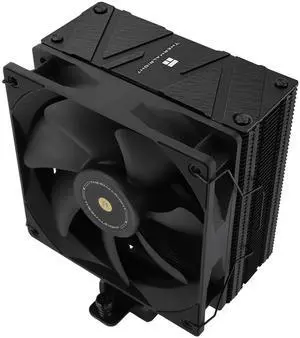
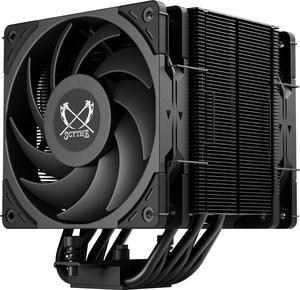
There's nowhere to go wrong with this. As good or better than anything beQuiet or Noctua makes, at half the price. Pay more if you want to. No stupid RGB.
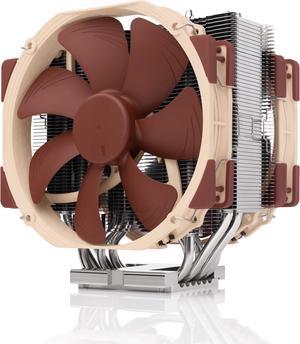
First ordered wrong product by mistake that wouldn't fit on AMD EPYC CPU, their team accepted return and shipped right product. Shipping was quick, arrived before expected time. Product received in good condition and had all tools required to assemble. Very easy to assemble. Worked great without any issues.
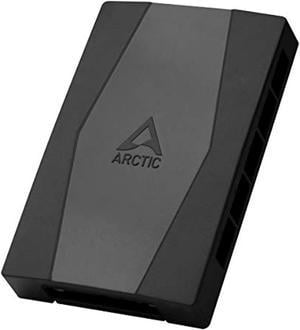
10 fan headers, that's a lot more than many other more expensive controllers Easy installation Compact size
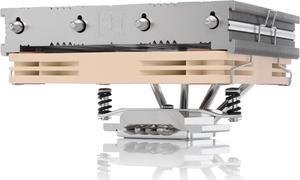
I bought this for use in a 4U rackmount case. It fit with room to spare, is quiet, and cools the old Xeon 1200 series (Core i5 equivalent) CPU under just fine. The clearance is good enough that I can still use all 4 RAM slots.
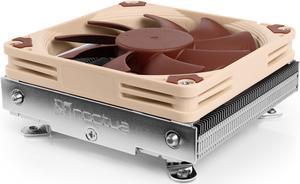
Cools my i5-4570S at 100% cpu load for 24 hours to 63C. It does this via by my ASUS H87I-PLUS miniITX board which has the fan spinning at only 35% of the fan's capacity. It's dead SILENT at that spin rate. When you juice it to 100% of the fans capacity, it's still only gracefully hums. This fan was essentially my only choice (over stock intel) because I have it in a thermaltake SD101 case, which an incredible tight mini ITX case which gives very little clearance for a cpu cooler. This cooler is a MUST BUY for anybody building a slim HTPC or mini ITX computer.
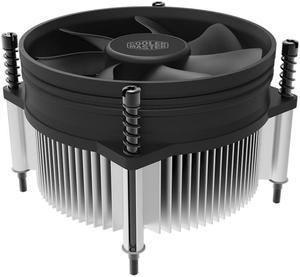
Already has the paste on it. Screws into bottom plate. No confusion. Great for beginners
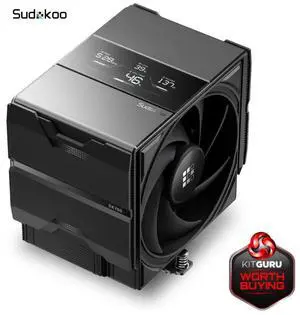
Great temps Sleek Design Very easy installation
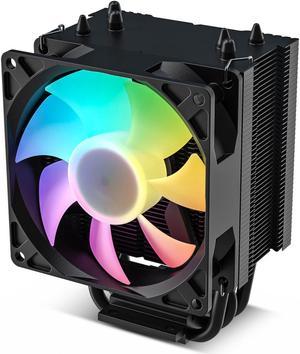
Great Price and now keeps my Intel 1150, 20 degrees F cooler, and that's what I was shooting for. lights work for fan.
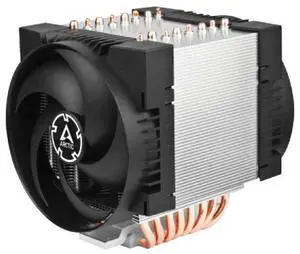
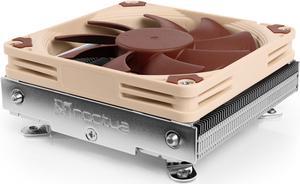
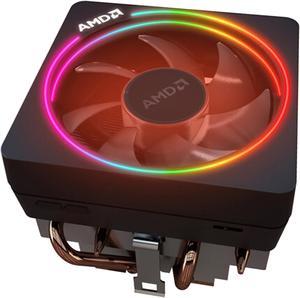
Keeps my Ryzen 7700X Cool has a high low switch for higher rpms and better cooling allows you to change lights, I haven't been able to figure out the ring light though.
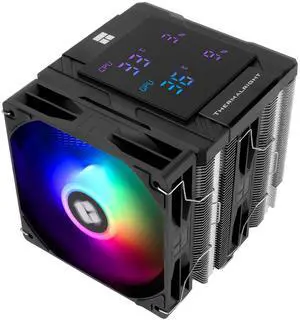
This is my 4th or 5th Peerless Assassin cooler, once again, I am in love! The display is pretty basic, however, it displays exaclty what I need it to display! The cooler is updated over the older ones, the CPU plate is larger, and this one has steel top plates for the magnetic display. Cooling is still outstanding.
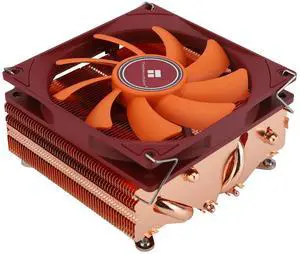
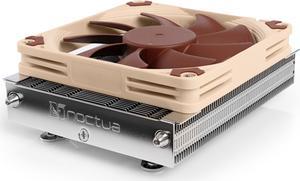
Fits in my DAN v4 case without any problem.
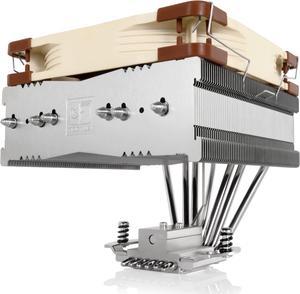
This thing is super quiet, The fan runs at like 500 RPM almost all the time. Installation was fairly easy and you can rotate the orientation to clear components on the motherboard.
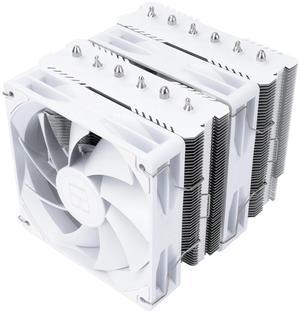
-Price -Easy to install (AMD 4/5) -Nearly as good as Noctua (1-2 degrees less) -Quiet
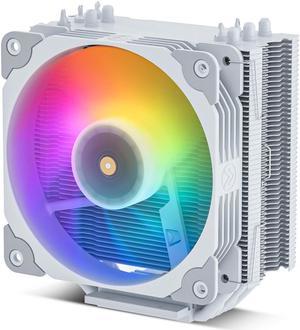
Quiet Effective Comes with all parts needed for installation


