




 here!
here!
I’m your shopping assistant for PC builds, upgrades, and everything tech.
Got questions? Ask away!
Start a conversation
here!
I’m your shopping assistant for PC builds, upgrades, and everything tech.
Got questions? Ask away!
Start a conversation

In Water / Liquid Cooling
Our most popular products, based on sales and updated frequently.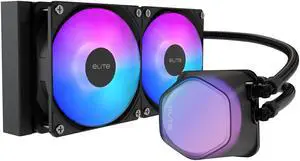
Easy Installation, decent fans, pre-pasted, stays cool, it lights up, great temps, quiet operation, removable/swappable pump cover, good quality, sizing

Looks fantastic, easy to install and keeps the cpu cool under heavy loads
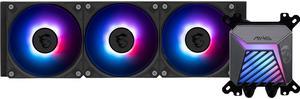
Pretty lights, came as a gift with cpu purchase

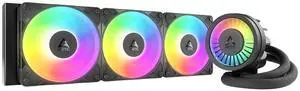
Amazing AIO. Fans already preinstalled. Easy instructions to follow. Cools my CPU no issue
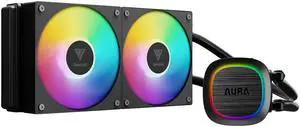
Had to take it apart and separate the fans from the radiator but everything mounted up and worked.

Matches perfectly with white cases Good cooling performance with an i9-14900K Quiet fans
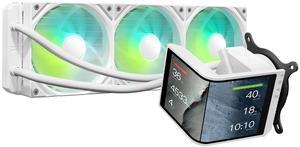
I was hesitant to go from an air-cooled PC to an AIO but I'm beyond happy that I did. I haven't seen the temps go higher than 55C and that's running some pretty intensive triple AAA titles or even just having multiple applications running at once. I also received it missing a cable and reached out to Tryx directly and they handled the situation wonderfully. Yvette on their customer service team was a consummate professional and was able to get back to me quickly and sent the cable I needed within a couple days. I highly recommend this product and I would definitely buy from this company in the future, can't say enough positive things about them.
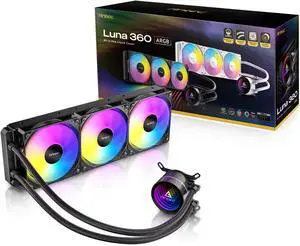
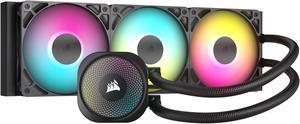
I like the swivel hose mounts on the cold plate, made for a clean looking install.
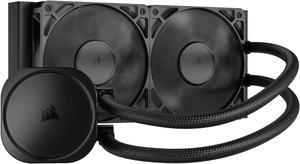
-NO RGB -Does really well on intel current CPUs -easy installation
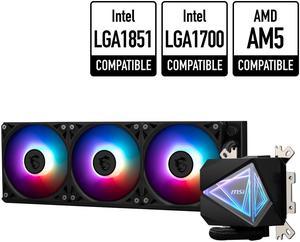
- This was a very easy product to install for AM5 boards - You have two options for installing I went with removing the MB CPU brackets for better contact. - RGB is great I like the design
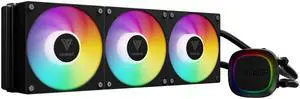
Feels well made. Easy to install. LEDs look great. Super quiet, even when set to performance mode cooling in BIOS. Temps are nice and cool.
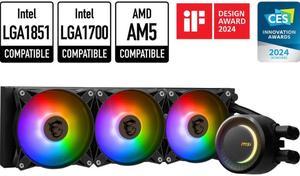
Long lasting, excited to really test it's longevity Low maintenance Great cost Great software
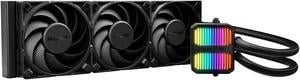
I have done water cooling before and it was a PitA. This kit is different, simply bolt it on and power it up. I like simple and with this AIO, you get that. Temperatures are held down nicely and the case doesn't look crowded or cluttered when you're finished. The fans and pump run without excessive noise. Power draw is low enough to connect directly to your motherboard. Hoses and wiring is the proper length for many installations. Mounting is a breeze with included retrofit hardware. You also get a bottle of fluid for refill which should be a good thing unless you find yourself opening it in less than a years time.

The LCD display looks great not a secondary monitor but a independent screen
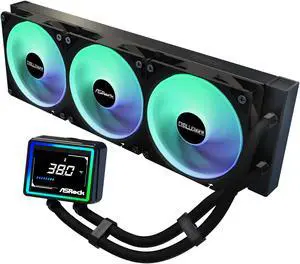
Keeps my PC at 35c under normal load and 52 c when play my games. Love the cpu display, don't have to open any other program to find out Was very easy to install and the instruction were simple and informative
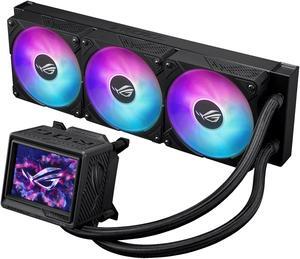
You get what you pay for and this is high quality. Worth every penny . Just love it for not only doing a great job of cooling but for a great looking cooler.
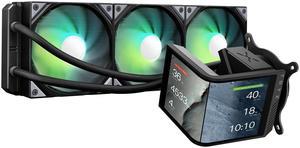
Normally i do custom liquid cooling, but after seeing this AIO from TRYX on facebook and youtube, i had to buy 1 to see. Performance is great !!!, No problem whatsoever with cooling 14900K, and AMD 7950X3D tested on both cpu.
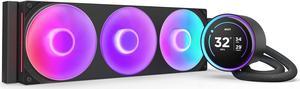
Performs well, temps have been good while gaming. It was easy to install. Looks very nice in my case.


