


Your Browsing History
BEST SELLERS


BEST SELLERS
In CPU / Processor
Our most popular products, based on sales and updated frequently.Shop Department
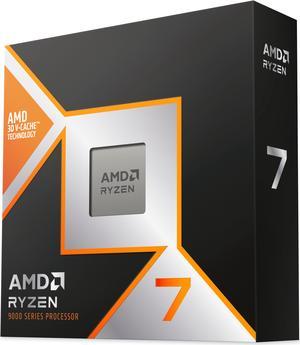
AMD Ryzen 7 9800X3D - Ryzen 7 9000 Series Zen 5 8-Core 5.2 GHz - Socket AM5 120W - AMD Radeon Graphics Desktop Processor - 100-100001084WOF
- Series: Ryzen 7 9000 Series
- L3 Cache: 96MB
- L2 Cache: 8MB
- Cooling Device: Cooling device not included - Processor Only
- Model #: 100-100001084WOF
- Item #: N82E16819113877
- Return Policy: 30-Day Return Policy
$469.00
$506.99
Free Shipping
Bought this from the 'rainforest (newegg wont let me say it), part number was off by one digit, qr code refused to scan so unable to verify on my end that it is authentic and text was oddly off and faded. The one from newegg had exact matching serial and parts number, qr code immediately work, and al the text and labeling were flawless. AMD support claims the 'rainforest' 9950x3d was genuine but it did not set well with me (attention to detail must be a requirement for items of this nature). CPU works with no issue and my roomate has a free cpu (and motherboard and ram cause i had to buy the bundle to get the cpu due to stock).
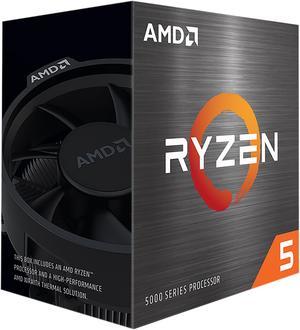
AMD Ryzen 5 5500 - Ryzen 5 5000 Series Cezanne (Zen 3) 6-Core 3.6 GHz Socket AM4 65W No Integrated Graphics Desktop CPU Processor - 100-100000457BOX
- Series: Ryzen 5 5000 Series
- L3 Cache: 16MB
- L2 Cache: 3MB
- Cooling Device: Wraith Stealth
- Model #: 100-100000457BOX
- Item #: N82E16819113737
- Return Policy: 30-Day Return Policy
$99.00
$159.00
Free Shipping
Arrived on time Easy to install Good performance
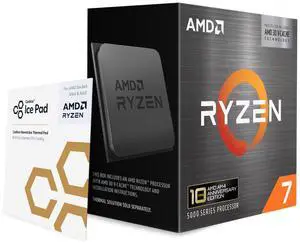
AMD Ryzen 7 5800X3D 10th Anniversary Edition - Ryzen 7 5000 Series Vermeer (Zen 3) 8-Core 3.4 GHz Socket AM4 105W Desktop CPU Processor - 100-100000651POF
- Series: Ryzen 7 5000 Series
- L3 Cache: 96MB
- L2 Cache: 4MB
- Cooling Device: Cooling device not included - Processor Only
- Model #: 100-100000651POF
- Item #: N82E16819113940
- Return Policy: 30-Day Return Policy
$349.00
Free Shipping
Works really well, a big upgrade
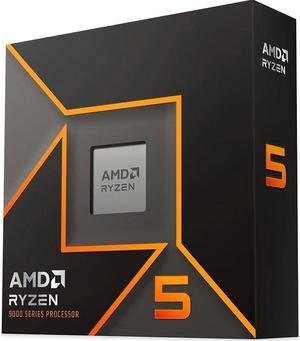
AMD Ryzen 5 9600X - Ryzen 5 9000 Series Granite Ridge (Zen 5) 6-Core 3.9 GHz - Socket AM5 65W - Radeon Graphics Processor - 100-100001405WOF
- Series: Ryzen 5 9000 Series
- L3 Cache: 32MB
- L2 Cache: 6MB
- Cooling Device: Cooling device not included - Processor Only
- Model #: 100-100001405WOF
- Item #: N82E16819113844
- Return Policy: 30-Day Return Policy
$220.00
$279.00
Free Shipping
Affordable Low Power Draw Runs Cool.
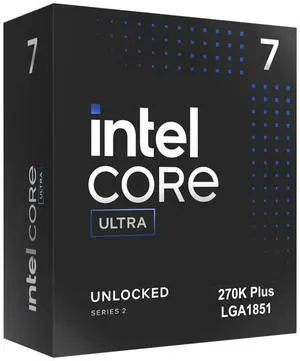
Intel Core Ultra 7 270K Plus Processor 24 cores (8 P-cores + 16 E-cores) up to 5.5 GHz BX80768270K
- Series: Core Ultra 7 (Series 2)
- L3 Cache: 36MB
- L2 Cache: 40MB
- Brand: Intel
- Model #: BX80768270K
- Item #: N82E16819118628
- Return Policy: 30-Day Return Policy
$330.00
$349.99
Free Shipping
Love the cores to $ value of this CPU.

AMD Ryzen 9 9950X3D - Ryzen 9 9000 Series 16-Core 4.3 GHz Socket AM5 170W AMD Radeon Graphics Desktop CPU Processor - 100-100000719WOF
- Series: Ryzen 9 9000 Series
- L3 Cache: 128MB
- L2 Cache: 16MB
- Cooling Device: Cooling device not included - Processor Only
- Model #: 100-100000719WOF
- Item #: N82E16819113884
- Return Policy: 30-Day Return Policy
$699.00
Free Shipping
Due to changes in the internal structure, the clock speed has increased because it can be cooled more than the 7950X3D, and the X3D has been installed while maintaining the same performance as the 9950X. It is the strongest CPU.
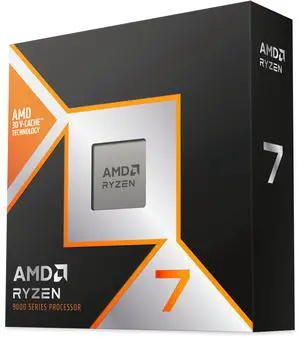
AMD Ryzen 7 9850X3D - Ryzen 7 9000 Series 8-Core 5.6GHz - Socket AM5 120W - AMD Radeon Graphics Desktop Processor - 100-100001973WOF
- Series: Ryzen 9000 Series
- L3 Cache: 96MB
- L2 Cache: 8MB
- Cooling Device: Cooling device not included - Processor Only
- Model #: 100-100001973WOF
- Item #: N82E16819113934
- Return Policy: 30-Day Return Policy
$499.00
Free Shipping
Fast Cool Efficient High Speeds
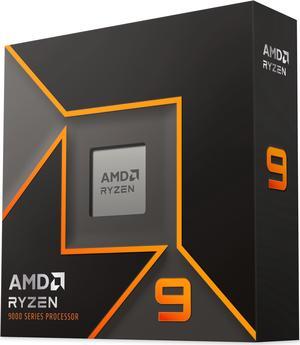
AMD Ryzen 9 9900X - Ryzen 9 9000 Series Granite Ridge (Zen 5) 12-Core 4.4 GHz - Socket AM5 120W - Radeon Graphics Processor - 100-100000662WOF
- Series: Ryzen 9 9000 Series
- L3 Cache: 64MB
- L2 Cache: 12MB
- Cooling Device: Cooling device not included - Processor Only
- Model #: 100-100000662WOF
- Item #: N82E16819113842
- Return Policy: 30-Day Return Policy
$379.00
$403.00
Free Shipping
Nice power, low heat just 120w, so nice
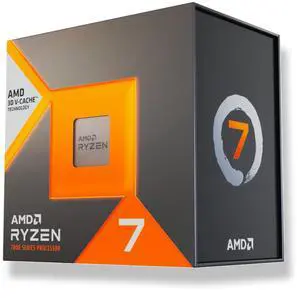
AMD Ryzen 7 7700X3D - Ryzen 7000 Series Raphael (Zen 4) 8-Core 4.0 GHz Socket AM5 120W Desktop Processor
- Series: Ryzen 7 7000 Series
- L3 Cache: 96MB
- L2 Cache: 8MB
- Cooling Device: Cooling device not included - Processor Only
- Model #: 100-100002235WOF
- Item #: N82E16819113941
- Return Policy: 30-Day Return Policy
$329.00
Free Shipping
I am upgrading from a 5800X3D and should have got in last winter before the RAMpacalypse got this bad but alas I did not and now pay the price of FOMO. This CPU is a placeholder for the future Ryzen 7 11800X3D.
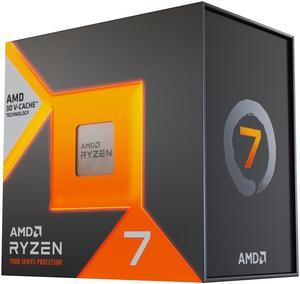
AMD Ryzen 7 7800X3D - Ryzen 7 7000 Series Zen 4 8-Core 4.2 GHz - Socket AM5 120W - AMD Radeon Graphics Desktop Processor - 100-100000910WOF
- Series: Ryzen 7 7000 Series
- L3 Cache: 96MB
- L2 Cache: 8MB
- Cooling Device: Cooling device not included - Processor Only
- Model #: 100-100000910WOF
- Item #: N82E16819113793
- Return Policy: 30-Day Return Policy
$415.98
$449.00
Free Shipping
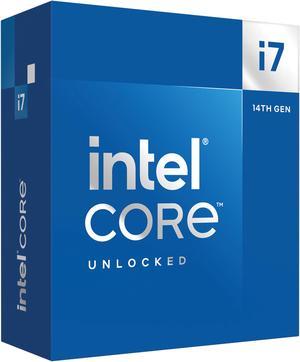
Intel Core i7-14700K - Core i7 14th Gen 20-Core (8P+12E) LGA 1700 125W Intel UHD Graphics 770 Processor - Boxed - BX8071514700K
- Series: Core i7 14th Gen
- L3 Cache: 33MB
- L2 Cache: 28MB
- Cooling Device: Cooling device not included - Processor Only
- Model #: BX8071514700K
- Item #: N82E16819118466
- Return Policy: 30-Day Return Policy
$390.99
$458.13
Free Shipping
Doesn't run hot even without water cooler No issues with performance
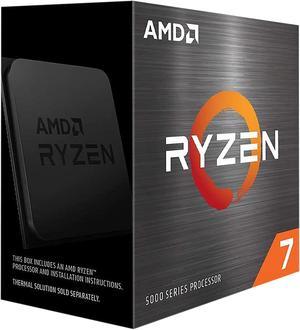
AMD Ryzen 7 5700X - Ryzen 7 5000 Series 8-Core 3.4 GHz Socket AM4 65W None Integrated Graphics Desktop CPU Processor - 100-100000926WOF
- Series: Ryzen 7 5000 Series
- L3 Cache: 32MB
- L2 Cache: 4MB
- Cooling Device: Cooling device not included - Processor Only
- Model #: 100-100000926WOF
- Item #: N82E16819113735
- Return Policy: 30-Day Return Policy
$209.00
$299.00
Free Shipping
The unit I received tested at the 100th percentile on userbenchmark.com , meaning the top 1% of all 3700x units. I guess I won the silicon lottery? Im happy with my purchase, other than it went on sale on another site a few weeks later for -$50 than I paid. But I guess thats the way computers work.
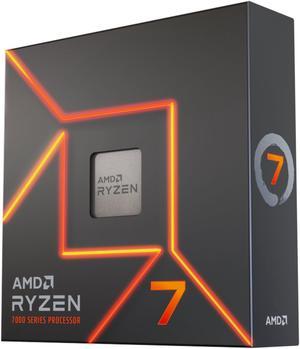
AMD Ryzen 7 7700X - Zen 4 8-Core 4.5 GHz - Socket AM5 - 105W Desktop Processor (100-100000591WOF)
- Series: Ryzen 7 7000 Series
- L3 Cache: 32MB
- L2 Cache: 8MB
- Cooling Device: Cooling device not included - Processor Only
- Model #: 100-100000591WOF
- Item #: N82E16819113768
- Return Policy: 30-Day Return Policy
$239.00
$399.00
Free Shipping
This CPU is fast, and I mean FAST.
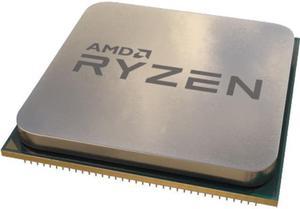
AMD Ryzen 7 5700X - Ryzen 7 5000 Series Vermeer (Zen 3) 8-Core 3.4 GHz Socket AM4 65W Desktop Processor (Tray, OEM) - 100-000000926
- Series: Ryzen 7 5000 Series
- L3 Cache: 32MB
- L2 Cache: 4MB
- Cooling Device: Cooling device not included - Processor Only
- Model #: 100-000000926
- Item #: 9SIC3U3KN44116
- Return Policy: View Return Policy
$164.99
Free Shipping
Fast Shipping New Product (or like new looks brand new to me) Exactly as described CPU works and posts perfectly No RAM training issues
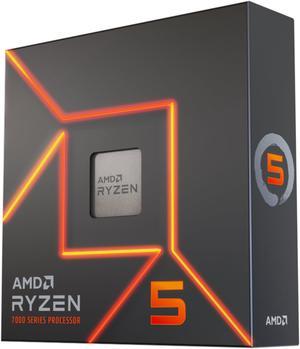
AMD Ryzen 5 7600X - Zen 4 6-Core 4.7 GHz - Socket AM5 - 105W Desktop Processor (100-100000593WOF)
- Series: Ryzen 5 7000 Series
- L3 Cache: 32MB
- L2 Cache: 6MB
- Cooling Device: Cooling device not included - Processor Only
- Model #: 100-100000593WOF
- Item #: N82E16819113770
- Return Policy: 30-Day Return Policy
$184.99
$299.00
Free Shipping
Runs my MS Flight Simulator 2020 really well. It's primary purpose.
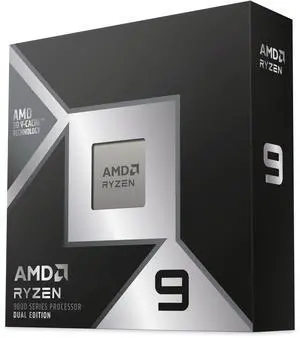
AMD Ryzen 9 9950X3D2 Dual Edition - Ryzen 9 9000 Series 16-Core 4.3 GHz Socket AM5 200W AMD Radeon Graphics Desktop CPU Processor - 100-100001978WOF
- Series: Ryzen 9 9000 Series
- L3 Cache: 192MB
- L2 Cache: 16MB
- Cooling Device: Cooling device not included - Processor Only
- Model #: 100-100001978WOF
- Item #: N82E16819113938
- Return Policy: 30-Day Return Policy
$899.00
Free Shipping
If you dont like to go into your motherboard, set the proper settings for your CPU and do various software things like Xbox Game Bar and ext. If you think you only need to run the chipset drivers and memory exp timings in the motherboard, then the 9950X3D2 is for you.
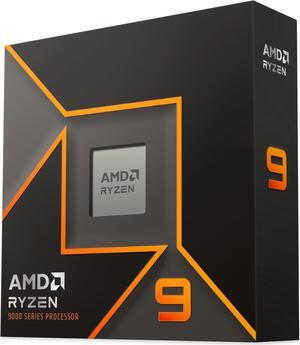
AMD Ryzen 9 9950X - Ryzen 9 9000 Series Granite Ridge (Zen 5) 16-Core 4.3 GHz - Socket AM5 170W - Radeon Graphics Processor - 100-100001277WOF
- Series: Ryzen 9 9000 Series
- L3 Cache: 64MB
- L2 Cache: 16MB
- Cooling Device: Cooling device not included - Processor Only
- Model #: 100-100001277WOF
- Item #: N82E16819113841
- Return Policy: 30-Day Return Policy
$549.00
$581.99
Free Shipping
-Fast -Great OC capability -Great synergy with AMD products
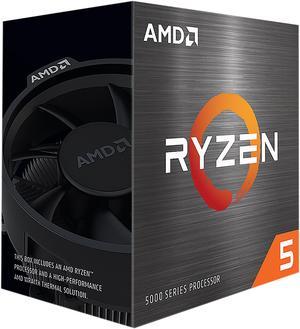
AMD Ryzen 5 5600 - Ryzen 5 5000 Series 6-Core 3.5 GHz Socket AM4 65W None Integrated Graphics Desktop CPU Processor - 100-100000927BOX
- Series: Ryzen 5 5000 Series
- L3 Cache: 32MB
- L2 Cache: 3MB
- Cooling Device: Wraith Stealth
- Model #: 100-100000927BOX
- Item #: 9SIC6E1M4H6072
- Return Policy: View Return Policy
$104.98
$116.56
$29.99 Shipping
Latest B2 stepping (date code 2209 - so early March, 2022). Low power consumption (runs cool). Great performance per dollar.
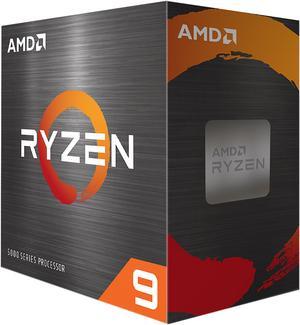
AMD Ryzen 9 5900XT - Ryzen 9 5000 Series 16-Core 3.3 GHz Socket AM4 105W None Integrated Graphics Desktop CPU Processor - 100-100001581WOF
- Series: Ryzen 9 5000 Series
- L3 Cache: 64MB
- L2 Cache: 8MB
- Cooling Device: Cooling device not included - Processor Only
- Model #: 100-100001581WOF
- Item #: N82E16819113845
- Return Policy: 30-Day Return Policy
$289.99
$349.00
Free Shipping
I hit 45000 on cpu benchmark Huge difference compared to my old Ryzen5 5600g
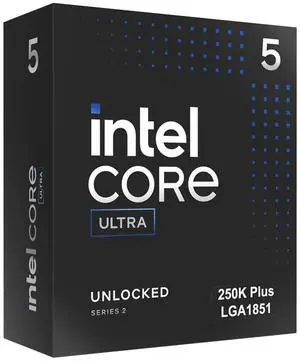
Intel Core Ultra 5 250K Plus Processor 18 cores (6 P-cores + 12 E-cores) up to 5.3 GHz BX80768250K
- Series: Core Ultra 5 (Series 2)
- L3 Cache: 30MB
- L2 Cache: 30MB
- Brand: Intel
- Model #: BX80768250K
- Item #: N82E16819118629
- Return Policy: 30-Day Return Policy
$219.99
Free Shipping
Incredibly fast, compared to my previous i511400k from 5 years ago for the same price. This easily is 3x as fast. Great product. 0 issues so far since installation.