




 here!
here!
I’m your shopping assistant for PC builds, upgrades, and everything tech.
Got questions? Ask away!
Start a conversation
here!
I’m your shopping assistant for PC builds, upgrades, and everything tech.
Got questions? Ask away!
Start a conversation

In Computer Monitor
Our most popular products, based on sales and updated frequently.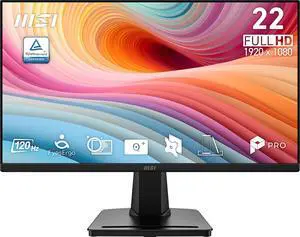
Price was great. HDMI connection. Small footprint fits inside wife's curio perfectly.
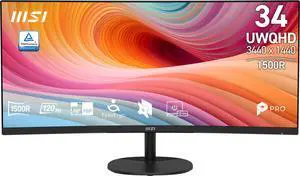
Great monitor, with a fast refresh rate, beautiful picture and overall great deal. Split screen feature is great to split between gaming or watching movies on PlayStation while working on the computer I had the manual hand controls down without too much trouble for swapping between split screen, single source, and picture in picture within a day or so. they are relatively intuitive.
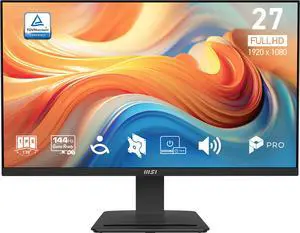
- 144 hz - vibrant colors - easy to setup
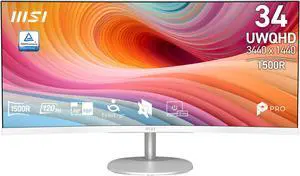
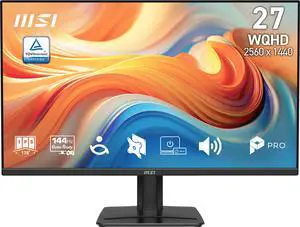
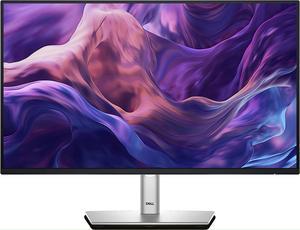
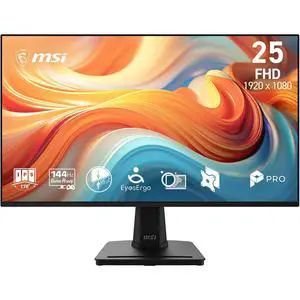
Good monitor. I was surprised at how light it was. Very easy to move but I'd think twice about pointing a really powerful fan at it. Regardless, definitely worth what I paid for it.
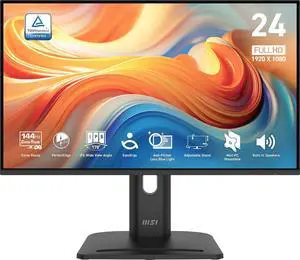
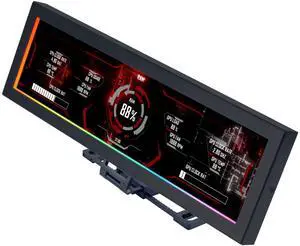
Multiple ways you can set it up. Have by the monitors where you type with a USB extender. Or place it inside your case for aesthetics. This took some rigmarole to get done.
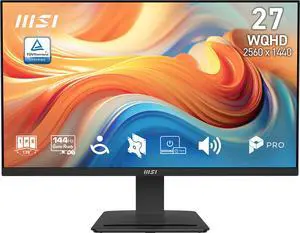
Great monitor
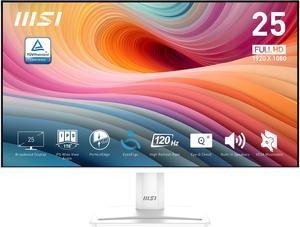
Sleek design and doesn't take up much space since it's not so bulky or heavy. Making changes on the monitor's screen once setup is fairly simple and easy to understand. Able to be tilted up for those who need a really up close view, and a nice little spot in the back to keep the wires nice and orderly. Setup is fairly easy and simple, simply attach the included parts together.
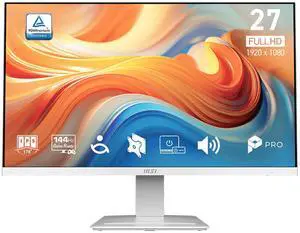
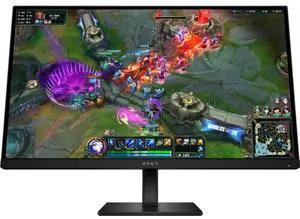
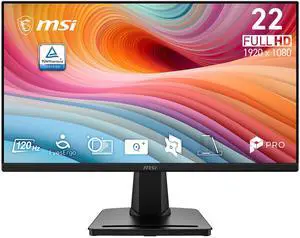
Inexpensive. Easy to set up. Works fine with VGA to HDMI adaptor cable.
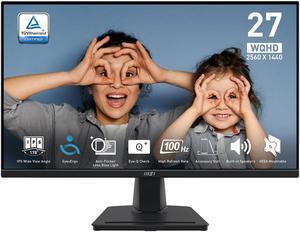
Very good monitor for the price, easy to setup and very legible
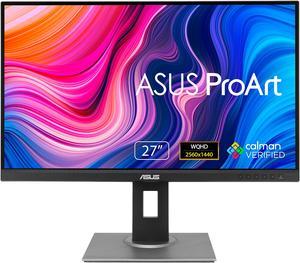
Stand is very adjustable
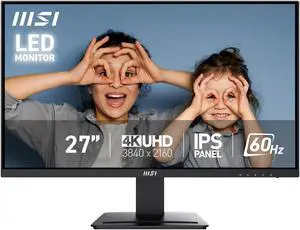
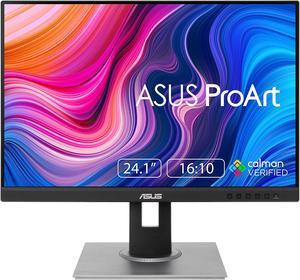
Colors are sharp and vibrant. the onscreen controls work well and the presets are helpful. Works great on HDMI and Display Port.


