

Your Browsing History
BEST SELLERS


BEST SELLERS
In Desktop CPU Processor
Our most popular products, based on sales and updated frequently.Shop Department
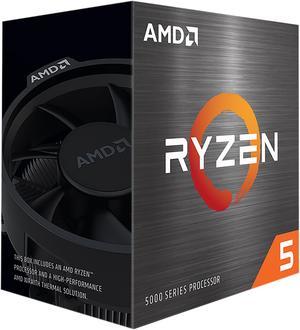
AMD Ryzen 5 5500 - Ryzen 5 5000 Series Cezanne (Zen 3) 6-Core 3.6 GHz Socket AM4 65W No Integrated Graphics Desktop CPU Processor - 100-100000457BOX
- Series: Ryzen 5 5000 Series
- L3 Cache: 16MB
- L2 Cache: 3MB
- Cooling Device: Wraith Stealth
- Model #: 100-100000457BOX
- Item #: N82E16819113737
- Return Policy: 30-Day Return Policy
$99.00
$159.00
Free Shipping
- Product is okay for the price
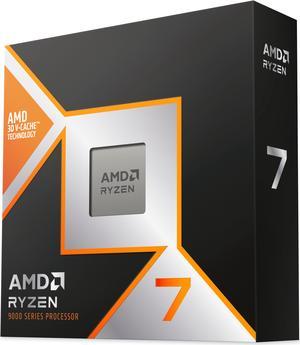
AMD Ryzen 7 9800X3D - Ryzen 7 9000 Series Zen 5 8-Core 5.2 GHz - Socket AM5 120W - AMD Radeon Graphics Desktop Processor - 100-100001084WOF
- Series: Ryzen 7 9000 Series
- L3 Cache: 96MB
- L2 Cache: 8MB
- Cooling Device: Cooling device not included - Processor Only
- Model #: 100-100001084WOF
- Item #: N82E16819113877
- Return Policy: 30-Day Return Policy
$469.00
$507.99
Free Shipping
-Huge FPS gains even on 1440p. -Easy overclocking with AMD Expo in bios. -Lower temps and wattage while gaming. (Not even going over 60C for my rig)
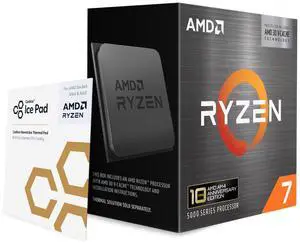
AMD Ryzen 7 5800X3D 10th Anniversary Edition - Ryzen 7 5000 Series Vermeer (Zen 3) 8-Core 3.4 GHz Socket AM4 105W Desktop CPU Processor - 100-100000651POF
- Series: Ryzen 7 5000 Series
- L3 Cache: 96MB
- L2 Cache: 4MB
- Cooling Device: Cooling device not included - Processor Only
- Model #: 100-100000651POF
- Item #: N82E16819113940
- Return Policy: 30-Day Return Policy
$349.00
Free Shipping
Chipset lottery winner
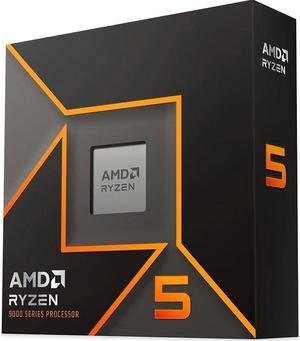
AMD Ryzen 5 9600X - Ryzen 5 9000 Series Granite Ridge (Zen 5) 6-Core 3.9 GHz - Socket AM5 65W - Radeon Graphics Processor - 100-100001405WOF
- Series: Ryzen 5 9000 Series
- L3 Cache: 32MB
- L2 Cache: 6MB
- Cooling Device: Cooling device not included - Processor Only
- Model #: 100-100001405WOF
- Item #: N82E16819113844
- Return Policy: 30-Day Return Policy
$199.99
$279.00
Free Shipping
Goes on sale a lot

AMD Ryzen 9 9950X3D - Ryzen 9 9000 Series Granite Ridge (Zen 5) 16-Core 4.3 GHz Socket AM5 170W AMD Radeon Graphics Desktop CPU Processor - 100-100000719WOF
- Series: Ryzen 9 9000 Series
- L3 Cache: 128MB
- L2 Cache: 16MB
- Cooling Device: Cooling device not included - Processor Only
- Model #: 100-100000719WOF
- Item #: N82E16819113884
- Return Policy: 30-Day Return Policy
$699.00
Free Shipping
Runs surprisingly cool, a beast of a cpu weather you use it for gaming or work it doesnt disappoint.
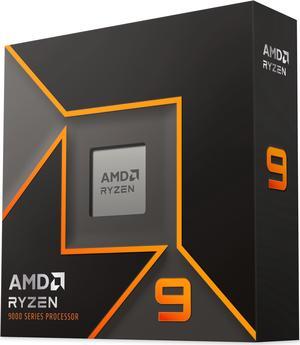
AMD Ryzen 9 9900X - Ryzen 9 9000 Series Granite Ridge (Zen 5) 12-Core 4.4 GHz - Socket AM5 120W - Radeon Graphics Processor - 100-100000662WOF
- Series: Ryzen 9 9000 Series
- L3 Cache: 64MB
- L2 Cache: 12MB
- Cooling Device: Cooling device not included - Processor Only
- Model #: 100-100000662WOF
- Item #: N82E16819113842
- Return Policy: 30-Day Return Policy
$403.00
$439.00
Free Shipping
No problem keeping the thermals in range with a quiet Noctua cooler.
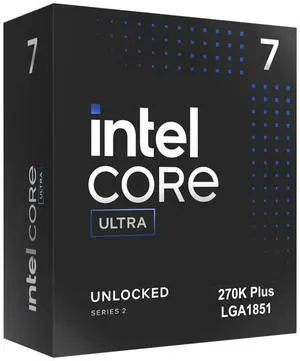
Intel Core Ultra 7 270K Plus Processor 24 cores (8 P-cores + 16 E-cores) up to 5.5 GHz BX80768270K
- Series: Core Ultra 7 (Series 2)
- L3 Cache: 36MB
- L2 Cache: 40MB
- Brand: Intel
- Model #: BX80768270K
- Item #: N82E16819118628
- Return Policy: 30-Day Return Policy
$330.00
$330.19
Free Shipping
- Better then 9950X in production - Fast in gaming beating i9 14900K
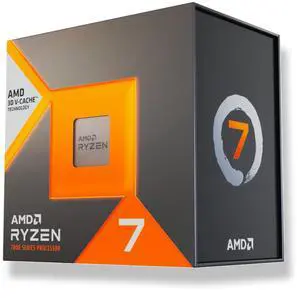
AMD Ryzen 7 7700X3D - Ryzen 7000 Series Raphael (Zen 4) 8-Core 4.0 GHz Socket AM5 120W Desktop Processor
- Series: Ryzen 7 7000 Series
- L3 Cache: 96MB
- L2 Cache: 8MB
- Cooling Device: Cooling device not included - Processor Only
- Model #: 100-100002235WOF
- Item #: N82E16819113941
- Return Policy: 30-Day Return Policy
$329.00
Free Shipping
I am upgrading from a 5800X3D and should have got in last winter before the RAMpacalypse got this bad but alas I did not and now pay the price of FOMO. This CPU is a placeholder for the future Ryzen 7 11800X3D.
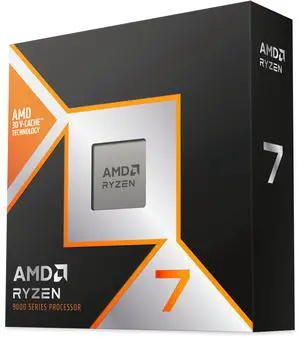
AMD Ryzen 7 9850X3D - Ryzen 7 9000 Series 8-Core 5.6GHz - Socket AM5 120W - AMD Radeon Graphics Desktop Processor - 100-100001973WOF
- Series: Ryzen 9000 Series
- L3 Cache: 96MB
- L2 Cache: 8MB
- Cooling Device: Cooling device not included - Processor Only
- Model #: 100-100001973WOF
- Item #: N82E16819113934
- Return Policy: 30-Day Return Policy
$484.00
Free Shipping
The 3D V-Cache technology makes a massive difference in gaming performance. Frame rates are consistently high even in the most CPU-demanding titles. Runs surprisingly cool for an X3D chip and the 120W TDP is very manageable. Dropped right into my X870 board with no issues.
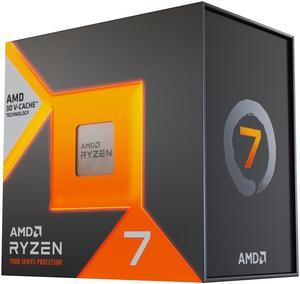
AMD Ryzen 7 7800X3D - Ryzen 7 7000 Series Zen 4 8-Core 4.2 GHz - Socket AM5 120W - AMD Radeon Graphics Desktop Processor - 100-100000910WOF
- Series: Ryzen 7 7000 Series
- L3 Cache: 96MB
- L2 Cache: 8MB
- Cooling Device: Cooling device not included - Processor Only
- Model #: 100-100000910WOF
- Item #: N82E16819113793
- Return Policy: 30-Day Return Policy
$449.00
Free Shipping
Faster than anything Intel currently makes. Cheaper than any of the high end Intel CPUs. Has a GPU built in, which comes in handy for OS installs. 8 cores, 16 threads. Works with both Windows and Linux.
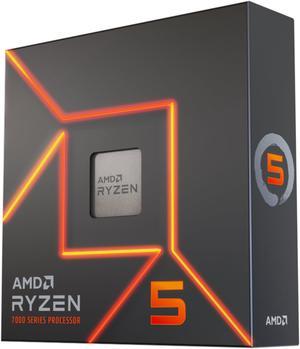
AMD Ryzen 5 7600X - Zen 4 6-Core 4.7 GHz - Socket AM5 - 105W Desktop Processor (100-100000593WOF)
- Series: Ryzen 5 7000 Series
- L3 Cache: 32MB
- L2 Cache: 6MB
- Cooling Device: Cooling device not included - Processor Only
- Model #: 100-100000593WOF
- Item #: N82E16819113770
- Return Policy: 30-Day Return Policy
$199.00
$299.00
Free Shipping
Can believe how much power this thing has
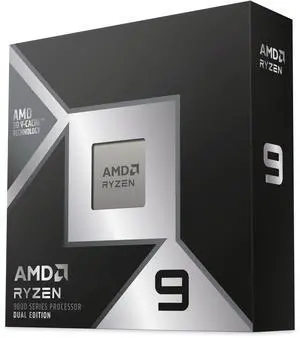
AMD Ryzen 9 9950X3D2 Dual Edition - Ryzen 9 9000 Series Granite Ridge 16-Core 4.3 GHz Socket AM5 200W AMD Radeon Graphics Desktop CPU Processor - 100-100001978WOF
- Series: Ryzen 9 9000 Series
- L3 Cache: 192MB
- L2 Cache: 16MB
- Cooling Device: Cooling device not included - Processor Only
- Model #: 100-100001978WOF
- Item #: N82E16819113938
- Return Policy: 30-Day Return Policy
$899.00
Free Shipping
Exceptional speed for the temps. Allows video exporting/editing and play Black Ops 7 during video production.
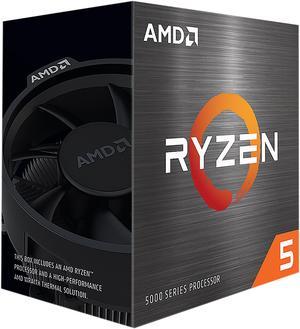
AMD Ryzen 5 5600 - Ryzen 5 5000 Series Vermeer (Zen 3) 6-Core 3.5 GHz Socket AM4 65W None Integrated Graphics Desktop CPU Processor - 100-100000927BOX
- Series: Ryzen 5 5000 Series
- L3 Cache: 32MB
- L2 Cache: 3MB
- Cooling Device: Wraith Stealth
- Model #: 100-100000927BOX
- Item #: 9SIC3U3KN44534
- Return Policy: View Return Policy
$142.49
$144.99
Free Shipping
- Easy install on the B450 platform - Great value when on sale - Runs much cooler than the 5600X at only 200MHz less, I've never seen it go above 72c while under load at its boost clock with the stock cooler and thermal paste. -Is bottlenecked by my 2060
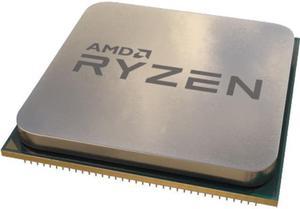
AMD Ryzen 7 5700X - Ryzen 7 5000 Series Vermeer (Zen 3) 8-Core 3.4 GHz Socket AM4 65W Desktop Processor (Tray, OEM) - 100-000000926
- Series: Ryzen 7 5000 Series
- L3 Cache: 32MB
- L2 Cache: 4MB
- Cooling Device: Cooling device not included - Processor Only
- Model #: 100-000000926
- Item #: 9SIC7XKM1G9295
- Return Policy: View Return Policy
$153.00
$182.99
Free Shipping
Much faster than my last CPU the 2700x from years ago. Improved my frame rate pretty substantially going from 70fps in STALKER2 to 150. The price was good - 135.00$ is a small price for the gains.
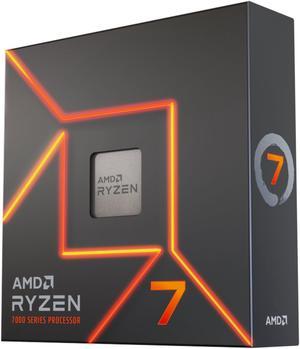
AMD Ryzen 7 7700X - Zen 4 8-Core 4.5 GHz - Socket AM5 - 105W Desktop Processor (100-100000591WOF)
- Series: Ryzen 7 7000 Series
- L3 Cache: 32MB
- L2 Cache: 8MB
- Cooling Device: Cooling device not included - Processor Only
- Model #: 100-100000591WOF
- Item #: N82E16819113768
- Return Policy: 30-Day Return Policy
$239.00
$399.00
Free Shipping
My specific cpu can handle PBO -30 and EXPO at 6k.
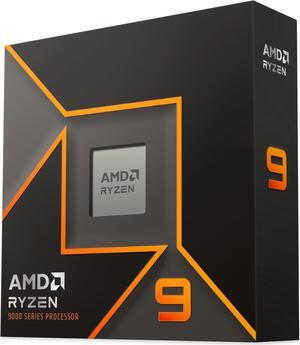
AMD Ryzen 9 9950X - Ryzen 9 9000 Series Granite Ridge (Zen 5) 16-Core 4.3 GHz - Socket AM5 170W - Radeon Graphics Processor - 100-100001277WOF
- Series: Ryzen 9 9000 Series
- L3 Cache: 64MB
- L2 Cache: 16MB
- Cooling Device: Cooling device not included - Processor Only
- Model #: 100-100001277WOF
- Item #: N82E16819113841
- Return Policy: 30-Day Return Policy
$549.00
$581.99
Free Shipping
Trust me it is better than the 7700x. If you are building new. This is a no brainer. Use my PC for gaming mostly and I did notice the difference going from a 7700x. The 1% low's were definitely better also. Which makes for a smooth gaming experience.
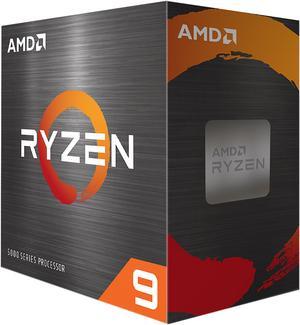
AMD Ryzen 9 5900XT - Ryzen 9 5000 Series Vermeer (Zen 3) 16-Core 3.3 GHz Socket AM4 105W None Integrated Graphics Desktop CPU Processor - 100-100001581WOF
- Series: Ryzen 9 5000 Series
- L3 Cache: 64MB
- L2 Cache: 8MB
- Cooling Device: Cooling device not included - Processor Only
- Model #: 100-100001581WOF
- Item #: N82E16819113845
- Return Policy: 30-Day Return Policy
$311.00
$349.00
Free Shipping
- Didn't lag on Fortnite
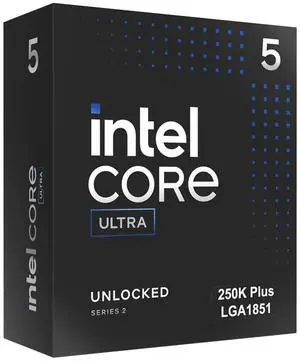
Intel Core Ultra 5 250K Plus Processor 18 cores (6 P-cores + 12 E-cores) up to 5.3 GHz BX80768250K
- Series: Core Ultra 5 (Series 2)
- L3 Cache: 30MB
- L2 Cache: 30MB
- Brand: Intel
- Model #: BX80768250K
- Item #: N82E16819118629
- Return Policy: 30-Day Return Policy
$219.99
Free Shipping
CPU performs well, stable, temps are not an issue with a be quite Pure Rock Pro 3. Upgraded from a Intel i5-6500...... So probably not fair to compare.
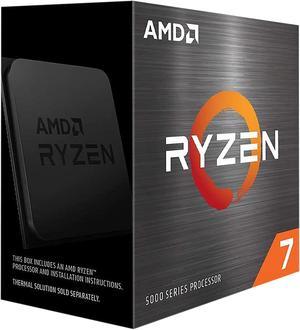
AMD Ryzen 7 5700X - Ryzen 7 5000 Series Vermeer (Zen 3) 8-Core 3.4 GHz Socket AM4 65W None Integrated Graphics Desktop CPU Processor - 100-100000926WOF
- Series: Ryzen 7 5000 Series
- L3 Cache: 32MB
- L2 Cache: 4MB
- Cooling Device: Cooling device not included - Processor Only
- Model #: 100-100000926WOF
- Item #: N82E16819113735
- Return Policy: 30-Day Return Policy
$209.00
$299.00
Free Shipping
Replaced my 3700X with this CPU and very happy with the upgrade.
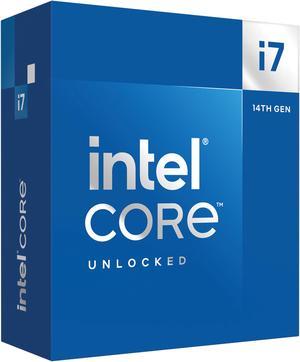
Intel Core i7-14700K - Core i7 14th Gen 20-Core (8P+12E) LGA 1700 125W Intel UHD Graphics 770 Processor - Boxed - BX8071514700K
- Series: Core i7 14th Gen
- L3 Cache: 33MB
- L2 Cache: 28MB
- Cooling Device: Cooling device not included - Processor Only
- Model #: BX8071514700K
- Item #: N82E16819118466
- Return Policy: 30-Day Return Policy
$390.99
Free Shipping
I built 2 duplicate machines other than hard drives, and ended up doing one I7- 14700 & the other a I9- 14900. For the money the 14700k is probably the best CPU out there! Download the latest BIOS and flash the thing! The chip will run cool while you in BIOS or at idle! Start by changing to "advanced mode" then go thru all the menu settings. In order to run at the speeds I have, the cooler changes to 240 AIO, but I am running a Be Quiet Dark Rock 5 PRO / 270-TDP. I set the BCLK to "Locked 100mhz" set the AVX2 offset to 2 or 4, set LoadLine to 3 or 3.5. I set "Base Frq Boost" to 125, set P-core ratio to 4.8 AT LEAST to start, set Ecore Ratio to around 3.4. Don't be TOO greedy! I run "ALL CORE" which I would rather have all cores running the same speed, even thou you won't get quite as high a speed! PLL-1 set to 240, PLL-2 set to 250 and 280A ----The factory setting after BIOS update are 253, 253, 301A - SO I am running on the cooler side rather than trying to fry my CPU! I think I am running my P-core at 4.8ghz & E-core at 3.4. I'm getting ready to try to bump Pcores to 5ghz. I have the same voltage setting on the I9-14900k & I am running P-cores at 5ghz. Couple other things - IMPORTANT set a hard voltage limit of 1.4v too! 240, 250, 280A and 1.4v you should run around 29c idle, and not much more than that when web browsing, watching video etc! Under extreme stress running mid 50s to mid 60s. ANOTHER thing I did was to set a "Hard Throttle" at 82c and "Max Temp" of 84c. I use the Intel XTU utility to stress test, I DO NOT USE IT TO MAKE SETTINGS!!! Don't use any overclock program to do your overclocking, if your setting are "non bootable" you will have to go in safe mode a delete the program! If BIOS changes are unbootable the BIOS will try to make adjustment to allow you to get back in a make changes! The XTU will show your temp, and your TDP at the bottom left, so scroll down so it is visible! If your "Thermal Throttling" there is a problem! Do a "Max-Temp" of 95c (to dial in) and run the test(s) for JUST 1minute, if the TEMP starts to climb, don't run the whole minute - STOP - SHUT DOWN & boot into Bios to change settings or shut down and re-install your cooling device! I used Liquid Metal - You don't want to overdo it, but you should put it on the heatsink FIRST AWAY from any electronics, because it will short stuff out! Then put the stuff directly on the CPU. I was lucky, but when first trying to gently squeeze it out, the first bit wants to "shoot out" so keep that in mind! That's why I say put it on heatsink FIRST! There is an option for "extra Voltage" for AVX & I didn't feel safe letting the BIOS decide, so I took it off "AUTO" and entered 1 (the number is multiplied by .05 to the AC-LoadLine) The AC & DC Load Line Should be the same, since .05 was added to the AC load line, I set the load line to .40AC & .45DC! When you increase these values the help VDROOP, BUT increase the TEMPs the higher you go! Actually the .40 & .45 are on the i9, the i7 is in mid to upper 50s. I am thinking I can lower them slightly and go from 4.8ghx to 5ghz. ALL THIS IS DONE WITHOUT AN UNDER-VOLT!!!!! I keep "Under-Volt Protection" ENABLED! The easiest & best way to start out is to set your speed manually by setting BCLK to 100mhz & set the multiplier to 40 P-core & 28 e-core, go up slow. Be patient and don't be greedy! ONE MORE THING - Get the CPU with onboard video, and set everything up right, before you add a video card to the mix! If video card ever goes bad, it will be a blessing to both trouble shoot, and allow you to get online temporarily until you get a new card!