




 here!
here!
I’m your shopping assistant for PC builds, upgrades, and everything tech.
Got questions? Ask away!
Start a conversation
here!
I’m your shopping assistant for PC builds, upgrades, and everything tech.
Got questions? Ask away!
Start a conversation

In Fans & PC Cooling
Our most popular products, based on sales and updated frequently.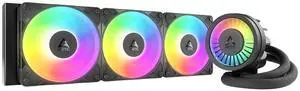
Amazing AIO. Fans already preinstalled. Easy instructions to follow. Cools my CPU no issue
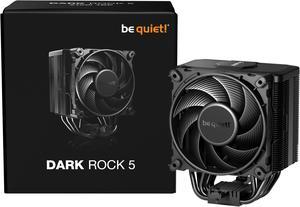
Easy installation, even includes the long screw driver needed (look in the Styrofoam packing). The mount screws into the brackets (included) for the motherboard. Much easier installation than clamp down designs. It is quiet. But it also keeps my Ryzen 7 9800X3D at under 60c while playing Battlefield 6.
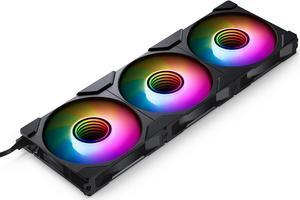
Ease of instillation Easy to daisy chain Looks great Did I mention that are a great value. Ive used theme in both of my current computers
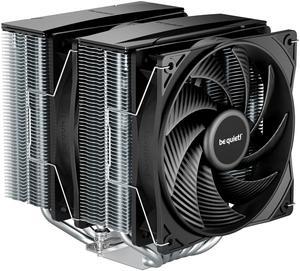
Purchase and tech support was great. Fan comes with a thermal paste applied and everything needed. Easy to assemble. Unfortunately my ram cards were too tall so the fan could clear over them and had to return.

I do not have to worry about overheat.
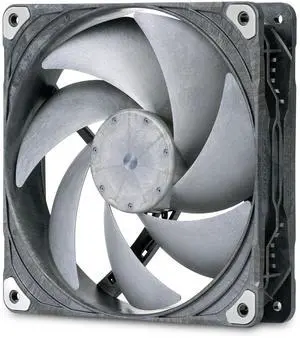
As of the date of this review, there is no better fan. You will not be disappointed by the performance.
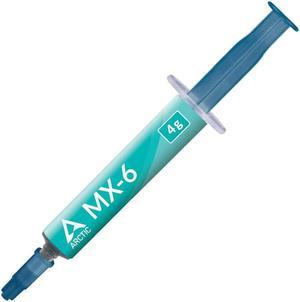
Excellent compound for hard working CPU's. You just can't go wrong with Arctic for the price.
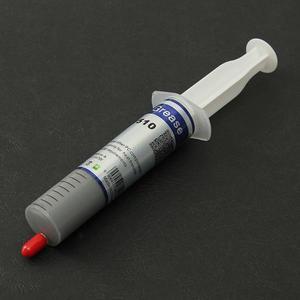
You get 30 grams of thermal grease which is a lot more than other brands and the price is excellent. It's worth buying and having it available for future use. Even at this low selling price, the grease is packaged in a syringe tube for easy application.
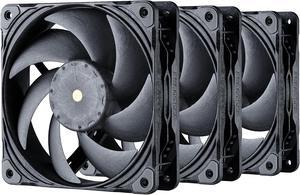
- Has a female plug on every fan to plug them serially. Every one of them come with an extension cable and radiator screws. - 1250 RPM silent - No weird inconsistent whine that apparently my ears can pick up. - Shock pads - Not too hard to screw in - Awesome airflow! - Neutral look - Up to 3000 RPM for your crazy projects.
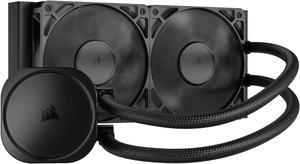
Fans and pump are quiet. Was an easy install into my atx case.
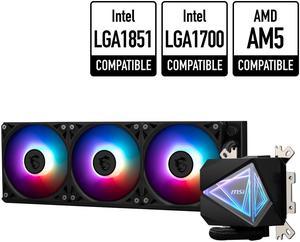
- Quick and easy to install - CPU temps are keeping cool

Shipped on time was packaged well and arrived undamaged.. No complaints
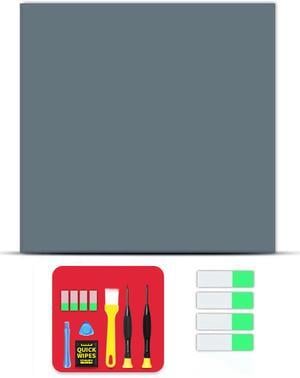
Why did I pick this? I was intrigued by this so I bought it. Sure, its pricier than most pastes. There is a thick plastic side and a thin plastic side. I cut the piece to size and used a sharp utility knife to pre-peal the thin plastic side and fold the corner. I wiped the die with the enclosed alcohol pad, pealed the thick plastic side, centered the pad, used the spatula to press it down and then grabbed the pre-folded edge of the thin plastic to remove. It wasnt too bad. I dont know if it works better as I have not compared it to regular thermal paste but I am satisfied that I got an appropriate amount between the CPU and the cooler.

Keeps CPU nice and cool Came free with the CPU purchase
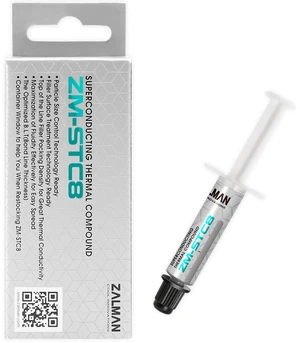
kept my i7 12700k under 100 Fahrenheit (cold) while under 100% load, after a week of use, it cooled down to 70-85 Fahrenheit IDLE!
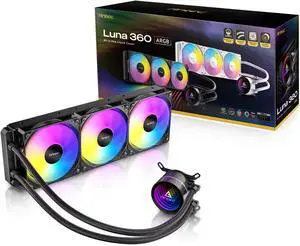
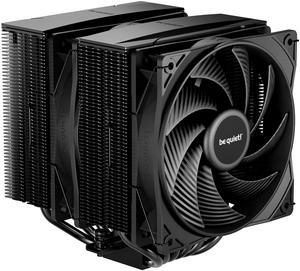
Great, it has a 270 watt tdp and it looks cool
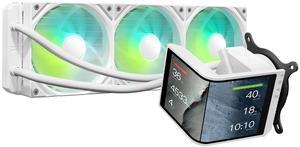
The 6.5 rotatable AMOLED screen is a standout feature, providing crisp, vibrant visuals. Cooling performance is excellent, handling demanding tasks with ease (280w TDP). Quiet operation under load, staying well below 30dB, which is a big plus for quieter builds. Easy installation with wide compatibility across Intel and AMD sockets. KANALI software offers robust customization for display, letting you upload your own media or use preloaded 3D animations. Customer service is outstanding quick and attentive support when issues arise.
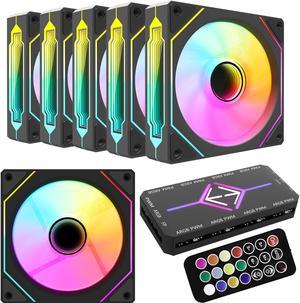
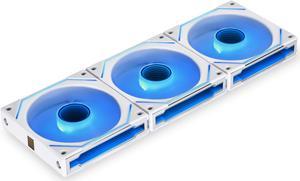
The fans LED lights are powerful and come with a great amount of different light settings, easy to hook up with the fan control having a magnet on the back and you can put next to the motherboard and the remote has a magnet to which I use to keep it on the side of my case, the fans are silent I hear no noise from them
box temps stay in the low to mid 30s all day and night.


