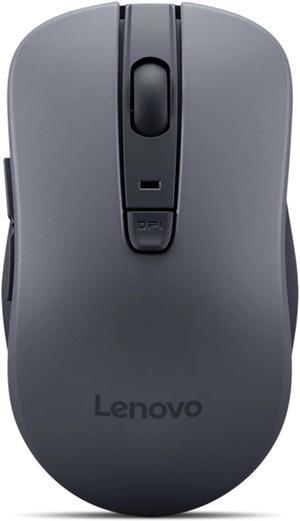
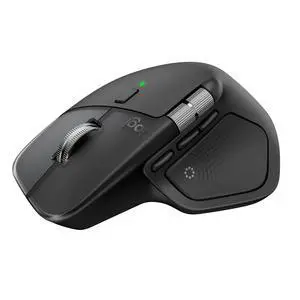
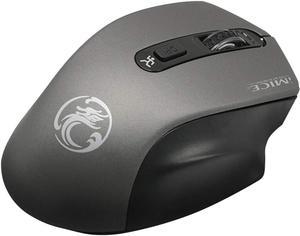
The feeling is soft and the ergonomics are perfect. Has quick keys on the sude

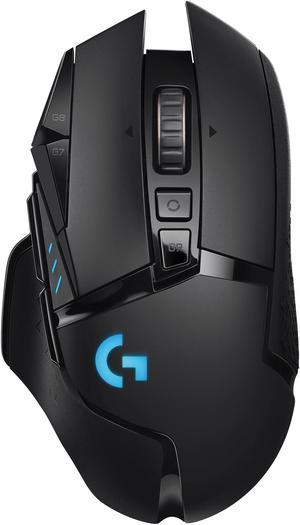
simplified button approach compared to a over priced "gamer mouse" textured grip on the thumb (left) side. simple background program to customize the colors and DPS settings


Very well built. I love the sound of the keystrokes with the red(silent) switches, kind of a creamy thock. I liked it so much, that this is my second one Ive purchased. Battery lasts forever. And NO software needed to control lighting.

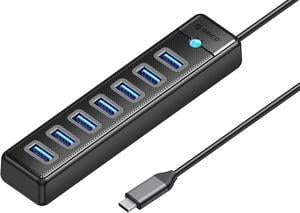
-Adds 7 more USB 3 ports. -Plug and play. Windows 11 had zero issues with it.

Durable. This is a replacement from one that is at least 3 years old. Smooth for my application.

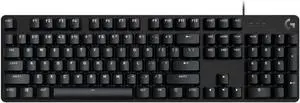
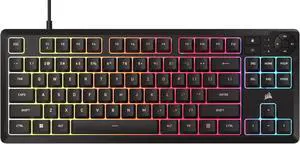
- Simple, one page instructions for setup & keyboard functions - Functions are straight forward - The FN keys have their function displayed on the side of the key toward the user - The keys have a quality feel, in both press and texture - Smooth plastic base makes it easy to clean - Decently long cord to plug into the computer, which isn't aligned to the middle of the base - Very lightweight - Multiple fun lighting options (my favorite is the setting that makes the key light up bright after you press it for a second, then dimming) - The sound of the keypress is very satisfying

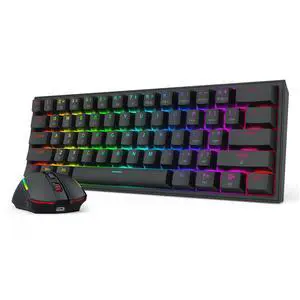
Great Keyboard and Mouse combo for the price. Both work well and helped clean up cords off of my desk.

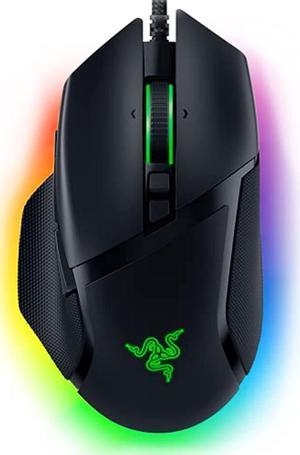
I really like the looks of this mouse. The RGB lighting is real nice. I like how the lighting shines through a mesh looking material on the front and back. It’s very cool. The corsair logo looks great on the palm of the mouse and there is a lighting zone at the mouse wheel. The mouse is solid. I added all the weights and it feels like a tank. If that’s not your thing keep the weights out. Nice option. There is a-lot of grippy rubber around the mouse. No chance of my hand sliding off during the heat of battle. The size was concerning. I have small hands and the mouse seemed a bit large at first. However, after using it for a week I have become accustomed to needing to remove my palm from rest to get my finger up to the mouse wheel. Yeah.. my fingers are not long enough. Not a big deal. The left and mouse button are long so finger length does not matter too much. I have never liked side buttons on mice, I always found them difficult to navigate to and usually during the heat of a battle I never tried to use them. These don’t feel so bad. All in all The size is great and even better if you have larger hands. The iCUE software is good. Easy to manage your actions, lighting effects and DPI performance. You can calibrate the movement speed in relation to the surface that the mouse is in contact with. That is very effective and you can even tune the weights in the software. The lighting Effects are easy to change and there is a-lot of room for customization. You can adjust the DPI settings and each mode can have its own color. Recording macros for the side buttons is confusing as ever, but it's there if you know what your doing. The mouse cable is very long, 6 feet to be exact. It’s a heavy braided sleeved cable and the USB connector is a thick strong rubber end.

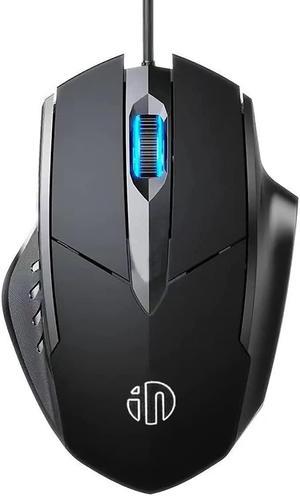
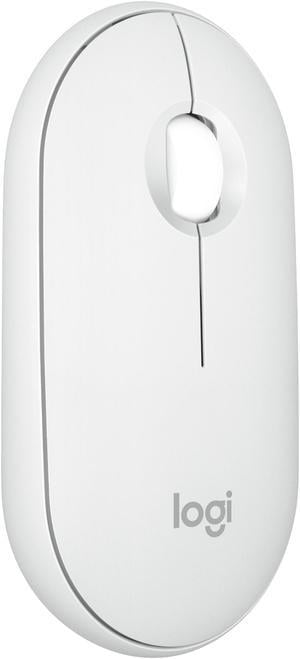
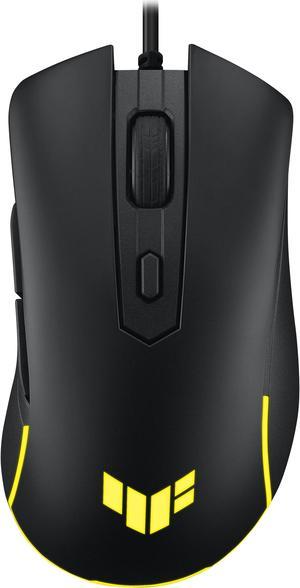
Well guys its a mouse.


accessories, I wasn't really exepcting extra spacebar - keycaps - keycap remover. It was a really nice addition to the keyboard tbh RGB Lights, This was my second ever keyboard so I was really impressed with the 16 different RGB backlit presents. Honestly it makes this keyboard WAYYYYYY more cooler. Space between each key, the keys are rounded enough that I rarely ever press 2 keys at once. Weight, I had a bad cheap light keyboard and this keyboard is wayyyyyy more heavy, it 100% wouldn't move during heavy use. Key noises, When I tap le keycaps it makes good sounding noise.

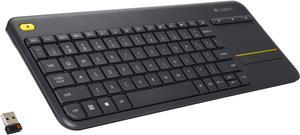
Previously been buying Logitech's Target branded wireless unit. Finally decided to upgrade and the Logitech MK540 fits the bill. The keyboard has a quality feel and the keys make data entry easier. The mouse also easy to use. It paid to upgrade.

Doesnt feel super cheap, and the lighting is good not all distorted like some cheaper keyboards.
![Anker 4-Port USB 3.0 Hub, Ultra-Slim Data USB Hub with 2 ft Extended Cable [Charging Not Supported], for MacBook, Mac Pro, Mac mini, iMac, Surface Pro, XPS, PC, Flash Drive, Mobile HDD Anker 4-Port USB 3.0 Hub, Ultra-Slim Data USB Hub with 2 ft Extended Cable [Charging Not Supported], for MacBook, Mac Pro, Mac mini, iMac, Surface Pro, XPS, PC, Flash Drive, Mobile HDD](https://c1.neweggimages.com/productimage/nb300/V0XWS200331bt1Rn.jpg)
It has 4 USB ports, they work. Can handle multiple input devices simultaneously I've had good luck with Anker products in the past Sleek and slim The manual gives a simple breakdown of how many amps it provides vs how much some common devices draw.


Hatsune Miku themed USB-A to C keyboard. Three keyboard angle settings. Flat, low, and a surprisingly comfortable high angle. Responsive keys with a satisfying feel and pleasing amount of audible feedback when hit. Two options for connectivity. USB AND a wireless receiver. Comes with a few additional keys and a key puller. Also includes several switches for replacement if needed.

Simple to use, USB cable was not too short as many others are.