here!
here!
I’m your shopping assistant for PC builds, upgrades, and everything tech.
Got questions? Ask away!
Start a conversation
here!
I’m your shopping assistant for PC builds, upgrades, and everything tech.
Got questions? Ask away!
Start a conversation

In Intel Motherboards
Our most popular products, based on sales and updated frequently.
Good quality, looks great and has nice features was easy to work with an got it while it was on sale
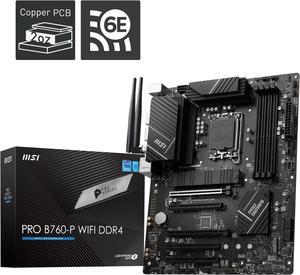
No issues with 14600kf and 4000MT ddr4
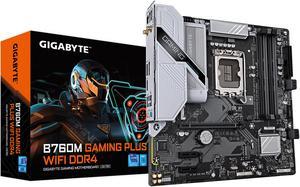
Plenty of features. Easy to use software. What more could you want in a motherboard?
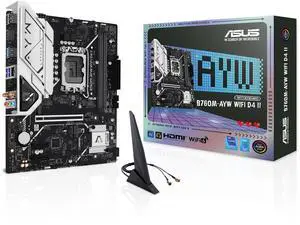
right price has 2 m.2s i needed for upgrade
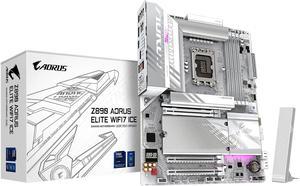
Looks nice in my setup and working great
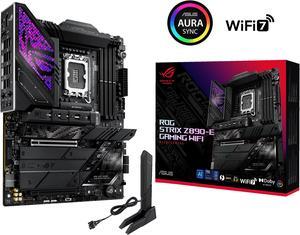
So many heatsinks that it makes it easy to pick up when installing Very solidly built Pro and con are that it has too many M2. slots. Who needs 7? Thankfully has Asus AI Advisor so you can ask it questions about the motherboard.
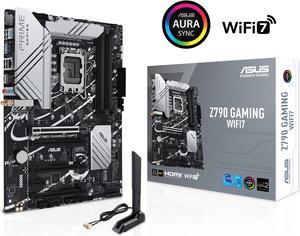
Good looking white circuits Good compatibility Strong BIOS
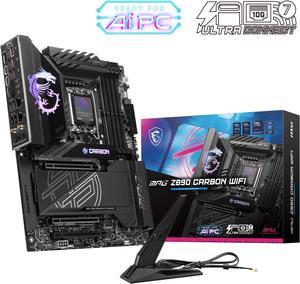
Having the five M.2 slots with the EZ Clips made installation so much faster now that I went with all NVME SSD's. Glad to see the top slot is Gen 5 to give me the option to upgrade if/when I decide to. Another great addition was the EZ PCIE release with the lock indicator so when I do upgrade to a Gen 5 NVME SSD it will make installation so much easier/faster.
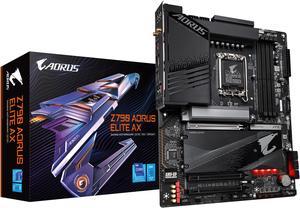
For a somewhat budget board, it has a lot of M.2 slots and every other feature that I require.
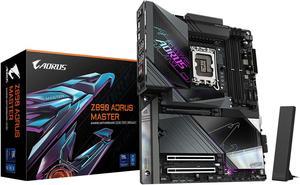
Good looking board. Very nice quality build and heatsinks It'll do a great job if you're just gaming. 10gb Ethernet is irrelevant here.
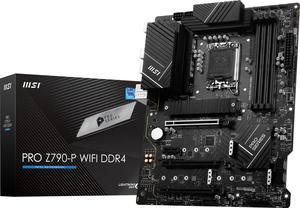
Works great with my new i5 13600k.
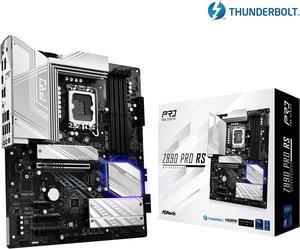
- Was easy to recover from a failed firmware upgrade due to bad RAM with BIOS flashback feature. - BIOS is easy to use and tune. - Can use EXPO settings for AMD DDR5 on Intel CPU's. - Runs cool. - Plenty of NVME and SATA ports. - Lots of fan headers and expansion options. - Looks good, not overly done with RGB, a little bit that glows from under the GPU is a nice touch.
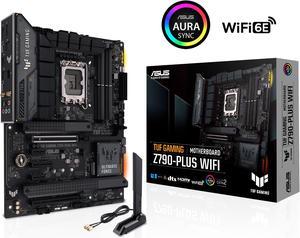
Lots of high quality cables. Power supply quiet.
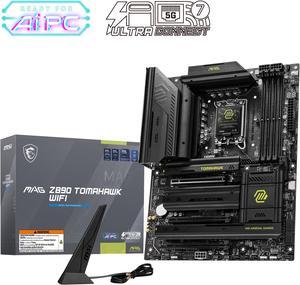
Finally got the instructions on-line and figured out it takes more power connections than I was used to. When I finally got all those hooked up, it powered up nicely. All the slots for M.2 SSDs is nice, I will be able to expand storage easily when I need it.
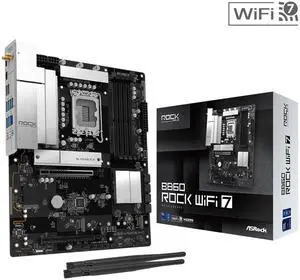
This was the first buld I've done in a ten years. Much has changed but this mb, cpu and memory worked without any problems.
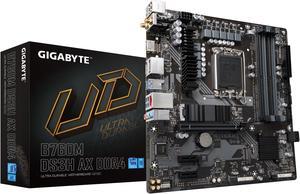
Product arrived quickly and was fairly straightforward to install into my computer. A friend bought the same motherboard and had to q-flash it in order for it to work, so we did that with mine too, but I don't know if it was necessary for mine. No issues after q-flashing. Works great in my computer
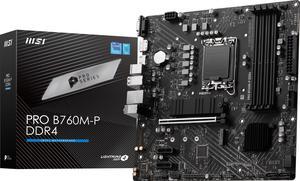
Don't need update BIOS if your install a 14th gen processor
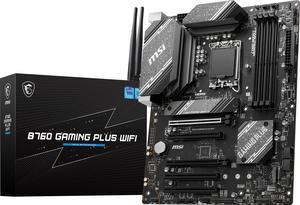
Work really good looks great
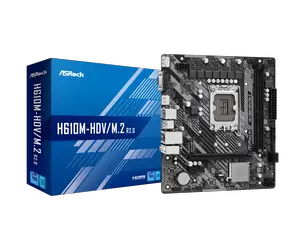
Excellent so far. In five more years we know for sure. Shipping was fast, too.