




 here!
here!
I’m your shopping assistant for PC builds, upgrades, and everything tech.
Got questions? Ask away!
Start a conversation
here!
I’m your shopping assistant for PC builds, upgrades, and everything tech.
Got questions? Ask away!
Start a conversation

In AMD Motherboards
Our most popular products, based on sales and updated frequently.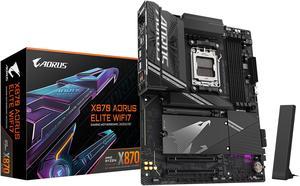
So easy to work with and set up. Started right up, took me to the BIOS so I could use the EXPO settings with one click. Works perfectly, unlike the last two motherboards I bought from a different (well-known) manufacturer... Consequently, I have now become a fan of Gigabyte, and will use their boards in future builds, without question!
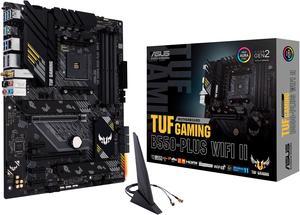
EAsy to install in my self built PC with Newegg products. It is up and operating and no issues thus far. It is quiet, powerful and ready for my security system and home needs to push its brains. More than optimal for 5 + years and plan to upgrade then with Newegg products. Thank you Oregon customer
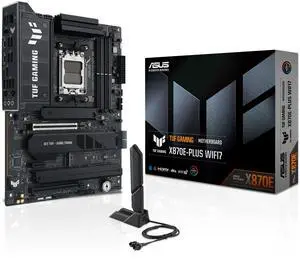
Plenty of options for top end setups
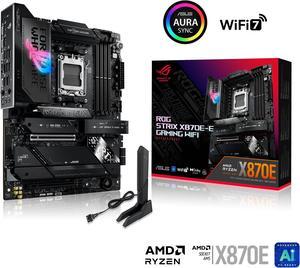
Great mobo so far! Just got a little scared regarding my Ryzen 7 9800X3D failures on this MOBO-s, however so far so good!
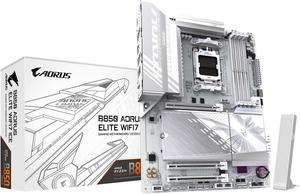
Great Looking. Good Valve. Excellent Quality. Nice Touches to Aid Building.
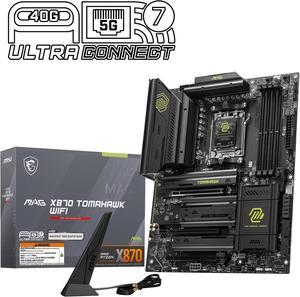
Very easy to build on, feels very premium for the money with it being great value and just works great so far.
Looks great, feels high quality. ram, cpu, gpu, and aio were easy and straightforward to connect. Well labeled.
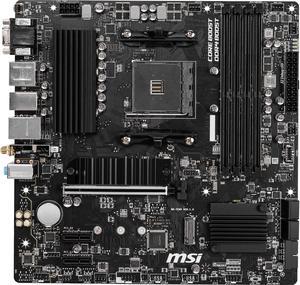
Was really easy to set up Booted right off the bat Works with R5 5600x out of the box Has a nice simple look
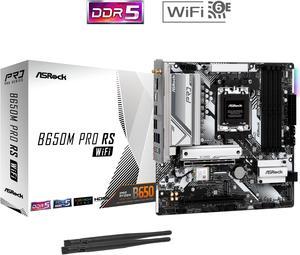
Great board! Great price! Looks good to not over flashy. Bud for a budget you can't go wrong at all.
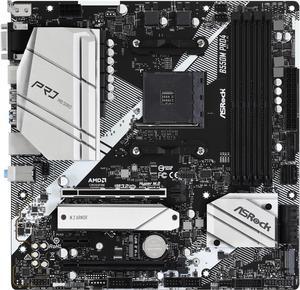
Nicely built Metal heat sinks Easy to understand Bios.
Easy to install
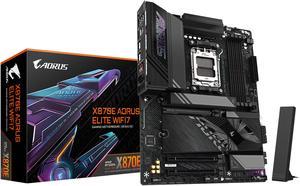
It has been 13 years since I last built up a PC but was forced to with Microsoft shutting down Windows 10. I've probably built 6 PCs from scratch since the 1980's but have upgraded dozens over the years - friends and churches. This is my second Gigabyte - all the others were Asus. Why are people complaining about the x16 bus having an optional split into 2 Nvme x4 plus an x8? It still gives you two other x4 Nvme (one being gen5). That allows plenty of storage for just about anyone. I can only see using these other two slots if you wanted to configure a RAID. So they gave an option that makes sense. I was lucky enough to score a 5070 GPU at MSRP. And by golly it sits on the x16 bus as gen5. My Nvme sits in the CPU slot as gen5x2. My other sits in the D slot as gen4x4. They both perform to their specs - so says Samsung magician. It's as good as it gets. I initially brought up the board with the internal Ryzen 9900 graphics. It works. I've utilized most of the front panel USB connections. As far as I can tell they are all working. I don't know what some reviewer meant by them not all working at once - if I encounter this, I'll update my review. I installed 2 32G sticks of DDR5600. I expected to have to go into BIOS and set it to 5600 but it adjusted automatically. My MB is in a 4U rack chassis. I have no need for RGB. (Seriously, what's the point?)
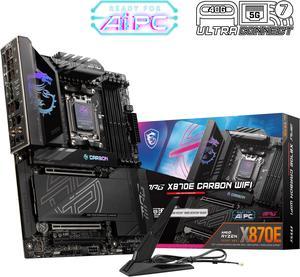
4 M.2 slots, with a nice tool-less mounting system looks very nice in my HYTE Y60 case some RGB, but not overdone this is the heaviest motherboard I've ever built with! it's got a nice 9800X3D on it :) was able to flash BIOS without components installed (just to be safe with my new 9800X3D)
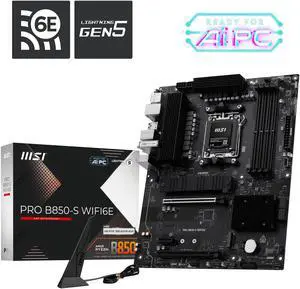
Everything fit like it's supposed to. Great board and easy to configure.
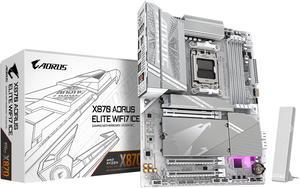
Works great
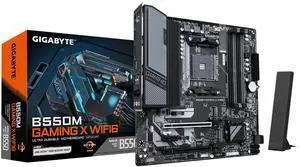
Solid performer
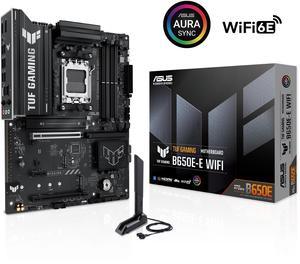
pcle 5.0 support wi-fi 6E support easy to install cpu ram and nvme
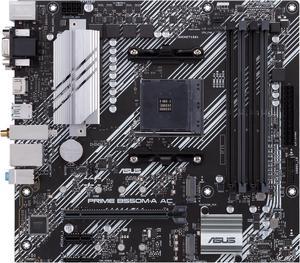
- Stable with no crashes in 6 weeks of use - it has enough features with 4 ram slots, rgb headers, bluethooth and wifi built in to make it feel better than the cheapest options - Great price - XMP/DOCP worked on second attempt with G. Skill RGB 3600 Mhz Ram
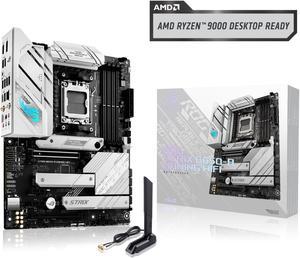
Working fine for a motherboard


