




 here!
here!
I’m your shopping assistant for PC builds, upgrades, and everything tech.
Got questions? Ask away!
Start a conversation
here!
I’m your shopping assistant for PC builds, upgrades, and everything tech.
Got questions? Ask away!
Start a conversation

In Keyboard
Our most popular products, based on sales and updated frequently.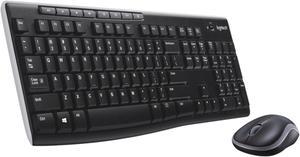
Works exactly as needed
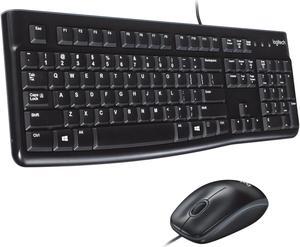
Can'g go wrong for $20 mouse and keyboard Logitech - doesn't that say it all, at least in the mouse & keyboard department
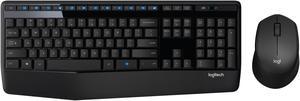
Great Keyboard and Mouse combo for the price. Both work well and helped clean up cords off of my desk.
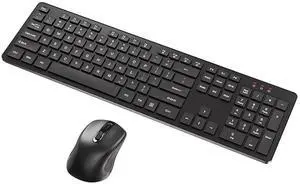
Fast, expedient and efficient. Quality item was received. Very happy with their pricing.
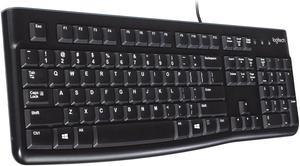
Nice price point, solid design, good feel to the keys, quiet key strokes, and a good brand.
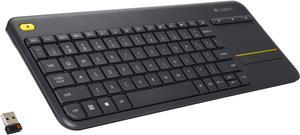
You don't even need to install batteries. Just pull out the battery cover tabs, plug in the USB receiver, and it works. It's exactly what you are expecting for a wireless, HTPC friendly keyboard with integrated touchpad. I think it's outstanding for the price.
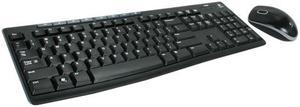
Key mechanisms appear to be well-made. White characters on keys are holding up well.
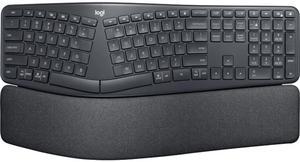
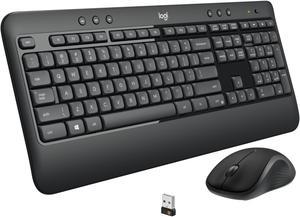
everything’s good so far
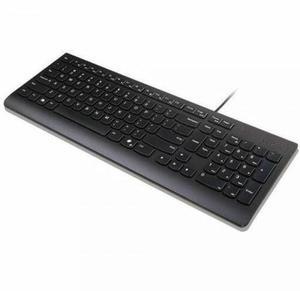
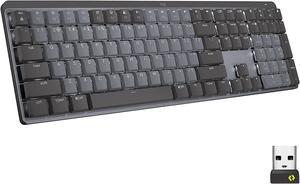
-Software is easy to use and useful. -Solid feel to the keyboard. -long battery life/easy to charge -neat extra controls.
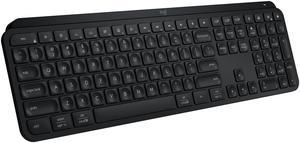
Sleek Turns on when you get it Fully customizable
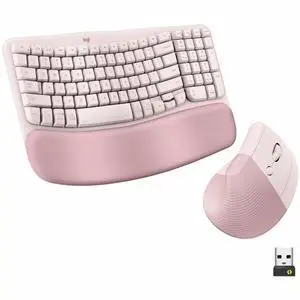
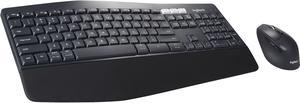
Nice keyboard size & wrist rest, No click-clack keys with good tactile travel, comfortable mouse.
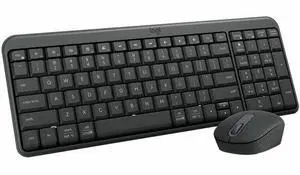
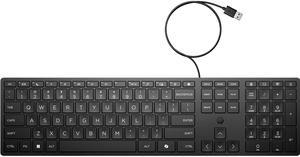
I just needed a cheap keyboard for testing a system without having to run my main keyboard from one room to another, This is exactly that. It is a cheap HP keyboard, it is not for gaming, it works fine for just regular typing. local thrift shops somehow have run out of keyboards, and every store near me thinks a basic keyboard should be $25-40
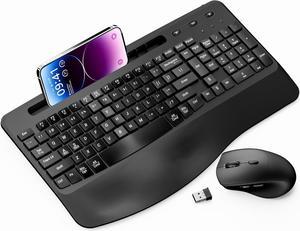
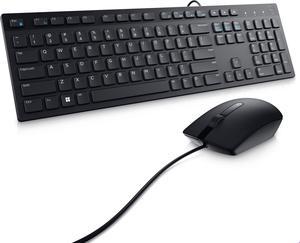
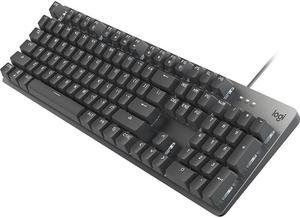
When working with Photoshop or Resolve in a dark room the lighted keys are easy to read. The board fits nicely on a crowded desk without sacrificing key size


