here!
here!
I’m your shopping assistant for PC builds, upgrades, and everything tech.
Got questions? Ask away!
Start a conversation
here!
I’m your shopping assistant for PC builds, upgrades, and everything tech.
Got questions? Ask away!
Start a conversation

In Docking Station
Our most popular products, based on sales and updated frequently.
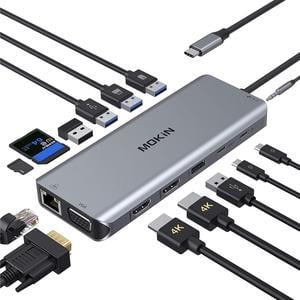
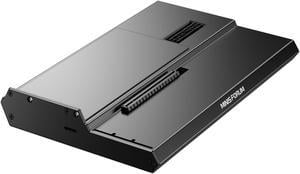
- It's worked flawlessly for the 2 months I've had it so far. Used with an RTX 5080 and RTX 5090 for long running workloads.
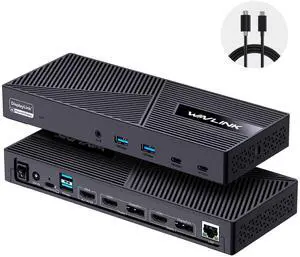
Use it at work to have two 27inch monitors for my laptop. As a software engineer using one 27inch monitor is great but I am constantly flipping between documentation, test programs, specs, development environments, etc... This unit allows me to have my calendar on my laptop screen, the code in the center, and the specs and demo programs on the left while developing. There is no lag at all which is pretty impressive considering I have a wireless keyboard and mouse, network cable, and two monitors hoked through 1 USB 3.0 connection.
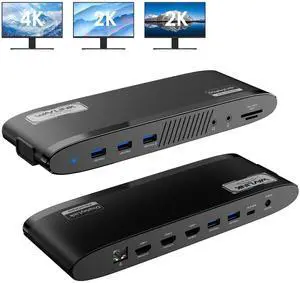
- Support for 3 screens on dated M2 Macbook Pro via DisplayLink support - Front facing 20w USB-C port super convenient for charging whatever - Included VESA mount was a nice bonus
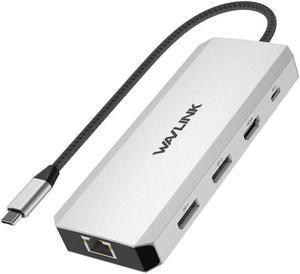
Multiple connection in one hub
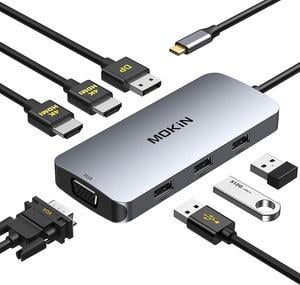
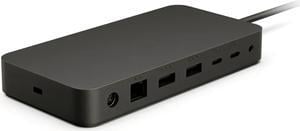
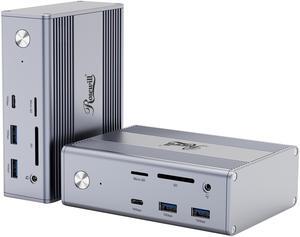
Good build quality ports are well spaced and easy to access Throughput for data and power are seamless Comes with a AC to DC converter 100W
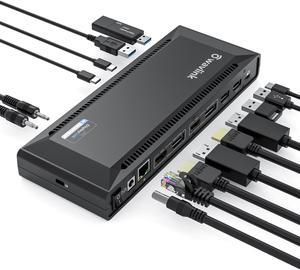
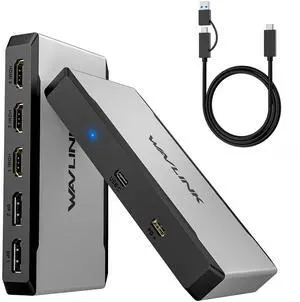
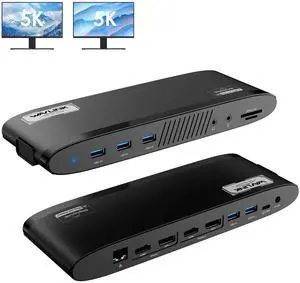
I like its design most. Unlike other docking station, I was attracted by how it looks, and it does not disappoint me. There are a lot of ports. It has two USB-C ports and two USB 3.0 ports on the front. On the back, there are DP, HDMI, USB 3.0 and Ether ports. It can also charge the laptop with the USB-C port. It is slim. Speed is really fast. It comes with 2 good quality USB-C cables.
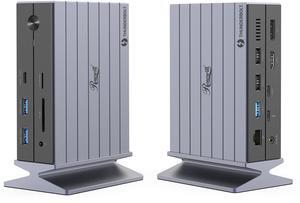
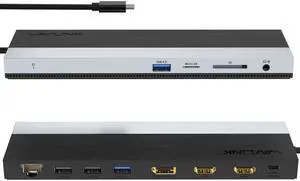
Easy to use, works perfect so far. Very helpful to someone who needs multiple ports.
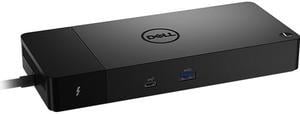
Combines all my many wires to the laptop in only one that plugs into the computer.
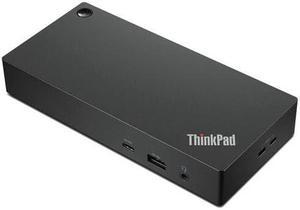
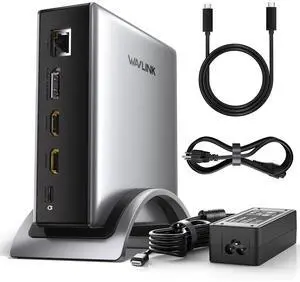
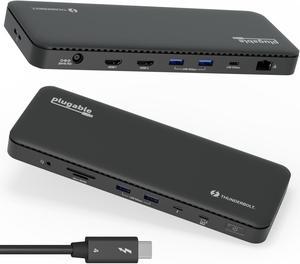
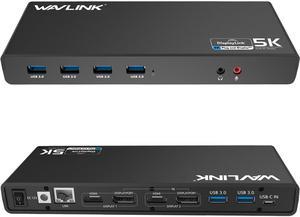
- multiple HDMI as well as DisplayPort output - 4k video - PLENTY of USB outlets - Looks beautiful