




 here!
here!
I’m your shopping assistant for PC builds, upgrades, and everything tech.
Got questions? Ask away!
Start a conversation
here!
I’m your shopping assistant for PC builds, upgrades, and everything tech.
Got questions? Ask away!
Start a conversation

In Mouse
Our most popular products, based on sales and updated frequently.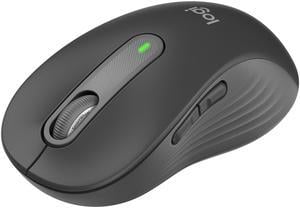
Comfortable mouse, both in fit and feel. Works smoothly, no glitching. The left/right buttons don't have the loud clicking sounds, but you can still feel the click in your fingers.
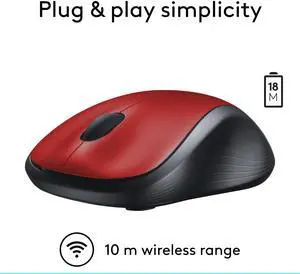
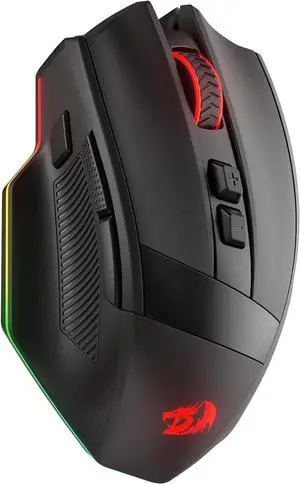
Snappy response, I haven't seen any lag while using this mouse. The mouse is extremely ergonomic and the rubber on the sides is really nice, it doesn't feel cheap at all. The scroll wheel is great too. This mouse is beautiful, the red and black have a great contrast and the seamless design is cool too
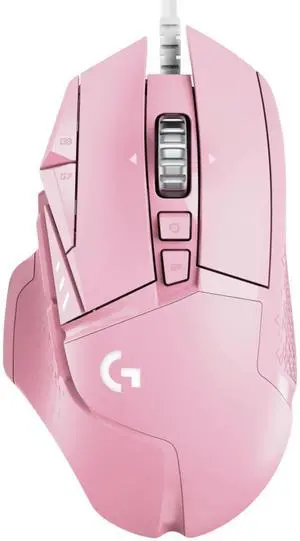
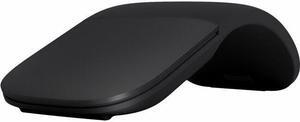
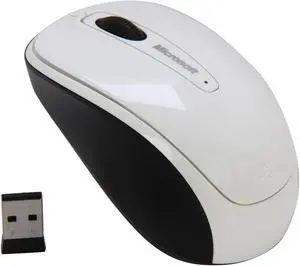
Works out of the box just fine. Works great on a lot of surfaces, even the upholstery on my couch. Compatible with Linux.
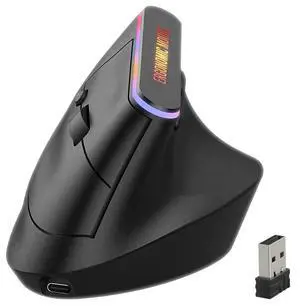
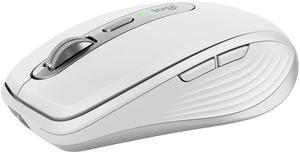
I've been using a simple mouse for years and just now upgraded. Should have done so years ago. Way more versatile than I was expecting. I like the ability to use this mouse via Bluetooth with multiple computers. The ability to program the additional buttons is a real plus when editing pdf drawings.
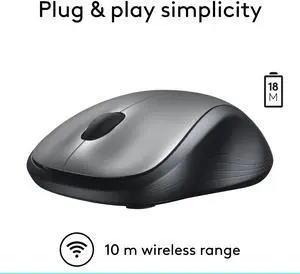
This mouse is a good size, fits to your hand well. Got mine on sale somewhere else for around $20.
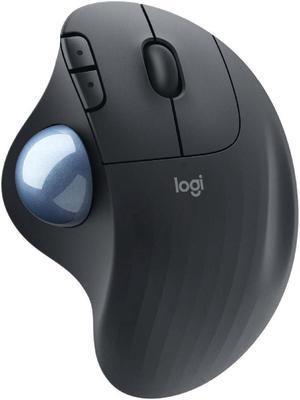
I have been using a track ball for as long as I can remember. The thought of sliding a mouse around is just strange to me, besides it looks very tiring.
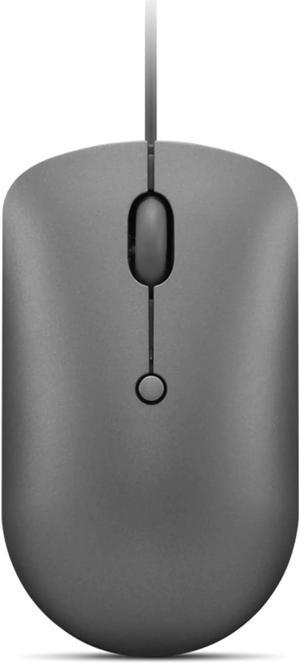
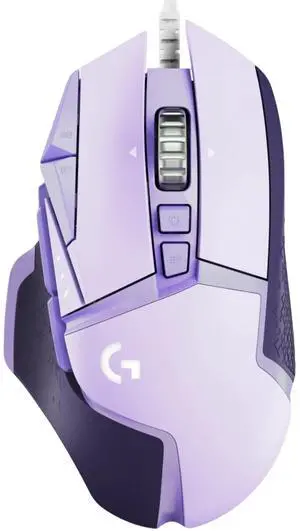
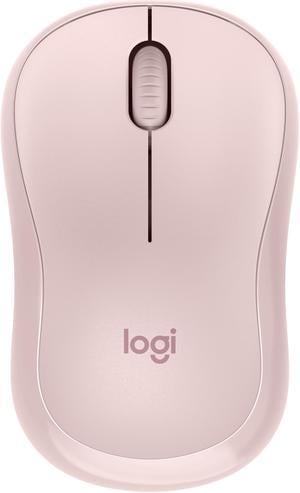
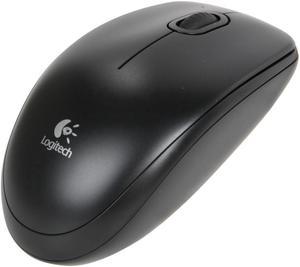
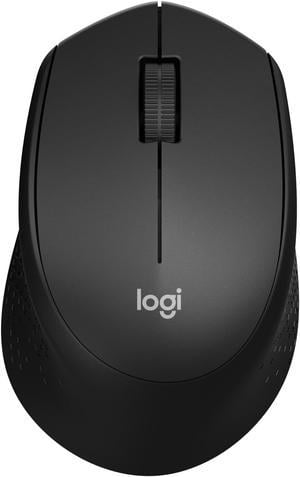
The buttons and wheel of this mouse are very quiet. Pointer tracking is quite smooth. My work space is about six feet from the receiver and all is well. The mouse goes in standby to save power when not being used. I use this mouse when traveling because I don't like laptop touchpads. This is better than those teeny 'laptop mice.'
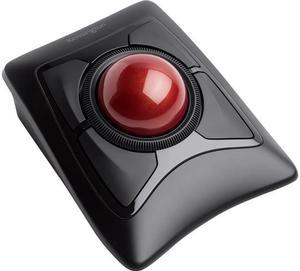
-High build quality -Looks great -Easy, self-installing -Toggle switch for blue tooth or wireless USB dongle (included) -Comes with batteries!!
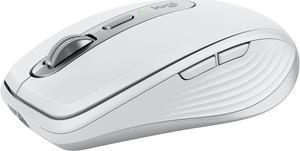
Outstanding. You can switch between your 3 devices, and you can also use it simultaneously with two computer
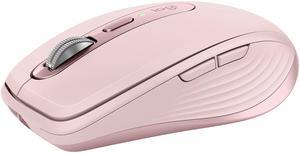

-On/of button is a push button, rather than a slide -Feels good in the hand
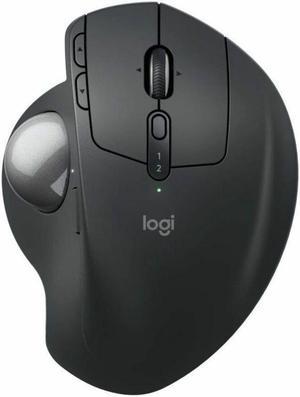
Easy setup works flawlessly good price


