




 here!
here!
I’m your shopping assistant for PC builds, upgrades, and everything tech.
Got questions? Ask away!
Start a conversation
here!
I’m your shopping assistant for PC builds, upgrades, and everything tech.
Got questions? Ask away!
Start a conversation

In Server & Components
Our most popular products, based on sales and updated frequently.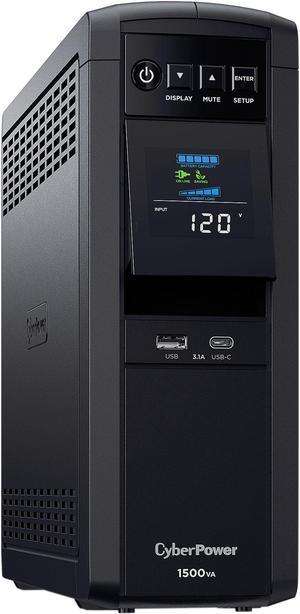
- Pure Sinewave output, which works fantastic with modern electronic devices. - Great manufacturer support. - Cyberpower continues to improve their technology and units.
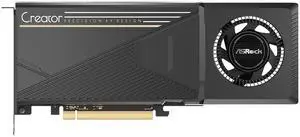
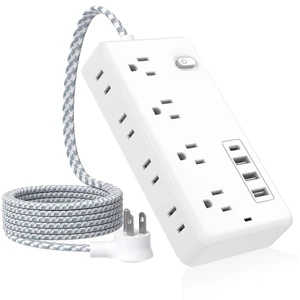
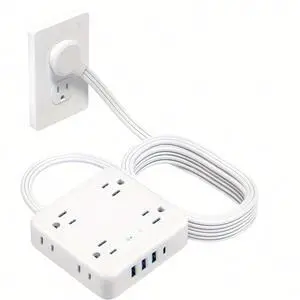
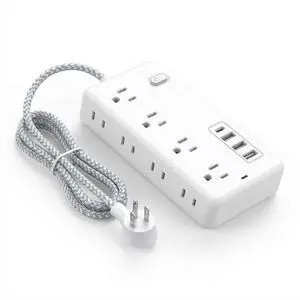
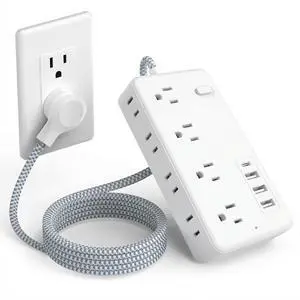
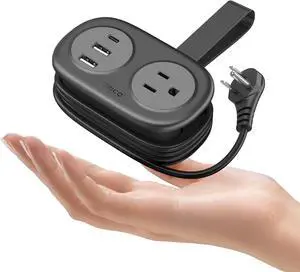
I bought them for the 10ft cord, and they are worth it. Plenty of plugs, good USB charging, and surge protection. just what I needed.
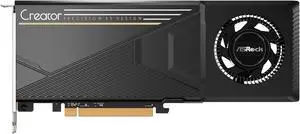
I was an early adopter and grabbed a b70 on day 1, it was horrible. It barely worked, pcie 5.0 would not negotiate, drivers timed out, power would drop out, performance was barely above b580 in games, the only thing that was fast was some edge case pytorch training. Even the vllm performance was not great and very limited models supported. After a few months, now in the gamer drivers in windows we get fan control and overclocking, gaming performance really is about on target with a rx 6800 xt or 9060 xt, DCS world runs great, COD Warzone with FG on 1080p XESS Native = 250+ fps. I'm sure not all issues are fixed especially on the model side with llamacpp and vllm but this is now good enough and well beyond day 1. Sure my 7900 xtx smokes it in all gaming aspects but this gpu really is faster than a 4090 in some pytorch training scenarios and 35% faster than a 5080 in bert tokenization. One of the biggest issues for daily life was the fan control on the day 1 intel version of the b70 I had. The gpu was idling 60-70c. The asrock version has the same vapor chamber as the radeon ai pro r9700 which is definitely a better GPU for AI/Training/Inference and about twice as fast gaming. Now with fan control the gpu idles at 28-30c in windows and gaming hits 58-60c with a relatively inaudible (with headphones) fan speed. 270k tuned at 185w tpp pro b70 games and workloads less than 200w Doesnt heat up the room
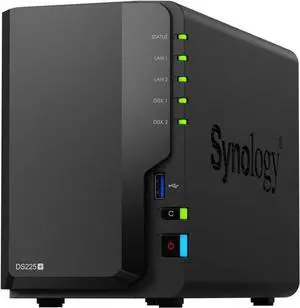
Works seamlessly to plug in old drives and keep moving forward.
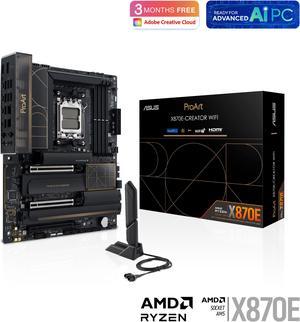
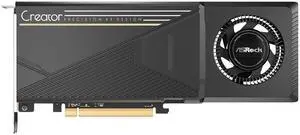
Price, build quality, lower power requirements, plenty of VRAM, Linux support, SR-IOV

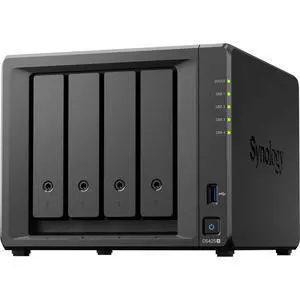
*Incredibly easy setup - it walks you through the basics of connecting *Lots of apps allowing you to do nearly anything with your server
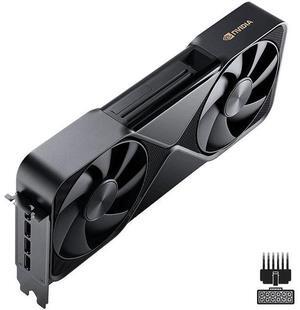
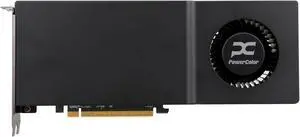
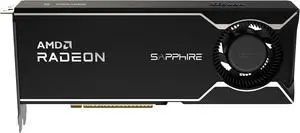
Im able to load 30B parameter models locally and run them with speed on a budget. Qwen3 Coder Next 80B Q4 (dual GPUs) runs at 50 tokens per second. Best 32GB modern cards that you can purchase for consumer hardware. You can also get some great 4K gaming on Windows with a single card.
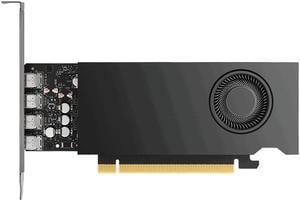
Professional video card. Works great with games as well Ultra low power and efficient video card. Performance on par with a Nvidia 4060, but in a single slot low profile 50 watt card


