




 here!
here!
I’m your shopping assistant for PC builds, upgrades, and everything tech.
Got questions? Ask away!
Start a conversation
here!
I’m your shopping assistant for PC builds, upgrades, and everything tech.
Got questions? Ask away!
Start a conversation

In Server Components
Our most popular products, based on sales and updated frequently.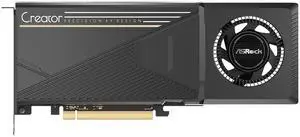
Low power draw (300w max) along with 2 space width makes this an easy card to double up in a chassis for use with larger models.
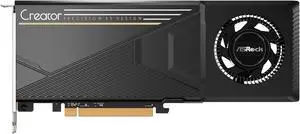
Price, build quality, lower power requirements, plenty of VRAM, Linux support, SR-IOV
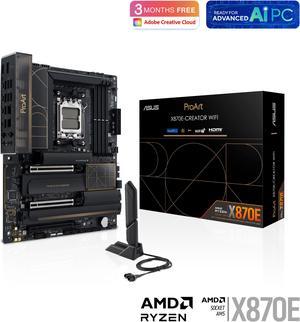
10G network. 2nd NIC. Works with 256GB ram.
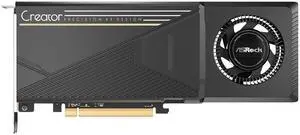
Getting 30-40 tok/sec I was using LM Studio but I switched to llama.cpp because with lm studio had no way to support Intel xmx acceleration. Gemma 4 26B responds as quick as Gemma 12b running on my main GPU and does the job. Antigravity uses it as a sub agent to write all the code and investigate logs, etc. saves a lot of tokens and any quality issue Gemini 3.8 flash on high tells it to fix this or that after review before I get the final version. Setup in pcie slot 2 (gen 4 x4) so not running at full speed right now but still good enough.
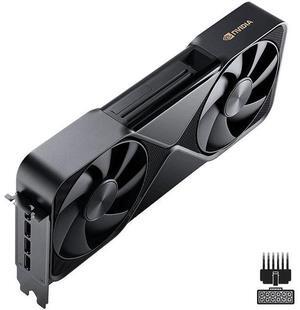
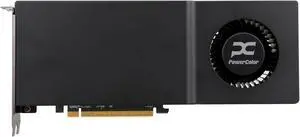
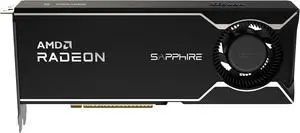
Im able to load 30B parameter models locally and run them with speed on a budget. Qwen3 Coder Next 80B Q4 (dual GPUs) runs at 50 tokens per second. Best 32GB modern cards that you can purchase for consumer hardware. You can also get some great 4K gaming on Windows with a single card.
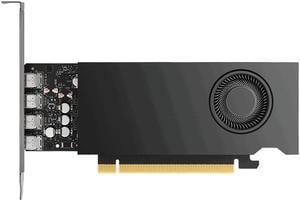
Professional video card. Works great with games as well Ultra low power and efficient video card. Performance on par with a Nvidia 4060, but in a single slot low profile 50 watt card
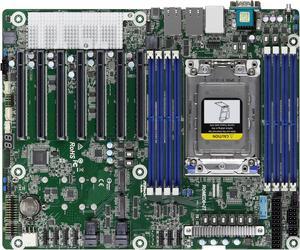
7 Gen4 x 16 PCI-E slots Extra 10G capable USB-C case panel header and port connected to standalone USB controller chip. Embedded VGA and IPMI, so you have no need worry about headless setup in case of GPU pass-through. No fans. Fans especially small break fast. It produce noise. Having custom fans on main-board that are hard to replace is no good for building a system that expected to work 24/7 for years. 10G Ethernet. No use now, but extensibility. Likely would be able to host EPYC Milan CPUs.
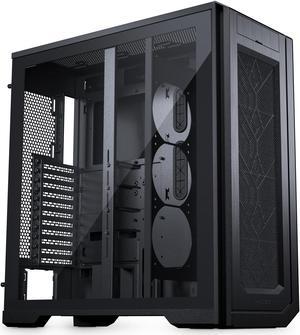
- Great airflow - Easy to clean filters - Easy to replace hard drive caddies - Promotes health and fitness: better hit the gym if you want to be able to lift this
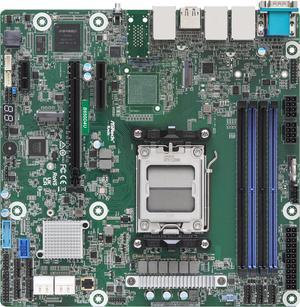
-reasonable cost -two m.2 slots -form factor -IPMI
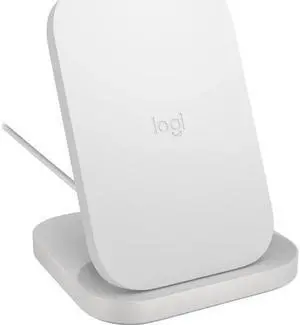
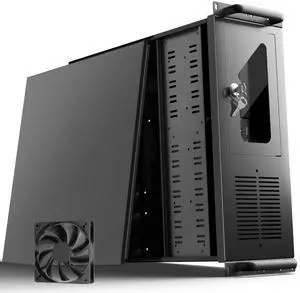
Described products/parts given. Double layered packaging to prevent damage to the case. Arrived quicker than expected. Quality control passed for the item sent to me. Free fans.
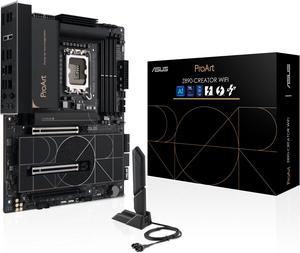
Very well built. You can feel the difference between inferior boards and thisone. The easy DIY features make it easy to remove PCIe cards and open the heat shield to the numerous M.2 slots.
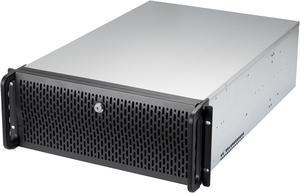
+Plenty of included fans +Actual EATX support, with holes for standoffs in positions for various MB configurations so board is properly secured to the chassis +Lots of space to work in +Price
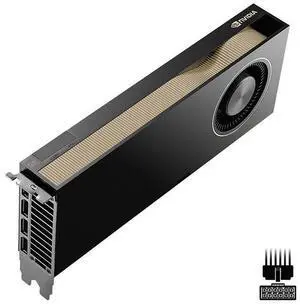
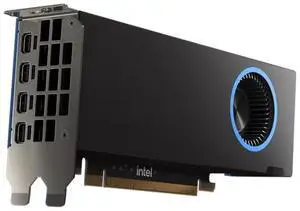
- 16GB VRAM - Low Profile - Low Power - Fast - when the driver is properly optimized
96GB of GDDR7 ECC memory per card, Blackwell architecture, and dedicated hardware for AI and ray tracing. Serious workstation capability for demanding projects.
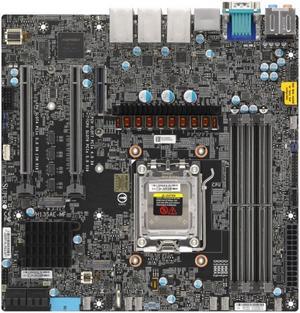
IPMI alone has to be the biggest feature! Board looks built to last decades
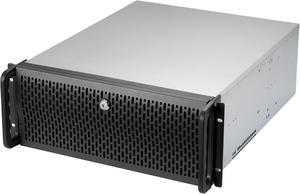
Lots of room in this case. Pre-installed fans


