Are Premium SSD Brands Worth the Cost? A Deep Dive into Reliability, Speed, and Customer Perception
When the PC market transitioned to primarily using SSDs for boot drives about 10 years ago, it became one of the most incredible components in modern computing, dramatically improving boot times and application loading speed. As a result, now the market is flooded with options, from popular premium names to more budget-focused alternatives. With the number of options reaching an all-time high, this begs a poignant question: is the premium price tag commanded by top-tier brands actually justified, or are you simply paying for a recognizable name?
This article aims to examine the core metrics of modern SSDs including speed, reliability, warranty, and price, across premium and budget SSD brands, in order to uncover where the value truly lies.
Category 1: The Premium SSD Brands
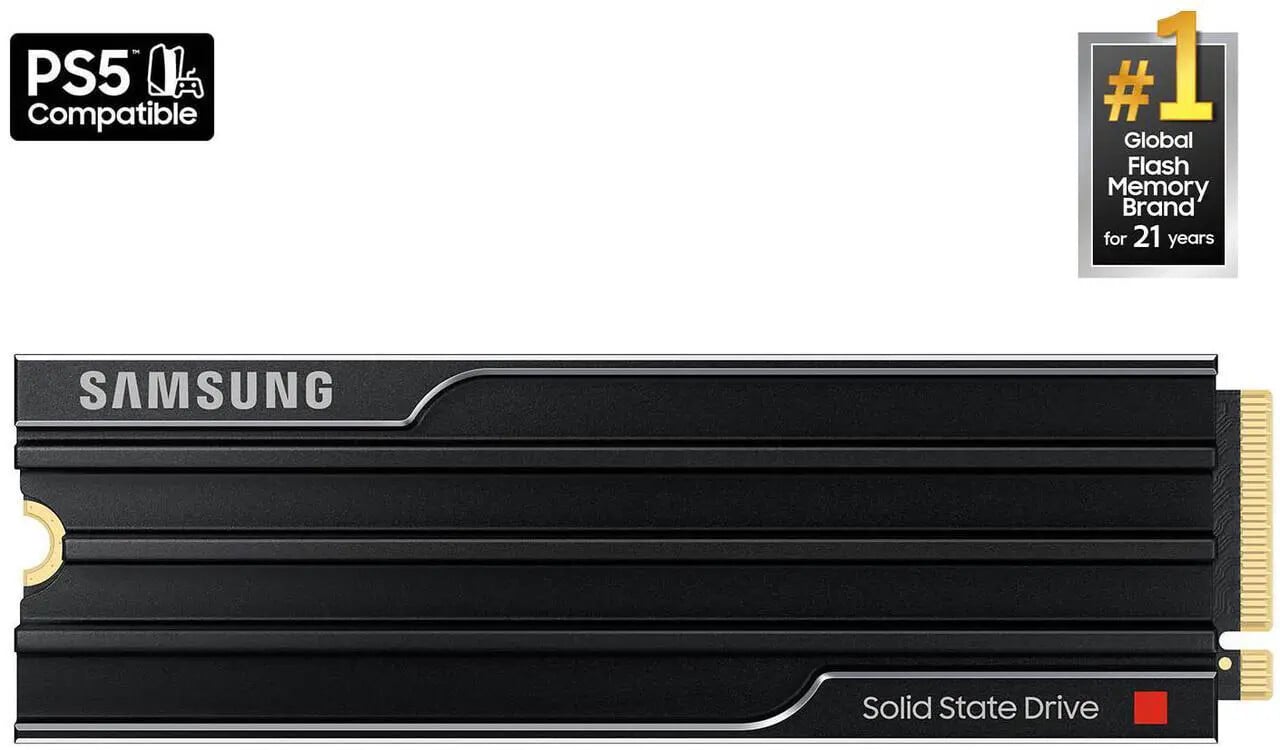
Pictured: the marketing image for Samsung’s “9100 Pro” SSD, featuring prominent references to PS5 compatibility and being #1 for 21 years.
Key Players: Samsung, Crucial (owned by Micron), Western Digital (particularly WD Black), Corsair
These brands often control the entire process, manufacturing their own NAND flash, controllers, and firmware. This vertical integration is their core advantage, allowing for tight quality control and optimization.
| Metric | Premium Brands (e.g., Samsung 990 Pro, WD Black SN850X) | Analysis |
|---|---|---|
| Speed | These drives hold nothing back, offering top-of-the-line sequential and random I/O performance (up to 7,450 MB/s read for Gen4 drives, for example). | These drives often define the peak performance of a given interface generation (PCIe 4.0 or 5.0). They are optimized for sustained, heavy workloads (e.g., 4K video editing, large file transfers). |
| Reliability | Generally considered the gold standard. High Total Bytes Written (TBW) ratings and Mean Time Between Failures (MTBF). | Their reputation is built on consistency and using high-quality components, which translates to fewer widespread firmware issues or sudden, unexplained failures. |
| Warranty | Typically a standard 5-year limited warranty, depending on brand and model. | The industry standard for high-end consumer drives. This long period signals confidence in the drive’s endurance and reliability. |
| Price | Significantly higher price-per-gigabyte (often 20-40% more expensive than value alternatives with similar sequential speeds). | The primary drawback. Buyers pay a premium for the high speed, reliability, support, and the brand’s reputation. When the marketing materials tell you “#1 for 21 years,” it’s basically a guarantee they’re overcharging while trying to play into their reputation. |
| Customer Perception (The “Coziness Factor”) | Extremely High. Buyers feel they are getting the absolute “best-in-class” product, providing peace of mind. | Crucially (pun intended), this perceived security of “coziness” often offers no tangible, real-world performance advantage for the average user. For gaming and general computing, the speed difference between a top-tier and a good value drive is practically always imperceptible. |
Category 2: The Value-Focused SSD Brands
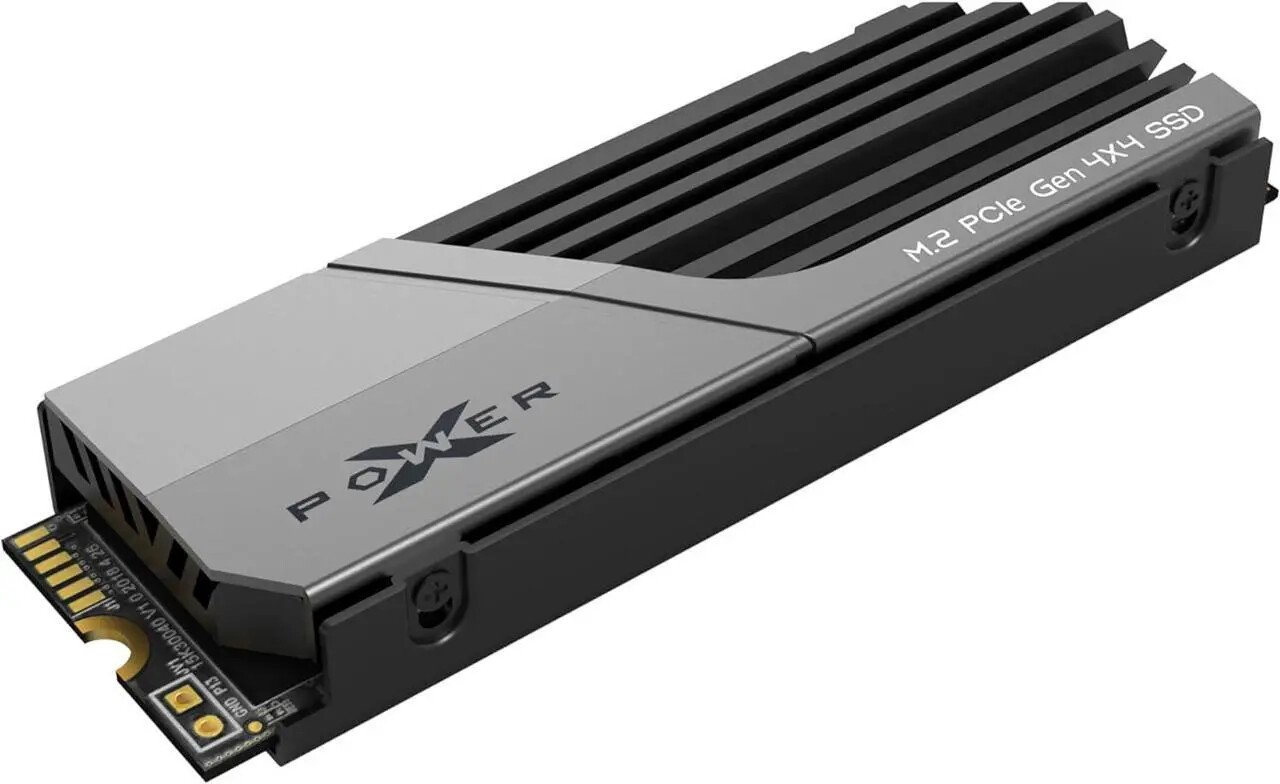
Pictured: the marketing material for Silicon Power’s US75 2TB NVMe SSD w/heatsink. No frills, just a photo of what the drive looks like. We like that. In case you were wondering, yes, it’s PS5 compatible.
Key Players: ADATA (XPG), Kioxia, Silicon Power, Team Group
These companies typically purchase NAND flash and controllers from third-party suppliers (e.g., Phison, Silicon Motion) and integrate them into their own designs. They compete fiercely on price and performance-per-dollar.
| Metric | Value Brands (e.g., Silicon Power US75, Team Group MP44) | Analysis |
|---|---|---|
| Speed | Excellent sequential speeds, often matching premium brands (up to 7,000 MB/s read for Gen4 drives, for example). Random I/O and sustained write performance can be slightly lower. | For the vast majority of users, including gamers, these drives offer performance that is functionally identical to premium drives. They saturate the PCIe interface for typical workloads like loading games and applications. |
| Reliability | Good, but historically inconsistent. While many models are highly reliable, some products have seen component changes mid-cycle or occasional firmware issues. | Users must rely more heavily on recent, specific product reviews. A drive’s reliability is tied to its specific controller and NAND combination, which can change without notice. |
| Warranty | Typically a 3-5 year limited warranty. | The 5-year warranty is becoming more common, but always check the accompanying TBW rating. Lower-cost drives may have a lower TBW, meaning the warranty is voided sooner under heavy use. |
| Price | Highly competitive and often significantly cheaper. This is the primary selling point. | The low price-per-gigabyte makes them the definitive choice for users prioritizing capacity and excellent speed while watching their build budget. For example, a 4TB drive from a value brand can be $50-$100 cheaper than a premium equivalent. |
| Customer Perception (The “Coziness Factor”) | Moderate-to-low. Buyers are happy with the performance-to-price ratio but may worry slightly more about long-term reliability due to lower brand recognition. Sometimes it’s down a simple lack of customer knowledge, such as Kioxia being the former Toshiba, a huge name brand in the memory sector. | The perceived risk is what premium brands leverage. However, recent models from top value manufacturers like Silicon Power have closed the performance gap while offering very competitive endurance ratings (TBW). |
Technical Distinction: Where the Premium Price Pays Off
For 95% of users, the performance gap between a top-tier PCIe 4.0 drive (like the Samsung 990 Pro) and a top-value PCIe 4.0 drive (like the Silicon Power US75) is undetectable in real-world scenarios.
The premium cost is only justified by one technical factor: Sustained Write Performance. Premium drives with dedicated DRAM cache and better-optimized controllers maintain peak write speeds for much longer when moving massive files (e.g., over 100GB at once). Value drives often see a more pronounced drop-off once their SLC cache is exhausted. For video editors who move large files around often, this can be a key factor.
However, sometimes more expensive drives are worse. This is specifically the case with the endurance ratings on many of the newest drives. A prime example: The Samsung 9100 Pro 2TB has an endurance rating of 600TBW - they anticipate the drive will last for 600TB of information written to the drive total. The Silicon Power US75 2TB has an endurance rating of 2400TBW. This is the Achilles Heel of the Samsung drive for someone like a video editor, who could really use the sustained speed. Which would you choose for a long-term solution?
Conclusion: Don’t Overpay for Coziness
Are premium SSD brands worth the cost? For the average gamer, content creator, or general PC user, no. At ArsenalPC, we rely heavily on logic for purchasing decisions, buying NVMe SSDs with high speed, good endurance ratings, and an overwhelmingly positive feedback rating from customer reviews of the drives we find online.
The price premium is largely an investment in the “coziness factor”—a feeling of security and technical superiority that rarely translates into a noticeable difference in boot times, game loading, or application responsiveness. The best value NVMe SSDs now deliver near-maximum theoretical sequential performance for their interface generation (PCIe 4.0) at a significantly lower price point.
The informed buyer’s best strategy is to look beyond the brand name and focus on three key metrics:
- Speed (Focus on Random I/O): For gaming and general use, random read/write speeds are more important than peak sequential speeds. The average user rarely moves large files around which are written sequentially.
- Endurance and Warranty: Always check the TBW (Total Bytes Written) rating. A higher TBW combined with a 5-year warranty is a sign of a quality drive, regardless of the brand.
- Recent Customer Reviews: Look for reviews that test sustained performance and mention any long-term reliability issues for the specific model and capacity you intend to buy.
By making a logical decision based on data and value rather than an emotional decision based on brand name, you can equip your system with a high-performance SSD and keep the remaining funds for a more impactful upgrade, such as a better GPU, better CPU cooling, or more RAM.
Be sure to comment below your thoughts, opinions, feelings, questions, and concerns about NVMe SSD brands. Do you buy premium, or do you stick with the numbers? Let us know! Thanks for reading.
At ArsenalPC, we back all of our systems with a minimum of a 1-year warranty, and we often use a variety of SSD brands. If we’re willing to back our systems with our own warranty while equipping them with various brands, the average buyer should feel confident in buying whatever brand is available, so long as it checks all the boxes for speed, endurance ratings, warranty, and recent reviews.
Looking for a custom-built PC made just for you? Check out the ArsenalPC store at Newegg.com where we offer a large variety of boutique, custom-built PCs made-to-order!