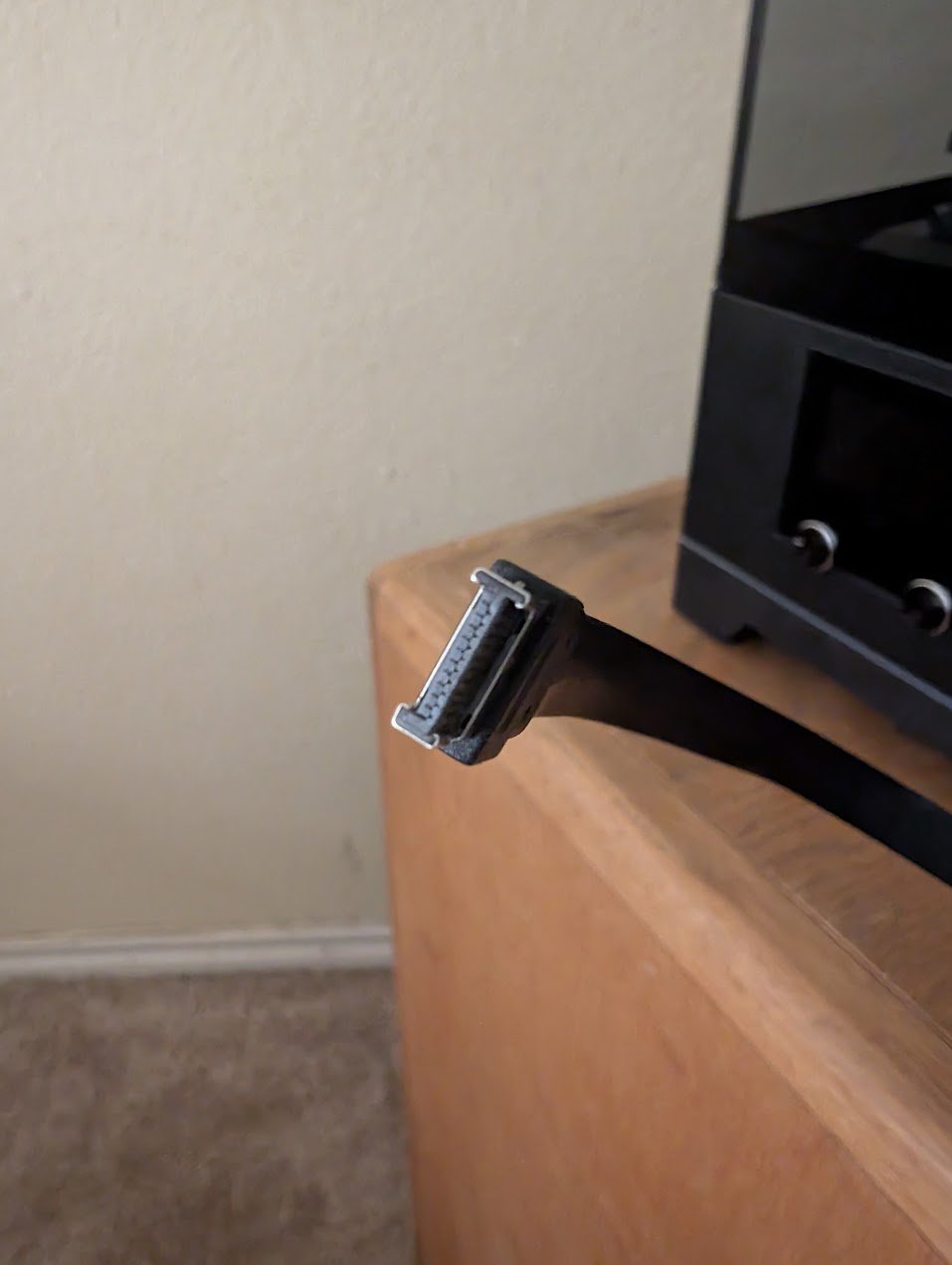
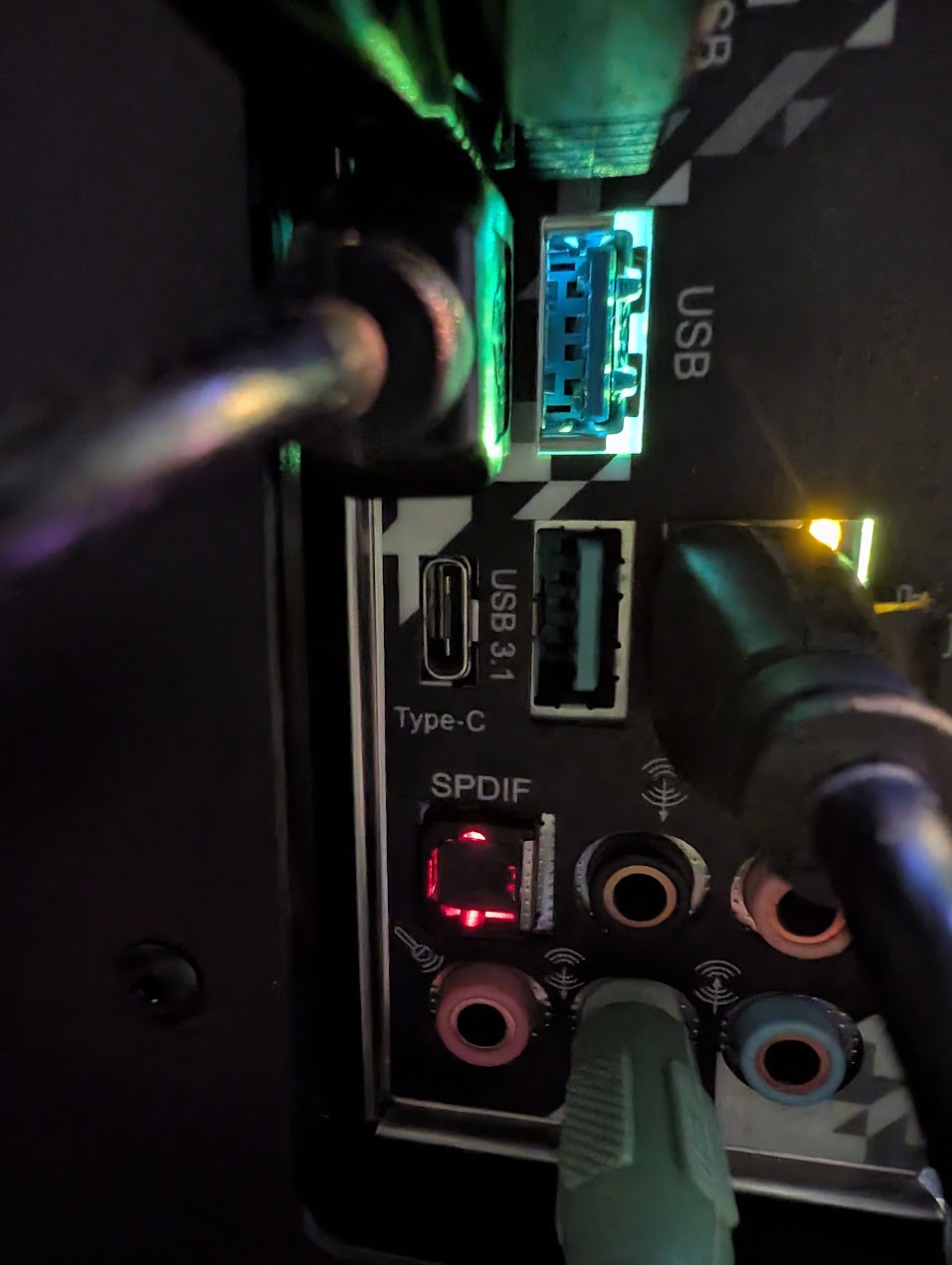
I just upgraded my PC case and have 1 problem that I am trying to figure out. The PC case has a USB C connecter that is supposed to be plugged in to the motherboard. I have an AM4 motherboard that does not have a USB C connection on the board but it does have a USB C input on the rear I/O.
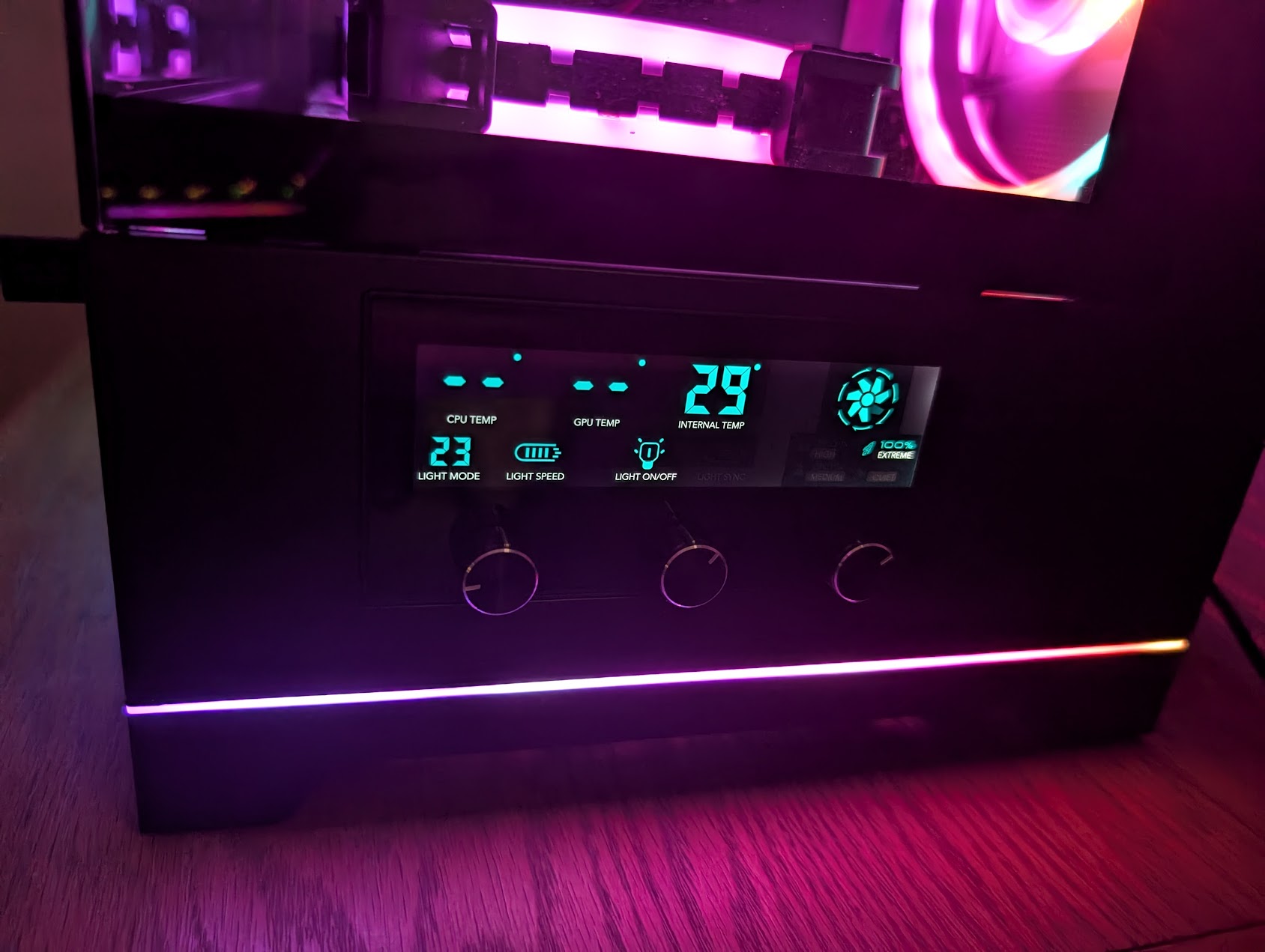
I need the USB C from the PC case connected to get the CPU / GPU info on the front display of the case. Is there anyway possible that I can maybe connect it to the USB C on the rear I/O? Maybe there is a cable I can buy that will allow me to do it?
What’s your motherboard and pc case? Likely answer is no, but we can know more information once you post it. Your motherboard needs a physical connection. I’m not 100% sure if you’re able to find and use an adapter to get the connection you need or not.
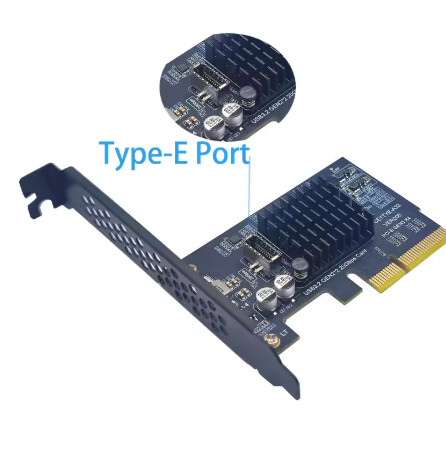
Unfortunately, it is common for AM4 motherboards to be missing the headers for these connectors (Type E). The only suggestion I could make would be to find some kind of expansion card that plugs into the PCIe slot. Something like this, ideally one with multiple positive reviews.