
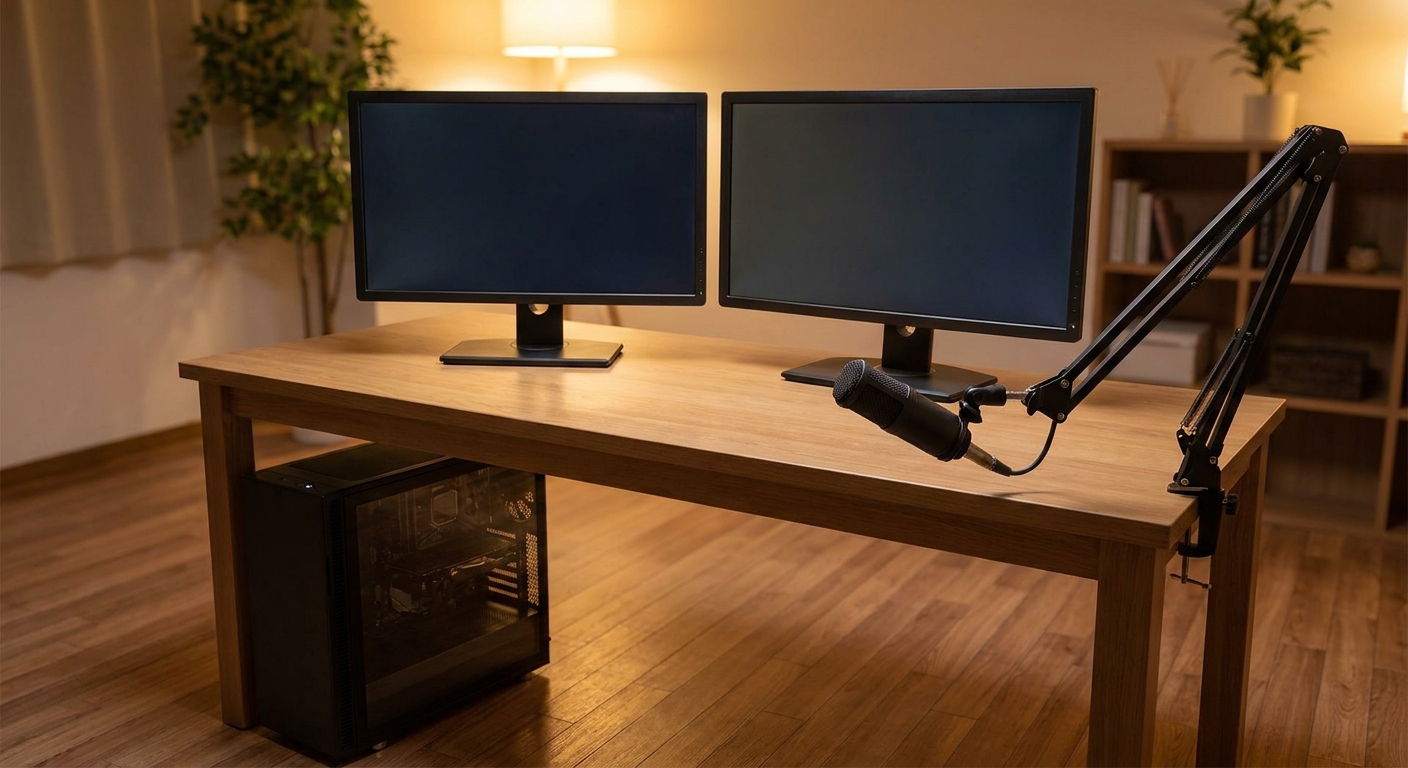
I streamed on a six-core machine for about a year and spent most of it convinced my internet connection was the problem. It was not. The encoder was competing with the game for the same cores, and every time something busy happened on screen — which is exactly when people are watching — both suffered.
Modern hardware encoders on the graphics card have made that less painful than it used to be. But the rest of the pipeline still lives on the processor: the capture software, the browser sources, the alerts, the chat, the second monitor’s worth of clutter. Streaming is a core count problem that happens to also need a decent graphics card.
The Three I Would Compare
All three of these are ABS builds, all three have enough graphics card to matter, and they take three different positions on how much processor a streaming machine needs.
| Model | CPU | Cores / Threads | GPU | Memory | Storage | Cooling |
|---|---|---|---|---|---|---|
| ABS Kaze II Aqua (KIIA270K5070Ti) | Core Ultra 7 270K Plus | 24 / 24 | RTX 5070 Ti 16GB | 32GB DDR5 | 2TB NVMe | 360mm AIO |
| ABS Stratos II Aqua (S2A49N57T1) | Core i9-14900KF | 24 / 32 | RTX 5070 Ti 16GB | 32GB DDR5 | 2TB NVMe | 240mm AIO |
| ABS Cyclone Aqua (CA14700F5060TI5) | Core i7-14700F | 20 / 28 | RTX 5060 Ti 16GB | 32GB DDR5-6400 | 1TB M.2 | Air |
Kaze II Aqua: The Newer Platform
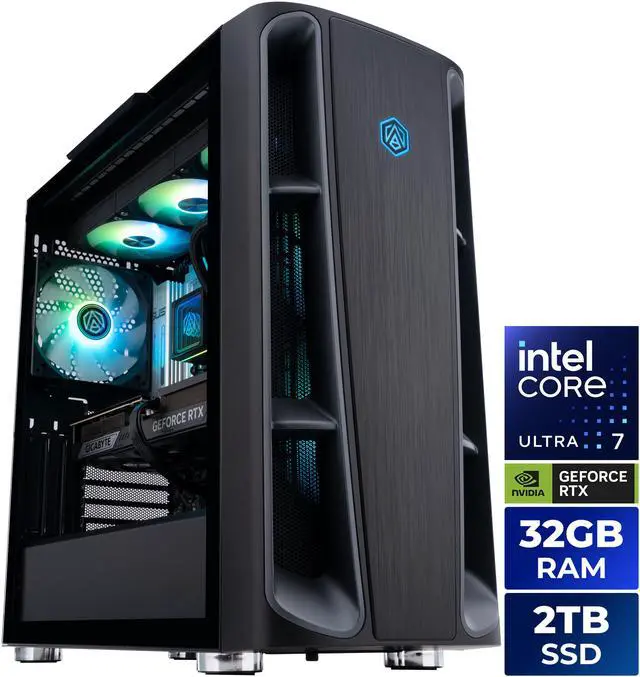
The ABS Kaze II Aqua with the Core Ultra 7 270K Plus and RTX 5070 Ti is the most modern of the three. The processor is twenty-four cores with a 3.2GHz base and a 5.5GHz maximum turbo, 36MB of L3, on Socket FCLGA1851 with a GIGABYTE Z890 board. It gets a 360mm all-in-one cooler, an 850W 80+ Gold supply, 32GB of DDR5 and 2TB of NVMe storage.
Two things stand out. The 360mm radiator is not there for looks — a wide processor under a sustained encoding load produces heat continuously rather than in bursts, and that is exactly the workload where a larger radiator earns its place. And the Z890 platform is the newer one, which matters if you expect to swap the processor before the machine’s life is over.
Stratos II Aqua: More Threads, Older Socket
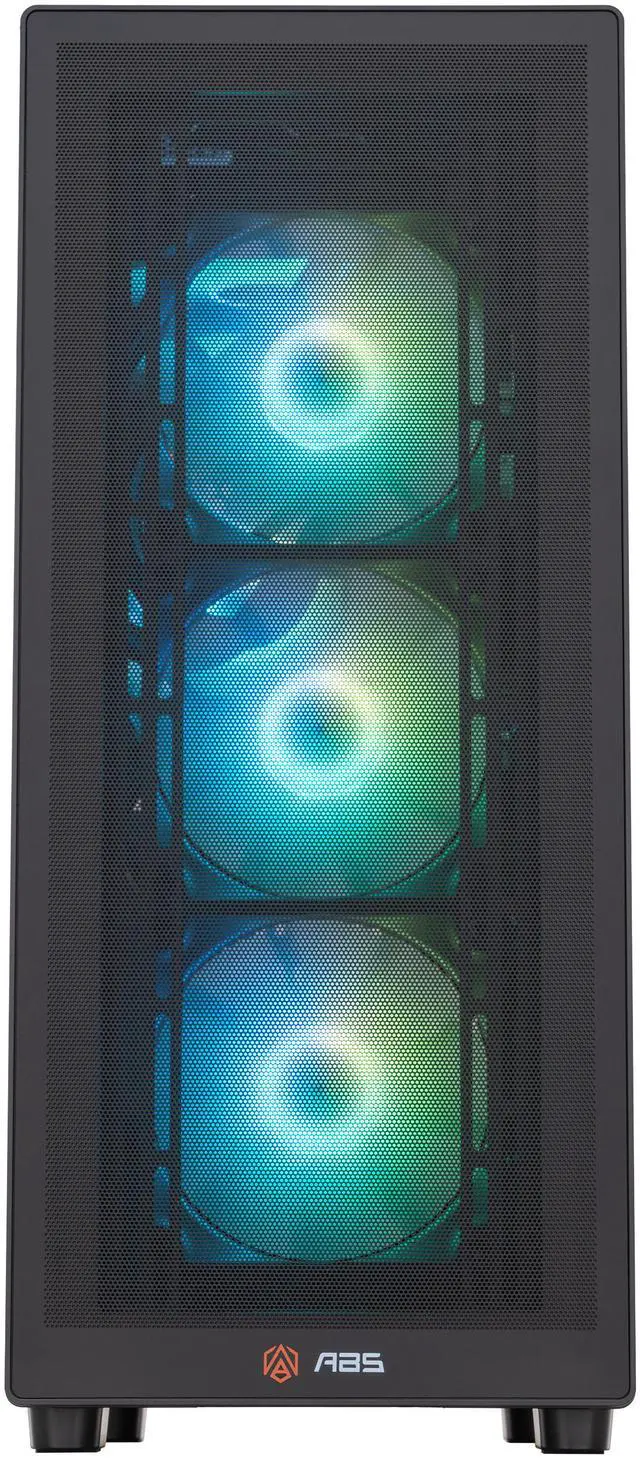
The ABS Stratos II Aqua with the Core i9-14900KF takes the opposite position: the same twenty-four cores, but in an 8P+16E arrangement with hyperthreading, so thirty-two threads rather than twenty-four. It peaks at 6.0GHz under Thermal Velocity Boost, carries 36MB of L3, and sits on LGA 1700 with a Z790 board, a 240mm cooler and the same 850W ATX 3.1 supply and RTX 5070 Ti.
For streaming specifically, more threads is a real advantage — encoders, capture software and background applications are exactly the kind of work that spreads across them. The trade is platform age. LGA 1700 has fewer upgrade paths ahead of it than LGA 1851, so this is a machine you buy for what it is rather than what it might become.
Cyclone Aqua: The Sensible One
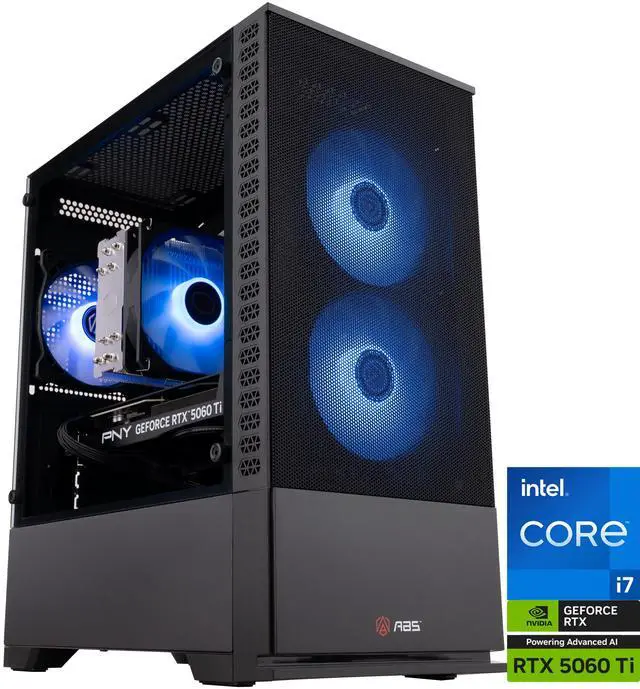
The ABS Cyclone Aqua with the Core i7-14700F and RTX 5060 Ti 16GB is the one I would recommend to most people starting out, and I say that having watched a lot of first streams. Twenty cores, twenty-eight threads, 33MB of L3 and a 5.4GHz ceiling is genuinely enough. The 32GB DDR5-6400 kit is the fastest memory of the three. The graphics card is a tier down, but at 1080p output — which is what most streams are — the 5060 Ti’s 16GB is not the thing holding you back.
It runs on air cooling with a 650W supply, which keeps it simpler and quieter. The honest limitation is the 1TB drive. Recorded footage fills a terabyte quickly, and that is the first upgrade I would plan.
Picking Between Them
If you are streaming demanding games at 1440p and expect to keep this machine a long time, the Kaze II Aqua’s newer platform and larger cooler make it the one I would choose. If you want the most parallel throughput available right now and the platform’s future does not concern you, the Stratos II Aqua’s thirty-two threads are the stronger answer. If you are starting out and would rather put the difference into a microphone, lighting and a second drive, the Cyclone Aqua does the job properly.
What I would not do is buy a 5080-class card for a 1080p stream and pair it with a six-core processor. That is the mistake I made, in spirit. The full range is on Newegg’s ABS gaming desktop listings.
Frequently Asked Questions
Do I still need a lot of CPU cores if my graphics card encodes the stream? Yes, though fewer than before. The hardware encoder on a modern graphics card takes the video encoding off the processor, but the broadcasting software, browser sources, alerts, chat, voice and the game itself all still run on CPU threads. Twenty cores is comfortable; six is where I would expect trouble under load.
How much memory should a streaming PC have? 32GB is the practical target. Between the game, the capture software, a browser with several tabs and communication apps, 16GB gets consumed faster than people expect, and swapping to disk mid-broadcast is very noticeable.
Is a 1TB drive enough if I record my streams? Not for long. Recorded gameplay at high bitrates consumes storage quickly, so if you keep local recordings, plan for 2TB or add a second drive. Most ATX and micro-ATX boards in these builds have a spare M.2 slot, which makes that a simple addition.
Do I need two computers to stream? Not any more, for most people. Dual-PC setups still have a place for very demanding productions, but a single machine with a wide processor and a hardware encoder handles typical gaming broadcasts without a separate capture system.
Does liquid cooling matter for streaming? It helps when the processor runs at high utilisation for hours rather than in short bursts, which describes a long broadcast well. A 240mm or 360mm all-in-one keeps a high core count part closer to its boost clocks under sustained load, and it is generally quieter than air cooling at the same heat output.
Read More
- Tom’s Hardware: Core Ultra 7 270K Plus Review — Independent testing of the 24-core processor used in the Kaze II Aqua, across gaming and multithreaded work.
- GamersNexus: Ultra 7 270K Plus Review and Benchmarks — Thermal and power behaviour under sustained load, which is the relevant case for streaming.
- TechPowerUp: Core Ultra 7 270K Plus Review — A second independent data set with detailed clock and efficiency measurements.
- NVIDIA: GeForce RTX 50 Series — Official feature overview for the graphics cards in these builds, including the hardware encoder.
- Newegg: ABS Gaming Desktops — Compare core counts, cooling and storage across the current lineup.