
I replaced a drive last month that had been in a machine for six years. It was a SATA SSD, it was completely fine, and the only reason it went was that I needed the bay. That is the context I keep in mind whenever someone asks about PCIe 5.0 storage: the last generation of drives was already fast enough that most people never noticed it working.
Which does not mean Gen5 is pointless. It means the reason to buy one is narrower than the sequential numbers suggest, and worth being clear about.
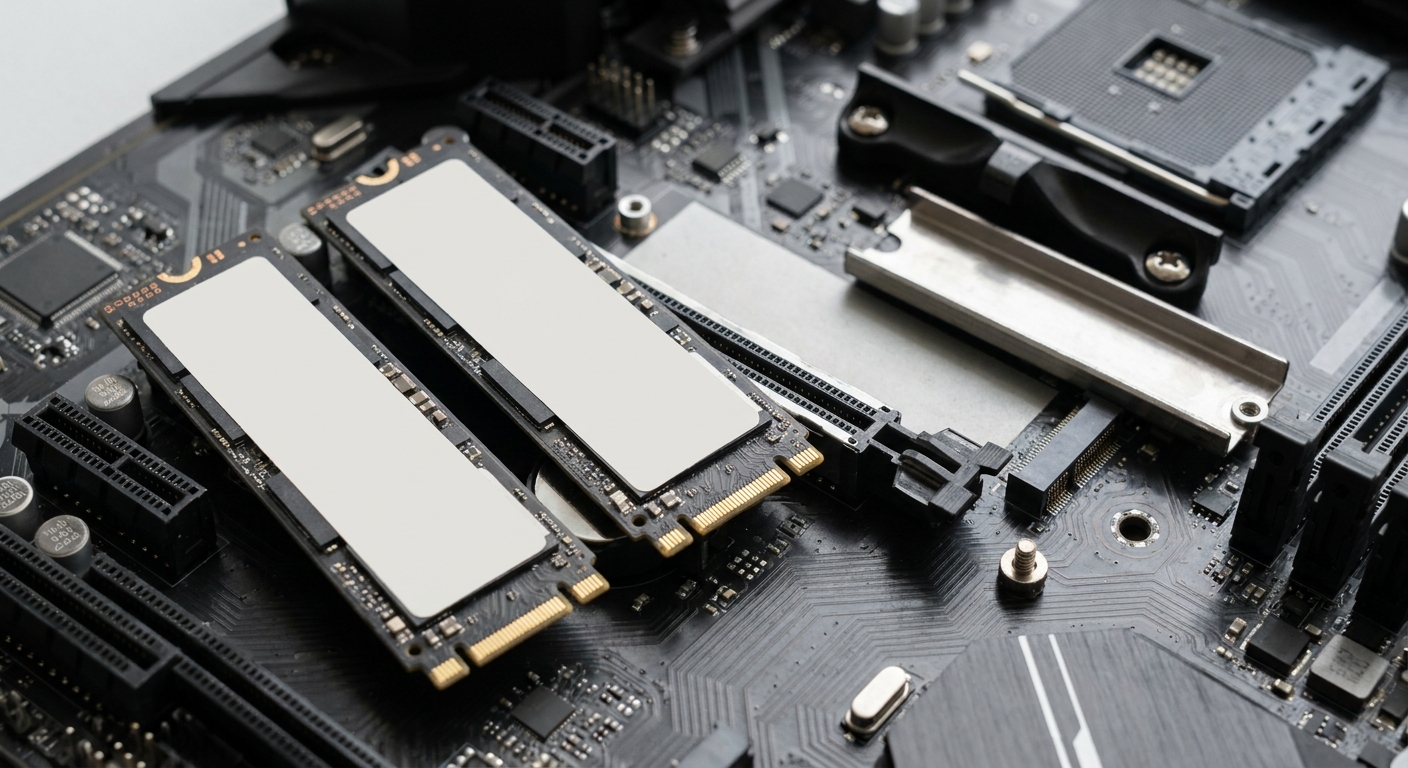
The Two Generations
PCIe 5.0 drives. Sequential reads on this list run from 14,100 to 14,900 MB/s. Random performance is the more interesting story, with figures above two million IOPS on several of them. They also draw more power and run hotter, which is why heatsinks are no longer optional at this tier.
PCIe 4.0 drives. Sequential reads between 5,000 and 7,300 MB/s. Cooler, less demanding of your motherboard, and still quicker than anything a game or an operating system will ask for.
The honest summary is that game load times barely separate the two. Where Gen5 earns its place is moving very large files repeatedly, or working with datasets that genuinely saturate the interface. If you do that, you know you do.
Side by Side
| Drive | Capacity | Interface | Seq. Read | Seq. Write | Endurance |
|---|---|---|---|---|---|
| WD_BLACK SN8100 (heatsink) | 4TB | PCIe 5.0 x4 | 14,900 MB/s | 14,000 MB/s | 2400 TBW |
| SAMSUNG 9100 PRO | 4TB | PCIe 5.0 x4 | 14,800 MB/s | 13,400 MB/s | 2400 TBW |
| Crucial T705 | 4TB | PCIe 5.0 x4 | 14,100 MB/s | 12,600 MB/s | Not listed |
| SanDisk Optimus GX PRO 8100 | 1TB | PCIe 5.0 x4 | 14,900 MB/s | 11,000 MB/s | 600 TBW |
| WD_BLACK SN850X | 4TB | PCIe 4.0 x4 | 7,300 MB/s | 6,600 MB/s | 2400 TBW |
| WD_BLACK SN850X | 8TB | PCIe 4.0 x4 | 7,200 MB/s | 6,600 MB/s | 4800 TBW |
| WD Blue SN5100 | 4TB | PCIe 4.0 x4 | 6,900 MB/s | 6,700 MB/s | 1200 TBW |
| Team T-Force G50 EVO | 4TB | PCIe 4.0 x4 | 5,000 MB/s | 4,700 MB/s | 1200 TBW |
The Gen5 Drives Worth Owning
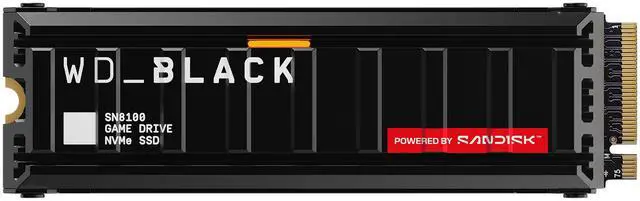
The WD_BLACK SN8100 4TB is the one I would buy. PCIe 5.0 x4, up to 14,900 MB/s read and 14,000 MB/s write, up to 2,300,000 random read IOPS and 2,400,000 random write, 2400TBW of endurance, and it ships with a heatsink so you are not sourcing one separately. It uses an SLC cache rather than a DRAM buffer, drawing 6.5W reading and 7.0W writing.
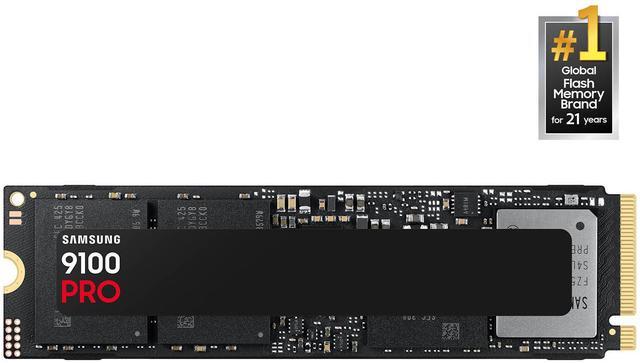
The SAMSUNG 9100 PRO 4TB takes a different approach: Samsung V NAND TLC, an in-house controller, and a 4GB LPDDR4X DRAM cache with a 964GB Intelligent TurboWrite buffer. Rated at 14,800 MB/s read and 13,400 MB/s write, with 2,600,000 random write IOPS and the same 2400TBW. It pulls 9.0W reading, the highest here, so give it airflow.
The Crucial T705 4TB sits just below at 14,100 MB/s read and 12,600 MB/s write with a 4GB DRAM cache, and the SanDisk Optimus GX PRO 8100 1TB is the small-capacity Gen5 option, matching 14,900 MB/s read at a much lower 600TBW endurance and 1TB of space. That last one is a boot drive, not a library drive.
The Gen4 Drives I Recommend More Often
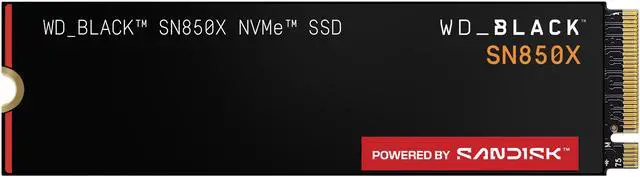
The WD_BLACK SN850X 4TB is my default recommendation and has been for a while. 3D NAND TLC, PCIe 4.0 x4, up to 7,300 MB/s read and 6,600 MB/s write, 1,200,000 random read IOPS and 2400TBW, in a bare 7.5g module that fits under a motherboard heatsink without argument.
If you need room rather than speed, the WD_BLACK SN850X 8TB doubles the capacity, carries an 8GB DRAM cache and a 4800TBW rating, at 7,200 MB/s read. For a machine that is mostly a game library, eight terabytes on one drive removes a lot of shuffling.
The WD Blue SN5100 4TB is the value pick with an asterisk: 6,900 MB/s read, 6,700 MB/s write, but QLC 3D CBA NAND with no DRAM, using host memory buffer instead, and a 1200TBW rating. Good for storage, less suited to sustained heavy writes. The Team T-Force G50 EVO 4TB is the slowest here at 5,000 MB/s read, also 1200TBW, and remains far quicker than any SATA drive you might be replacing.
Winner by Category
Best overall. WD_BLACK SN850X 4TB. Fast enough that nothing feels slow, cool enough to ignore, and rated for 2400TBW.
Best if you actually move large files. WD_BLACK SN8100 4TB, heatsink included. The SAMSUNG 9100 PRO is the pick if DRAM cache and sustained behaviour matter more to you than peak numbers.
Best for a big game library. WD_BLACK SN850X 8TB, and the 4800TBW endurance figure is a nice bonus.
Best on a budget. WD Blue SN5100 4TB, as long as you understand it is QLC without DRAM and treat it as storage rather than a scratch disk.
If your motherboard only has one PCIe 5.0 M.2 slot, my advice is to put a Gen4 drive there and save the Gen5 slot for when you have a reason to use it. The current range is in Newegg’s 4TB NVMe SSD listings.
Frequently Asked Questions
Will a PCIe 5.0 SSD make my games load faster? Barely. Game loading is limited by decompression and asset processing more than by raw drive throughput, so the difference between a 7,300 MB/s Gen4 drive and a 14,900 MB/s Gen5 drive usually amounts to a fraction of a second. Where Gen5 shows up is in large sequential file transfers and professional workloads.
Do PCIe 5.0 drives need a heatsink? In practice, yes. These drives draw more power than Gen4 parts, with the SAMSUNG 9100 PRO listing 9.0W during reads, and without a heatsink they will throttle under sustained load. The WD_BLACK SN8100 on this list ships with one attached; many motherboards also provide M.2 heatsinks that do the job.
What does TBW mean and should I worry about it? Terabytes Written is the manufacturer’s rated write endurance over the drive’s warranty. The 4TB drives here range from 1200TBW to 2400TBW, and the 8TB SN850X is rated at 4800TBW. For typical desktop use these numbers are far beyond what you will write in the drive’s life, so treat TBW as an indicator of the NAND tier rather than a countdown.
Is a DRAM cache important? It helps with sustained random writes and with keeping performance consistent as the drive fills. The SAMSUNG 9100 PRO and Crucial T705 both carry 4GB of DRAM; the WD_BLACK SN8100 uses an SLC cache instead, and the WD Blue SN5100 borrows system memory through host memory buffer. For a game and application drive, the difference rarely surfaces. For heavy write workloads it does.
Can I use a Gen5 drive in a PCIe 4.0 slot? Yes, it will work and fall back to Gen4 speeds. You would be paying for performance the slot cannot deliver, so unless you are planning a motherboard upgrade soon, a Gen4 drive is the better use of the money.
Read More
- Tom’s Hardware: SSD Reviews and Buying Guides — Drive reviews covering sustained write behaviour and thermals as new controllers arrive.
- TechPowerUp: WD_BLACK SN8100 4TB Review — Detailed measurements of the SN8100 including thermals and sustained transfer behaviour.
- TechPowerUp: Samsung 9100 PRO 4TB Review — Independent measurements of the 9100 PRO, including cache behaviour and thermals.
- Western Digital: WD_BLACK SN850X — Official specifications for the 4TB and 8TB versions, including endurance ratings.
- Newegg: 4TB NVMe SSDs — Filter current drives by interface generation, cache type and endurance rating.