
The arrival of the $329 Ryzen 7 7700X3D makes right now an excellent moment to build a brand-new gaming PC on AMD’s latest AM5 platform. Building fresh, rather than upgrading an aging system piece by piece, means you start on a modern foundation with room to grow: DDR5 memory, PCIe 5.0 connectivity, and a socket AMD has committed to supporting with future Ryzen chips for years to come. That longevity is a real advantage, because it means your next CPU upgrade may only require dropping in a new chip rather than replacing the board and memory too. This guide walks you through a complete, balanced 2026 build part by part, explaining the reasoning behind each choice, with every price verified on Newegg today.
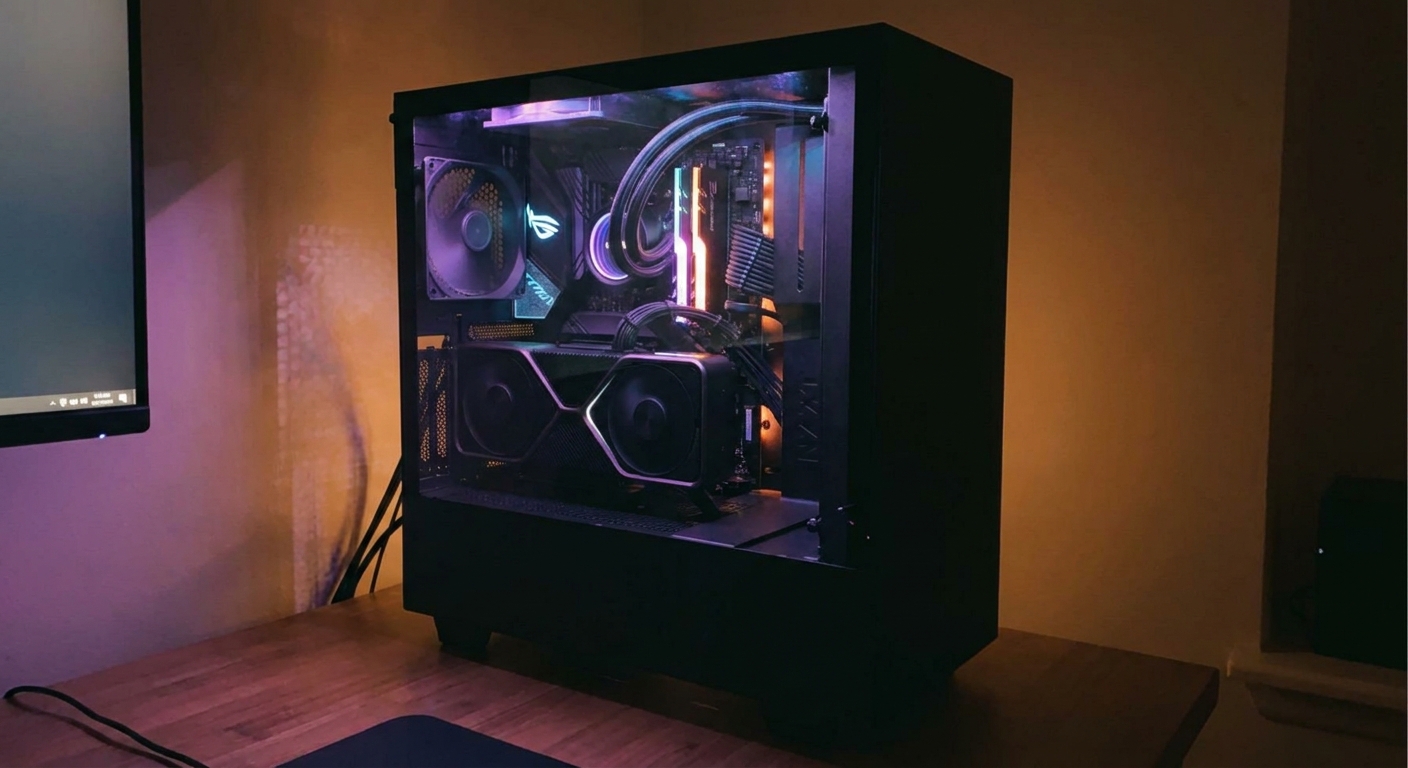
Step 1: The Heart of the Build
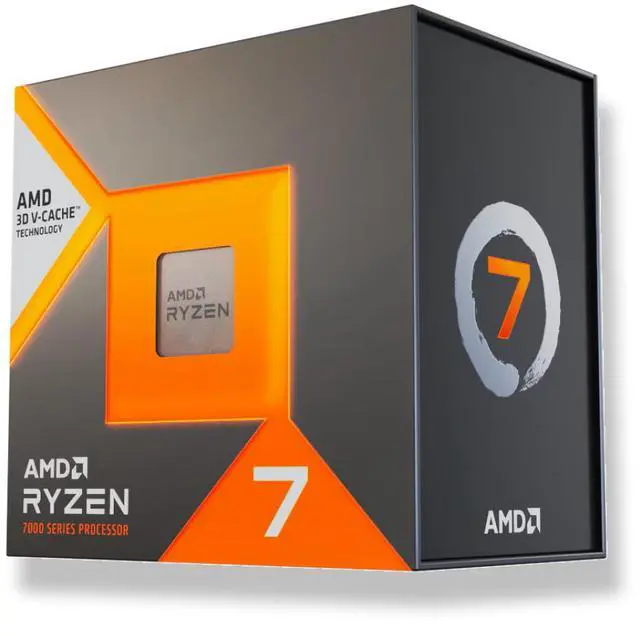
Every gaming build starts with the CPU, and the Ryzen 7 7700X3D ($328.99) is the star of this one. Its eight Zen 4 cores and 96MB of 3D V-Cache deliver top-tier gaming frame rates, particularly at the high refresh rates most new builders are chasing, and its notably low real-world power draw keeps the whole system cool and quiet. Because it is a new release on the current platform rather than a last-generation part being sold down, it is the smart long-term choice for a build you want to keep relevant for years. Start your parts list here and choose everything else to complement it.
Step 2: Motherboard and Memory
Pair the CPU with a B850 motherboard for the best balance of features and price. The MSI B850 GAMING PLUS WIFI6E ($149.99) gives you built-in Wi-Fi 6E, PCIe 5.0, robust power delivery for stable performance, and a clean modern layout, without the price premium of a high-end X870 board that most single-GPU gaming rigs never fully use. For memory, a 32GB DDR5-6000 kit is the current gaming sweet spot, and the CORSAIR Vengeance RGB 32GB kit runs $454.99. Be aware that DDR5 prices are elevated across the industry in 2026, so memory is a larger slice of the budget than it used to be; a low-latency DDR5-6000 kit pairs especially well with Ryzen and its Infinity Fabric.
Step 3: Storage
A fast NVMe drive keeps load times short and your library close at hand. The WD_BLACK SN850X 2TB ($321.77) is a proven PCIe 4.0 gaming SSD with the capacity to hold a large modern game library without the constant uninstalling that 1TB drives force on you. Install it in the motherboard’s primary M.2 slot, which is wired directly to the CPU for full speed, and attach any included heatsink to keep it cool under sustained loads. If you need even more room later, the board has additional M.2 slots you can populate down the line.
Step 4: Choosing a GPU
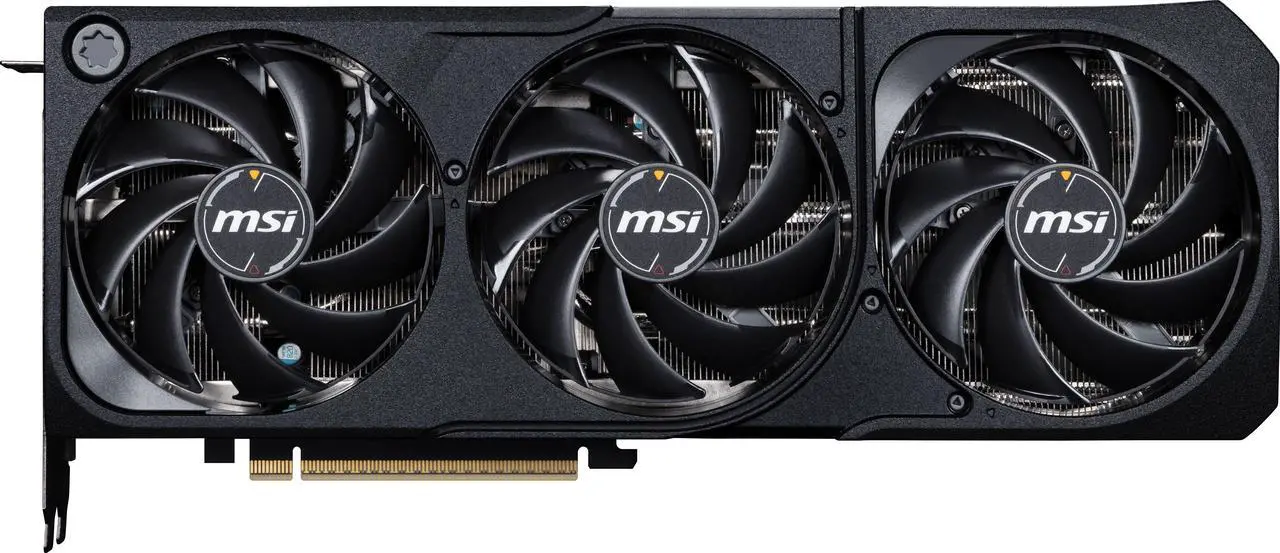
The graphics card does the heavy lifting for frame rates, and it should be matched to your target resolution rather than simply bought as big as the budget allows. For sharp, high-refresh 1440p gaming, the MSI SHADOW GeForce RTX 5070 Ti 16GB ($979.99) is an excellent partner for the 7700X3D. Its 16GB of fast GDDR7 memory gives it headroom for the large textures modern games ship with, and the CPU’s enormous cache ensures it never becomes the bottleneck in CPU-heavy moments like busy open-world scenes or strategy games with hundreds of units. This pairing is well balanced: neither part is left waiting on the other.
Step 5: Power and Assembly
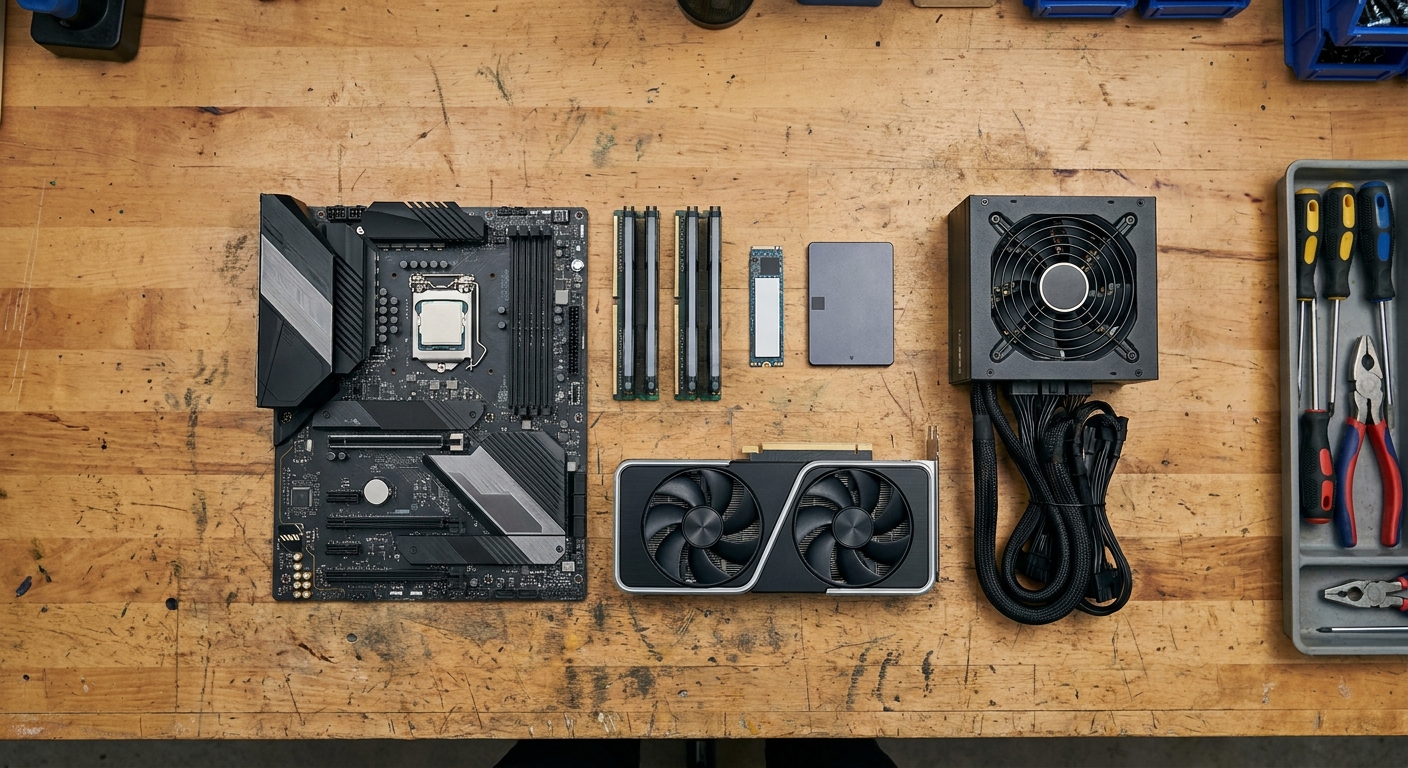
Feed it all with a quality unit like the be quiet! Pure Power 13 M 850W ATX 3.1 ($109.90), which includes the modern connectors current graphics cards expect and leaves comfortable headroom for the whole system. When it comes time to assemble, a few habits make the job smoother: install the CPU and cooler before mounting the motherboard in the case where possible, seat each stick of RAM firmly until it clicks into place, and route your cables behind the motherboard tray to keep airflow clean and the interior tidy. Remember that the 7700X3D does not include a cooler in the box, so budget for a good air or liquid cooler; thanks to the chip’s low heat output, a mid-range tower cooler is more than enough.
Build Summary
This build lands around $2,345 before a cooler and case, and it delivers flagship-class 1440p gaming on a modern, upgrade-ready platform. Every part is chosen to avoid bottlenecks: a gaming-first CPU with best-in-class cache, a capable GPU matched to the resolution, fast and roomy storage, dependable memory, and a reliable power supply with room to spare. You can scale it up with a stronger GPU for 4K, or trim it down with a more modest card for 1080p, but the core recipe holds. Start your parts list with the 7700X3D and build outward from there.
Read More
- Tom’s Hardware: Best Gaming CPUs — Context on where the 7700X3D lands versus rivals.
- AMD Official: Ryzen 7 7700X3D — Full specifications and platform compatibility.
- YouTube: How to Build a PC (Step by Step) — A clear beginner-friendly assembly walkthrough.
- Newegg: Ryzen 7 7700X3D — Live pricing and stock for the build’s centerpiece.
- Newegg: B850 Motherboards — Compare AM5 board options for your build.
Related Posts
- Buying the Ryzen 7 7700X3D on Newegg: Everything in One Cart
- 7800X3D vs 7700X3D: Which X3D Gaming Chip Should You Buy Now?
- Ryzen 7 7700X3D Bundle Deals on Newegg: Save More on Your Build
- Ryzen 7 7700X3D vs 7700X, 9600X, Core Ultra 7 265K & i7-14700K: Which Gaming CPU Wins?
- AMD Ryzen 7 7700X3D Is Here: The $329 Gateway to High-End AM5 Gaming
Frequently Asked Questions
Answers to the most common questions about building a 2026 gaming PC.