
Every few weeks the same question resurfaces on building forums: is using four sticks of DDR5 still a bad idea? It was common advice in 2023 and 2024, and enough has changed since then that the honest answer needs updating rather than repeating. Along the way there are three other questions worth settling — how fast your memory needs to be, how much of it you need, and what CUDIMM actually is. Here are straight answers, with the evidence behind them.
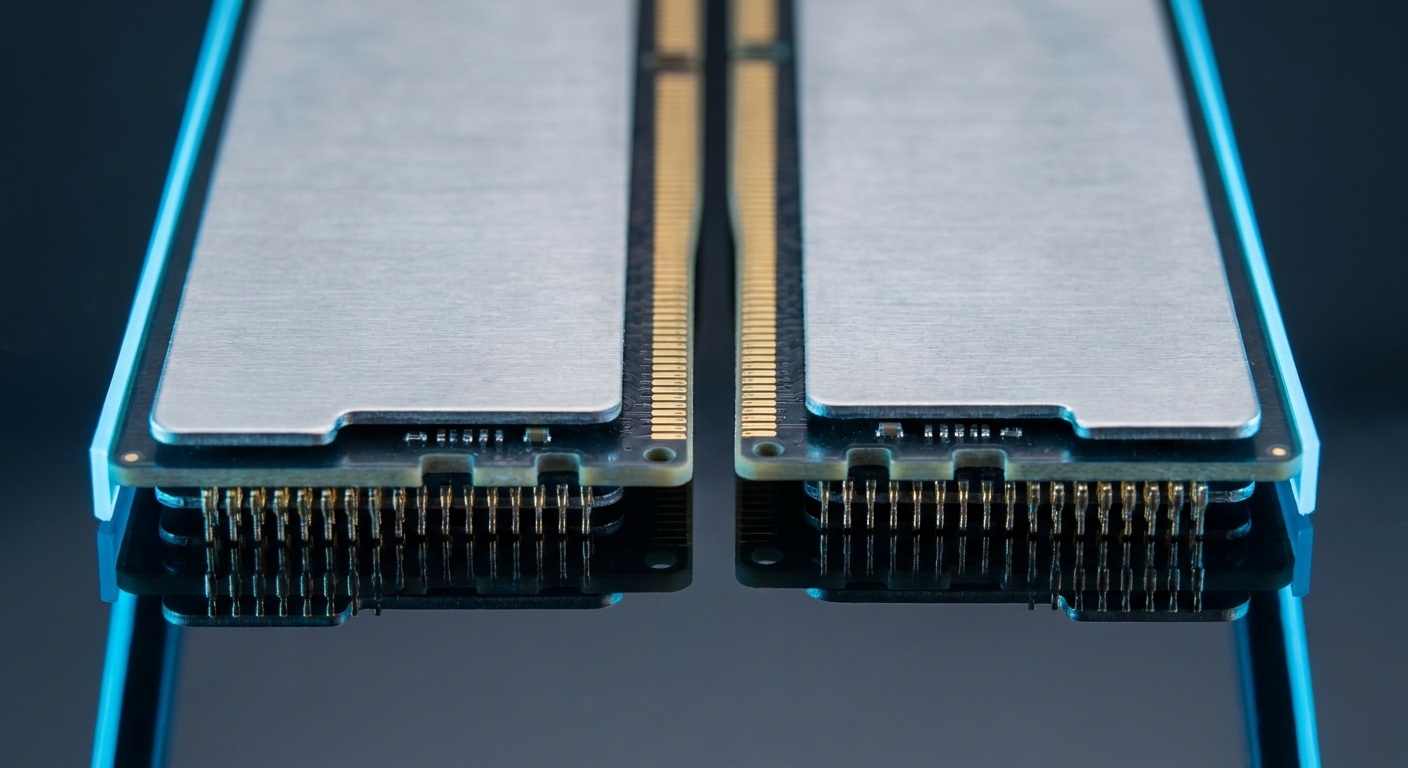
Why Do Four Sticks Run Slower Than Two?
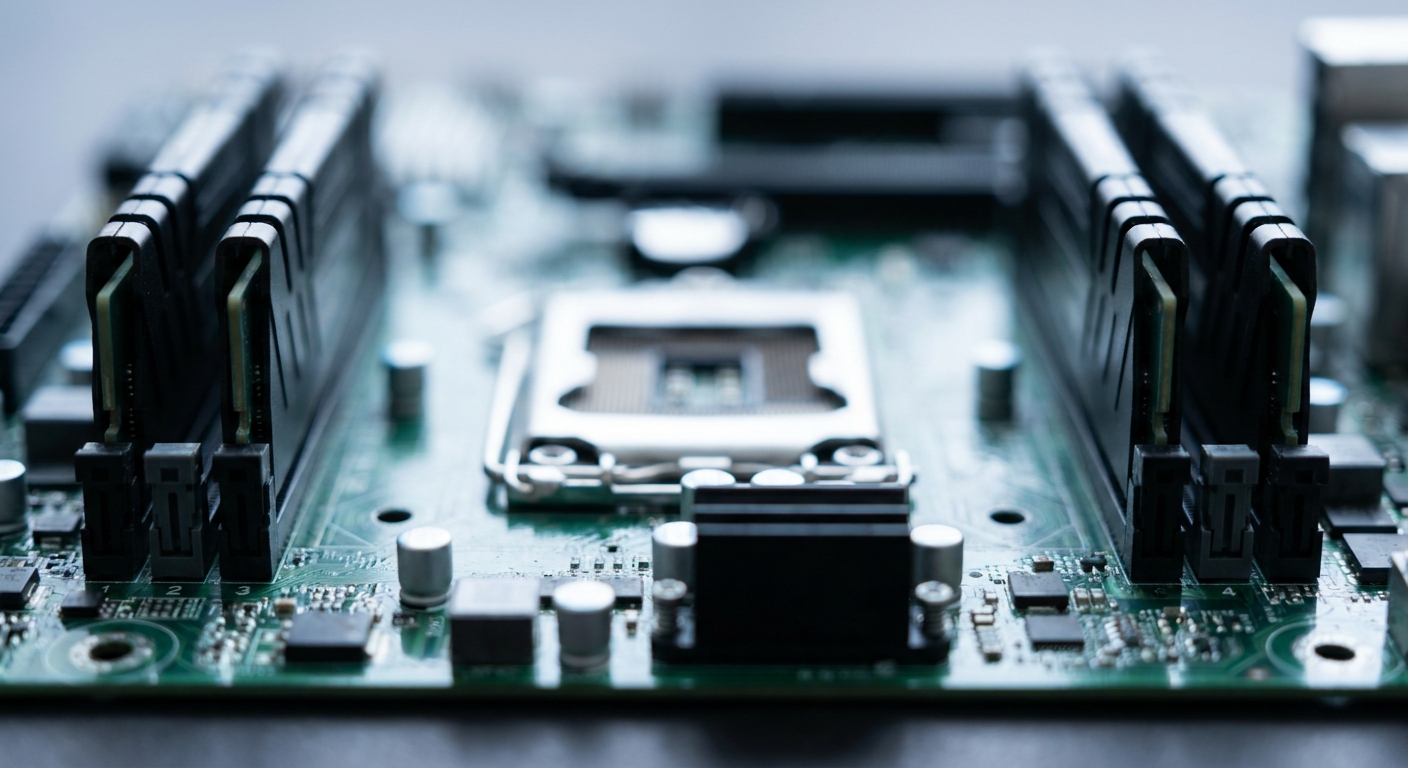
It is a signal integrity problem, not a marketing decision. A desktop platform has two memory channels. Filling all four slots means putting two modules on each channel, which doubles the electrical load on the processor’s memory controller and lengthens the signal traces the data has to travel. As G.Skill explained to Tom’s Hardware, adding four DIMMs increases the load on the memory controller and increases trace length, which often leads to a significant reduction in frequency while driving up latency. AnandTech’s DDR5 analysis reached the same conclusion and added a practical corollary: a two-stick kit beats a four-stick kit of the same total capacity at identical frequency and latency.
The scale of the derating is real. Per the JEDEC specification as cited by Tom’s Hardware, four DIMMs drop guaranteed DDR5 speeds to 3600 MT/s versus 5600 MT/s with two. Intel’s official figures for LGA1851 are similarly blunt: one module per channel supports CUDIMM at DDR5-6400 on the original Arrow Lake and DDR5-7200 on Arrow Lake Refresh, while two modules per channel fall to DDR5-4800 with single-rank modules and DDR5-4400 with dual-rank.
Has It Improved by 2026?
Yes, materially — with a caveat. Motherboard vendors have pushed four-slot validation upward as memory controllers and firmware matured: MSI’s 2026 BIOS validation lists dual-DIMM AMD boards reaching DDR5-8200 while quad-DIMM boards were raised to DDR5-7200, up from a previous 6800 MT/s ceiling. G.Skill now ships a 256GB four-module DDR5-6000 CL32 EXPO kit for AM5, which was simply not practical in early AM5. AMD’s EXPO 1.2, reported in April 2026, adds an Ultra Low Latency mode that can trim roughly 5 to 7 nanoseconds from a typical DDR5-6000 kit.
The caveat: those quad-DIMM figures are board-level validation ceilings for tuned enthusiast configurations, not everyday guarantees. If you want four sticks in 2026, plan around DDR5-6000 or below and treat anything higher as a bonus your particular chips may or may not deliver.
The practical rule: buy the capacity you want as a two-module kit. If you need 64GB, buy two 32GB modules rather than four 16GB modules. Only populate all four slots when you need capacity a two-stick kit cannot provide.
How Fast Does DDR5 Need to Be?
Faster than baseline, but the returns flatten quickly, and how much you gain depends heavily on your processor. TechSpot measured the jump from JEDEC baseline to DDR5-6000 CL30 with EXPO or XMP enabled at roughly 4% on cache-heavy chips such as the Ryzen 7 7800X3D and Core i7-14700K, but 11 to 12% on non-X3D and older parts like the Ryzen 7 7700X and Core i7-12700K, with outliers reaching 20 to 29% in 1% lows in Hogwarts Legacy. So a large 3D cache absorbs much of what faster memory would otherwise give you.
Above DDR5-6000 CL30 the gains get thin. TechSpot’s Ryzen 7 9700X testing found DDR5-8000 gained up to 12% over DDR5-6000 CL30 in Cyberpunk 2077 at 1080p and 9% on average in Marvel Rivals, but only 4% in Counter-Strike 2 and 6% at 4K in Horizon Zero Dawn Remastered. Tightening from CL30 to CL26 at the same 6000 speed was worth about 2%. On the productivity side the picture is even more mixed: Phoronix found code compilation benefited from DDR5-6000, but some HPC workloads such as GROMACS actually landed slightly behind DDR5-5600.
The practical rule: DDR5-6000 CL30 is the sweet spot, and it has been for a while. Two mainstream kits cover it. The G.SKILL Trident Z5 Neo RGB 32GB (2x16GB) DDR5-6000 CL30 carries both an AMD EXPO profile and Intel XMP 3.0 at 1.35V, which makes it the natural AM5 pick. For an Intel build, the Corsair Vengeance 32GB (2x16GB) DDR5-6000 CL30 lists an Intel XMP 3.0 profile at 1.40V.
On the tightest budget, a 16GB kit still gets a machine running: the Team Group 16GB (2x8GB) DDR5-6000 CL38 runs at 1.25V with listed BIOS profiles for Intel 700 and 600 series and AMD 800 and 600 series boards.
What Is CUDIMM, and Do You Need It?

A CUDIMM is a DDR5 module with an integrated clock driver chip that regenerates and cleans the clock signal on the module itself rather than relying on the one arriving from the processor. That cleaner clock is what makes very high frequencies stable. Retail CUDIMMs now run DDR5-8000 to DDR5-8400 and beyond; Montage has launched a clock driver rated to 9200 MT/s and Team Group has announced DDR5-9600 parts.
The important qualifier is platform support. Intel’s Arrow Lake and Core Ultra 200S families on LGA1851 are the mainstream platforms with full CUDIMM support — Tom’s Hardware describes Arrow Lake as currently the only mainstream processor lineup to support CUDIMMs fully. On AMD AM5, CUDIMMs run in bypass mode: they work, but as ordinary UDIMMs without the clock driver benefit, and Tom’s Hardware notes AGESA 1.3.0.1 does not yet fully support them, with fuller support expected on the next Ryzen generation.
If you are on a compatible Intel platform and want the ceiling, the V-COLOR Manta XFinity RGB DDR5-8200 CL38 CUDIMM 32GB kit runs an Intel XMP 3.0 profile at 1.45V on SK Hynix ICs.
How Much Capacity in 2026?
For gaming, 32GB. TechSpot’s assessment is that 32GB is the sweet spot now and should be plenty for the foreseeable future, with 16GB leaving minimal headroom in modern AAA titles and 64GB offering no gaming justification. PC Gamer’s 2026 testing argues 16GB is still workable with caveats, which makes 16GB the budget floor and 32GB the recommendation.
For content creation, step up. Tom’s Hardware’s 2026 memory guide recommends 32GB or 64GB for creators, describes a 96GB two-module kit as the ideal solution for compact workstations, and points 192GB configurations at content creators, software developers and data scientists.
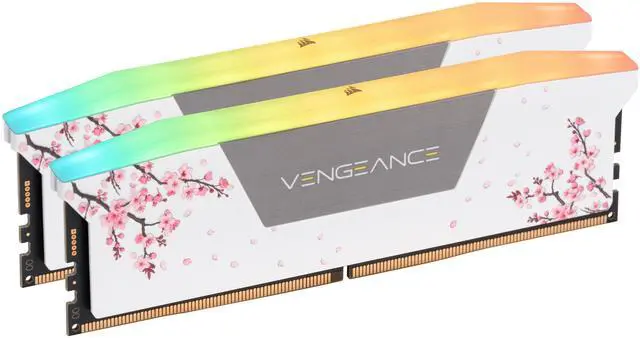
The upgrade path in two-module kits is well covered. A 48GB middle step is available in the G.SKILL Trident Z5 RGB 48GB (2x24GB) DDR5-6000 CL40. For 64GB, the Kingston FURY Beast 64GB (2x32GB) DDR5-6000 CL30 holds CL30 at that capacity and supports both XMP and EXPO. At the top, the Kingston FURY Renegade 96GB (2x48GB) DDR5-6000 CL32 reaches workstation capacity in only two modules — exactly the point of this article. And if the build has a colour scheme to match, the Corsair Vengeance RGB 32GB DDR5-6000 CL30 in Cherry Blossom white hits the same specification with XMP 3.0 and EXPO support.
One More Thing: Memory Prices Are Rising
This is worth knowing before you delay a purchase. TrendForce reported in January 2026 that DRAM suppliers have been reallocating capacity toward server DRAM and high-bandwidth memory for AI infrastructure, significantly limiting supply in other markets, with PC DRAM expected to rise sharply. Tom’s Hardware has reported DRAM prices up 171% year over year, and separately that the surge is beginning to cool as consumers reach their affordability limit even as AI demand keeps prices climbing through the third quarter of 2026. The practical implication is simple: if you need memory for a build this year, buying the right two-module kit sooner is a more comfortable position than waiting for a correction. You can compare current kits in Newegg’s DDR5 memory listings.
Frequently Asked Questions
Is using four sticks of DDR5 still a bad idea in 2026? It is better than it was but still a compromise. Four modules put two on each channel, which increases memory controller load and trace length and lowers achievable speed. Vendor validation has climbed — MSI lists quad-DIMM AMD boards at DDR5-7200 versus DDR5-8200 for dual-DIMM — but those are tuned ceilings. Buy your capacity as a two-module kit whenever you can.
What DDR5 speed should I buy? DDR5-6000 CL30 is the sweet spot for both AM5 and mainstream Intel builds. Going faster produces single-digit gains in most games and can go slightly negative in some productivity workloads, so it is only worth chasing on a CUDIMM-capable Intel platform.
Does CUDIMM work on AMD AM5? CUDIMMs physically work on AM5 but run in bypass mode, behaving as ordinary UDIMMs without the clock driver benefit. Full CUDIMM support today is an Intel LGA1851 feature; broader AMD support is expected with a future Ryzen generation.
Is 32GB enough in 2026? For gaming, yes — TechSpot calls 32GB the sweet spot and expects it to hold. For video editing, 3D work, large code bases or local AI models, 64GB is a more comfortable target, with 96GB available in two-module kits if you need it.
Read More
- TechSpot: Is DDR5-8000 Worth It? — Memory scaling from DDR5-5600 to DDR5-8000 on a Ryzen 7 9700X, showing where faster RAM stops paying off.
- Tom’s Hardware: Best RAM 2026 — Per-platform speed and capacity recommendations for gaming and workstation builds.
- Corsair: DDR5 FAQ — Official guidance on compatibility, XMP 3.0 profiles, mixing kits and stability troubleshooting.
- DDR5 Best Practices: Expected Speeds, 2 vs 4 DIMMs — A hands-on walkthrough of realistic DDR5 speeds with two sticks versus four.
- Newegg: DDR5 Memory — Filter current kits by capacity, speed, latency and EXPO or XMP support.