
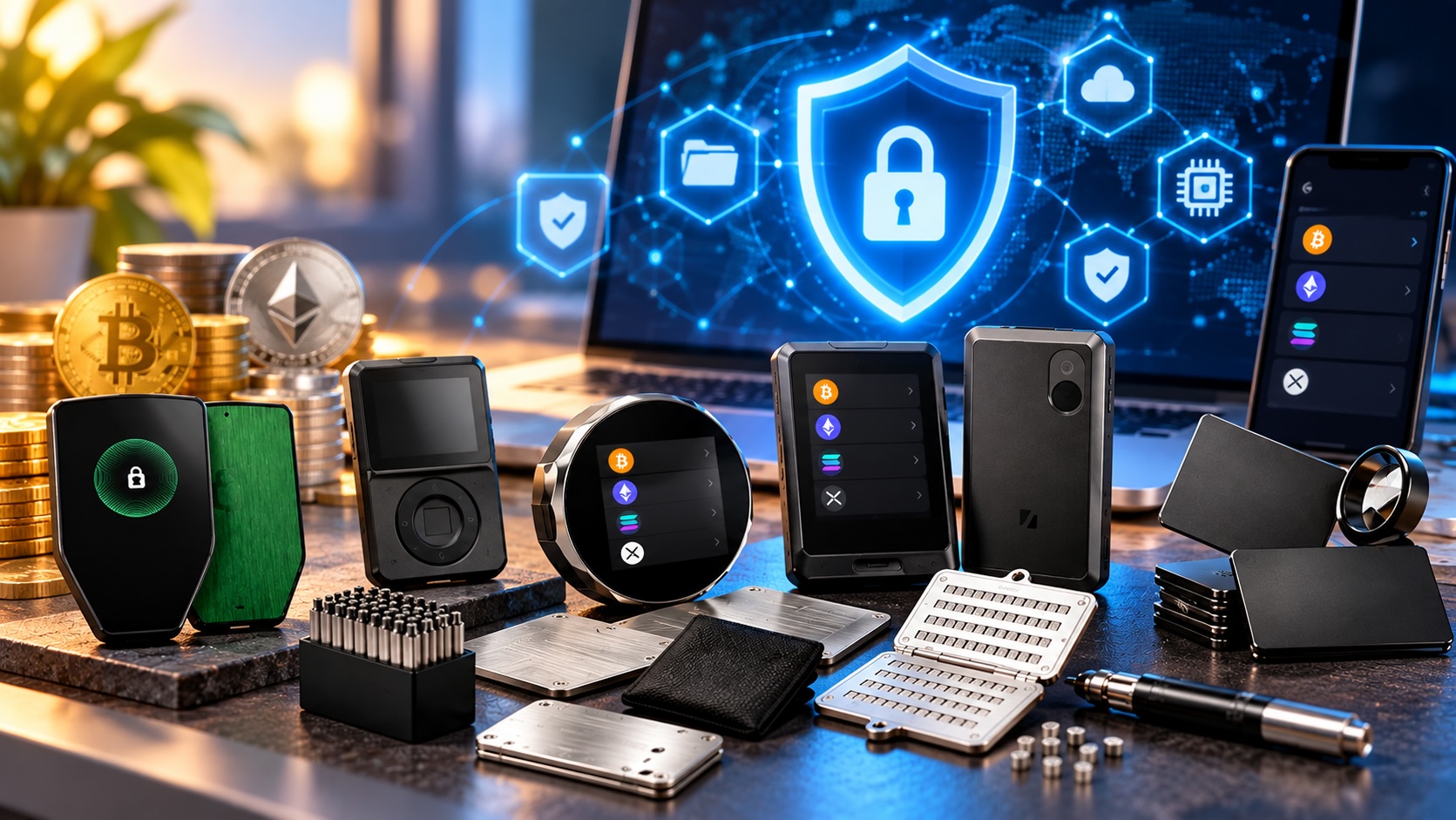
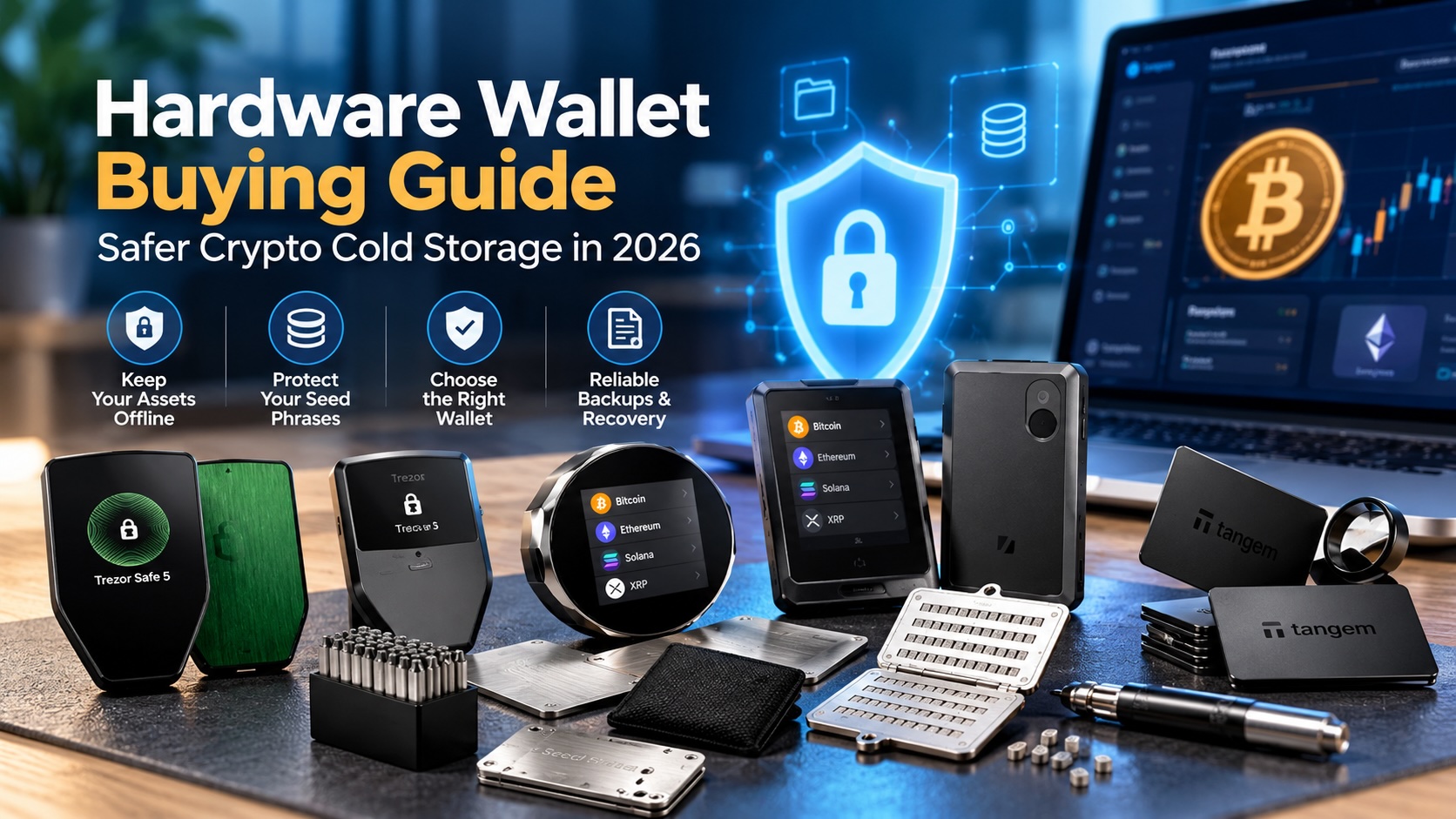
This hardware wallet buying guide explains how to choose a device that keeps your crypto keys offline and away from AI-driven scams in 2026. It covers security only. In addition, it does not offer investment advice or suggest which coins to hold. Instead, it walks through the threats, the key terms, and the main form factors in Newegg’s Crypto Wallet category. First, you will see screen devices, air-gapped QR signers, NFC cards and rings, and metal seed backups. For each one, the guide explains who it suits and what problem it solves. Finally, a step-by-step walkthrough shows how to set up safely. This article belongs to Newegg Insider’s Help Me Get Protected series, and the series overview maps every other protection topic.
AI-Era Threats a Hardware Wallet Helps Reduce
A hardware wallet helps because it keeps your private keys on a separate device and asks you to confirm each transaction on its own screen. AI makes scams more convincing, but most of them still need your recovery phrase or your approval to work.
These five scenarios show up again and again:
- Deepfake “support” calls and chats. A cloned voice or polished chatbot claims to be wallet support, but then asks you to “verify” your recovery phrase.
- Cloned wallet apps and phishing sites. A lookalike app or search ad copies the real design, then prompts you to type your seed into it.
- Fake giveaways. An AI-generated livestream of a familiar face promises to send back double whatever you send first.
- Address poisoning. An attacker sends a tiny transfer from an address that matches the first and last characters of one you use, hoping you copy it next time.
- Blind signing. A website asks you to approve a contract you cannot read, and that approval lets it drain tokens later.
A hardware wallet does not make these scams disappear. However, it changes the odds in your favor. For example, malware on your laptop cannot sign a transfer without a button press or screen tap on the device. In addition, clear on-screen details help you spot a swapped address or an odd approval. Therefore, the device works best alongside one firm rule: no real company ever asks for your recovery phrase. For the scam side of the story, read the series guide to crypto wallet security and AI scams.
Core Terms Every Hardware Wallet Buying Guide Uses
Every hardware wallet buying guide leans on three ideas: the private key, the recovery phrase, and the optional passphrase. Once these make sense, the rest of the shopping decision gets much simpler.
Private keys
A private key is the secret number that proves you control a wallet address. Anyone who has it can move the funds, but nobody can reverse that transfer. A hardware wallet creates the key inside the device and keeps it there. Therefore, your computer or phone only sees public addresses and finished signatures.
Seed or recovery phrase
The recovery phrase, also called a seed phrase, is a list of 12 to 24 words that can rebuild your keys on a new device. It acts as the master backup. Therefore, it is also the one thing scammers want most. Instead of typing it into a phone, a computer, or a chat window, write it down offline.
Passphrase
A passphrase is an optional extra word you add on top of the seed. It opens a separate hidden wallet. For example, the Trezor Safe 3 and SecuX V20 listings both name passphrase support. However, the tradeoff matters. Forget the passphrase, and the recovery phrase alone cannot restore that hidden wallet.
Security Features to Compare Before You Buy
Any hardware wallet buying guide should compare four features: the chip, the connection style, the firmware policy, and the backup method. In practice, they decide how a device resists tampering and how you recover if it breaks.
Secure element ratings
A secure element is a tamper-resistant chip, similar to the one in a bank card. Listings often cite a Common Criteria rating. For instance, the SecuX V20 lists an Infineon CC EAL5+ secure element. In addition, Tangem cards and CoolWallet Pro list EAL6+. Higher numbers reflect a stricter evaluation of the chip, but they do not replace careful habits.
Air-gapped QR signing
An air-gapped wallet never connects by USB, Bluetooth, or Wi-Fi. Instead, it trades data with your phone through QR codes on each screen. Therefore, this approach removes the cable and wireless paths an attacker might use. On the other hand, scanning codes adds a few seconds to every transaction.
Open-source firmware and seedless backups
Open-source firmware lets outside researchers read and review the device code. The SafePal X1 and Cypherock listings both highlight open-source designs. In addition, seedless backup cards, like Tangem’s, skip the written phrase. You back up by keeping extra cards that hold the same key, so every spare card counts.
Screen Wallets for Everyday Verification
Screen wallets suit most first-time buyers because the display lets you check addresses and approvals before you confirm. However, they differ in connection and unlock style.
Trezor and SecuX screen wallets
The Trezor Safe 3 is a compact starting point with passphrase and secure element protection. Next, the Trezor Safe 5 adds a color touchscreen and haptic feedback for easier reading. The Trezor Safe 7 adds Bluetooth and a transparent secure element for phone users.
The SecuX V20 pairs a 2.8-inch color touchscreen with Bluetooth and dynamic PIN entry. In addition, its “Hands-on Clear-sign” feature shows transaction details on the device. The SecuX W20 and W10 offer touchscreens, but the SecuX Nifty targets NFT collectors.
Biometric and split-key designs
The D’CENT biometric wallet adds fingerprint authentication for people who dislike PINs. The SafePal X1 pairs Bluetooth with open-sourced firmware, and the imKey Bluetooth wallet lists a CC EAL6+ secure element. Finally, the Cypherock hardware wallet lists audited, open-source, decentralized private key storage. In practice, it spreads the key across separate cards, which suits holders who fear one lost backup.
Air-Gapped QR Wallets for Offline Signing
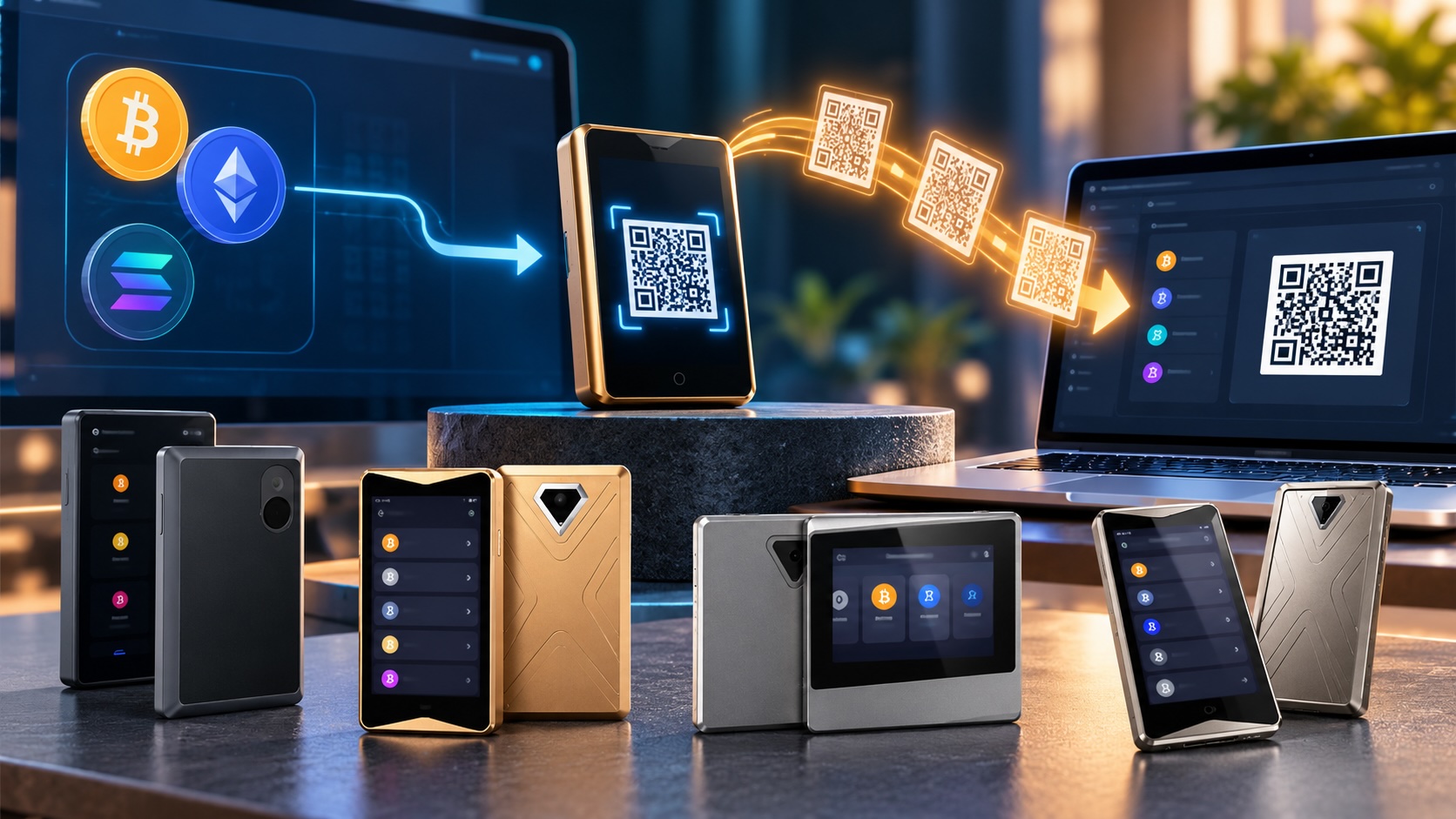
Air-gapped wallets suit people who want no cable or wireless link at all. They sign transactions offline and pass the result to your phone as a QR code.
The Keystone 3 Pro pairs an air-gapped design with a 4-inch touchscreen. That large display helps you read full addresses and contract details before you approve. Therefore, it fits people who use many decentralized apps and worry about blind signing.
ELLIPAL offers several air-gapped models. The ELLIPAL Titan 2.0 lists air-gapped technology and offline cold storage. The original ELLIPAL Titan lists internet isolation plus anti-disassembly and anti-tampering protection. Finally, the Titan Mini packs the same air-gapped idea into a smaller body.
However, air-gapped wallets ask for a little patience. Each transaction takes two scans: one to send the request and one to return the signature. In addition, you need a phone camera and the companion app close by. For many buyers, that small delay turns into a useful pause. Most scams depend on rushing you, so a built-in slowdown works in your favor.
Card, Ring, and Non-Electronic Wallets
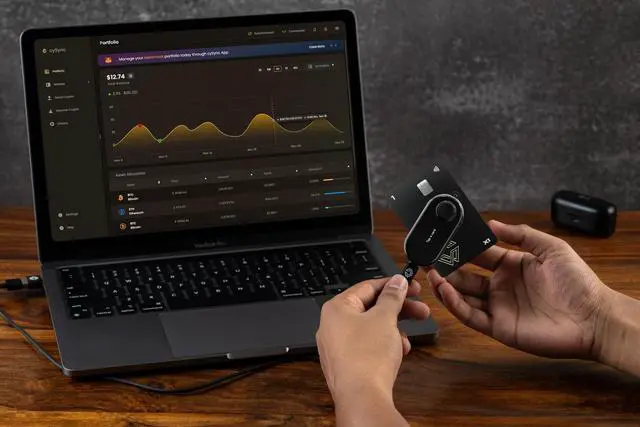
Card and ring wallets suit people who want a slim, battery-free device that signs with a tap on a phone over NFC. Many use seedless backups instead of a written phrase.
Tangem cards and rings
The Tangem Wallet 2.0 3-Pack includes three cards that hold the same key. Keep one card for daily use, and store the others in separate places. The listing names an EAL6+ secure element, NFC cold storage, and seedless backup. For a wearable option, the Tangem Ring ships with two backup cards. Tangem Stealth packs offer the same idea in a plainer look.
CoolWallet Pro
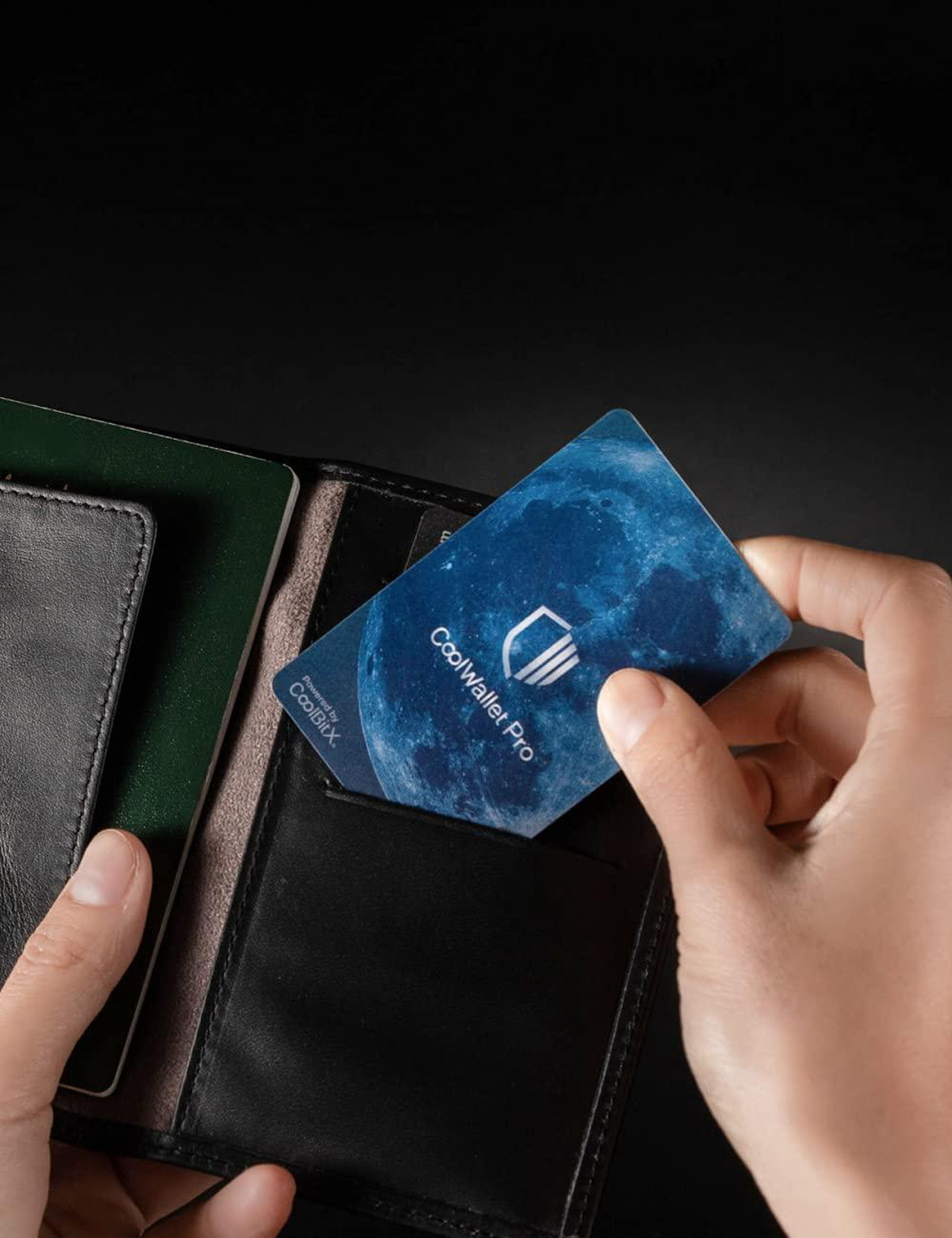
The CoolWallet Pro is credit card size, connects by Bluetooth, and lists EAL6+ security. It suits people who want a card-shaped wallet but prefer a phone app.
Ballet non-electronic cards
Ballet cards take a different route. One Ballet REAL ETH listing describes a non-electronic wallet with no 12- or 24-word seed phrase and no battery, USB, or Bluetooth. However, the card itself is the wallet. Anyone who sees its hidden details could copy the key, so treat it like cash in a safe.
Metal Seed Backups, Bundles, and Cases
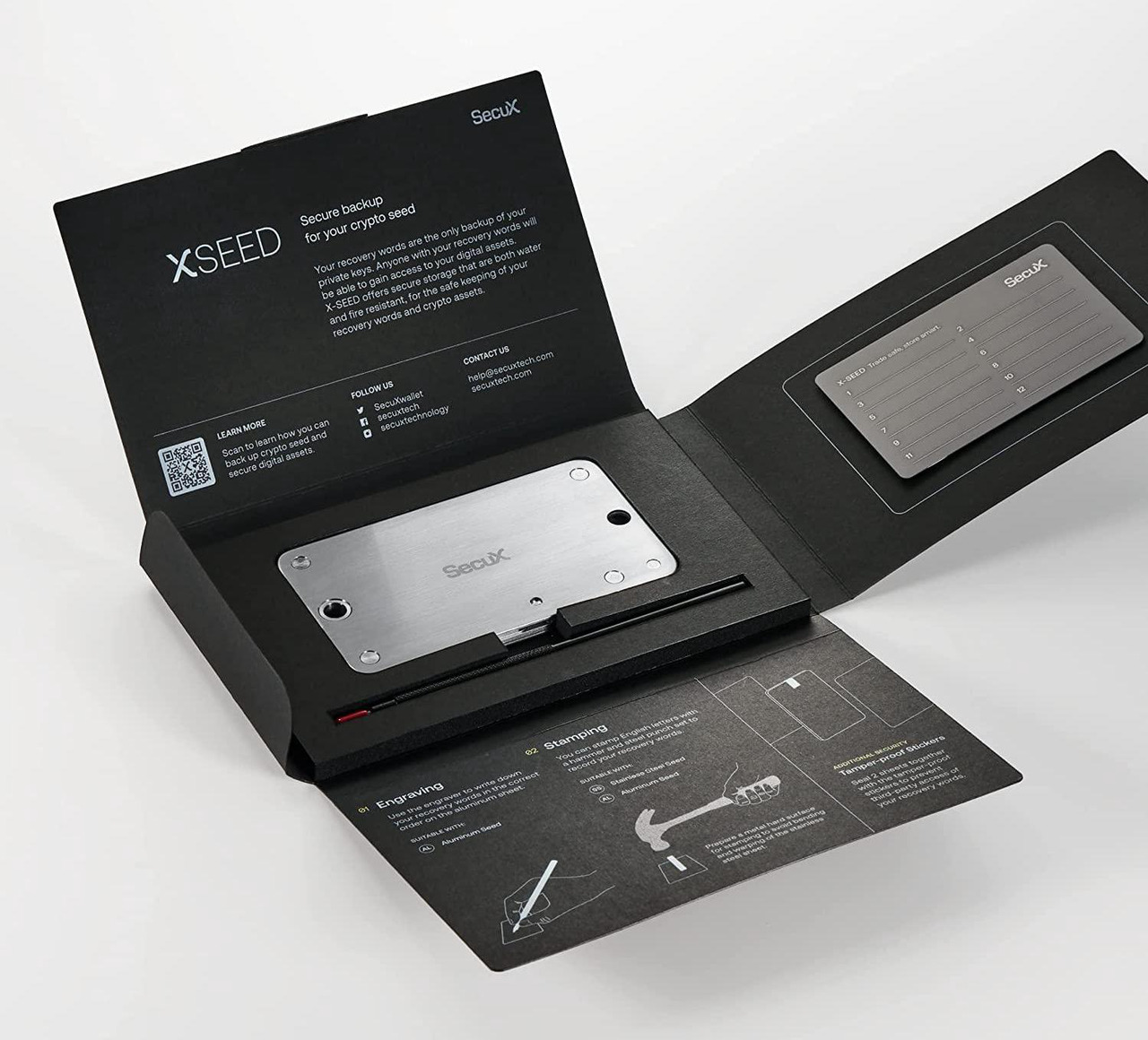
A metal seed backup stores your recovery phrase on steel or titanium instead of paper. Moreover, metal holds up to fire and water far better than paper, which fades, burns, or gets tossed by mistake.
Plates, tiles, and DIY kits
The SecuX XSEED PRO uses letter tiles that slot into a steel holder, so you skip the stamping. SecuX XSEED and XSEED PLUS use metal plates instead, and the PLUS includes a steel punch set. Stainless steel plate cases with a lock hole hold 24 words, and titanium plate kits suit people who want to stamp their own. For instance, the stainless steel case and titanium kit listings name BIP39 compatibility. Finally, Material Crypto DIY offers a steel plate you mark yourself.
Bundles and cases
Bundles cover signing and backup in one order. For example, the Trezor Safe 5 with Keep Metal Seed Backup pairs the wallet with a metal backup. A matching Trezor Safe 7 bundle includes the same Keep backup. Next, cases protect the device itself. For instance, the Keystone PU leather pouch fits Keystone Pro and Keystone Essential models. A pouch like this helps protect the screen from scratches in a bag or drawer.
Hardware Wallet Buying Guide Comparison Table
This hardware wallet buying guide table sorts each form factor by connection, backup style, and ideal user. Use it to narrow the field before you compare individual models.
| Form factor | Example listings | Connection | Backup style | Who it’s for |
|---|---|---|---|---|
| Screen wallet | Trezor Safe 3; Trezor Safe 5 | USB | Recovery phrase; optional passphrase | First-time buyers who want on-device checks |
| Bluetooth screen wallet | Trezor Safe 7; SecuX V20; D’CENT; SafePal X1 | Bluetooth; USB-C on some | Recovery phrase; passphrase on some | Phone-first users |
| Split-key wallet | Cypherock | USB | Key spread across cards | Holders who fear one lost backup |
| Air-gapped QR wallet | Keystone 3 Pro; ELLIPAL Titan 2.0 | QR codes only | Recovery phrase | Heavy app users who want no cable link |
| Card or ring | Tangem Wallet 2.0; Tangem Ring; Tangem Stealth | NFC | Seedless backup cards | Minimalists who want tap-to-sign |
| Bluetooth card | CoolWallet Pro | Bluetooth | Recovery phrase | Card carriers who prefer an app |
| Non-electronic card | Ballet cards | None | The card itself | Gifts and long-term storage |
| Metal backup | SecuX XSEED PRO; steel and titanium plates | None | Tiled or stamped words | Anyone with a recovery phrase |
Many buyers combine two rows. For example, a screen wallet plus a metal backup covers both signing and recovery. In addition, a Tangem pack with its spare cards in two locations covers loss and damage.
How to Set Up a Hardware Wallet Safely
The final step in any hardware wallet buying guide is a safe setup, which starts before the box opens and ends with a test recovery. Follow these eight steps in order.
- Buy from a trusted retailer. First, buy new and check the seller. Never use a device that arrives already set up.
- Check tamper evidence. Inspect seals and packaging. If a seal looks broken, stop and contact the seller.
- Set up on the device. Generate the recovery phrase on the wallet’s own screen. Next, get the companion app only from the maker’s official site or app store.
- Write the seed on metal. Copy the words to a metal backup instead of cloud notes, photos, or email drafts.
- Test recovery with a small amount. Send a small test amount, reset the device, and restore from your backup. Confirm the balance returns first.
- Verify the address on the device screen. Compare the full address on the wallet, not just the first and last characters. Therefore, this habit helps catch address poisoning.
- Never share the phrase. No support agent, app, or giveaway needs it. Hang up on any caller who asks, however real the voice sounds.
- Use a security key on exchange accounts. A YubiKey 5C NFC adds phishing-resistant sign-in to exchange and email logins.
For help picking that key, see the series security key buying guide. It compares USB-C, NFC, and fingerprint models.
Get Protected Checklist
This checklist condenses the hardware wallet buying guide into nine quick actions. Each one takes minutes, but together they reduce risk from AI-driven scams.
- Pick a form factor from the table that matches how you sign.
- Buy new, and check the seals on arrival.
- Generate the recovery phrase on the device itself.
- Store the phrase on metal, apart from the device.
- Run a small test recovery before you move larger amounts.
- Read every address and approval on the device screen.
- Refuse any request for your phrase by call, chat, or email.
- Protect exchange and email logins with a security key.
- Keep your computer updated and covered by internet security software.
If something goes wrong, act fast. Contact your bank or card issuer, change passwords from a clean device, and report it to local law enforcement.
Hardware Wallet Buying Guide FAQ
These short answers cover the questions buyers ask most often.
What should a hardware wallet buying guide help me decide first?
A good hardware wallet buying guide helps you pick a form factor first. Decide how you want to sign: USB, Bluetooth, NFC tap, or QR code. Then choose a backup style you will actually maintain.
Is a secure element enough to keep crypto safe?
No. A secure element helps protect the key inside the chip. However, it cannot stop you from typing your phrase into a fake site or approving a malicious contract. Habits still matter most.
Are Bluetooth hardware wallets a reasonable choice?
Yes, for many phone users. Bluetooth wallets such as the SecuX V20 and Trezor Safe 7 still sign inside the device and ask for on-screen confirmation. If you want no wireless link at all, choose an air-gapped QR model instead.
What is a seedless backup card?
A seedless backup card holds a copy of the same key. You back up by keeping extra cards instead of writing words. Tangem packs and the Tangem Ring use this approach, so store each spare in a different safe place.
What should I do if someone asks for my recovery phrase?
Stop the conversation. No wallet maker, exchange, or support agent needs your phrase. If you already shared it, move funds to a new wallet with a fresh phrase from a clean device. Next, change passwords and report it to local law enforcement.
Conclusion: Putting This Hardware Wallet Buying Guide to Work
The right pick from this hardware wallet buying guide depends on how you sign and how you back up. Screen wallets suit most beginners. Air-gapped QR models suit heavy app users. On the other hand, cards and rings suit minimalists, and metal backups suit anyone with a recovery phrase.
In 2026, AI makes fake support, cloned apps, and giveaways look real. However, a device that shows every detail on its own screen reduces the risk behind many of those tricks. Pair it with a phrase that never leaves metal. Finally, lock your exchange logins with a key from the MFA and security key lineup, and slow down whenever someone rushes you.
Related Posts
- Security Key Buying Guide: Phishing-Resistant Sign-In for Everyone
- How to Choose an Internet Security Suite in 2026: Tiers, Features, and Setup
- Home Network Firewall Guide: How to Protect Every Device in 2026
- How to Get Protected From AI Scams in 2026: A Four-Layer Plan With Product Kits
- Get It Today with Progressive Leasing: The Smarter Way to Own the Tech You Want