
Choosing an internet security suite in 2026 is less about picking a brand and more about matching a tier to your devices, your family, and the scams you actually face. Newegg’s Antivirus & Internet Security category lists everything from single-device antivirus to 25-device family bundles. As a result, the choice can feel crowded. This guide from Newegg Insider’s Help Me Get Protected series sorts those listings into six practical tiers. Next, it explains which AI-era features matter, how to compare device counts and subscription terms, and what to do in the first hour after you install. Finally, you will get a comparison table, a setup checklist, and quick answers to common questions.

What Is an Internet Security Suite?
An internet security suite is a subscription bundle that combines antivirus with extra layers such as web protection, a firewall, privacy tools, and account safety features. The more you pay for, the more of those layers you get and the more devices you can cover.
Think of the category as a ladder. First, at the bottom, standalone antivirus scans files and watches running programs on one or a few computers. Next, in the middle, internet security tiers add browsing protection and network defenses. Finally, at the top, total and premium suites bundle scam protection, a VPN, a password manager, identity monitoring, and backup. However, the ladder also has side branches: family packs, gamer editions, and privacy-first VPN bundles.
You can browse every tier in Newegg’s antivirus and internet security software category. But before you compare listings, count your devices and list the problems you want to solve. For example, a student with one laptop needs something very different from a household with five phones, two tablets, and a shared desktop.
For the bigger picture of how software fits alongside keys, backups, and network gear, start with our Help Me Get Protected series overview.
Standalone Antivirus: Lean Protection for One or Two PCs
Standalone antivirus, the entry point below a full internet security suite, suits people who mainly need malware protection on one or a few computers and handle privacy tools separately. It is the lightest and simplest tier.
The ESET NOD32 Antivirus 2026 single-device edition fits a single Windows laptop, and ESET also lists 2-, 3-, 5-, and 10-device versions. In addition, Bitdefender Antivirus Plus comes as a 1-device, 1-year download. McAfee AntiVirus (Windows) 2026 covers one device with auto-renewal. Finally, Webroot AntiVirus and Trend Micro Anti-Virus+ Security each list three devices for one year.
Who standalone antivirus is for
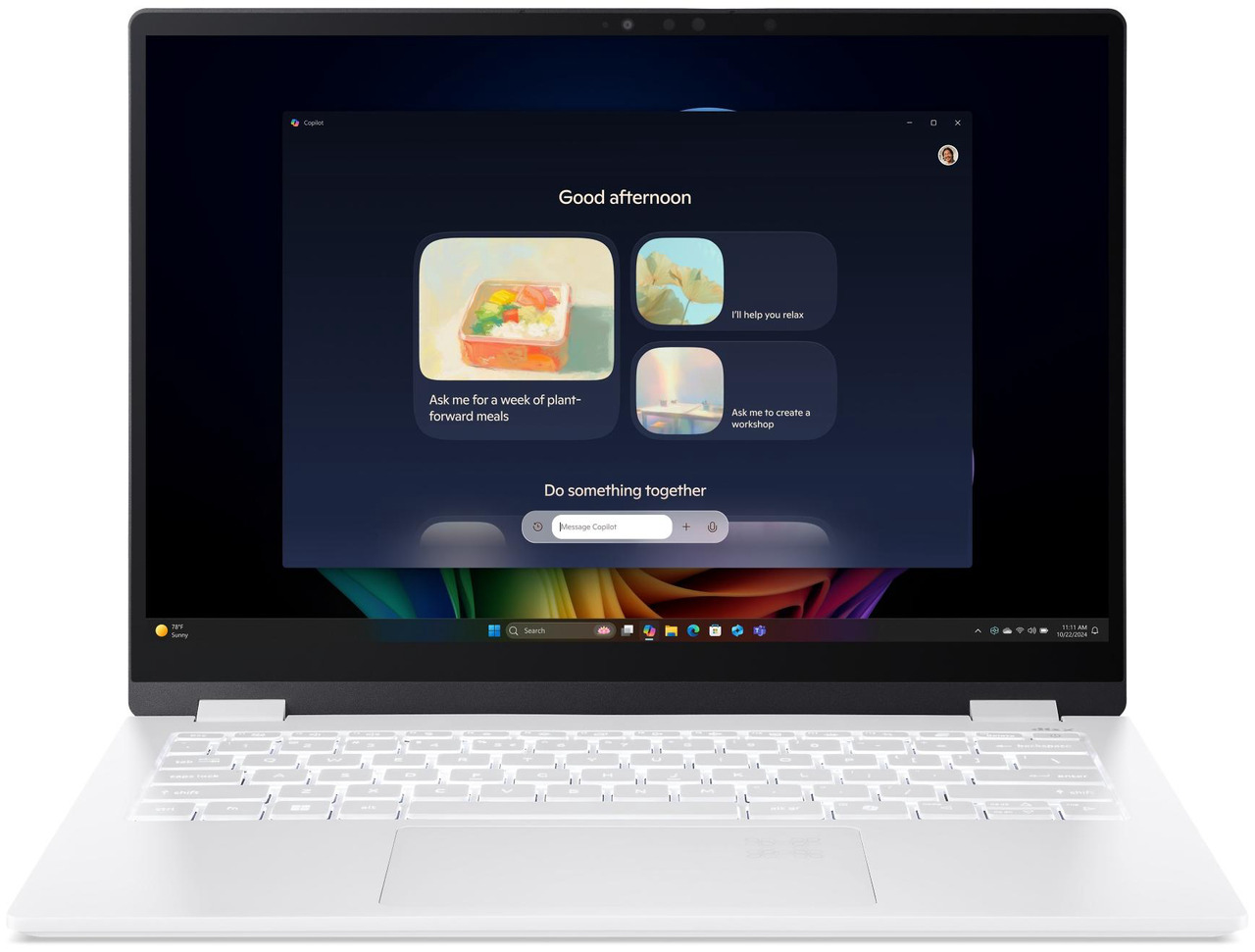
For example, this tier works well for a student or remote worker with one main PC. It also suits people who already use a separate password manager and rarely connect to public Wi-Fi. In addition, it pairs well with a new machine, such as one of the latest Copilot+ PC laptops, when you want a light footprint.
The trade-off, however, is scope. Standalone antivirus focuses on the computer itself. Therefore, it typically leaves phones, tablets, and online accounts to other tools. If your household has more than two devices, a higher tier usually covers more for less hassle.
Internet Security Tier: Antivirus Plus Web and Network Defenses
The internet security tier adds protection for what you do online, not just what sits on your drive. For most single-person households, this internet security suite level is the practical middle ground.
Bitdefender Internet Security 2026 comes in 1-PC and 3-PC versions, with 1-year and 2-year terms. AVG Internet Security lists 1, 3, 5, and 10 devices, while ESET Home Security Essential 2026 ranges from one device up to 10 devices. In practice, this spread lets you buy close to your real device count instead of paying for empty slots.
What the middle tier usually adds
Suites at this level typically add a firewall, safer banking and browsing tools, and web filtering that flags risky pages. Some also include anti-spam or parental features. However, features vary by brand and edition. Always confirm the exact feature list on the product page before you buy.
Who it is for
Choose this tier if you shop, bank, and pay bills on one or two computers. It also fits a small home office where a single person handles the finances. On the other hand, if you want a VPN, a password manager, or identity monitoring in the same bundle, move up one more rung.
Total and Premium Suites: Scam Protection, VPN, and Backup
Total and premium suites bundle the most layers into one subscription, often including scam protection, a VPN, and backup. This internet security suite tier suits people who want one app and one bill for most of their protection.
For example, Norton 360 2026 comes in four sizes: Standard (one device), Deluxe (three or five), Premium (10), and Platinum (20). Moreover, most Norton 360 2026 listings say it “Includes Advanced AI Scam Protection, VPN & PC Cloud Backup.” The Norton 360 Deluxe 2026 for 5 devices is a common fit for a couple with phones and laptops.
McAfee takes a similar approach. For instance, McAfee Total Protection for 5 devices is listed as antivirus software “with Scam Protection.” McAfee+ Premium carries the same label and covers unlimited devices.
ESET and Bitdefender at the top tier
Bitdefender Total Security 2026 lists 5-device and 10-device versions with 1-year or 2-year terms. Next, ESET Home Security Premium 2026 adds unlimited VPN for two, three, or five devices. At the very top, ESET Home Security Ultimate with ID Protect and Unlimited VPN covers 10 devices for one year.
Who it is for
This tier fits people who get frequent scam texts, travel often, or help older relatives. For the habits that pair with these tools, read our guide on how to protect your family from AI scams.
Family Packs: Covering Every Screen in the House
Family packs stretch one internet security suite subscription across many devices, so every phone, tablet, and laptop in the home gets the same protection. They usually make sense once you pass roughly 10 devices.
The Bitdefender Family Pack 2026 for 15 devices runs for two years, and a 1-year Total Security version of the Family Pack also covers 15 devices. For larger homes, however, Bitdefender Total Security Family lists 25 devices for one year. In addition, Bitdefender Premium Security Family covers 25 devices.
Why device count grows fast
Count every screen, not just computers. A family of four might have four phones, two kids’ tablets, two laptops, and a shared desktop. That adds up to nine devices before anyone buys a new gadget. Therefore, a 15-device pack leaves room for growth, while a 5-device suite fills up quickly.
What to check for kids’ devices
First, look for parental controls, content filters, and screen-time tools on the product page. Next, confirm which operating systems each feature supports, because some tools may not work on every platform. Finally, remember that software protects the device, while your router and mesh Wi-Fi system protect the whole home network. Both layers work best together.

Gamer Editions and Privacy Bundles
Gamer editions and privacy bundles solve narrower problems than a general internet security suite: smooth gaming or a private connection.
Gamer editions
Norton 360 for Gamers covers three devices. Its listing includes Advanced AI Scam Protection, Game Optimizer, Gamer tag monitoring, VPN, and Dark Web Monitoring. On the other hand, the ESET NOD32 Antivirus 2026 Gamer Edition is a leaner option for one PC. Streamers with a gaming router and a stream webcam fit this tier.
VPN and privacy bundles
Privacy bundles lead with a VPN. NordVPN Basic covers 10 devices, but NordVPN Plus adds NordPass. In addition, NordVPN Complete bundles NordVPN, NordPass, and NordLocker for 10 devices. Surfshark One pairs antivirus with a VPN for five devices. Finally, Norton VPN Standard and Bitdefender Premium VPN are VPN-only options.
Malwarebytes Standard, Premium, and Plus
Malwarebytes Standard (Premium Security) scales from one to 10 devices. In addition, Malwarebytes Plus with Privacy VPN bundles security and a VPN for two or four devices. Travelers on hotel Wi-Fi benefit most.

AI-Era Features That Matter Most
In 2026, the internet security suite features that matter most help you catch scams and new threats before you click. Focus on these instead of the longest feature list.
Scam and link checking
AI tools now write convincing texts and fake shopping pages. In practice, scam protection features check links and warn you before a page loads. For the warning signs themselves, see our guide to protect your PC from AI malware.
Behavior-based detection vs. signatures
Signature scanning matches files against known threats. However, attackers now generate fresh variants quickly, so a new file may lack a signature. Behavior-based detection watches what a program does, such as encrypting many files at once. Therefore, it helps catch unfamiliar threats, including ransomware.
Webcam, identity, and account tools
Webcam protection alerts you when an app tries to use your camera. For instance, the Logitech C920s webcam with a privacy shutter lets you block the lens physically. Dark web monitoring flags your details in leaked data. In addition, consider a built-in or separate password manager, since unique passwords limit damage from any leak.
VPN, parental controls, and cloud backup
A VPN encrypts traffic on public Wi-Fi. Next, parental controls help filter content and set screen time. Finally, cloud backup keeps copies off the PC and pairs well with an external drive.

Internet Security Suite Tiers Compared
The right internet security suite tier depends on how many devices you own and which risks you face. In practice, use this table as a quick filter, then confirm features on each product page.
| Tier | Example listings | Typical features | Who it is for |
|---|---|---|---|
| Standalone antivirus | ESET NOD32 Antivirus 2026; Bitdefender Antivirus Plus; McAfee AntiVirus; Webroot; Trend Micro Anti-Virus+ | Malware scanning; real-time protection | One or two PCs; users with separate privacy tools |
| Internet security | Bitdefender Internet Security 2026; AVG Internet Security; ESET Home Security Essential | Antivirus; firewall; web and banking protection | Singles or couples who shop and bank online |
| Total and premium | Norton 360 Standard to Platinum 2026; McAfee Total Protection; McAfee+ Premium; Bitdefender Total Security; ESET Home Security Premium and Ultimate | Scam protection; VPN; password manager; identity tools; cloud backup | People who want one app for most protection |
| Family packs | Bitdefender Family Pack 15 devices; Bitdefender Total Security Family 25 devices | Many device slots; family and parental tools | Households with 10 or more screens |
| Gamer editions | Norton 360 for Gamers; ESET NOD32 Gamer Edition | Game Optimizer and gamer tag monitoring (Norton); lean antivirus (ESET) | PC gamers and streamers |
| Privacy and VPN bundles | NordVPN Basic, Plus, and Complete; Surfshark One; Norton VPN; Bitdefender Premium VPN; Malwarebytes Plus | VPN first; password or file tools; some add antivirus | Travelers and remote workers on public Wi-Fi |
How to Choose the Right Internet Security Suite
Choosing the right internet security suite comes down to four checks: devices, format, term, and conflicts. Work through them in order, and the shortlist usually shrinks to two or three listings.
Count devices and operating systems
First, list every Windows PC, Mac, phone, and tablet you want covered. Next, check that the listing supports each operating system. For example, McAfee AntiVirus is a Windows edition, while McAfee Total Protection lists Windows, macOS, Android, iOS, and ChromeOS.
Download vs. key card
Most listings are digital downloads that deliver a code by email. However, the Malwarebytes Premium 3-device key card ships as a physical card. A key card can make a tidy gift, but a download activates faster.
Subscription term and auto-renewal
Terms vary widely. For example, some listings run 1 year, others 2 years, and some Newegg exclusives run 13 or 15 months. Many listings also mention auto-renewal. Therefore, check the renewal terms and your account settings before you buy, so the next charge does not surprise you.
Avoid running two real-time engines
Run only one real-time antivirus engine at a time. Two engines can conflict, slow your PC, and block each other. Therefore, if you switch suites, uninstall the old one first.
Get Protected Checklist: Setup After Install
The first hour after installing an internet security suite sets up most of its value. Follow these steps in order.
- Uninstall any old antivirus and restart before you install the new suite.
- Download the installer only from the vendor’s official site or the link in your activation email.
- Create the vendor account with a unique password and turn on multi-factor sign-in.
- Run the first full scan, and let it finish.
- Turn on automatic updates and real-time protection.
- Enable scam, web, and ransomware protection features.
- Set up the VPN, password manager, and dark web monitoring if your plan includes them.
- Install the suite on phones and tablets, then add parental controls on kids’ devices.
- Turn on cloud backup or schedule backups to an external drive.
- Write down the renewal date and review the auto-renewal setting.
Frequently Asked Questions
Do I need an internet security suite if Windows has built-in protection?
An internet security suite adds layers that built-in tools may not cover, such as scam protection, a VPN, or multi-device management. If you use one PC carefully, built-in protection plus good habits may be enough. However, households with phones, tablets, and shared accounts usually benefit from a suite.
Can I use two antivirus programs at the same time?
Avoid running two real-time antivirus engines at once. They can conflict and slow your system. Instead, keep one suite active and uninstall the old one when you switch.
How many devices should my plan cover?
First, count every phone, tablet, and computer, then add one or two slots for new devices. A couple often fits a 5-device plan, while larger families may need 15 or 25.
Is a VPN bundle the same as a full security suite?
No. In practice, VPN bundles focus on encrypting your connection and may add password or file tools. Some, such as Surfshark One, add antivirus, but check each listing for what it includes.
What should I do if I get scammed?
Act quickly. First, contact your bank or card issuer, change passwords from a clean device, and report it to local law enforcement. Next, run a full scan with your security suite.
Conclusion
The right internet security suite matches your device count, your operating systems, and the risks you face most. Standalone antivirus suits a single PC, while internet security tiers add web and network defenses. Total suites bundle scam protection, a VPN, and backup, and family packs stretch coverage across every screen. Finally, gamer editions and VPN bundles solve narrower needs.
Before you buy an internet security suite, count devices, confirm each listing’s features, and check the renewal terms. Next, install only one real-time engine and work through the setup checklist. For more ways to get protected, read the rest of Newegg Insider’s Help Me Get Protected series.
Related Posts
- Security Key Buying Guide: Phishing-Resistant Sign-In for Everyone
- Home Network Firewall Guide: How to Protect Every Device in 2026
- Hardware Wallet Buying Guide: Safer Crypto Cold Storage in 2026
- How to Get Protected From AI Scams in 2026: A Four-Layer Plan With Product Kits
- Get It Today with Progressive Leasing: The Smarter Way to Own the Tech You Want