
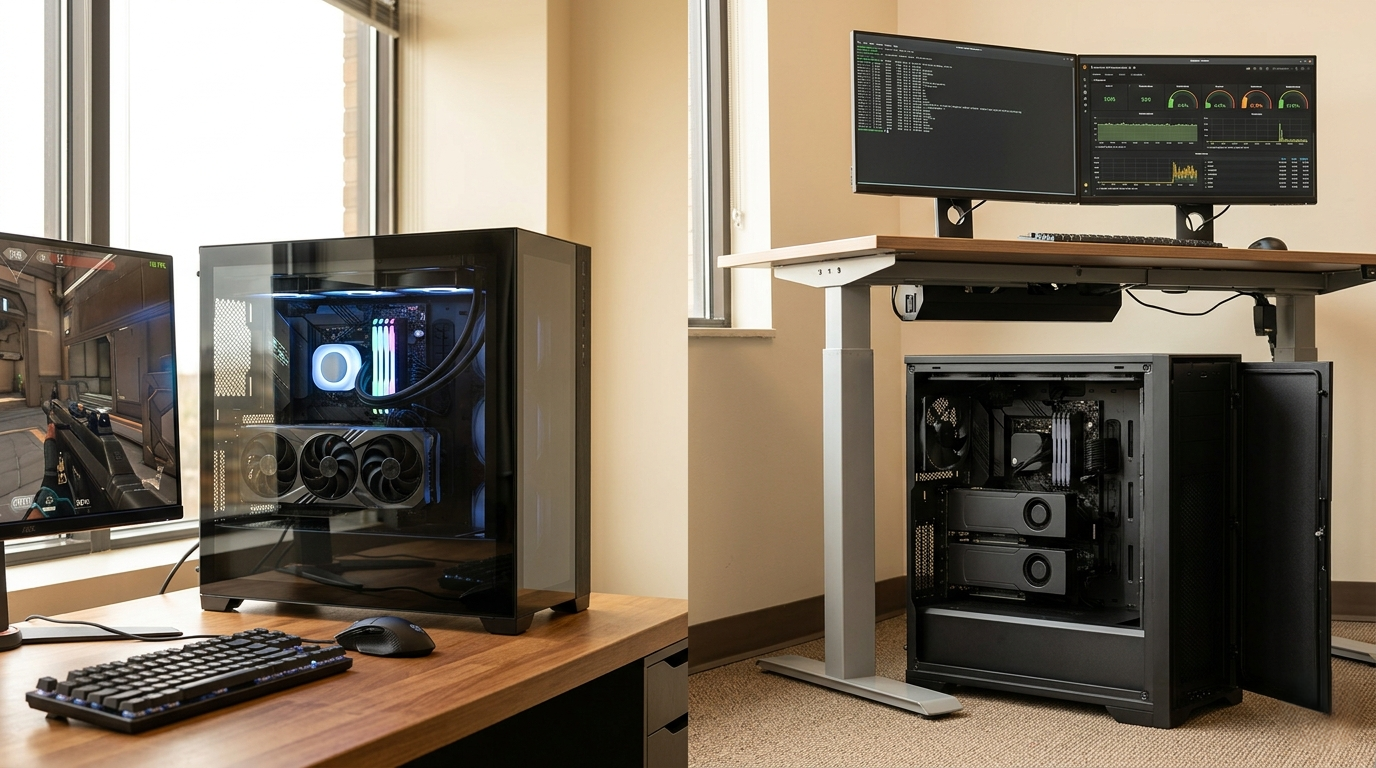
“What’s the difference between unlocked CPUs and locked CPUs?” — most buyers ask this question mid-build, staring at two processor options that differ by a single letter in the product name and a noticeable gap in perceived prestige. The unlocked K-series chip feels like the obvious choice. But in 2026, the honest answer is more nuanced: unlocked CPUs are the right call for some builders and a waste of investment for others. This guide breaks down exactly who benefits from buying unlocked — and who should spend that extra budget elsewhere.
What Buying Unlocked Actually Gets You
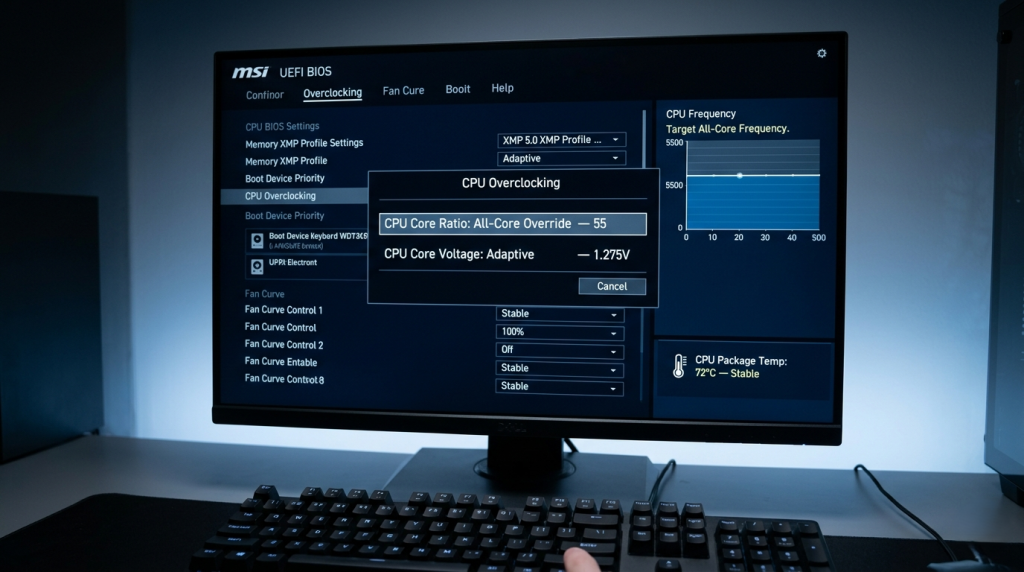
When you buy an unlocked CPU — Intel’s K-suffix processors like the Core Ultra 9 285K or Core Ultra 7 265K, or a PBO-enabled AMD Ryzen — you are purchasing the option to run the chip faster than its rated specification. The CPU’s clock speed multiplier is not fixed; you can raise it through the motherboard BIOS and push the processor to higher frequencies, provided your cooling and power delivery infrastructure can support the increased thermal load.
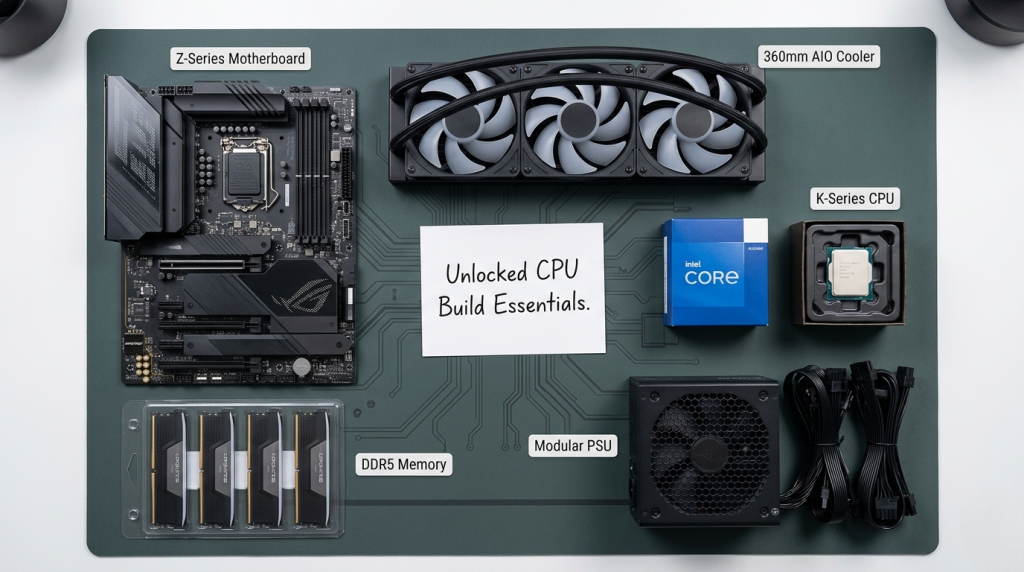
In 2026, a well-executed overclock on a flagship desktop CPU typically yields 5–12% additional performance in clock-sensitive workloads — gaming at 1080p, single-threaded productivity tasks, and light render jobs. That improvement is real. The question is whether it justifies the prerequisites: a compatible Z-series or X-series motherboard (unlocking is disabled on B- and H-series boards), a high-performance cooler rated for the chip’s maximum power draw, and the time investment in tuning and stability testing.
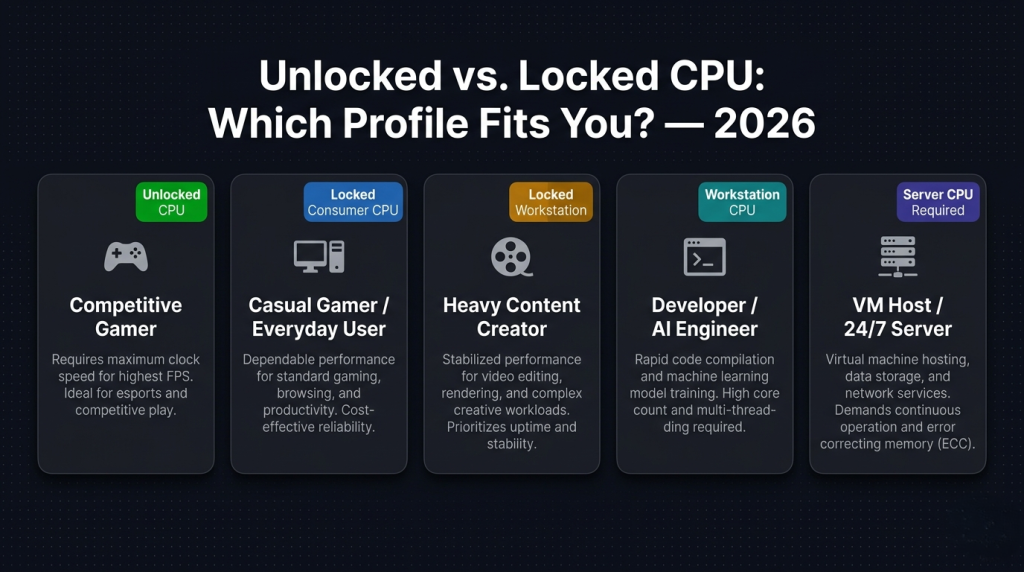 Profile 1: The Competitive Gamer Who Benefits Most
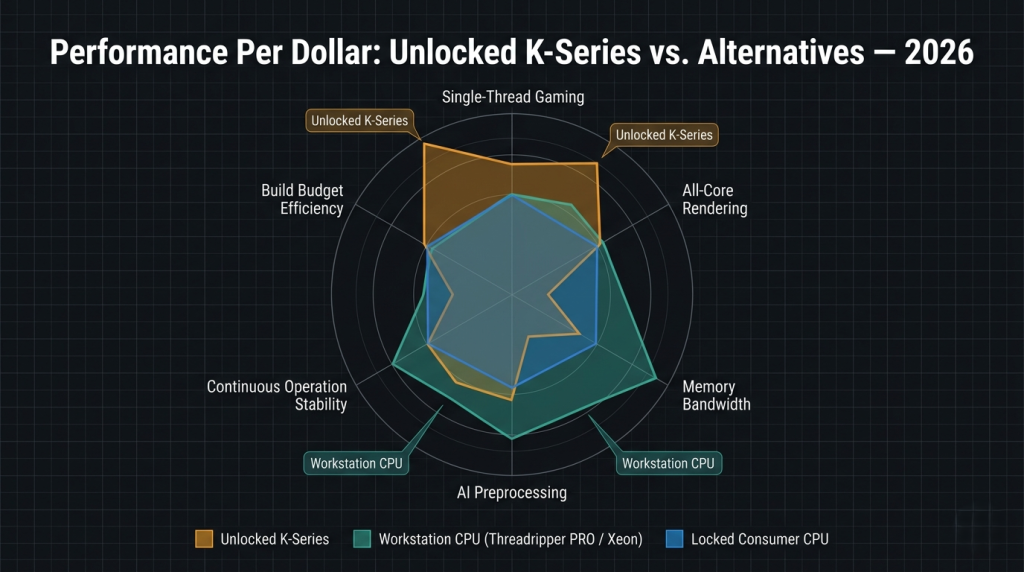
The buyer who extracts the most value from an unlocked CPU in 2026 is a high-refresh-rate competitive gamer playing at 1080p or 1440p on a GPU that can sustain frame rates above 165 fps. At these frame rates, the CPU is frequently the bottleneck — not the GPU. Raising an all-core clock from 5.2 GHz to 5.5 GHz can reduce frame time variance and improve minimum (1%) frame rates in CPU-intensive titles, delivering a smoother experience that the GPU alone cannot provide.
For this profile, the unlocked CPU is the right tool. The investment in a Z790 or Z890 motherboard and a 280–360mm AIO cooler pays off in consistent, measurable frame rate improvements in the titles that matter most.
Profile 2: The Content Creator Who Needs to Think Carefully
For video editors, 3D artists, and streamers, the unlocked vs. locked decision is more nuanced. A 10% all-core overclock on a Core Ultra 9 285K can meaningfully reduce Blender render times and accelerate timeline scrubbing in DaVinci Resolve. Over a production workflow that involves dozens of renders per week, that time saving compounds.
However, content creators working at the professional scale — handling 8K RAW footage, multi-layer compositing, or large 3D simulation caches — may find that the right answer isn’t a faster consumer CPU at all. AMD’s Ryzen Threadripper PRO 7965WX delivers 24 Zen 4 cores with 8-channel DDR5 ECC memory — and its advantage in large-scale render jobs comes from memory bandwidth and core count, not overclocked frequency. The AMD Threadripper PRO 5955WX offers a similar proposition on the previous-generation platform. For creators at this scale, locked-but-wider beats unlocked-but-narrower.
 Profile 3: The Developer and AI Engineer Who Rarely Benefits
Software developers, ML engineers, and data scientists running local AI inference tools in 2026 are unlikely to see meaningful returns from an unlocked CPU. Compile workloads parallelize across all available cores, reducing the benefit of higher per-core clocks. AI preprocessing pipelines — tokenization, data augmentation, feature engineering — are memory-bandwidth bound, not clock-speed bound. Running a local LLM via Ollama or llama.cpp is primarily a VRAM and GPU compute problem; the CPU handles tokenization, which is fast regardless of clock speed.
For developers who also need their workstation to run VM hosts or containerized environments continuously, the locked workstation tier becomes even more relevant. Intel’s Xeon w9-3475X — 36 cores, 8-channel DDR5 ECC, 112 PCIe 5.0 lanes — provides a platform guarantee that no overclocked consumer CPU can match for sustained multi-tenant workloads. It doesn’t overclock, and it doesn’t need to.
Profile 4: The Budget Builder Who Should Skip Unlocked Entirely
If your primary constraint is budget, an unlocked CPU is almost never the right choice. The mandatory extras — a premium Z-series motherboard over a B-series equivalent, a high-end cooler — add to the total build cost without improving every component equally. A locked processor on a B-series board with a solid cooler typically delivers 95% of the real-world performance for a meaningfully lower investment. The remaining budget goes further applied to a better GPU, more RAM, or a faster NVMe drive.
This is where processors like the non-K Intel variants or standard Ryzen desktop chips shine. They run at their rated boost clocks without any additional cost or configuration overhead, and for most workloads — gaming at 1440p and above, home video editing, software development — the performance gap versus the overclocked K-variant is marginal.
 The Comparison That Clarifies the Decision
| Builder Profile | Unlocked CPU | Locked Consumer CPU | Workstation CPU (Xeon/Threadripper) |
|---|---|---|---|
| Competitive 1080p/1440p gaming | Best choice | Good | Overkill |
| Casual gaming and everyday use | Not worth extras | Best choice | Overkill |
| Heavy content creation (video/3D) | Good | Good | Better for large projects |
| ML/AI development workstation | Not relevant | Practical | Best fit |
| Virtualization / VM host | Not recommended | Not ideal | Required |
| 24/7 continuous operation | Not recommended | Acceptable | Designed for this |
Where the Server Tier Fits in 2026
The discussion of unlocked vs. locked ultimately points to a larger truth: clock speed is one axis of performance, and for many professional workloads in 2026, it is not the most important one. The AMD EPYC 9554 — 64 cores, fully locked, optimized for datacenter sustained throughput — outperforms any overclocked consumer chip at tasks that exploit its architecture. The AMD EPYC 7262 and workhorses like the Intel Xeon E3-1230 V5 remain in active use precisely because their platform guarantees — ECC memory, stable long-term operation, certified software stacks — matter more to their operators than peak benchmark frequency.
Browse the complete server CPU processor catalog on Newegg to understand how the locked workstation and server tier delivers performance on a fundamentally different axis than the consumer overclocking stack.
 The Right Answer for Your Build
Unlocked CPUs reward the builders willing to invest in the platform, the cooling, and the tuning time — and who have workloads where that investment pays measurable dividends. For everyone else, a locked processor at its rated specification is not a compromise. It is the more efficient solution. Match the CPU tier to the workload, not to the suffix in the product name.
Related Posts
- Best CPUs for Gaming and Productivity in 2026: Intel vs AMD Showdown
- Unlocked vs. Locked CPUs Explained: What the “K” Really Means in 2026
- Do You Actually Need a Xeon or Threadripper? A 2026 Workload Guide to Choosing the Right CPU Platform
- Desktop CPU vs. Server CPU: What’s Actually Different Under the Hood in 2026
- Intel Core Ultra 7 265K vs Ryzen 7 7800X3D — and the New Contender Changing Everything in 2026