
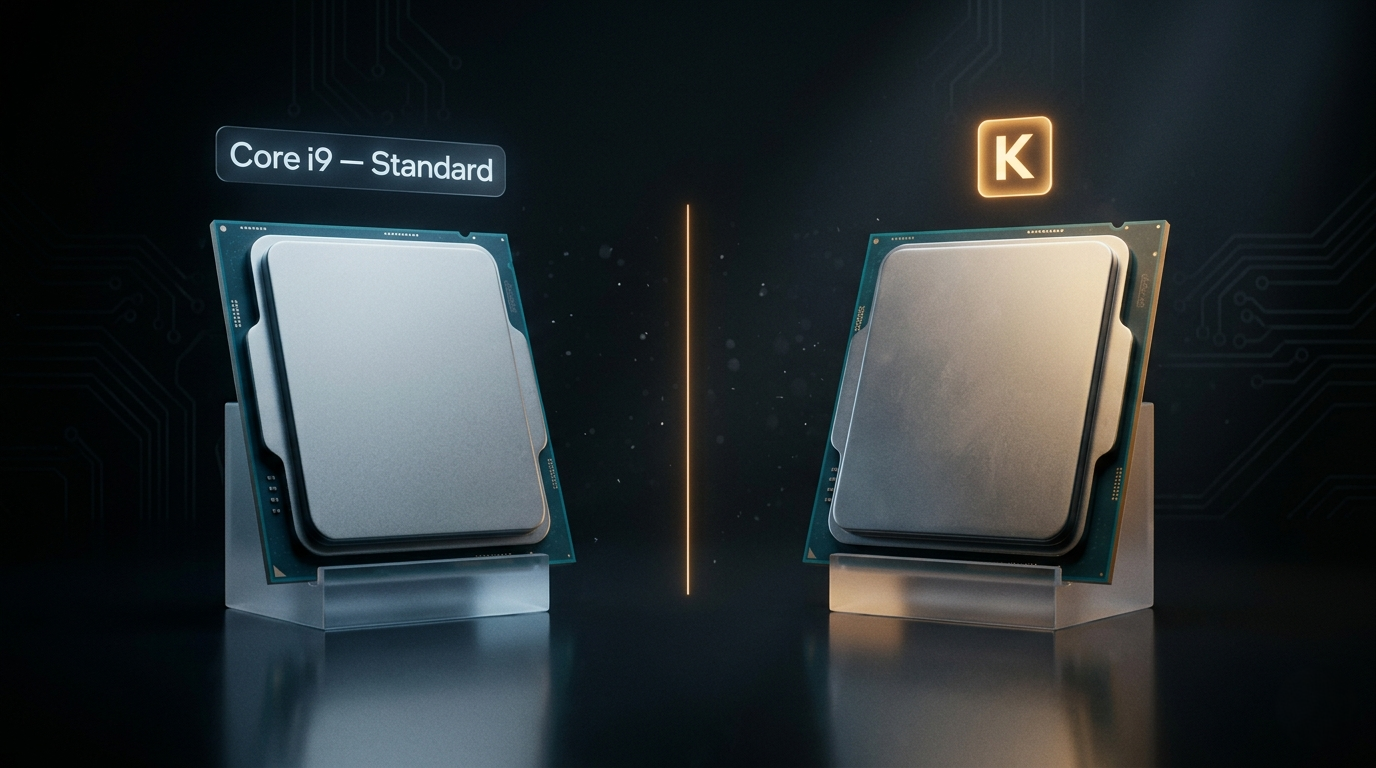
“What’s the difference between unlocked CPUs and locked CPUs?” It’s a question that sounds simple but opens into a surprisingly deep architectural discussion — one that has become more relevant in 2026 as Intel and AMD continue to push clock speeds further, AI workloads land on desktop hardware, and the definition of “performance ceiling” keeps shifting. Here is a complete technical explanation of what unlocked actually means, how it differs between Intel and AMD, and where the concept fits into the broader CPU landscape.
What “Locked” and “Unlocked” Actually Mean
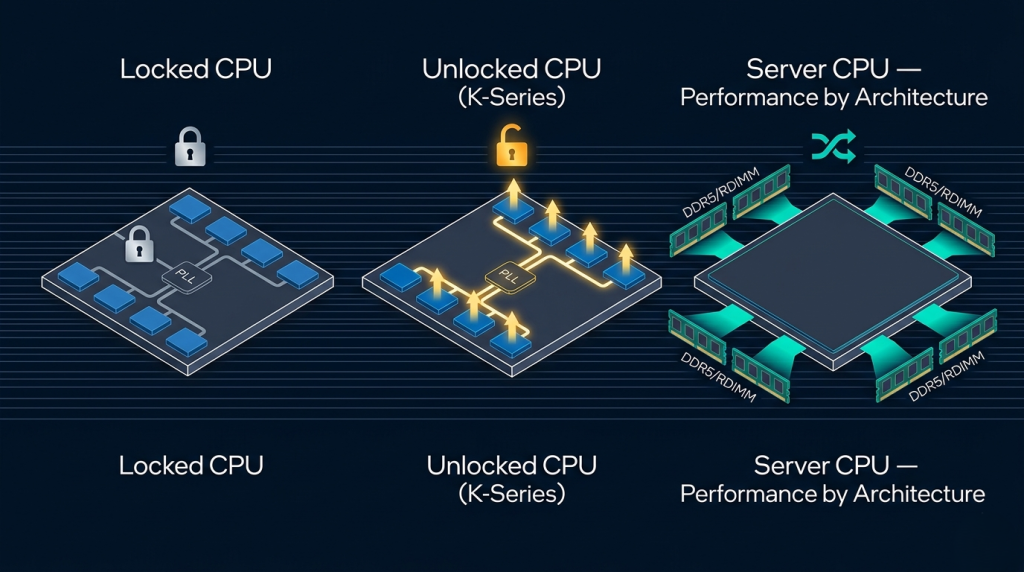
Every modern CPU has a base clock (BCLK) — the foundational oscillator frequency that drives the entire system — and a multiplier that determines the final operating frequency: CPU frequency = BCLK × multiplier. On a standard retail desktop CPU, this multiplier is fixed at the factory. The chip runs at its rated frequency, no higher, regardless of what the user attempts. This is a locked CPU.
An unlocked CPU allows the end user to raise this multiplier through the motherboard BIOS, pushing the processor beyond its stock frequency. Intel marks unlocked desktop processors with a “K” suffix (Core i9-14900K, Core Ultra 9 285K) and, on the extreme desktop platform, “X” suffixes. AMD’s Ryzen chips are overclockable through AMD’s Precision Boost Overdrive (PBO) on most desktop models, with formal multiplier unlocking available on select SKUs.
The distinction matters because clock frequency directly affects instruction throughput — within thermal and power delivery limits, a higher clock means more operations per second on single-threaded workloads that cannot be parallelized further.
 Intel’s Approach: The K-Series Lineage
Intel has maintained the K-suffix unlocked tier for over a decade. The current Arrow Lake generation continues this with the Core Ultra 9 285K and Core Ultra 7 265K — processors where Intel removes the multiplier lock, validates the chip for higher-frequency operation, and typically includes binned silicon with better voltage-frequency characteristics than standard-suffix siblings.
The practical ceiling for consumer Intel overclocking in 2026 sits around 5.4–5.8 GHz all-core on the Core Ultra 9 285K with high-end cooling. Single-core boosts can push further, but all-core sustained clocks are the meaningful metric for workloads that use all available cores.
Locked Intel desktop CPUs — the Core i9-14900, Core Ultra 9 285 (without the K) — hit their Intel-defined power limits and stop there. They cannot be pushed beyond rated specifications regardless of cooling headroom. For most workloads this is entirely sufficient: Intel’s factory boost algorithms already extract near-maximum performance from the available silicon.
AMD’s Approach: PBO and Formal Unlock
AMD’s overclocking model is architecturally different. Most Ryzen desktop processors — including non-X models — support AMD’s Precision Boost Overdrive, which relaxes the power limits within which the boost algorithm operates. PBO is not traditional multiplier overclocking; it is more precisely “removing the governor” and allowing the chip’s own boost logic to run harder within the thermal headroom available.
AMD also offers formal multiplier unlocking on specific SKUs and through the Ryzen Master software stack. The Zen 5 architecture in the Ryzen 9 9950X handles PBO particularly well, with AMD’s improved power management tables allowing aggressive boost behavior without the thermal stability issues that affected earlier Zen generations.
 How Overclocking Affects Different Workloads
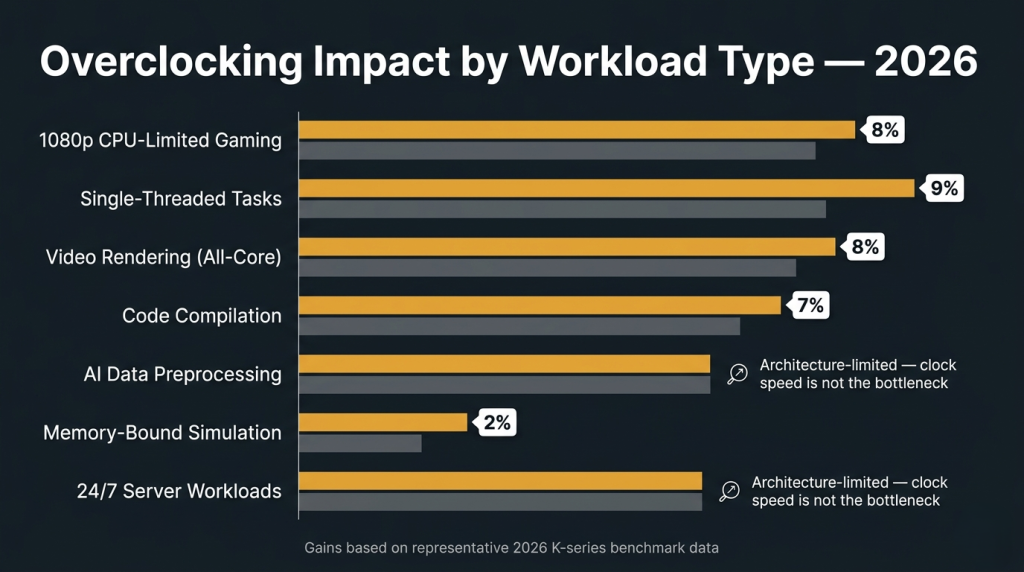
The performance gain from unlocking and overclocking depends heavily on workload type. The table below captures the typical range of improvement from a well-executed consumer overclock in 2026:
| Workload Type | Typical Overclock Benefit | Reason |
|---|---|---|
| Single-threaded tasks (light gaming, browsing) | 3–8% | Clock-frequency sensitive |
| All-core rendering (Blender, Cinebench) | 5–12% | Core-count + clock both matter |
| 1080p CPU-limited gaming | 5–10% | Single-thread bottleneck |
| Memory-bandwidth-bound AI preprocessing | Minimal | Bandwidth, not clock, is limiting |
| Compile workloads | 4–10% | Multi-thread, responds to all-core clock |
| Sustained 24/7 server-style loads | Not applicable | Thermal management is the real tool |
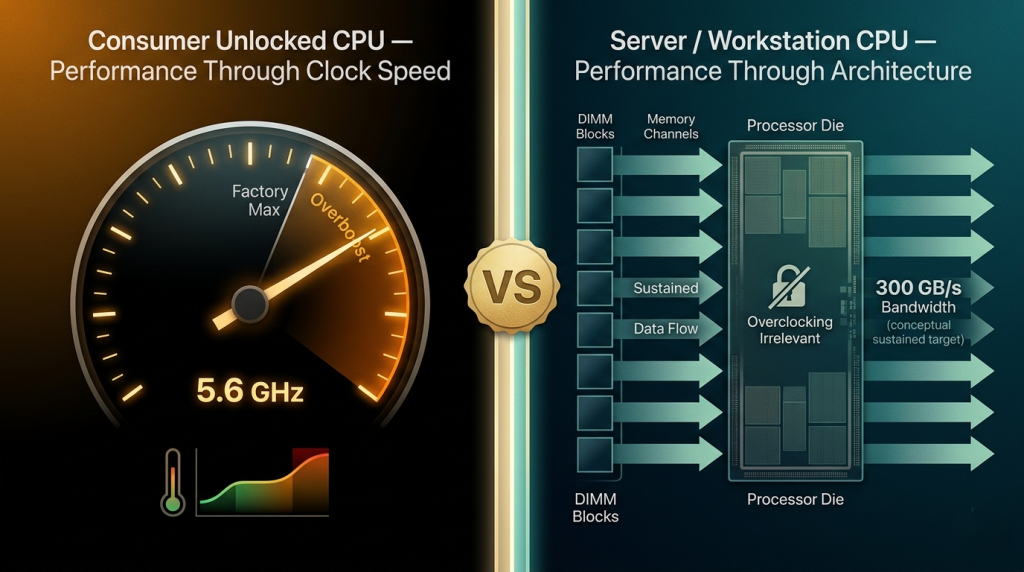
For AI-adjacent workloads running on the CPU — data preprocessing, tokenization, and inference with quantized models — the memory bandwidth available to the processor matters more than clock frequency. This is why architecturally distinct platforms like the Intel Xeon w9-3475X and AMD Threadripper PRO 7965WX — which don’t support consumer-style multiplier overclocking — can outperform overclocked desktop CPUs on these workloads anyway. Their performance advantage comes from 8-channel memory bandwidth and higher core counts, not higher clock speeds.
Locked by Design: Server CPUs and the Different Performance Equation
Server and workstation CPUs represent a philosophically different relationship with frequency. Intel’s Xeon w9-3475X, AMD’s EPYC 9554, and the AMD Threadripper PRO 5955WX do not support end-user multiplier overclocking. This is not a limitation imposed by cost — it is a deliberate engineering choice. Server platform validation, ECC memory certification, and multi-socket configurations require predictable, stable operating frequencies. Overclocking introduces variance that makes those guarantees impossible to maintain.
Instead of higher clock speeds, server CPUs deliver performance through architectural scale: higher core counts, multi-channel memory bandwidth, and PCIe lane density. The AMD EPYC 7262 — an 8-core EPYC at a modest base clock — can outperform overclocked consumer CPUs on certain workloads not because of frequency, but because of its 8-channel ECC memory bus delivering far more data per cycle. Older workhorses like the Intel Xeon E3-1230 V5 and E3-1230 V2 similarly prioritize platform stability and ECC over maximum clock headroom — and continue to serve reliably in production environments years after their launch. Browse the full range of server and workstation CPU processors on Newegg to see how platform architecture rather than clock headroom defines this tier.
 Thermal and Power: The Real Constraint on Unlocked CPUs
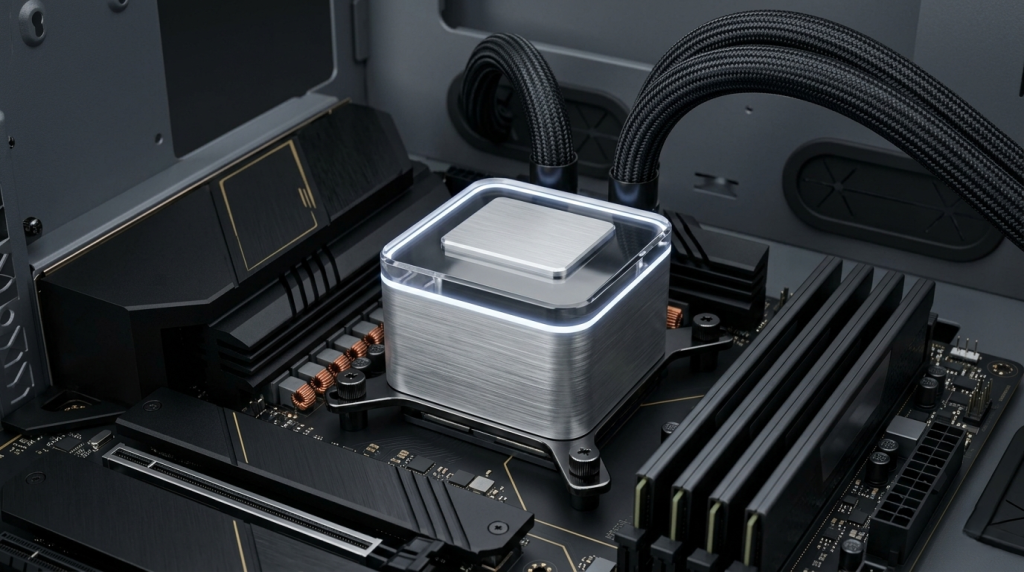
Unlocked CPUs deliver their headroom only when the cooling and power delivery infrastructure can support it. An overclocked Core Ultra 9 285K pushing 5.6 GHz all-core can draw 300W or more under sustained load — requiring a 360mm AIO liquid cooler or custom loop, a high-amperage CPU power delivery board, and a well-ventilated case.
Without adequate thermal management, an unlocked CPU simply thermal throttles back to the same operating point as a locked chip. The “K” suffix is potential — it becomes actual performance only with the surrounding platform to support it.
 The 2026 Answer to an Enduring Question
Unlocked CPUs give enthusiast builders the flexibility to extract more performance from silicon that the manufacturer has validated for higher operation. Locked CPUs deliver the rated performance with less infrastructure overhead. Server and workstation CPUs operate on a different axis entirely — not faster clocks, but wider data paths, more cores, and the platform guarantees that sustained professional workloads require. Understanding which axis matters for your workload is the foundation of every good CPU decision in 2026.
Related Posts
- Best CPUs for Gaming and Productivity in 2026: Intel vs AMD Showdown
- Should You Buy an Unlocked CPU in 2026? A Practical Guide for Every Type of Builder
- Do You Actually Need a Xeon or Threadripper? A 2026 Workload Guide to Choosing the Right CPU Platform
- Desktop CPU vs. Server CPU: What’s Actually Different Under the Hood in 2026
- Intel Core Ultra 7 265K vs Ryzen 7 7800X3D — and the New Contender Changing Everything in 2026