
When you’re shopping for a new laptop — especially a gaming notebook — the processor and GPU tend to steal all the attention. But storage type is one of the most impactful factors affecting your everyday experience. It determines how fast your system boots, how quickly games load, and how smoothly you can transfer files. In 2026, there are three main storage types you’ll encounter: eMMC, SATA SSD, and NVMe SSD (in Gen 3 and Gen 4 flavors). Let’s break down what each one means, how they compare, and which you should choose.

The Three Main Laptop Storage Types Explained
eMMC (Embedded MultiMediaCard)
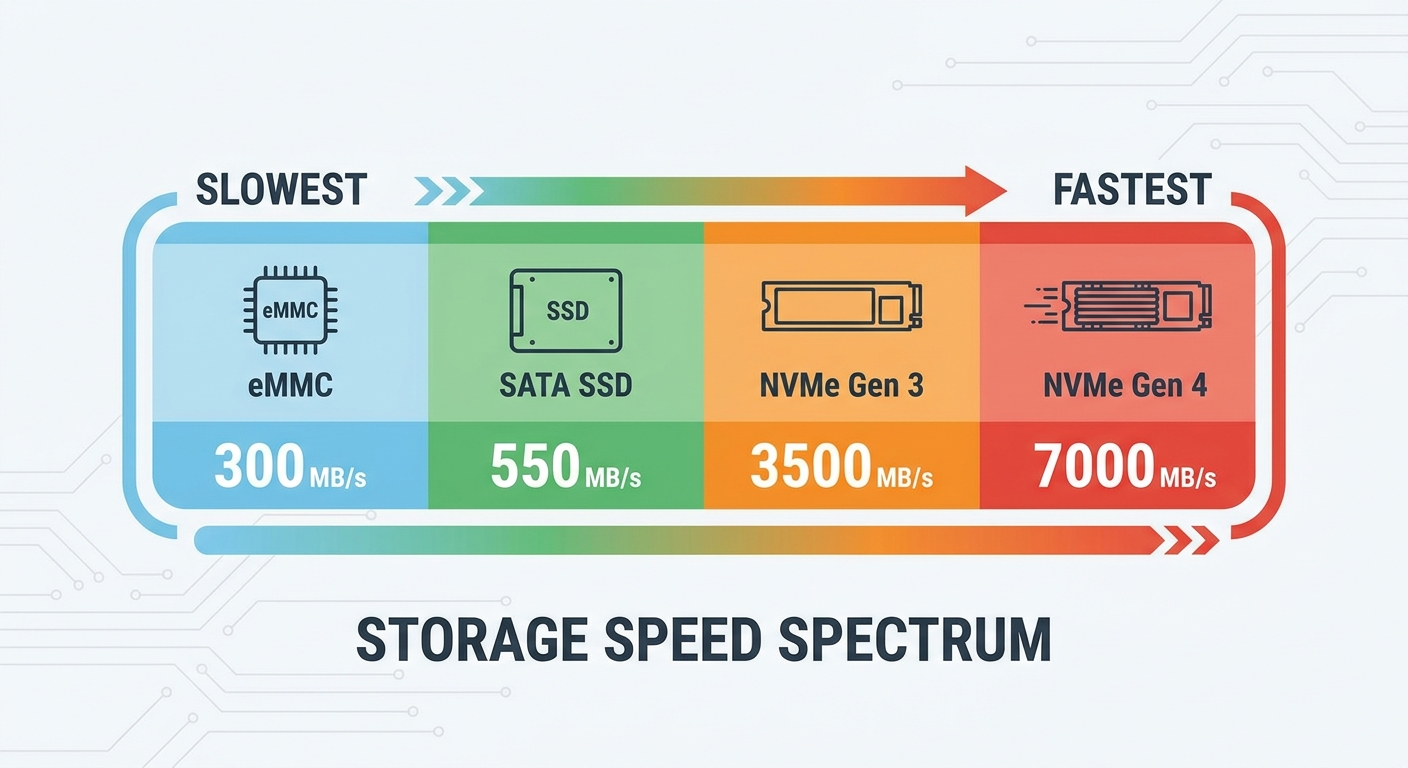
eMMC storage is soldered directly onto the motherboard and is most commonly found in budget Chromebooks and entry-level Windows laptops. It’s not upgradeable and delivers the slowest speeds — typically around 150–400 MB/s sequential read. For light web browsing or document editing, it gets the job done. But for gaming, video editing, or any performance-intensive work, eMMC will feel like a bottleneck quickly.
SATA SSD
SATA SSDs represent a massive jump over eMMC in both reliability and speed, topping out at around 550 MB/s read. They connect via the SATA interface and are significantly faster than any spinning hard drive. Many mid-range laptops still ship with SATA SSDs. They’re a solid choice if upgradeability and value matter, and they’re usually replaceable, giving your laptop a longer useful life.
NVMe SSD (PCIe Gen 3 and Gen 4)
NVMe (Non-Volatile Memory Express) SSDs use the PCIe lane directly, bypassing the slower SATA interface entirely. PCIe Gen 3 NVMe drives hit around 3,500 MB/s read, while Gen 4 drives can reach 7,000 MB/s or more. In 2026, most gaming laptops ship with NVMe Gen 4 storage as the standard. For gaming, content creation, and any workload involving large files, NVMe is the clear winner.

Storage Speed Comparison Table
| Storage Type | Typical Read Speed | Upgradeable? | Best For |
|---|---|---|---|
| eMMC | 150–400 MB/s | No | Basic browsing, light tasks |
| SATA SSD | Up to 550 MB/s | Usually yes | Productivity, budget gaming |
| NVMe Gen 3 | Up to 3,500 MB/s | Yes (M.2 slot) | Gaming, general performance |
| NVMe Gen 4 | Up to 7,000 MB/s | Yes (M.2 slot) | Gaming, creative work, high-end use |
| NVMe Gen 5 | Up to 14,000+ MB/s | Yes (M.2 slot) | Enthusiast, workstation, future-proofing |
Does Storage Speed Actually Matter for Gaming?
The short answer: yes, but perhaps not in the way you’d expect. For most gaming scenarios, the GPU and CPU have a far greater impact on frame rates. However, storage speed does noticeably affect:
- Game load times: Loading large open-world games is significantly faster on NVMe vs. SATA or eMMC.
- Texture streaming: Games with on-the-fly asset loading (DirectStorage-enabled titles) benefit directly from faster NVMe drives.
- Game installation and updates: Downloading and installing 80–100 GB games is dramatically quicker with fast NVMe storage.
- Windows responsiveness: Boot times, app launches, and general snappiness all benefit from faster storage.
How Much Storage Do You Need?
- 512 GB: Enough for the OS, a few apps, and 3–5 games. Tight, but workable if you manage actively.
- 1 TB: The sweet spot for most gamers. Fits 8–12 large games comfortably alongside productivity apps.
- 2 TB: Recommended for anyone with a large game library or content creators.
- 4 TB+: For power users who work with large video or RAW photo files regularly.
Can You Upgrade Laptop Storage Later?
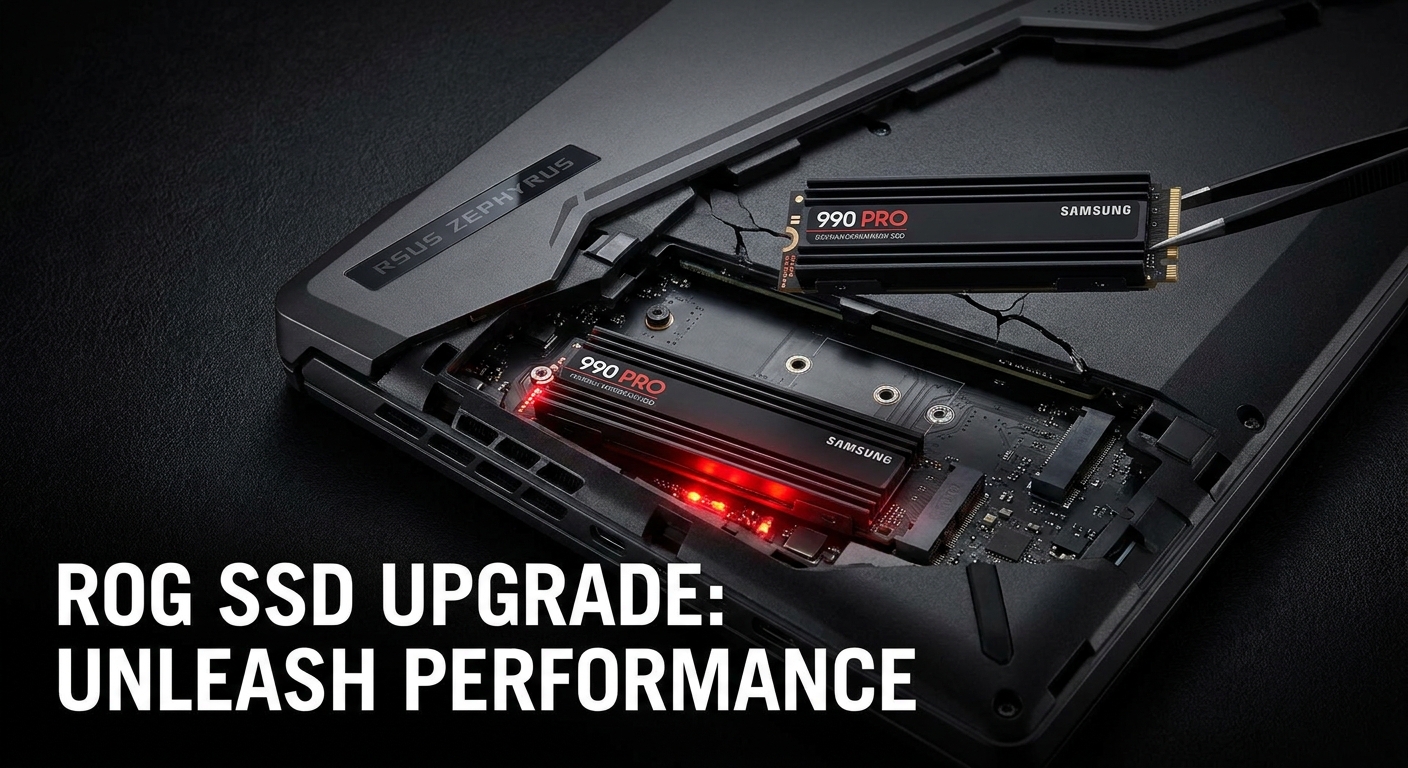
Most gaming notebooks feature at least one accessible M.2 NVMe slot. Before purchasing, check whether the laptop has an accessible M.2 slot, the supported PCIe generation, the M.2 form factor (2280 is most common), and whether the bottom panel is user-accessible without voiding warranty.
Recommended Gaming Laptops with NVMe Storage on Newegg
ASUS ROG Strix G16 (2025) — RTX 5060, NVMe 1TB Gen 4
A powerful mid-tier gaming laptop with 16″ FHD+ 165Hz display, AMD Ryzen 9 9955HX, 16GB DDR5 RAM, and 1TB PCIe Gen 4 NVMe SSD.
View on Newegg →
ASUS ROG Strix G16 — RTX 5070, 2TB NVMe Gen 4
Step up to 32GB DDR5 and 2TB PCIe 4.0 NVMe storage with the Intel Core Ultra 9 275HX.
View on Newegg →
ASUS ROG Strix G18 — RTX 5070, 2TB PCIe 4.0 NVMe
18″ desktop-replacement with 32GB DDR5 and a full 2TB NVMe Gen 4 SSD.
View on Newegg →
Final Verdict: Which Storage Type Should You Choose?
In 2026, there’s really only one answer for gamers: NVMe Gen 4 SSD. Here’s the quick cheat sheet:
- eMMC: Avoid for gaming
- SATA SSD: Decent for budget productivity, not recommended for gaming in 2026
- NVMe Gen 3: Still solid for budget gaming notebooks
- NVMe Gen 4: The recommended choice for any gaming laptop purchase in 2026
- NVMe Gen 5: Future-proof — worth it if budget allows
Browse gaming notebooks with NVMe storage on Newegg’s Gaming Laptops section to find the right configuration for your needs.