
When shopping for a gaming laptop, it’s easy to fixate on GPU performance, refresh rate, and RAM. Battery life often gets pushed to the bottom of the checklist — or ignored entirely. But in 2026, as gaming notebooks become thinner, more portable, and increasingly used as primary machines, battery life has become a genuinely important buying consideration. So just how much should it factor into your decision? The answer depends on how and where you plan to use your laptop.

Why Battery Life Matters More Than Ever in 2026
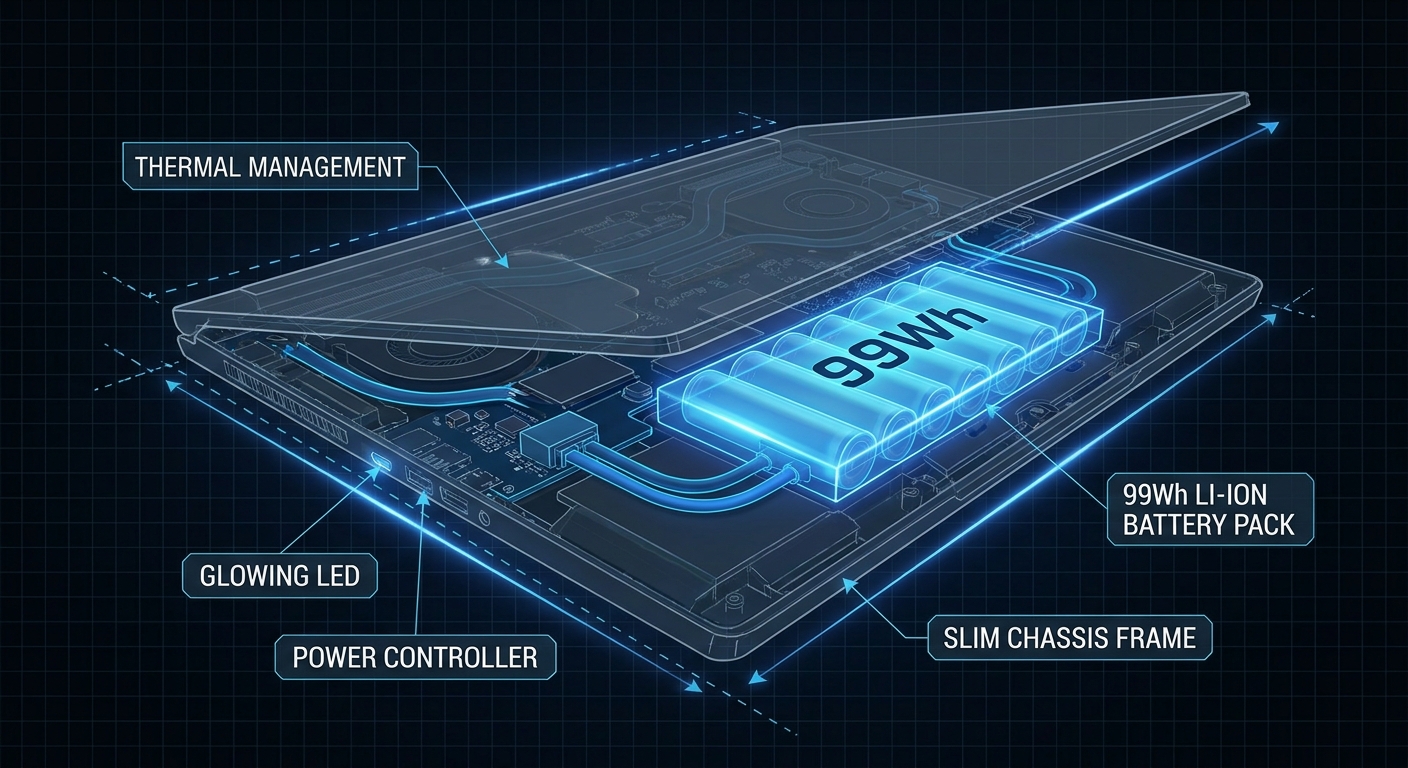
Gaming laptops have historically been notorious for poor battery life. Models from just a few years ago could barely survive three hours of productivity use unplugged. But 2026 tells a different story. Thanks to more efficient GPU architectures (NVIDIA RTX 50-series with MUX switches and Eco mode), larger battery capacities (86–99.9 Wh is now common in premium notebooks), gaming laptops are genuinely usable away from an outlet.
This matters because more people are using gaming laptops as their only machine — for work during the day, gaming in the evening, and everything in between. If your laptop dies during a meeting or at a library, no amount of GPU performance will save you.
What Affects Gaming Laptop Battery Life?
Battery Capacity (Wh)
Measured in watt-hours, this is the single most direct indicator of potential battery life. Budget gaming laptops typically ship with 45–56 Wh batteries. Mid-range models often feature 60–80 Wh. Premium thin-and-light gaming notebooks like the ASUS ROG Zephyrus line often push to 90–99.9 Wh — the maximum allowed on commercial flights, which is a handy benchmark to remember.
GPU Power Draw and MUX Switch
The discrete GPU is the biggest battery drain in any gaming laptop. Models with a MUX (Multiplexer) switch allow you to disconnect the discrete GPU entirely during productivity use. This can double your battery life in non-gaming scenarios. Always check whether a gaming laptop has a MUX switch if battery life is a priority.
Display Resolution and Refresh Rate
A 4K 240Hz panel consumes dramatically more power than a 1080p 60Hz display. For maximum battery life, look for laptops with variable refresh rate (VRR) or the ability to lock the refresh rate lower during productivity use.
Processor Architecture
Intel Core Ultra (Series 2) and AMD Ryzen AI processors incorporate dedicated low-power cores and neural processing units (NPUs) that handle background tasks more efficiently, translating directly into longer unplugged usage.
Gaming Battery Life vs. Productivity Battery Life
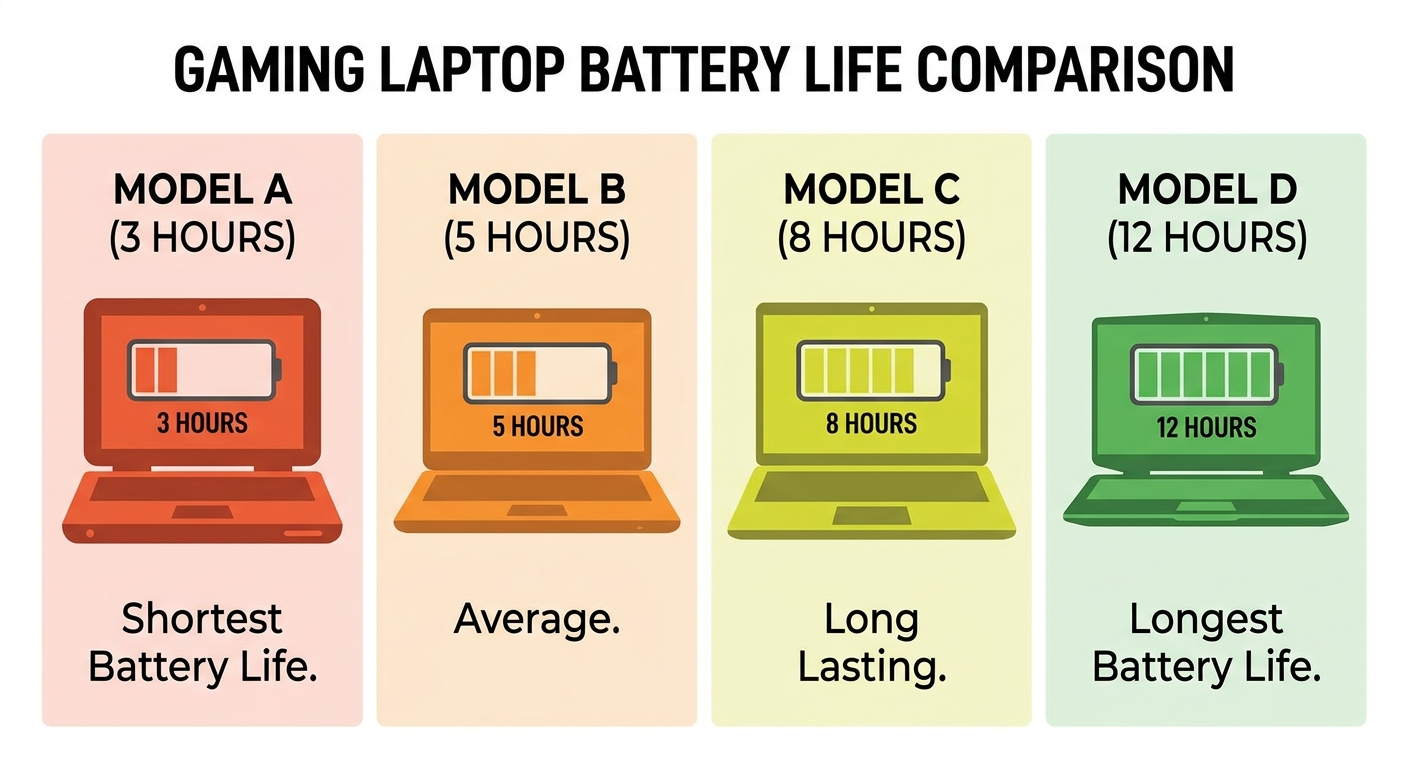
It’s critical to understand that gaming battery life and productivity battery life are two completely different numbers. Manufacturers quote “up to X hours” based on video playback or light web browsing — not gaming. Here’s a realistic breakdown:
| Usage Scenario | Mid-Range (2026) | Premium (2026) |
|---|---|---|
| Video streaming / web browsing | 5–8 hours | 8–14 hours |
| Productivity (Office, light coding) | 4–6 hours | 7–11 hours |
| Gaming (medium settings) | 1.5–2.5 hours | 2–4 hours |
| Gaming (max settings, full GPU load) | 45–90 minutes | 60–120 minutes |
How to Decide If Battery Life Is a Priority for You
- Mostly at home / desk setup: Battery life is less critical. Prioritize GPU power, display quality, and thermals instead.
- Student, remote worker, frequent traveler: Battery life should be a top-three priority. Look for 80+ Wh batteries, a MUX switch, and an efficient processor.
- Hybrid use (home gaming + occasional travel): Look for a balance — 72–90 Wh battery, MUX switch, and fast USB-C charging (100W+).
Tips for Maximizing Battery Life on Any Gaming Laptop
- Enable the iGPU / Eco mode when not gaming (via NVIDIA App or manufacturer software)
- Lower screen brightness — display backlight is a major power consumer
- Use a Windows power plan set to “Balanced” or “Best power efficiency”
- Disable RGB keyboard lighting when unplugged
- Close background apps and disable unnecessary startup programs
- Enable battery charge limit (e.g., charge to 80%) to extend long-term battery health
Recommended Gaming Laptops with Strong Battery Life on Newegg
ASUS ROG Zephyrus G14 (2024) — RTX 4060, 73Wh Battery
The Zephyrus G14 is widely praised for its exceptional battery performance relative to its GPU power. With a 73Wh battery, AMD Ryzen 9 8945HS, and Eco mode support, it’s one of the best gaming-and-portability balanced laptops available.
View on Newegg →
Lenovo LOQ 15.6″ — RTX 4060, 144Hz Display
A budget-friendly gaming laptop offering solid productivity endurance with a 60Wh battery, Core i7-13650HX, 64GB DDR5 RAM, and 2TB SSD.
View on Newegg →
ASUS ROG Strix G16 (2025) — RTX 5060, Large Battery + MUX Switch
For users who want high-end performance without completely sacrificing portability. The MUX switch gives real-world productivity endurance that belies its gaming focus.
View on Newegg →
The Bottom Line: Should Battery Life Be a Priority?
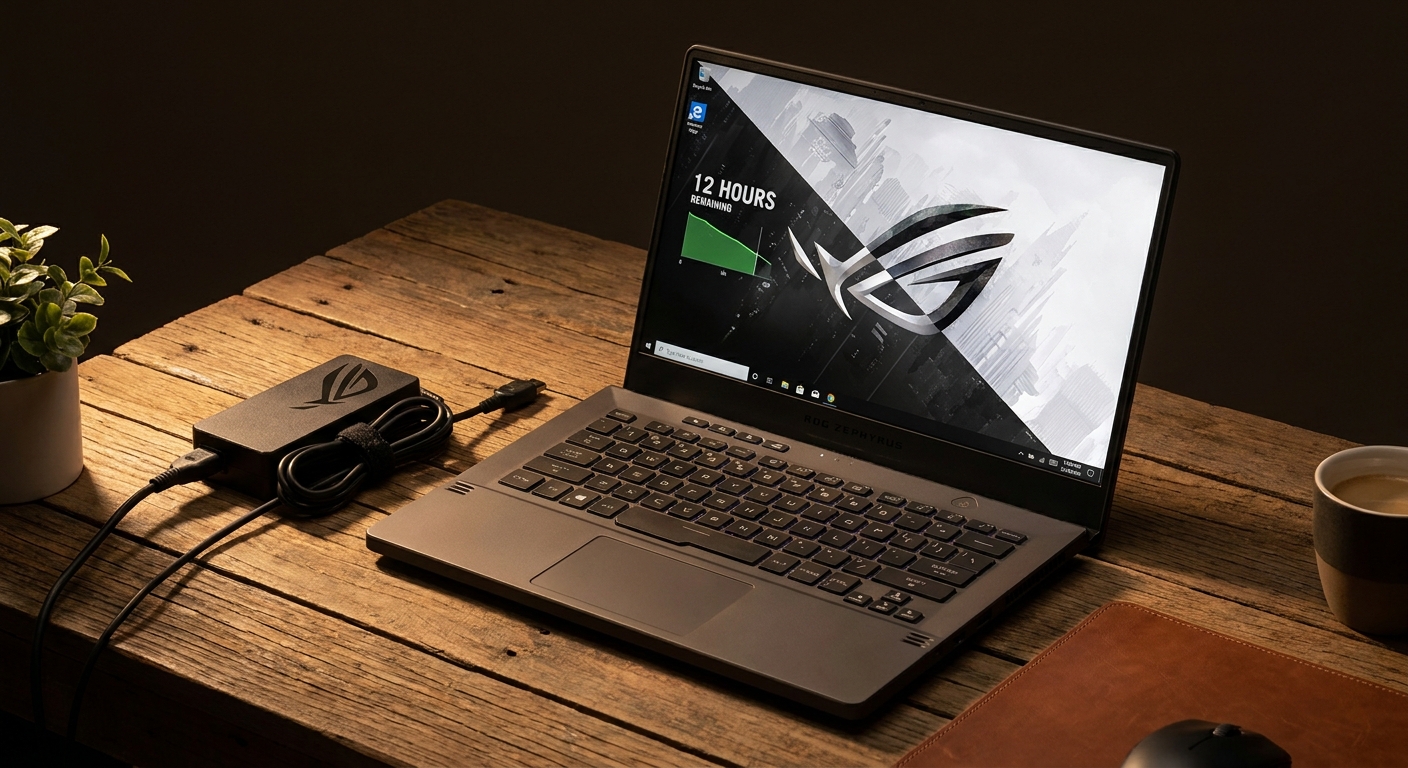
Battery life should absolutely be on your checklist when buying a laptop in 2026 — but how heavily you weight it depends on your lifestyle. If you’re a stay-at-home gamer with a permanent desk setup, prioritize GPU performance and display quality. If you’re a student, traveler, or professional who needs a single machine for work and play, battery life can meaningfully affect your daily experience.
The good news is that in 2026, you don’t have to choose between great gaming performance and acceptable battery life. Look for a laptop with 72 Wh or more, a MUX switch, and fast USB-C charging. Browse gaming notebooks on Newegg’s Gaming Laptops section to find the right balance.