- $119.99
- Free 30-day Returns
Best Sellers
- $101.99
- + FREE SHIPPING
- $104.75
- + FREE SHIPPING
- $107.99
- + FREE SHIPPING
Meet Your Seller
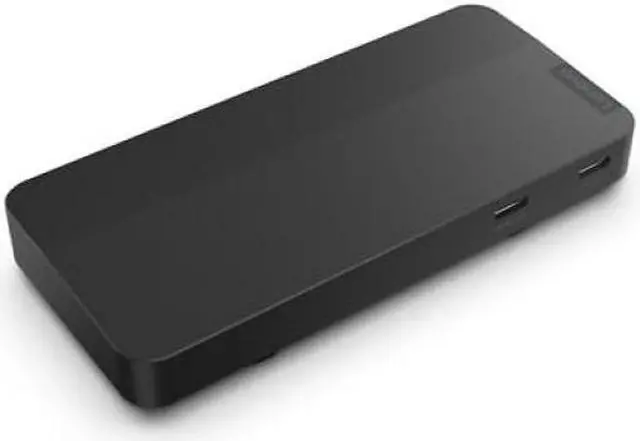
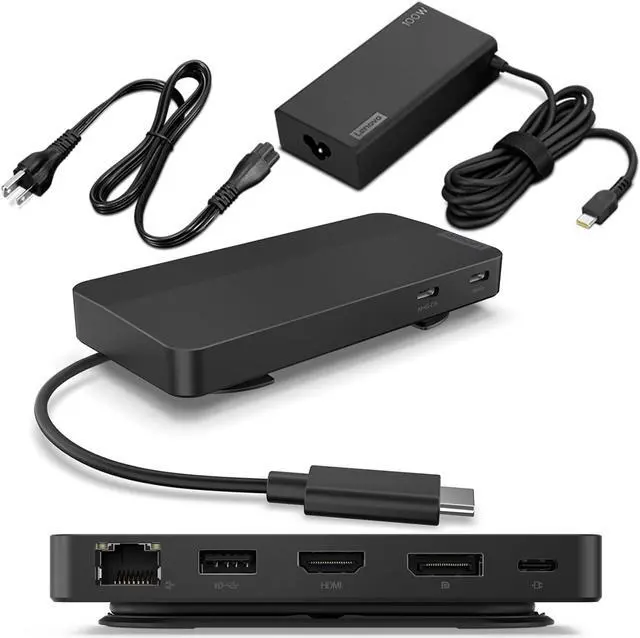
Lenovo USB-C Dual Display Travel Dock with Adapter
- Manufacturer: Lenovo
- Manufacturer Part Number: 40B90100US
- UPC: 195892097594
Any questions? Ask CelesteSM will help you find out quickly.
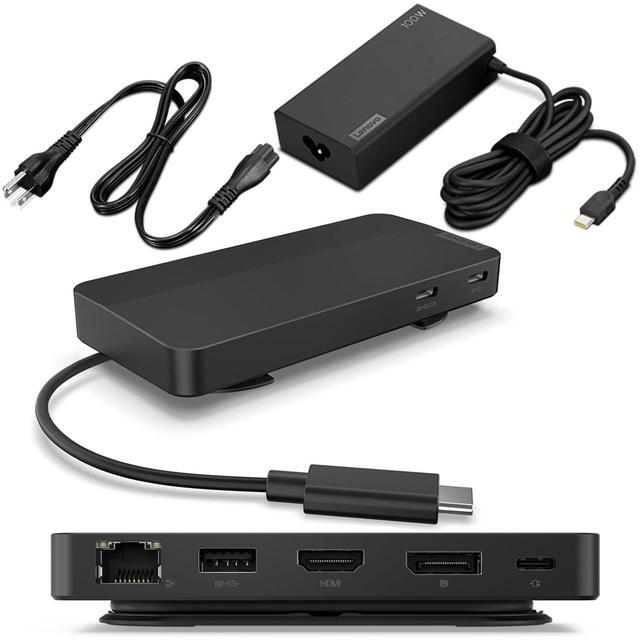
Designed for todays remote professionals, this compact dynamo supports dual 4K displays and powers USB-C laptops with up to 100W. With a chassis made from 66% post-consumer recycled content and 100% plastic-free packaging, plus adjustable cable management, the Lenovo USB-C Dual Display Travel Dock is the perfect tool for on-the-go productivity.
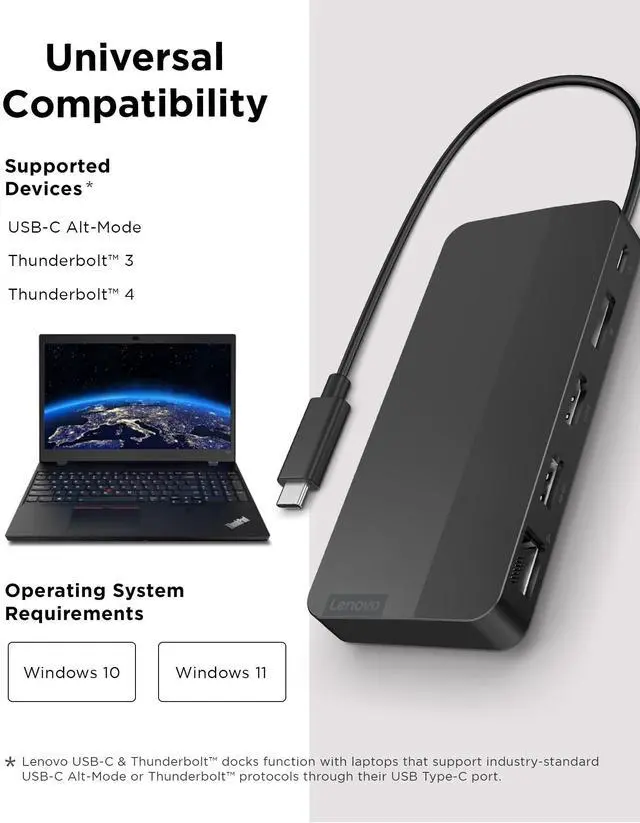
* Lenovo USB-C & Thunderbolt Docks function with laptops that support industry standard USB-C Alt-Mode, DisplayLink or Thunderbolt protocols through their Type C port. Lenovo USB-C and Thunderbolt Docks support additional features, such as MAC address passthrough, WOL and mirrored power button, on most Lenovo ThinkPad laptops, but such features may not be available on certain other Lenovo laptops or non-Lenovo branded laptop systems.
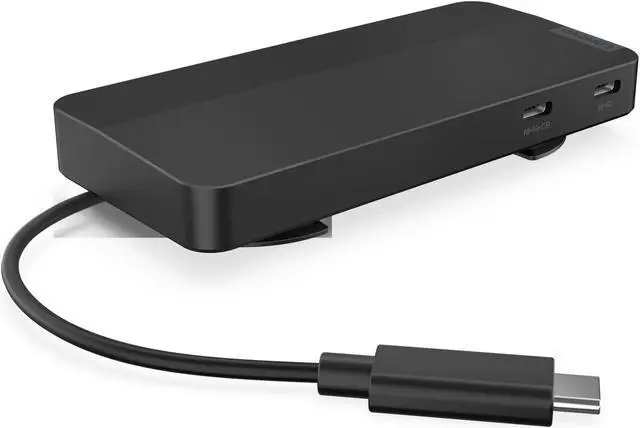
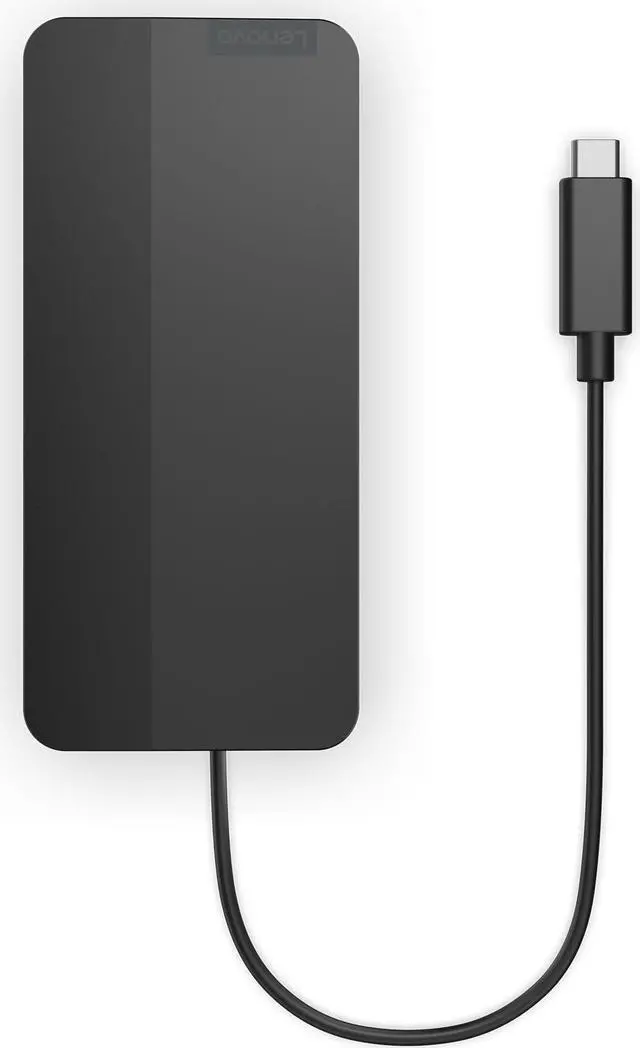
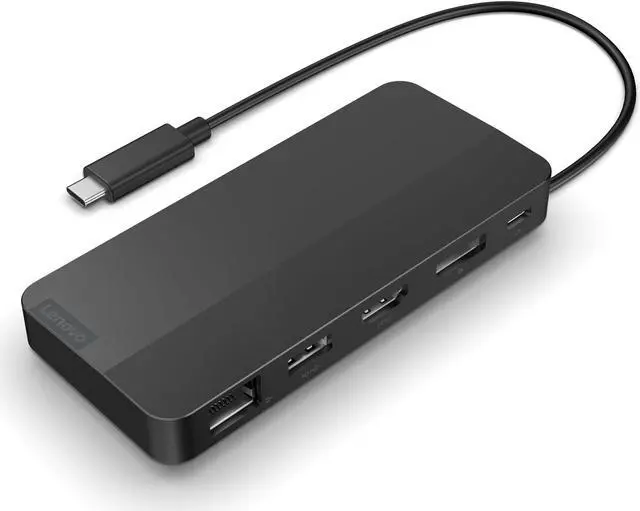
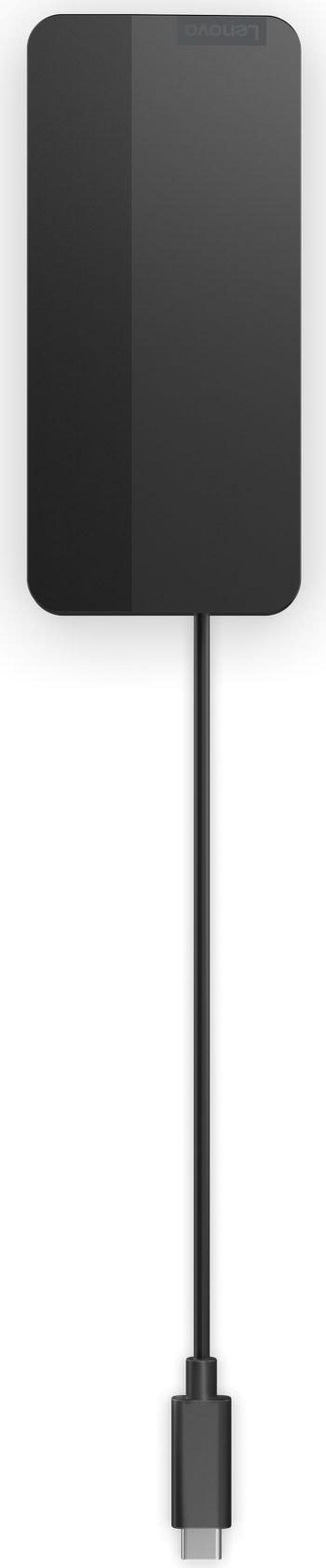
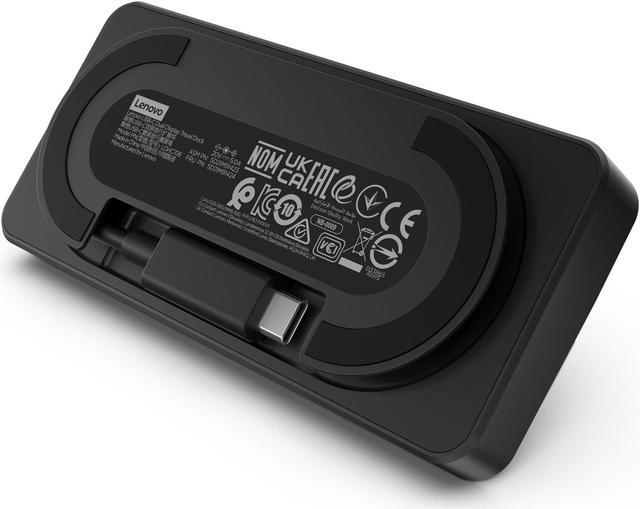
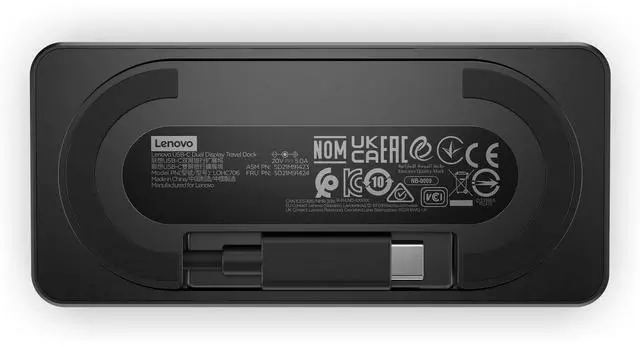
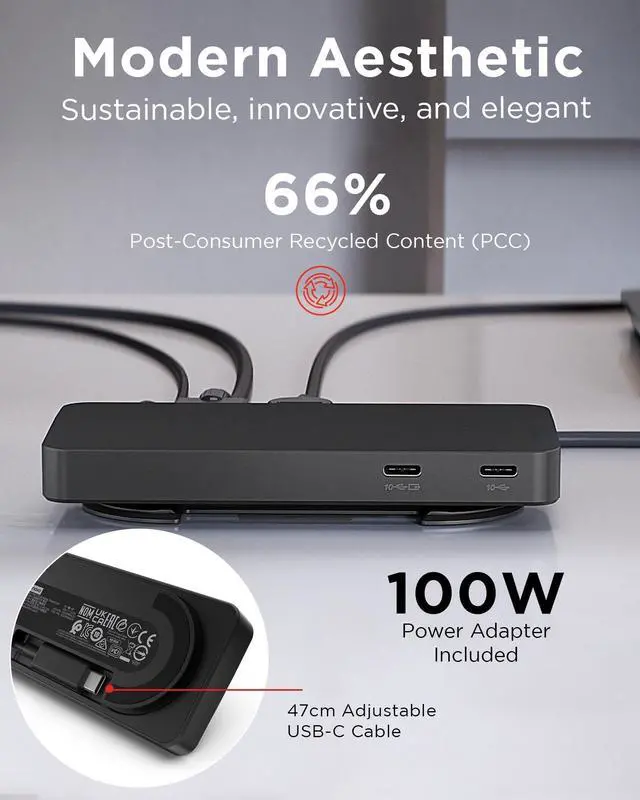
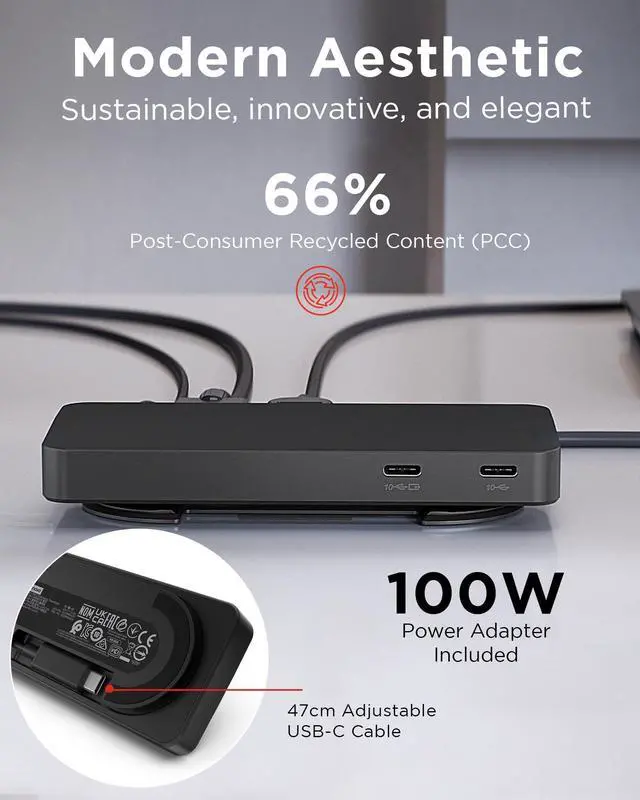
| |Compact and portable, the Lenovo USB-C Dual Display Travel Dock slips easily into your pocket and features adjustable built-in cable management, making it the ideal on-the-go productivity tool.
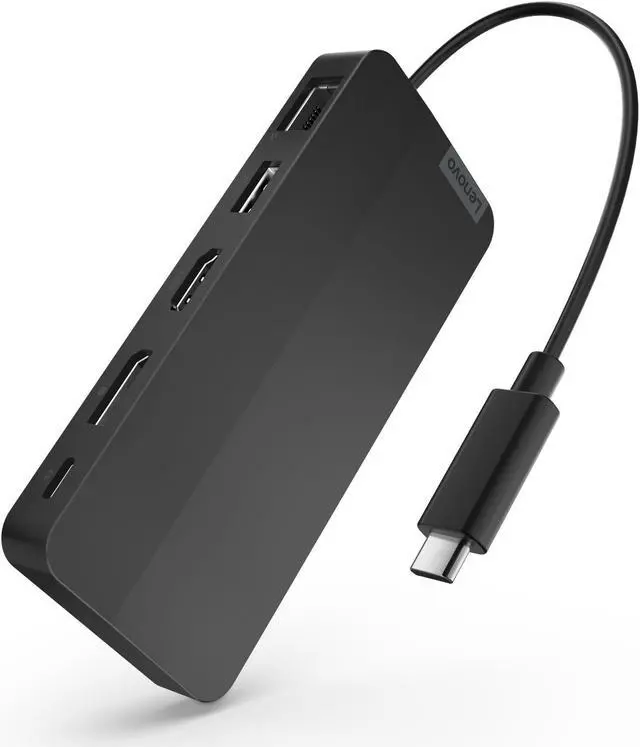
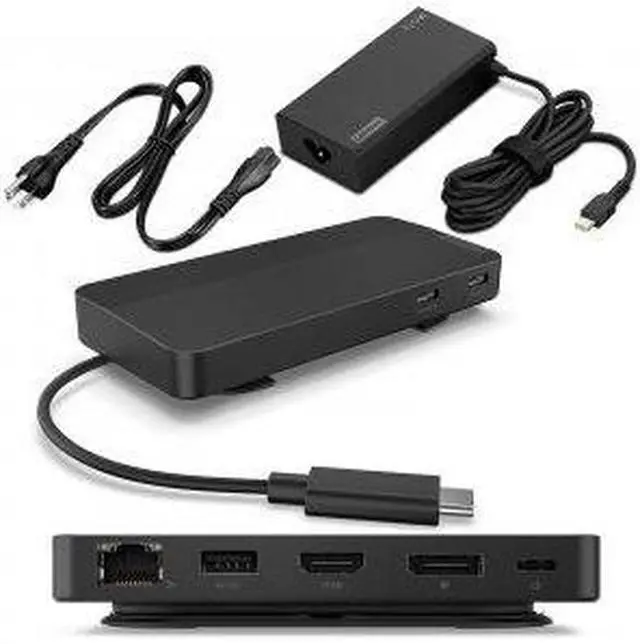
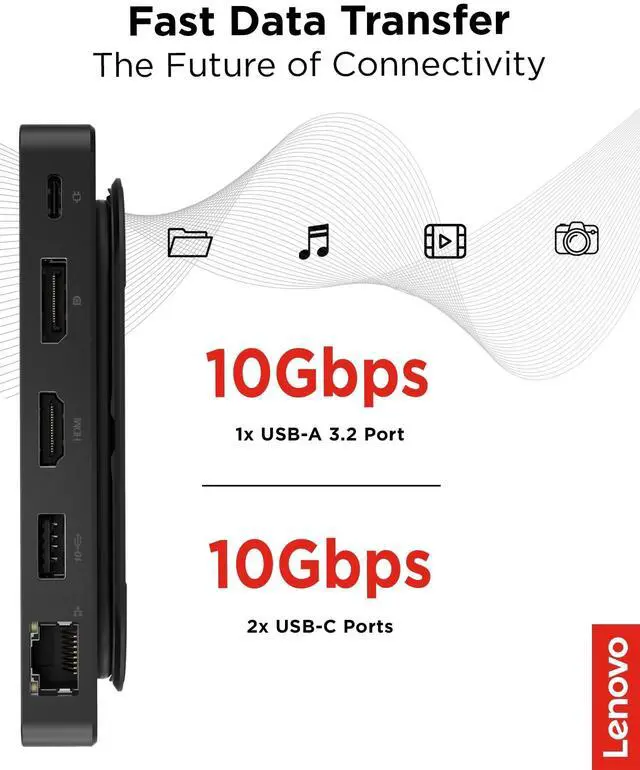
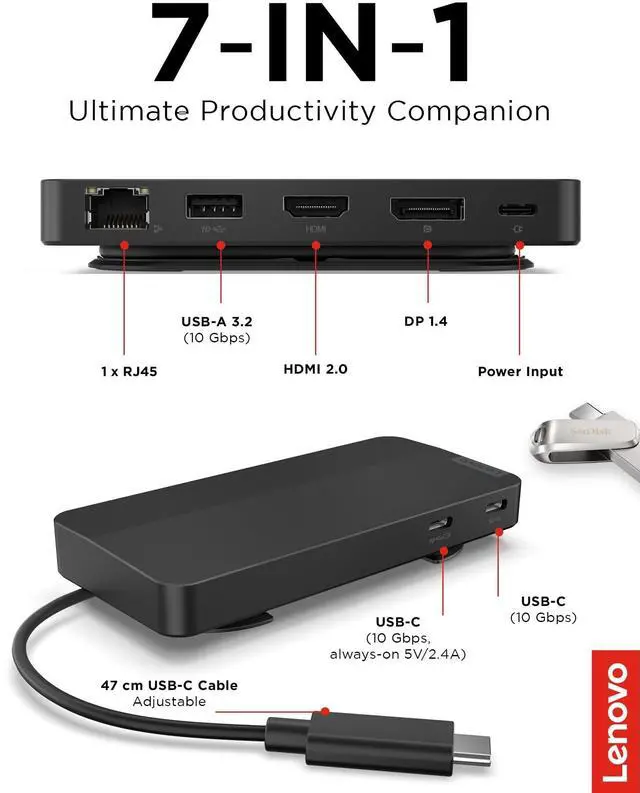
| |This travel dock gives you seven expertly engineered ports, including dual 4K display outputs at 60Hz, high-speed USB, and Ethernet connectionsall in a pocket-sized design to maximize productivity wherever work takes you.
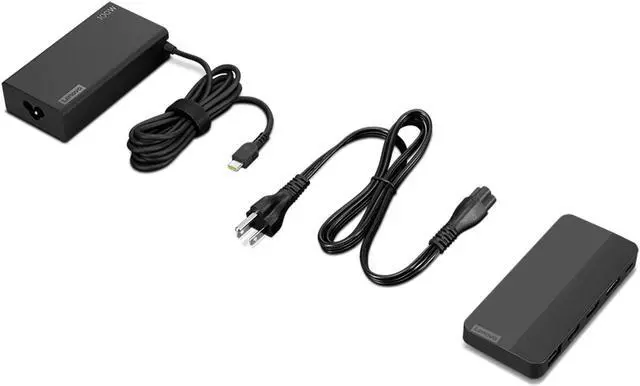
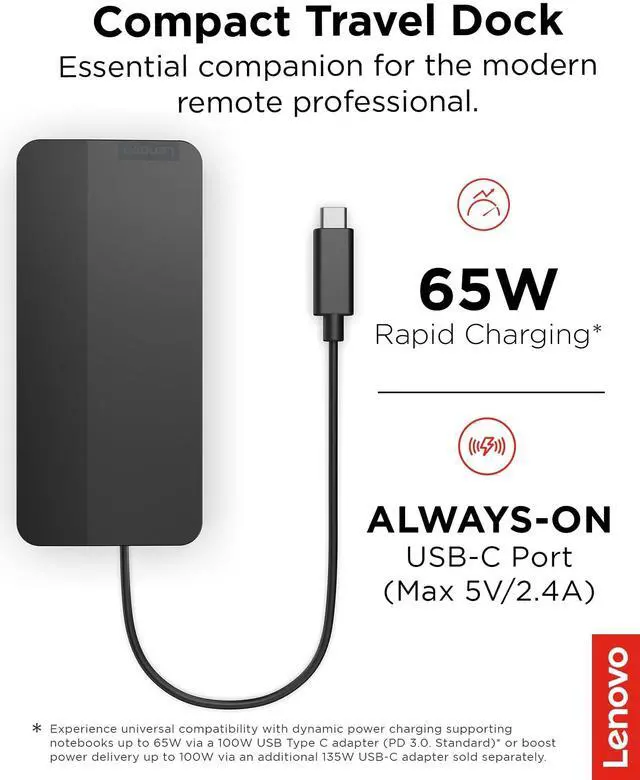
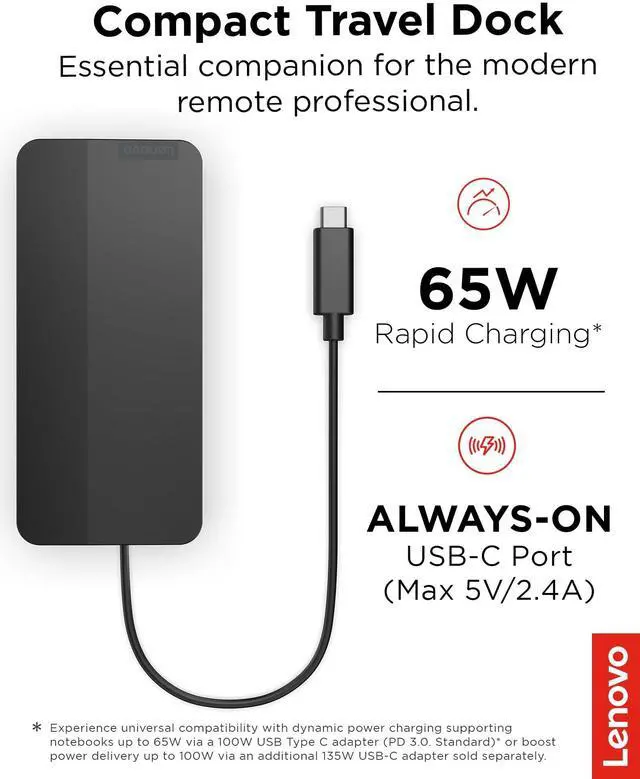
| |Compatible with all standard USB-C laptops, this essential travel dock includes a 100W USB-C charger (65W power delivery) and an optional 135W charger for a full 100W boostgiving you versatile connectivity and power options.
| |Featuring a stylish Eclipse Black finish, the chassis of this travel dock is crafted with 66% Post-Consumer Recycled Content (PCC) and comes in 100% plastic-free packaging. Its also a pioneer in its field by providing TÜV-verified carbon footprint data.
|Warranty & Returns
Warranty, Returns, And Additional Information
Warranty
- Please contact the Seller directly for warranty information. Warranty information may also be found on the Manufacturer's website.
- Read full details
- CONTACT
Return Policies
- Return for refund within: 30 days
- Return for replacement within: 30 days
- This item is covered by Lenovo Return Policy
Manufacturer Contact Info
- For a directory of all our manufacturers, please click below.
- Manufacturers Directory
The Lenovo USB-C Dual Display Travel Dock with Adapter (40B90100US) is a portable laptop dock for professionals who want to connect two 4K displays, USB devices, and Gigabit Ethernet through a compatible USB-C port; its included adapter provides up to 65W laptop power.
Recommended For
- Mobile professionals who regularly move between home, office, and client sites and want a compact dock for two external monitors, wired Ethernet, and USB accessories.
- Remote and hybrid workers who use a compatible USB-C laptop at a fixed desk and want one connection for two displays, network access, and peripherals.
- Laptop users who need two external displays for everyday multitasking—such as keeping documents, spreadsheets, or video calls visible side by side—and whose laptop supports the required display output.
- ThinkPad and other USB-C laptop owners whose computers support USB-C DisplayPort Alt Mode or Thunderbolt and who can work within the included adapter’s 65W laptop charging limit.
Real-World Use Scenarios
- At a home or office desk, a laptop user connects two external monitors, Ethernet, and USB accessories through the dock, then uses one USB-C connection to reconnect the setup. Dual-display support depends on the laptop’s USB-C video capabilities.
- When moving between home, office, and a temporary workspace, a mobile professional packs the compact dock and its included adapter to connect a compatible USB-C laptop to displays, network, and peripherals without carrying separate adapters for each connection.
- For video calls and other work that benefits from a wired connection, a user plugs Ethernet into the dock while keeping a monitor and USB devices connected; this reduces the need to switch cables directly on the laptop.
- At a shared desk, a user leaves a keyboard, mouse, and other USB accessories connected to the dock, then connects a compatible laptop to bring those devices into use; the always-on USB port can also keep a small device charging.
- For a presentation or focused work session, a user connects an external screen over HDMI or DisplayPort while keeping the laptop available for notes or other tasks; the dock can also connect a second external display when the laptop supports the required video output.