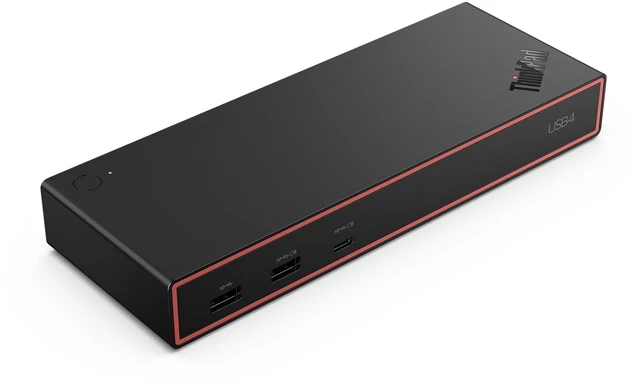
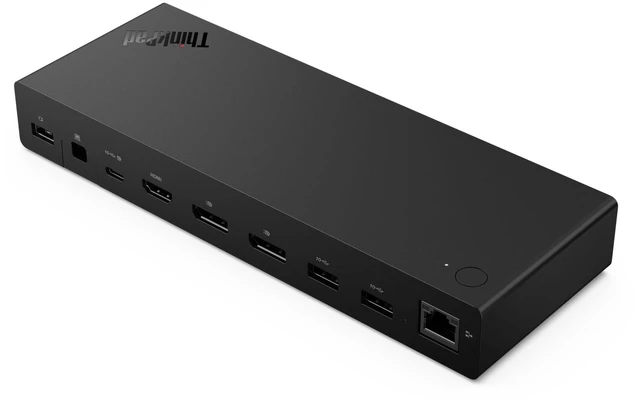
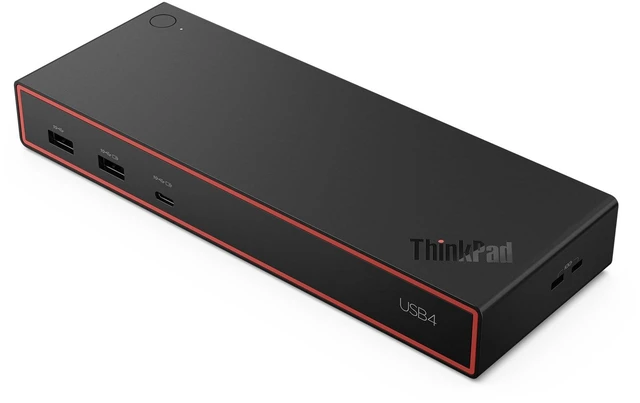
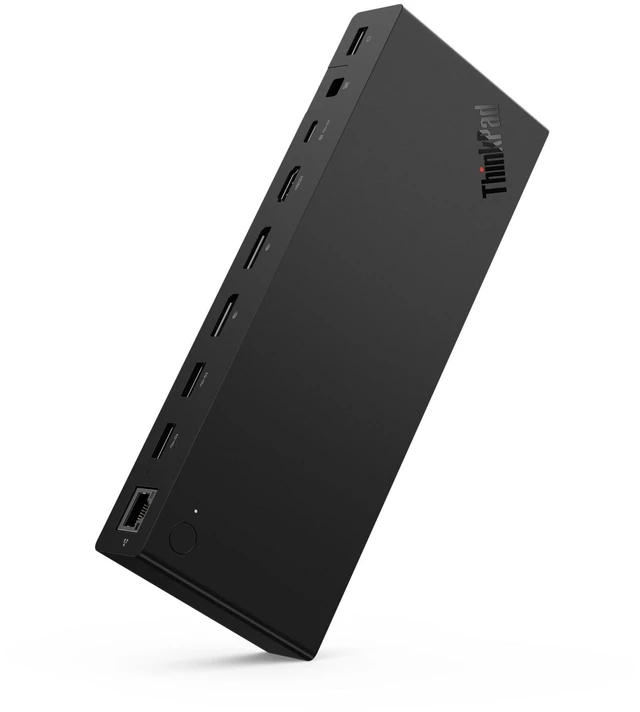
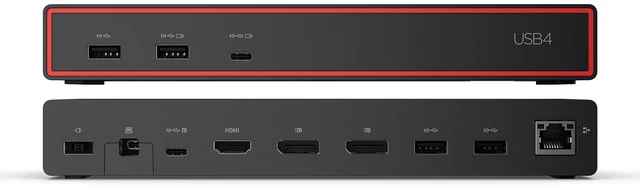
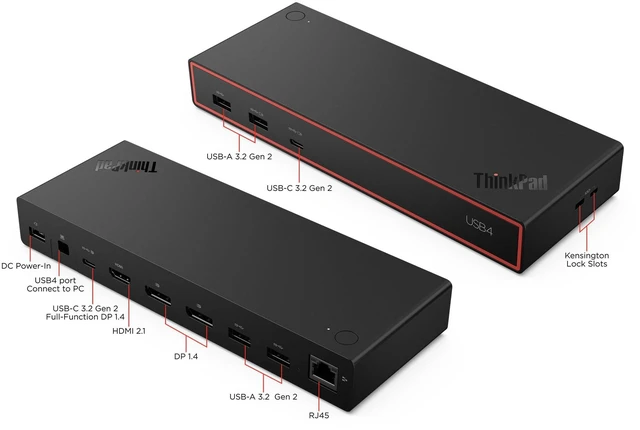
The Lenovo ThinkPad USB4 Dock 5000 is a USB4 docking station for laptop users who want a multi-display workspace, with support for up to four displays, 40Gbps upstream connectivity, six USB ports, and up to 100W laptop charging from its included 135W adapter.
Recommended For
- Desk-based professionals who connect a compatible USB4 or Thunderbolt laptop to multiple monitors and peripherals can use one dock connection for display, USB, Ethernet, and laptop charging.
- People building a dual-monitor work setup can use the dock for up to two 4K displays at 144Hz, subject to the laptop and monitors supporting that configuration.
- ThinkPad users who want to connect wired network and desk accessories through a dock may value its Ethernet, USB ports, and ThinkPad-specific support for features such as Wake-on-LAN and MAC address passthrough.
- People replacing an older Lenovo USB-C dock may find this a fit if they want USB4 bandwidth; one ThinkPad owner reported several months of stable use, including no random disconnects during sleep.
Real-World Use Scenarios
- At a home or office desk, connect a compatible USB4 laptop to the dock to use two external 4K monitors for work; Lenovo specifies support for two 4K displays at up to 144 Hz, though the laptop and display setup also affect the result.
- For a one-cable desk setup, connect the laptop to the dock to charge it while using external displays and attached accessories, reducing the need to plug in each device separately.
- For a multi-monitor workstation, connect the laptop to one 8K display for detailed visuals; Lenovo lists support for one 8K display at up to 60 Hz, subject to the laptop and display configuration.
- At a shared desk, leave a keyboard, mouse, and other USB accessories connected to the dock, then connect a compatible laptop when you sit down instead of reconnecting each accessory individually.
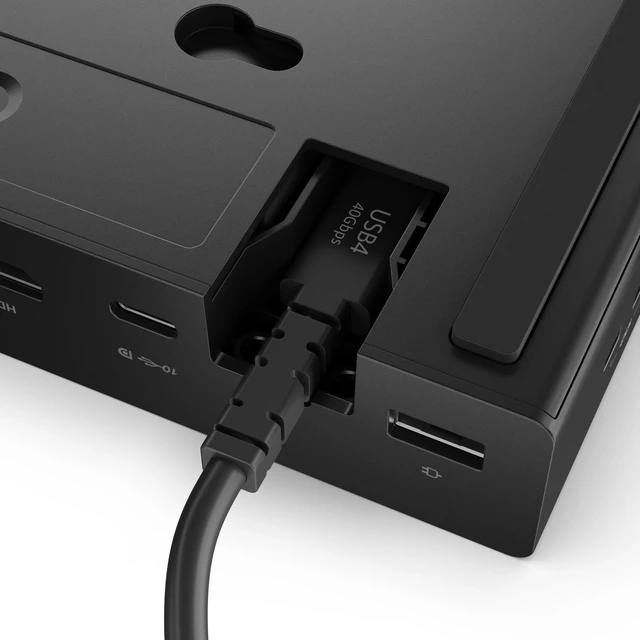
- For someone moving between a home setup and a portable work location, keep monitors and peripherals attached to the dock and connect the laptop with its USB4 cable when returning to the desk; confirm the laptop supports the needed USB4 display and charging features.




 here!