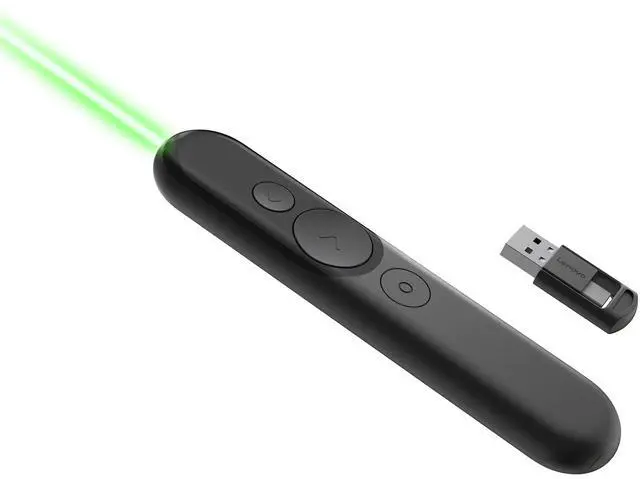
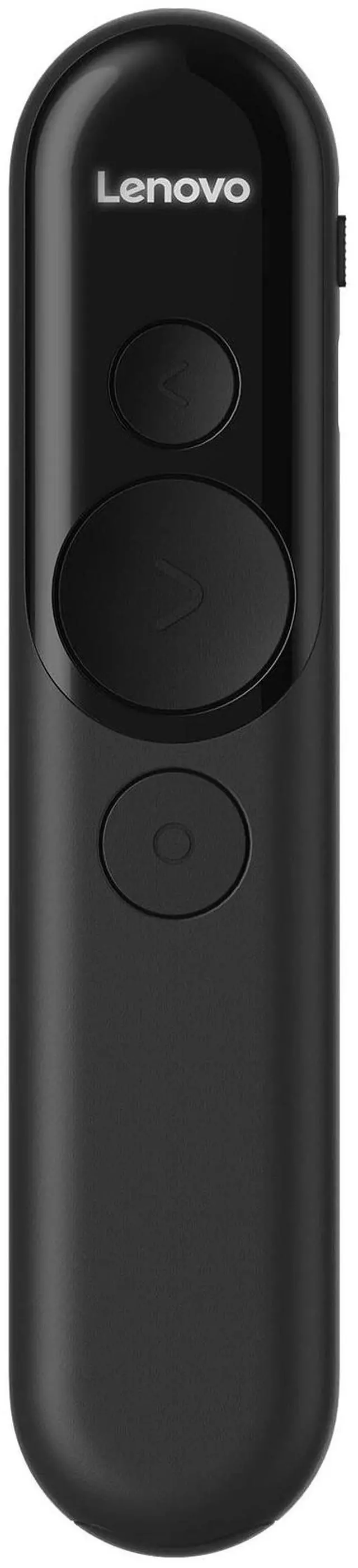
The Lenovo Laser Rechargeable Presentation Remote is a wireless presentation controller for speakers who want to point out details, navigate slides, and keep track of time, with a laser, digital pointer tools, and a vibration countdown alert.
Recommended For
- Teachers, trainers, and lecturers presenting in person can use the laser to indicate details on a projection screen while advancing slides wirelessly.
- Presenters using a computer-connected display in a meeting or hybrid session can use the LADM software modes—such as digital pointer, highlight, magnify, and marker—to draw attention to on-screen content.
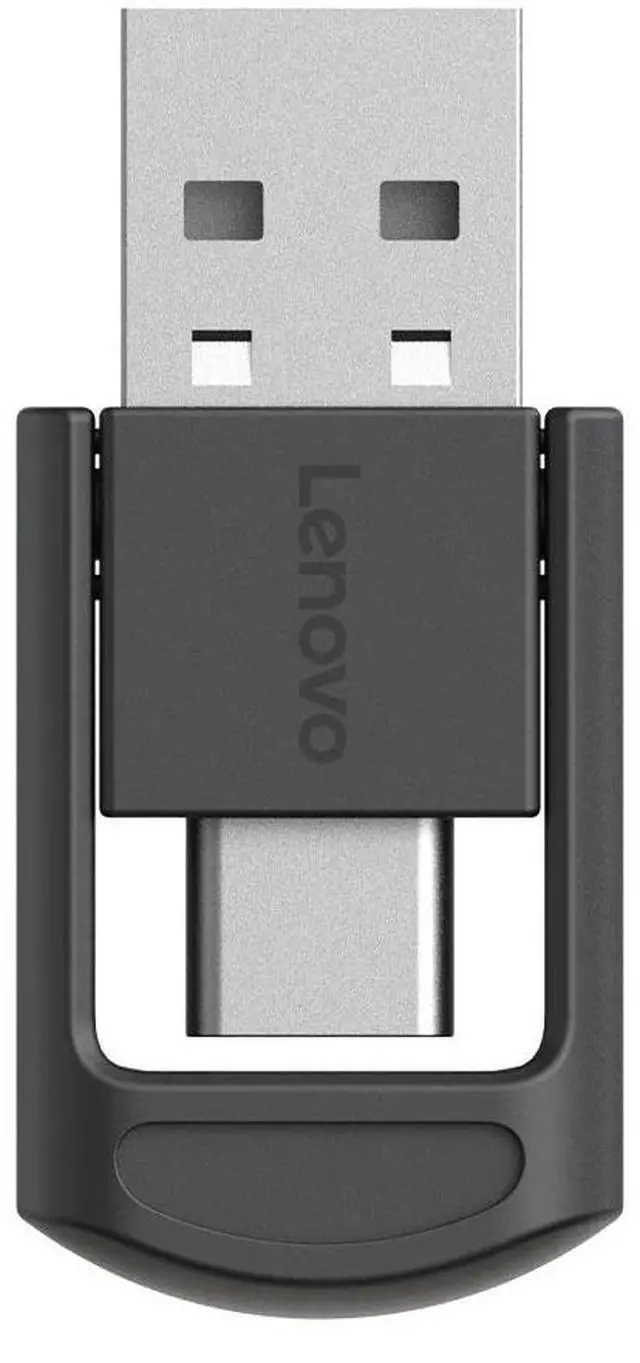
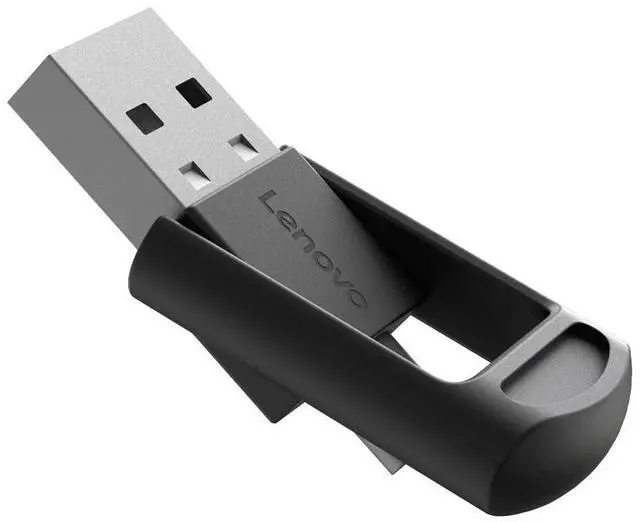
- Presenters who move between rooms or venues can choose a USB-A/USB-C receiver connection or Bluetooth, rather than relying on a single connection method.
- Speakers with a fixed presentation time can use the built-in countdown vibration alert to check timing without relying only on a visible timer.
Real-World Use Scenarios
- In a conference-room presentation, a speaker can advance slides while moving around instead of returning to the laptop; the laser can direct attention to a specific point on a projected slide.
- During a webinar or hybrid meeting, a presenter can use the on-screen cursor or digital highlighting to call out details on shared slides, where a physical laser may not appear to remote attendees; the digital pointing modes require Lenovo Accessories and Display Manager.
- In a classroom lecture, an instructor can move through slides and point out a diagram or key term from across the room, helping keep attention on the projected material rather than the computer.
- When explaining a dense chart or small on-screen detail, a presenter can use the digital magnify or highlight mode to draw attention to one area; this is most useful when presenting from a computer with the required Lenovo software available.
- For a talk with a strict time limit, a speaker can set a countdown and receive a vibration alert, providing a discreet reminder to wrap up without interrupting the presentation.




 here!