
Your Browsing History




Any questions? Our AI beta will help you find out quickly.
Rethink your remote. We did.
There was a time when your standard remote was enough. Today, home entertainment is anything but standard. There are more devices, more channels and more options than you could ever have imagined. That's why Logitech is rethinking the remote with the Harmony Touch.
Intuitive touch screen
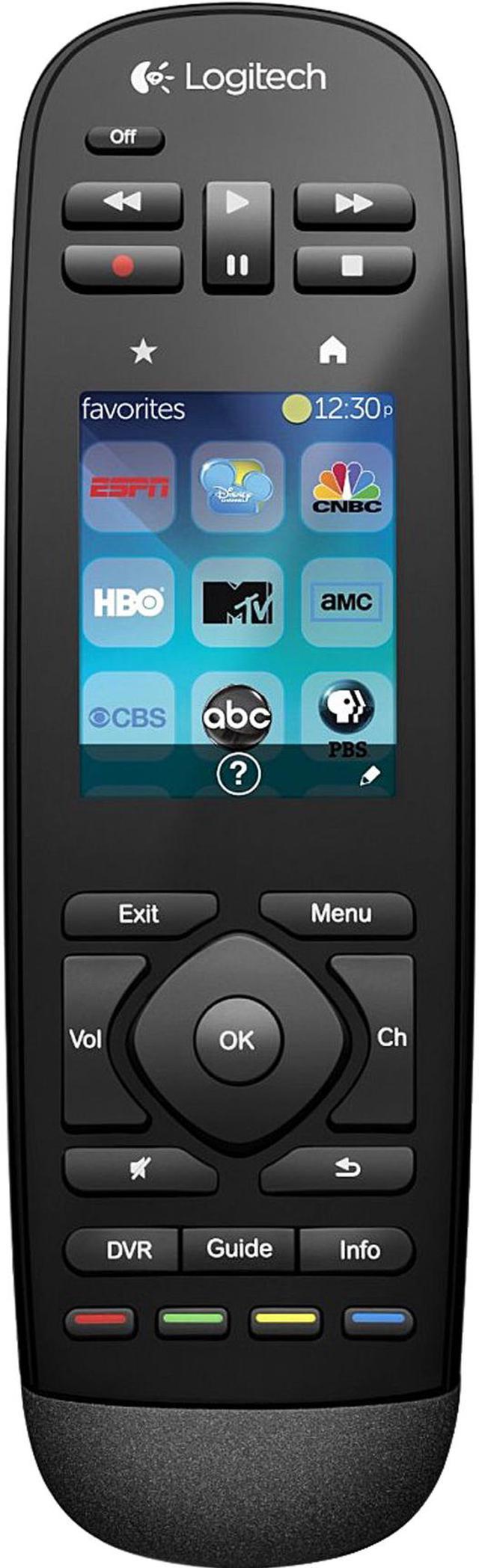
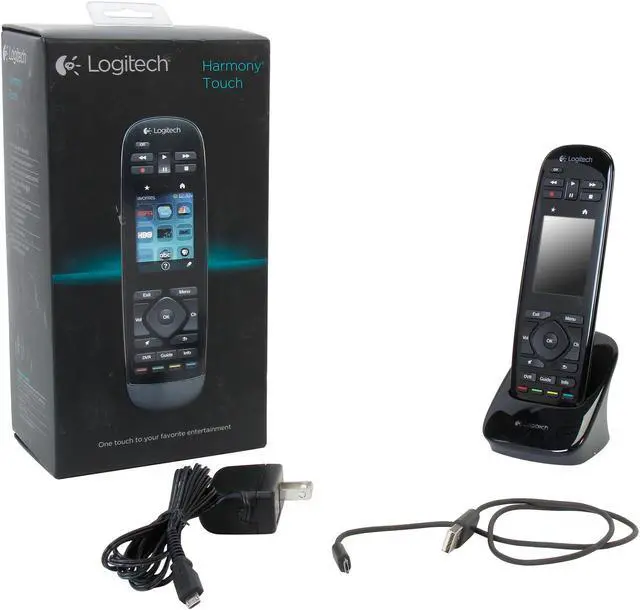
Enjoy fluid, one-touch interaction with a vibrant, color touch screen that allows you to quickly swipe and scroll to your favorite entertainment options. TV channels, movies, games, music-all with one touch.
 Customize favorites and use number pad on the touch screenSwipe, scroll, and tap with familiar touch technology. Through the 2.4” touch screen, you can select and save your favorite channels from 50 easy-select icons available on myharmony.com*. You can also use your own images to create personal icons. Watching your favorite programs is just a touch away. The touch screen also offers access to the number pad. (*Remote screen images are for illustrative purposes. Channel availability is subject to your local service provider.)
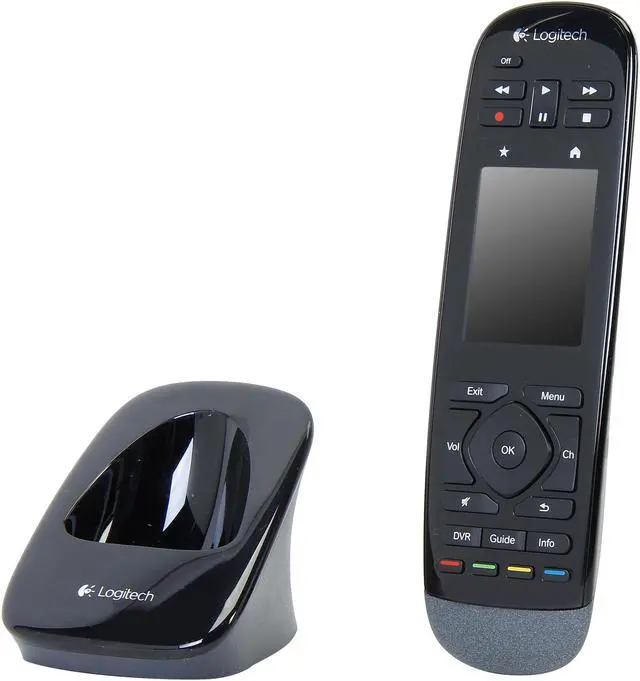
 Back-lit buttons for convenient navigationThe low profile, sculpted buttons offer a sleek look and are easy to press. They are back-lit so you can comfortably and easily navigate your favorite entertainment—even in the dark.
 Works with virtually any device - today and tomorrowHarmony Touch controls up to 15 devices and works with over 225,000 home entertainment devices and over 5,000 brands, including ones you add tomorrow.
 Integrated Skype experience with Logitech TV Cam HDHarmony Touch makes it even easier to connect with your loved ones by enhancing your Skype calls over your Logitech TV Cam HD. Accept and place calls, mute, control pan/tilt/zoom, and more, all from one simple-to-use remote.
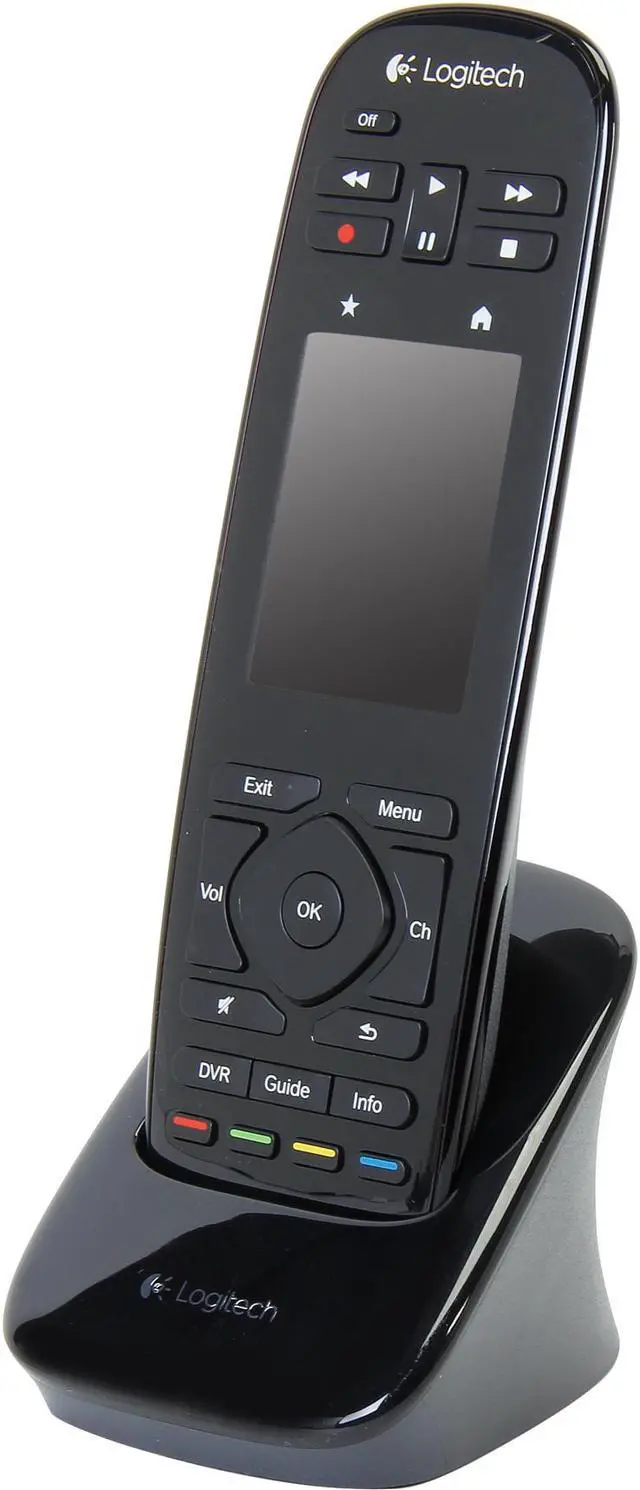
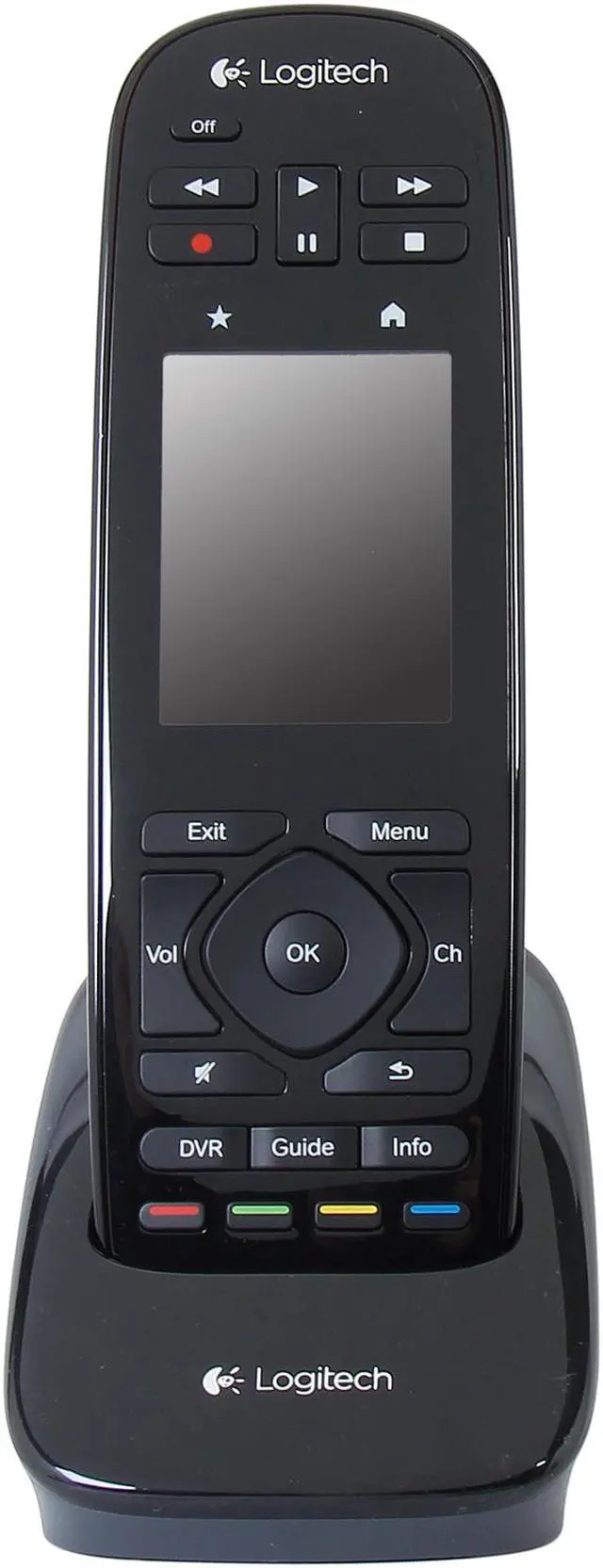
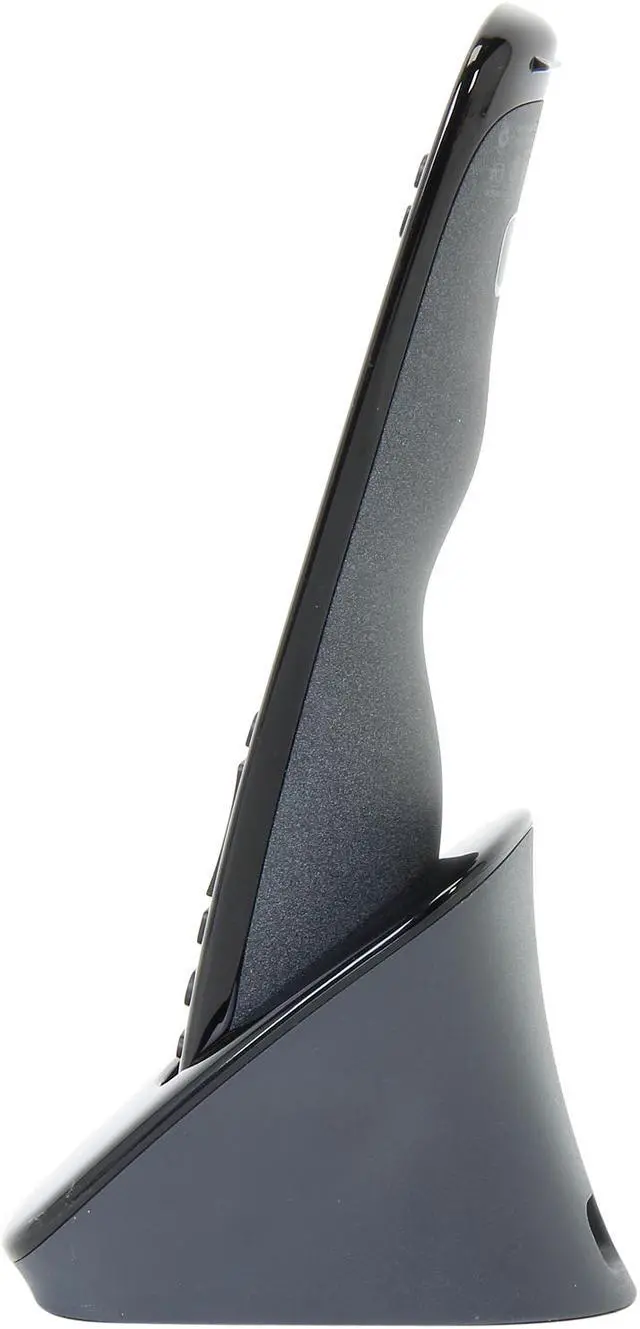
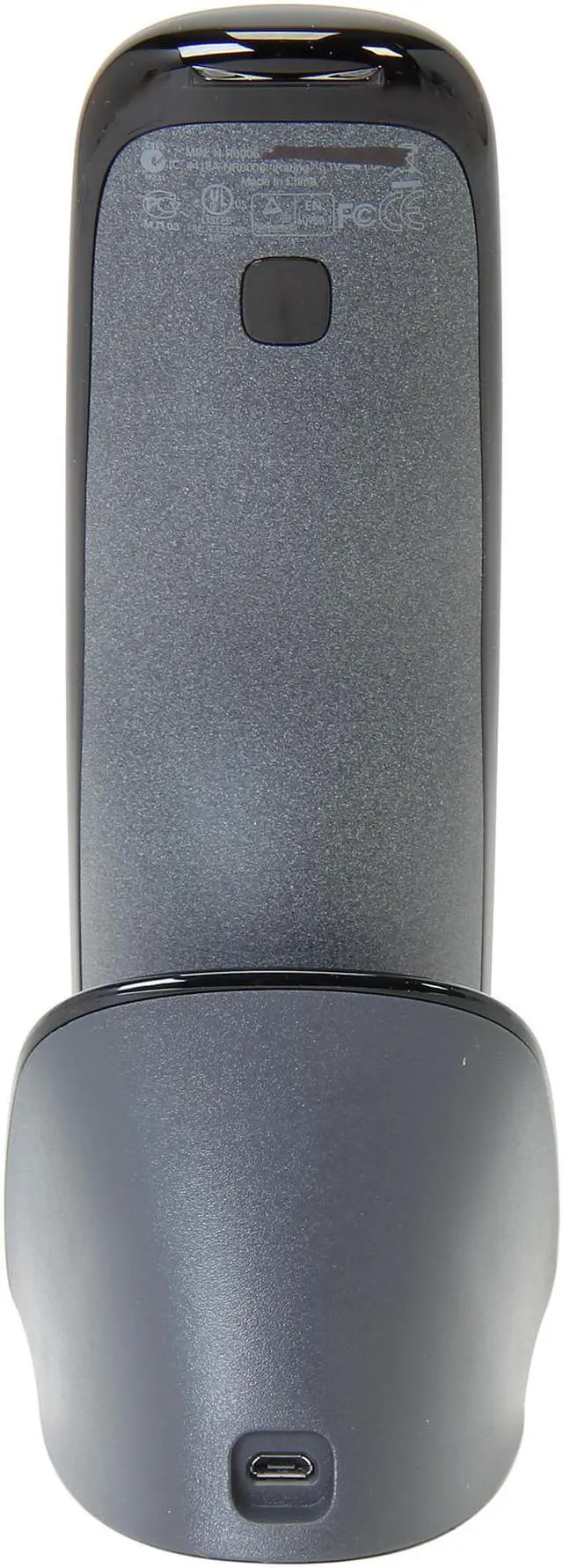
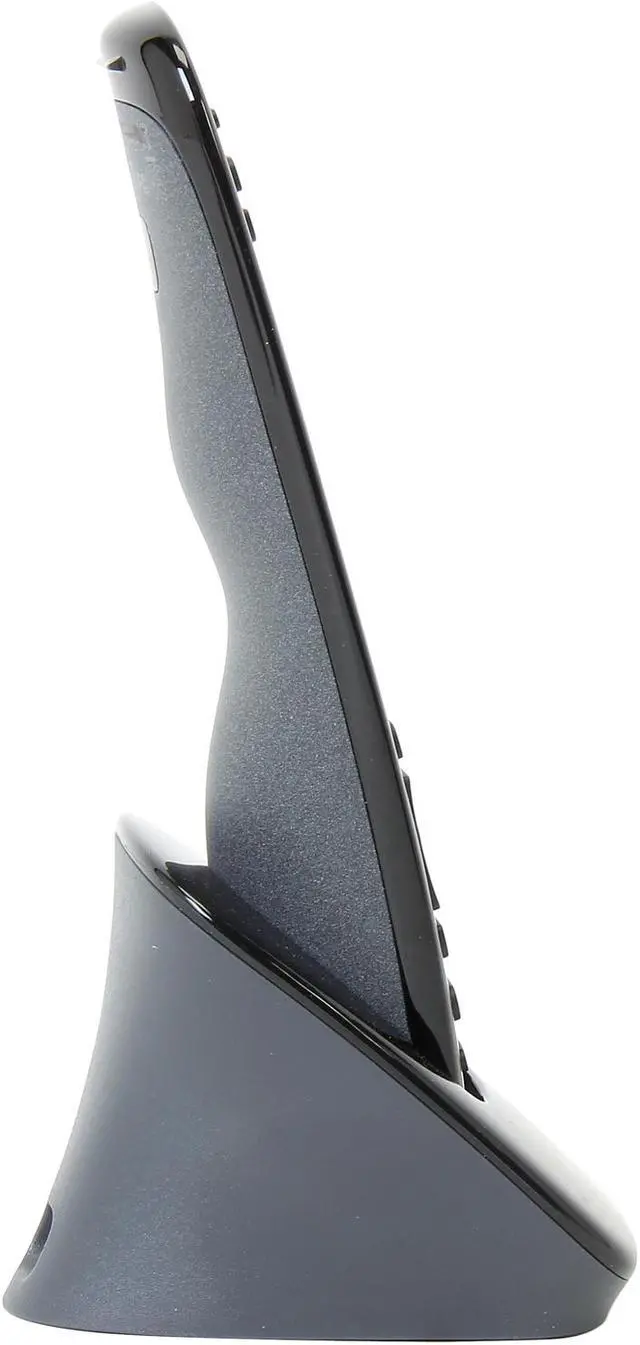
 RechargeableYour remote recharges in the included charging station. Always within arm’s reach, you’ll never have to search for your remote—or batteries—ever again.
 Easy setupConnect Harmony Touch to your Mac or PC and visit myharmony.com to identify and sync your devices. Whether you’re looking for the basic or advanced customization, Harmony’s guided online setup process will make things simple for you. If you are already a Harmony One user, you can apply the device and activity settings from your Harmony One to your Harmony Touch, and shortcut the setup process with a few clicks.